MyDraw – Diagramming Software | Annual Access

TL;DR

  • Powerful and easy-to-use diagramming software
  • Draw flowcharts, organizational charts, mind maps, network diagrams,
  • Draw floor plans, family tree diagrams, BPMN diagrams, UML diagrams,
  • Create flyers, certificates, evacuation plans, and more.

Quick Overview

Alternative to:

  • Creately
  • Lucidchart
  • Microsoft Visio
  • Miro
  • SmartDraw

Best for:

  • Agencies
  • Designers
  • Freelancers
  • Small Business Owners
  • Students

Compatibility:

  • Browser Support:
    Brave, Chrome, Edge, Firefox, Safari
  • Operating Systems:
    MacOS, Windows

Many professionals and organizations struggle with creating detailed, professional-grade diagrams efficiently.

That is why DealFuel brings to you MyDraw.


What is MyDraw?

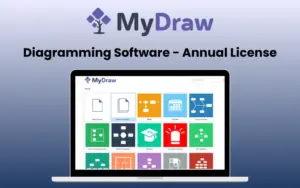
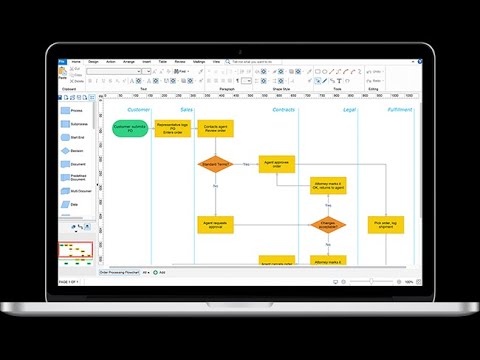
MyDraw is an advanced diagramming software that helps you create a wide variety of diagrams such as flowcharts, organizational charts, mind maps, family trees, network diagrams, and more.

It combines a familiar, Office-inspired interface with powerful features such as –

  • Vector drawing
  • Automated layouts
  • Rich text formatting
  • And Multi-format compatibility.

Whether you need a simple drawing tool or a full-fledged Visio replacement, MyDraw delivers quality and value at an affordable price.

Introduction To MyDraw -

Youtube video

Features of MyDraw - Diagramming Software:

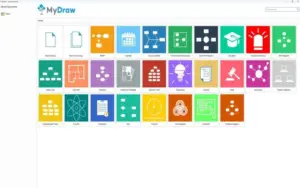
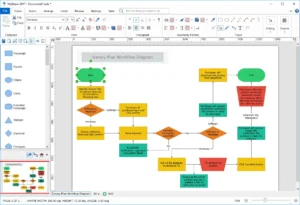
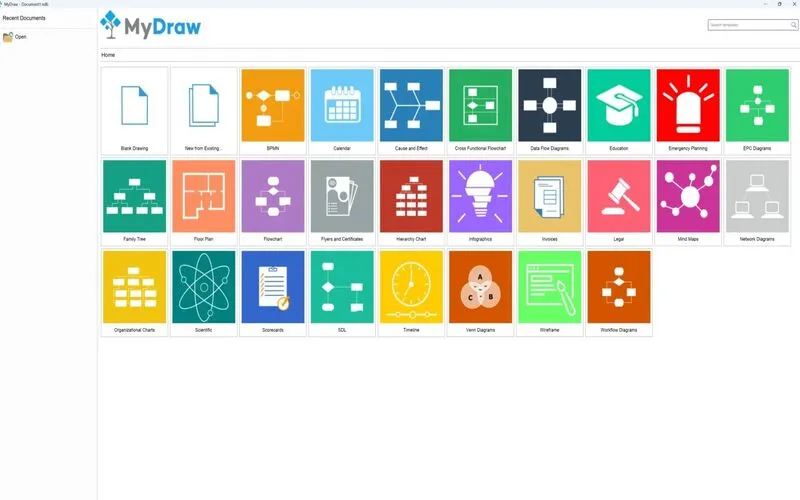
MyDraw-dashboard-1536x835

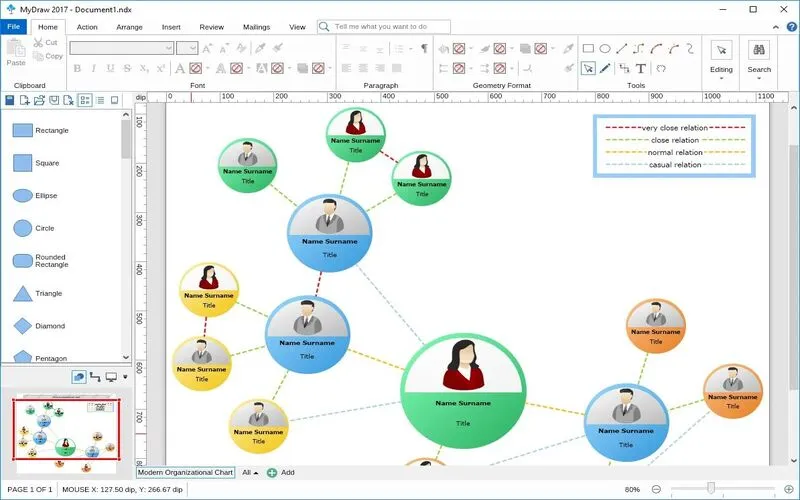
Familiar Interface, Zero Learning Curve:

  • Office-inspired design gets you drawing in minutes
  • Advanced text formatting, bullet styles & tables, plus built-in spell check
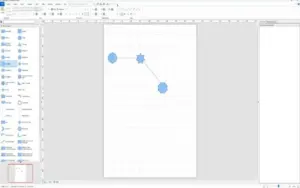
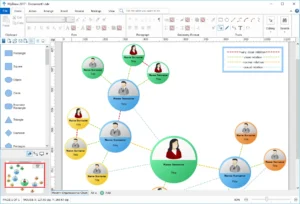
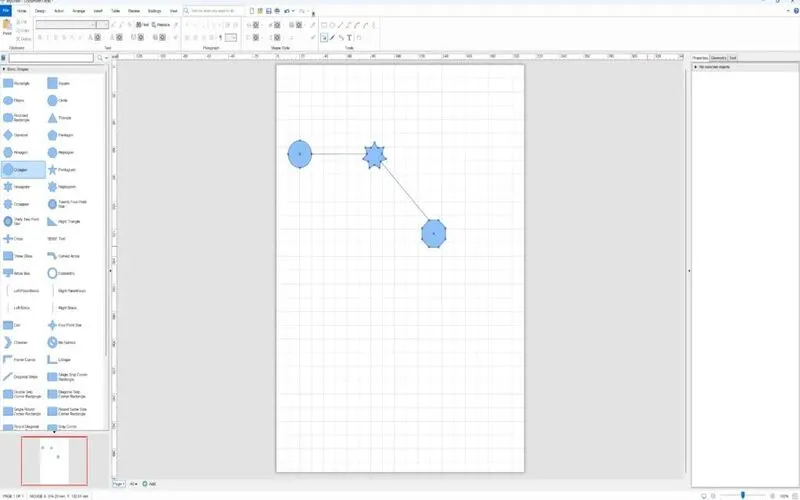
<b>Connecting Shapes</b>

Clean Diagrams, Without the Manual Fiddling:

  • Smart shapes and auto-rerouting connectors keep layouts tidy as you edit
  • Auto-arrange large diagrams instantly, then fine-tune to taste
  • Precise vector tools for custom shapes, curves & advanced geometry
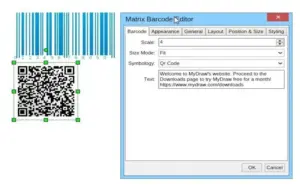
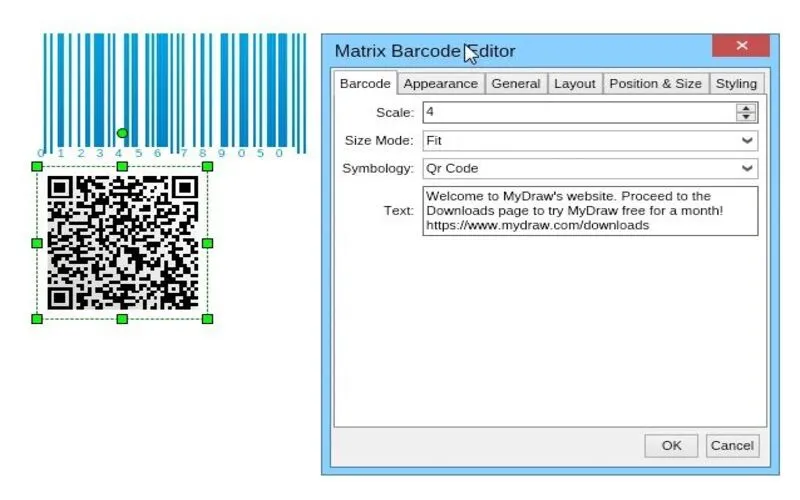
MyDraw-Barcodes

Beyond Basic Diagrams:

  • Add 1D/2D barcodes directly into diagrams; great for catalogs & labels
  • Import Excel charts, ESRI maps & GEDCOM family-tree data straight in.
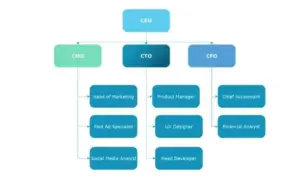
MyDraw-organizational-chart

Start Fast, Export Anywhere:

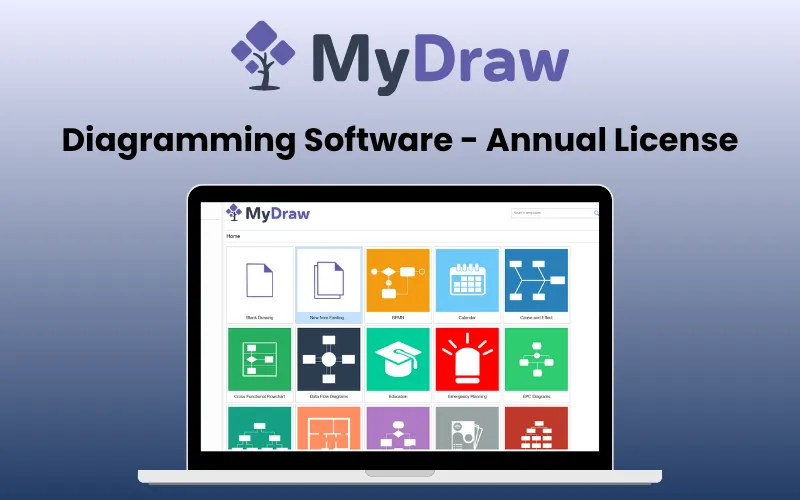
  • 500+ templates and 50,000+ shapes to start from
  • Import & edit existing Visio files and stencils
  • Export to PDF, SVG, EMF, PNG, or high-res images for any use case

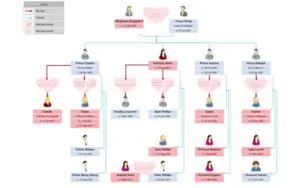
How to create a family tree using MyDraw?

  • Start with a Reference Point: Drag and drop the corresponding shape (Male/Female) from the library, then enter the person’s details.
  • Add Immediate Family Members: Use the context menu to add parents, siblings, and other immediate relatives.
  • Expand to Extended Family
  • Format and Enhance the Diagram: Add photos and adjust connectors, include a legend, and finalize the layout for clarity and visual appeal.

How to draw a heart diagram using MyDraw?

  • Create the shape using Basic Shapes and Connectors, or import a design as a vector/raster image.
  • Add the custom shape to a new library: Drag and drop the shape into the library.
  • Save the library or export the diagram in formats like PDF, SVG, EMF, VSDX, or raster images.

How to draw an organizational chart?

  • Open MyDraw and the Basic Shapes Library.
  • Add the Head of the Organization
  • Add Divisions/Departments, and arrange shapes for divisions using the Connector Tool.
  • Add Employee Positions
  • Customize Connectors and Shapes
  • Use the Design Tab for themes and finalize the chart.

System Requirements Of MyDraw:

Windows:
  • OS: Microsoft Windows XP/Vista/7/8/8.1/10 (32-bit & 64-bit)
  • .NET Framework 3.5 or higher
  • RAM: 1 GB
  • HDD: 600 MB free disk space
  • Monitor: display resolution of at least 720p (1280 x 720).
  • MyDraw will work best at a resolution of WXGA (1366 x 768) or higher.
Macintosh:
  • OS: macOS X 10.9 or higher
  • RAM: 1 GB
  • HDD: 600 MB free disk space
  • Monitor: display resolution of at least 720p (1280 x 720).
  • MyDraw will work best at a resolution of WXGA (1366 x 768) or higher.
MyDraw for Web:
  • Runs on Blazor – a Microsoft technology built on top of WebAssembly (a W3C standard).
  • Generally all modern browsers (Chrome, Edge, Firefox, Safari), support WebAssembly, and hence Blazor.
  • The only browser that does not support WebAssembly is IE.

MyDraw is best for:

  • Agencies
  • Designers
  • Freelancers
  • Small Business Owners
  • Students

Choose Your Plan

With DealClub
$15.30
$36.00
Without DealClub
$18.00
$36.00
Buy Now
Limited Time Deal

Deal Terms

  • Access via redemption of coupon code
  • 30-Day Coupon Code Validity
  • One Coupon Code for one user/account
  • Coupon Codes are not stackable
  • For both - New & Existing Users
  • Free Updates
  • Free Support
  • Accessible only for Windows & Mac - Desktop & Laptops

Customer Testimonials

"Perfect diagrams, How easily all networks and cloud networks diagrams can be done" Silvia M. Silvia M. Junior Cybersecurity Consultant

-

"Perfect diagrams, How easily all networks and cloud networks diagrams can be done"

-Silvia M., Junior Cybersecurity Consultant

"I've tried other diagramming software but after trying out MyDraw I guess I'm sticking to this one. I suppose the frustated designer in my is always in search of tools to make life easier and also makes things look good. MyDraw I consider is like a vector drawing program with a lot of CAD things in mind (child, parents, locking) that make diagramming very cool. GUIDES! there are guides inside the program which makes layouts a zinch."

-Verified User in Museums and Institutions

Plans & Features

Choose the perfect plan for your needs.

Plans & Features
Annual Plan
$36 $18
Buy Now
Friendly UI
Compatibility with

Visio

Advanced Features
Templates & Shape

Annual Plan

$36.00 $18.00
Buy Now
30-Day Refund | Annual Access
  • Friendly UI
  • Compatibility with: Visio
  • Advanced Features
  • Templates & Shape

Frequently Asked Questions

Find Answers to common questions about MyDraw:

What can I create with MyDraw?

You can create flowcharts, org charts, mind maps, network diagrams, floor plans, UML diagrams, and more.

Does MyDraw support Visio files?

Yes. You can import, edit, and save Visio files.

How many templates are included?

MyDraw includes 500+ ready-to-use templates.

How many shapes are available?

MyDraw provides 50,000+ predefined shapes.

Customer Feedback

Customer Reviews (4) Customer Q&A (0)
4.8

Based on 4 reviews

5 star
3
4 star
1
3 star
0
2 star
0
1 star
0

You must purchase this product to leave a review.

alexandreazevedosilva Verified Buyer
December 13, 2021

Excelente usabilidade e com muitas opções de recusos

mutual Verified Buyer
December 13, 2021

Saves me time - everything is in one place and easy to use.

jalberici Verified Buyer
November 26, 2021

Easy to use

Herb Boeckenhaupt Verified Buyer
September 23, 2021

This software works great! We've used many similar types, but this one bring some fresh air to the diagram creation and infographics arena. We like it and will use it for the notebooks and companion mobile apps we create for clients for emergency procedures. We really like it!

Be The First To Ask

Get clarity before you buy—your question might help others too.

×

You Might Also Like

CutOut 11 Professional - AI Image Cropper For Windows | Lifetime Access

CutOut 11 Professional - AI Image Cropper For Windows | Lifetime Access

, , , , , , ,

AhaSlides - Turn Boring Presentations Into Interactive Conversations

AhaSlides - Turn Boring Presentations Into Interactive Conversations

, , , , , , ,

1000 Sticker Prompts Bundle - For Canva & Etsy | Lifetime Access

1000 Sticker Prompts Bundle - For Canva & Etsy | Lifetime Access

, , , , , , , , , , , ,

Etsy Mockups Generator Studio
Buy with DealClub
$15.30 $36.00
Buy without DealClub
$18.00 $36.00

Deal Terms

  • Access via redemption of coupon code
  • 30-Day Coupon Code Validity
  • One Coupon Code for one user/account
  • Coupon Codes are not stackable
  • For both - New & Existing Users
  • Free Updates
  • Free Support
  • Accessible only for Windows & Mac - Desktop & Laptops
Scroll to Top