Aiarty – Upscale & Enhance Your Images With AI

TL;DR

  • Restore blurry and low-quality photos by automatically reducing noise, fixing blur, and reconstructing missing image details.
  • Upscale images to 4K, 8K, 16K, or even 32K while generating natural-looking details with AI.
  • Improve photos and AI-generated images effortlessly using specialized AI models for real photos, intricate details, faces, and 2D artwork.
  • Process images faster in bulk with CPU/GPU acceleration and support for NVIDIA, AMD, Intel, and Apple Silicon hardware.

Quick Overview

Alternative to:

  • Let's Enhance
  • Magnific AI
  • Topaz Photo AI
  • Upscayl

Best for:

  • Agencies
  • Content Creators
  • E-commerce Brands
  • Freelancers
  • Graphic Designers
  • Logo Designers
  • Marketers
  • Photographers
  • Small Business Owners
  • Social Media Managers
  • Startups

Compatibility:

  • Operating Systems:
    MacOS, Windows

Turn blurry, pixelated photos into stunning visuals and breathe new life into your images, making them sharper & clearer with Aiarty.

What is Aiarty?

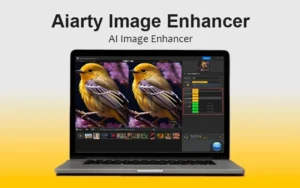
 Aiarty is AI-powered image enhancement software that improves your images.

Aiarty Image Enhancer intelligently understands the difference between detail and noise, enhancing and restoring a range of images, including:

  • Old photos
  • Low-resolution images
  • Blurry, noisy, or soft images caused by high ISO, low light, or out-of-focus conditions
  • Compressed web images
  • AI-generated images

Moreover, with this Image enhancement software, you can achieve exceptional image quality. All you need to do is –

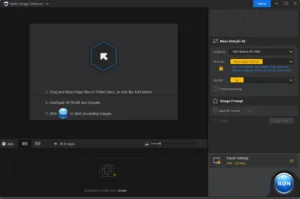
  1. Import images/image folder
  2. Select an AI model and upscale preset
  3. Export enhanced image

Introduction To Aiarty

Youtube video

Features of Aiarty:

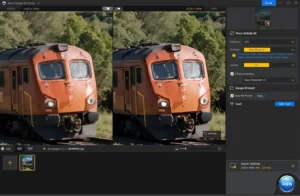
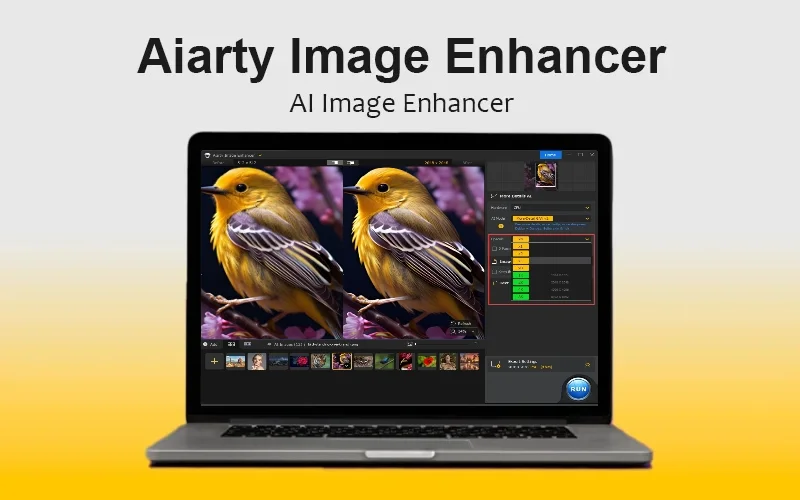
Upscale UI

AI Image Upscaling:

  • Upscale image by 1x, 2x, 4x, and 8x (up to 16K/32K)
  • Upscale image to a specified resolution: 1K, 2K, 4K, and 8K
  • Upscale image by custom width and height
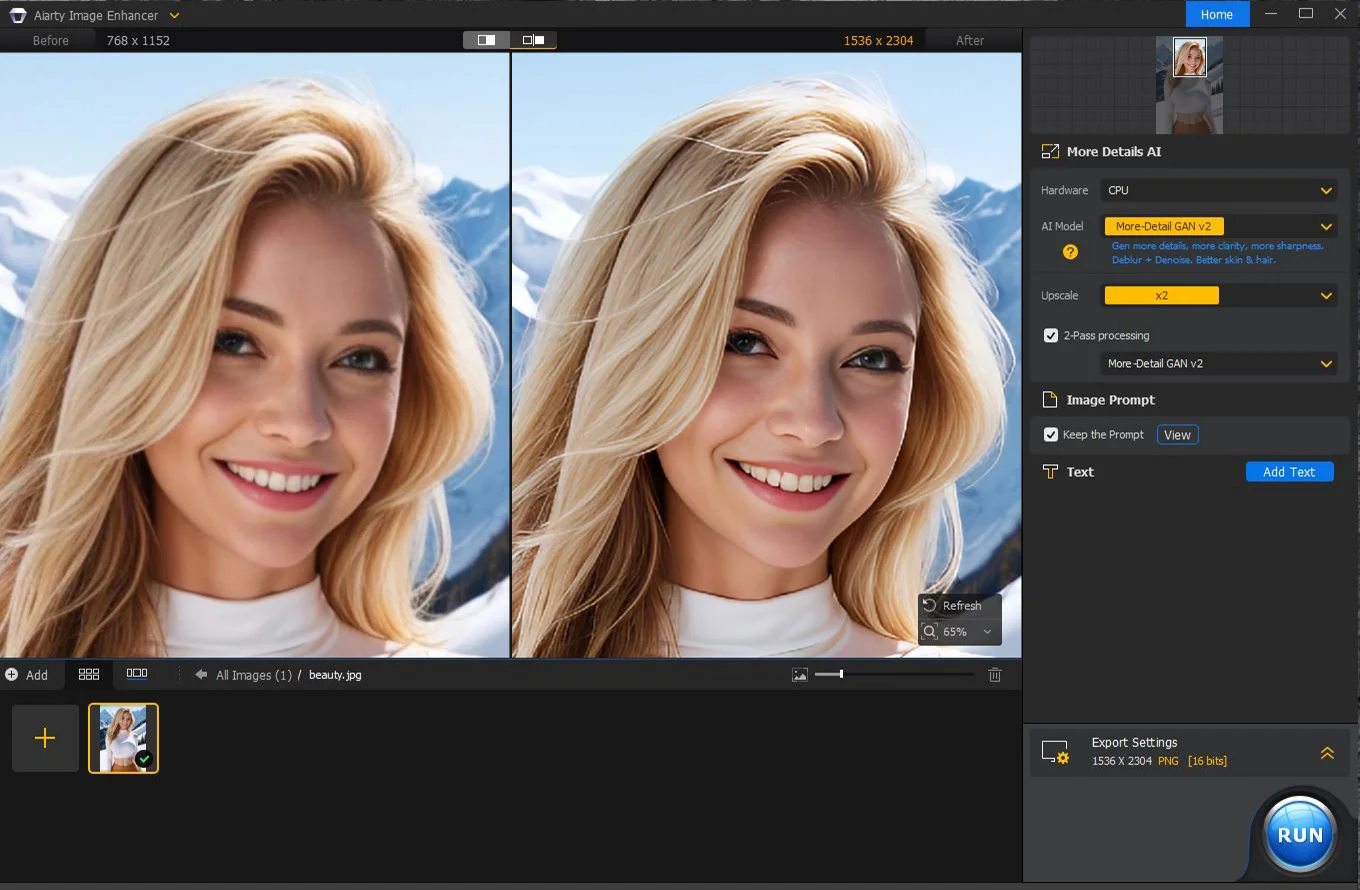
Dashboard UI

AI Image Models:

  • More-Detail GAN (Best for intricate image details)
  • Smooth Diff (Best for 2D, faces, glass surfaces, etc.)
  • Real-Photo (Best for real photos)
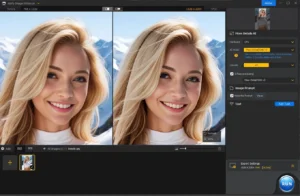
Real Photo UI

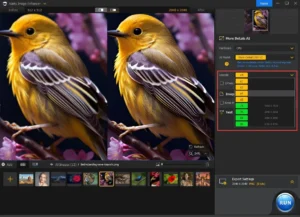
Auto Improve Image Quality:

  • Generate lifelike & natural details for skin, hair, textures, etc
  • Auto-denoise and deblur
  • Fix compression artifacts
More Detail UI

Additional Tools:

  • 2-Pass processing
  • Prompt tool to view or keep AI-generated image prompts
  • Add text to the image
  • Export PNG in 8-bit and 16-bit
  • Settings for language, output path, AI models, etc.
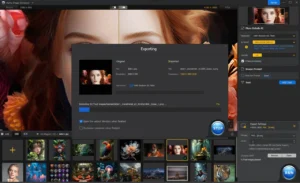
Exporting

Hardware Acceleration:

  • Optimized for CPU and GPU acceleration
  • Supports AMD, Intel, NVIDIA GPUs, and Apple Silicon processors.

Why Choose Aiarty Image Enhancer?

  • Upscale images up to 32K: Increase resolution while retaining sharpness and detail.
  • Restore blurry photos: Recover clarity and make soft images look sharper.
  • Enhance low-resolution images: Turn small, pixelated images into clearer, higher-quality visuals.
  • Reduce image noise: Clean up grainy and noisy photos for a smoother finish.
  • Sharpen fine details: Bring out textures, edges, and other important image details.
  • Restore facial details: Improve faces in portraits, group photos, and low-quality images.
  • Enhance AI-generated images: Refine AI artwork and improve its resolution and visual quality.
  • Process images in batches: Enhance multiple images at once and save time on repetitive editing.
  • Prepare images for printing: Increase resolution for larger, sharper prints and high-quality output.
  • Improve visuals for digital use: Create cleaner images for websites, social media, marketing materials, and product listings.

Specifications:

Supported Formats:

  • It can process images in jpg/jpeg, PNG, tif/tiff, WebP, BMP, and RAW formats.

Supported OS:

  • Windows 10 (x64) 1809 or higher
  • macOS 10.15 or higher
  • Check for more system requirements like RAM, CPU, hard disk space, etc. here.

Best For:

  • Agencies
  • Content Creators
  • E-commerce Brands
  • Freelancers
  • Graphic Designers
  • Logo Designers
  • Marketers
  • Photographers
  • Small Business Owners
  • Social Media Managers
  • Startups

Choose Your Plan

Windows Most Popular
Windows
Most Popular Original price was: $155.00.Current price is: $99.00.
Mac
Original price was: $155.00.Current price is: $99.00.
With DealClub
$84.15
$155.00
Without DealClub
$99.00
$155.00
Buy Now
Limited Time Deal

Deal Terms

  • Access via redemption of coupon code
  • 30-Day Coupon Code Validity
  • One Coupon Code for one user/account
  • Coupon Codes are not stackable
  • For both – New & Existing Users
  • Free Updates
  • Free Support
  • Accessible only on Windows & macOS

Customer Testimonials

Revolutionizes Photo Editing With Powerful AI Capabilities A powerful new AI image enhancement option for photographers. This innovative solution promises to restore detail and enhance the quality of your photos, ensuring they shine brightly in every context, from online sharing to professional printing and graphic design.

-Shotkit

Even with today’s hardware, it can be hard to get the perfect shot in camera, particularly outside of a studio setting. Aiarty can enhance the quality of images that may have been created in less than perfect conditions, without resorting to all out fabrication.

-Creativeblog

Thanks to its unique 4-in-1 enhancement capabilities, the app can easily remove noise from images, correct focus issues, upscale the image itself to a maximum of 8x with a stunning 32K resolution, all while adding natural details to make sure the final image looks authentic.

-PCWorld

Plans & Features

Choose the perfect plan for your needs.

Plans & Features
Windows
Mac
$155 $99
Buy Now
$155 $99
Buy Now
Enhance images & generate more details
Denoise and reconstruct photos/images
Fix blurry pictures without artifacts
Upscale AI arts/other images to 4K/8K/32K
Plan 1 of 2

Windows

$155.00 $99.00
Buy Now
30-Day Refund | Lifetime Access | One-Time Payment
  • Enhance images & generate more details
  • Denoise and reconstruct photos/images
  • Fix blurry pictures without artifacts
  • Upscale AI arts/other images to 4K/8K/32K

Frequently Asked Questions

Find answers to common questions about Aiarty

Can I upscale images without losing detail?

Yes. AI processing helps preserve and recover fine details while increasing resolution.

Does it support batch processing?

Yes. Process multiple images together to save editing time.

Can I use enhanced images for printing?

Yes. Upscale images to create higher-resolution files suitable for larger prints.

Customer Feedback

Customer Reviews (0) Customer Q&A (0)

No Reviews Yet

Be the first to try this deal and share your experience.

You must purchase this product to leave a review.

Be The First To Ask

Get clarity before you buy—your question might help others too.

×

You Might Also Like

Super Eraser Pro - Photo Eraser For Mac | Lifetime Access

Super Eraser Pro - Photo Eraser For Mac | Lifetime Access

, , , , , , ,

Crown – Material Admin Dashboard UI Kit | Lifetime Access
Drawtify Infographic Creator | Lifetime Access

Drawtify Infographic Creator | Lifetime Access

, , , , , , , ,

4.8 (14)
Fluig AI - AI Diagram Maker | Annual & Lifetime Access

Fluig AI - AI Diagram Maker | Annual & Lifetime Access

, , , , , , ,

Choose Plan
Windows Most Popular
Windows
Most Popular Original price was: $155.00.Current price is: $99.00.
Mac
Original price was: $155.00.Current price is: $99.00.
Buy with DealClub
$84.15 $155.00
Buy without DealClub
$99.00 $155.00

Deal Terms

  • ✓ Access via redemption of coupon code
  • ✓ 30-Day Coupon Code Validity
  • ✓ One Coupon Code for one user/account
  • ✓ Coupon Codes are not stackable
  • ✓ For both – New & Existing Users
  • ✓ Free Updates
  • ✓ Free Support
  • ✓ Accessible only on Windows & macOS
Scroll to Top