Home > All > Operating System > Windows > VideoProc Converter AI – Tool To Enhance Media | Lifetime Access

VideoProc Converter AI – Tool To Enhance Media | Lifetime Access

Vendor: videoproc
VideoProc Converter AI - Tool To Enhance Media

Tired of the hassle of juggling multiple tools for your media conversions? Discover the all-in-one solution that simplifies your media processing workflow – 

VideoProc Converter AI – Tool To Enhance Media 

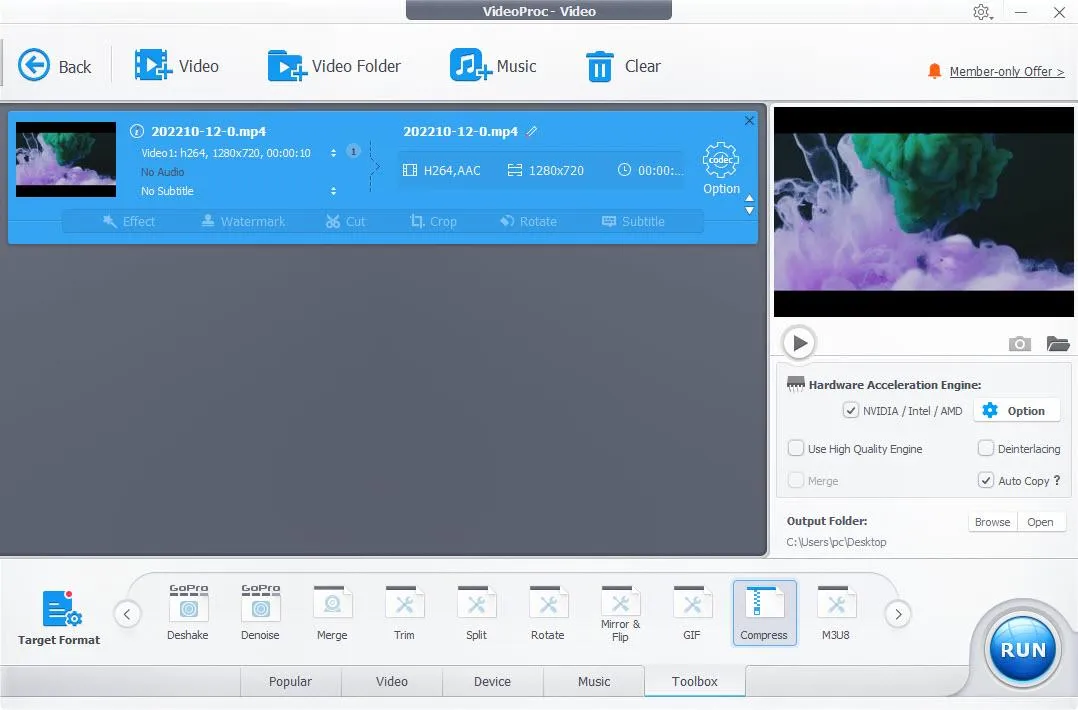
VideoProc Converter AI is an all-in-one media enhancer that allows you to enhance, upscale, smooth, stabilize, convert, compress, edit, download, and record videos/audio/images/DVDs.

It offers level-3 hardware acceleration, which is fully optimized for Intel QSV, NVIDIA CUDA/NVENC, and AMD GPUs, ensuring smooth and efficient performance.

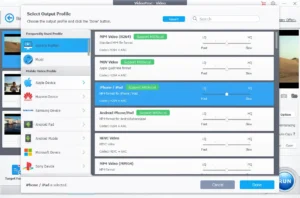
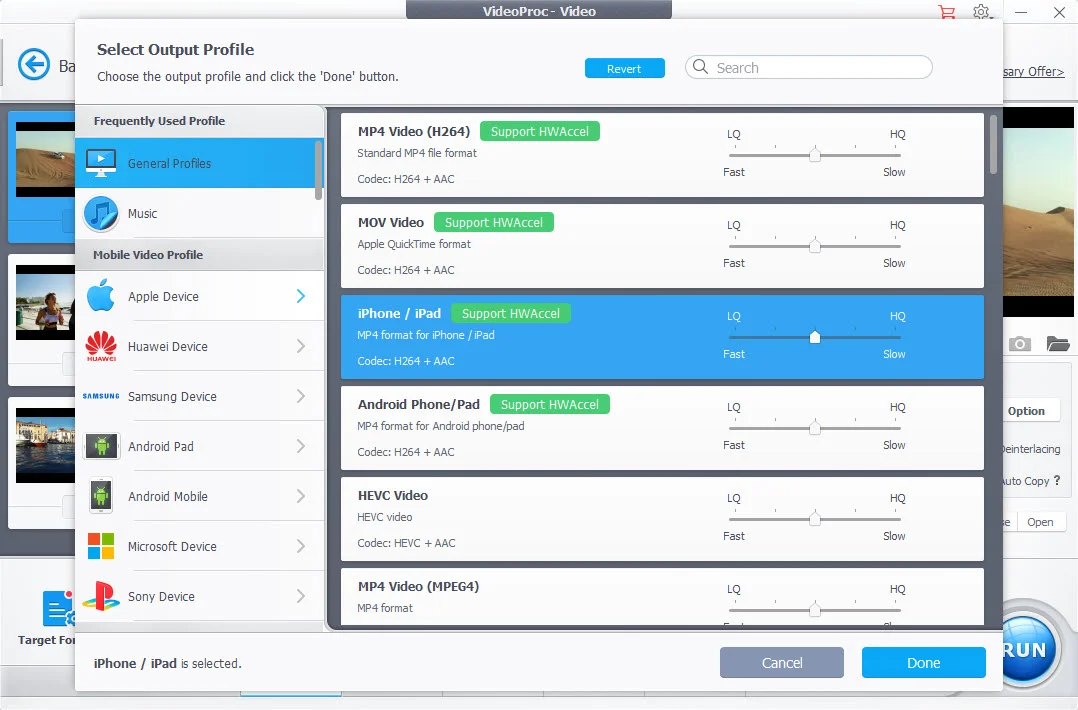
VideoProc Converter AI supports almost every type of video, audio, and DVD with 320 built-in codecs and 420 output conversion presets.

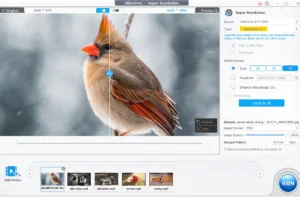
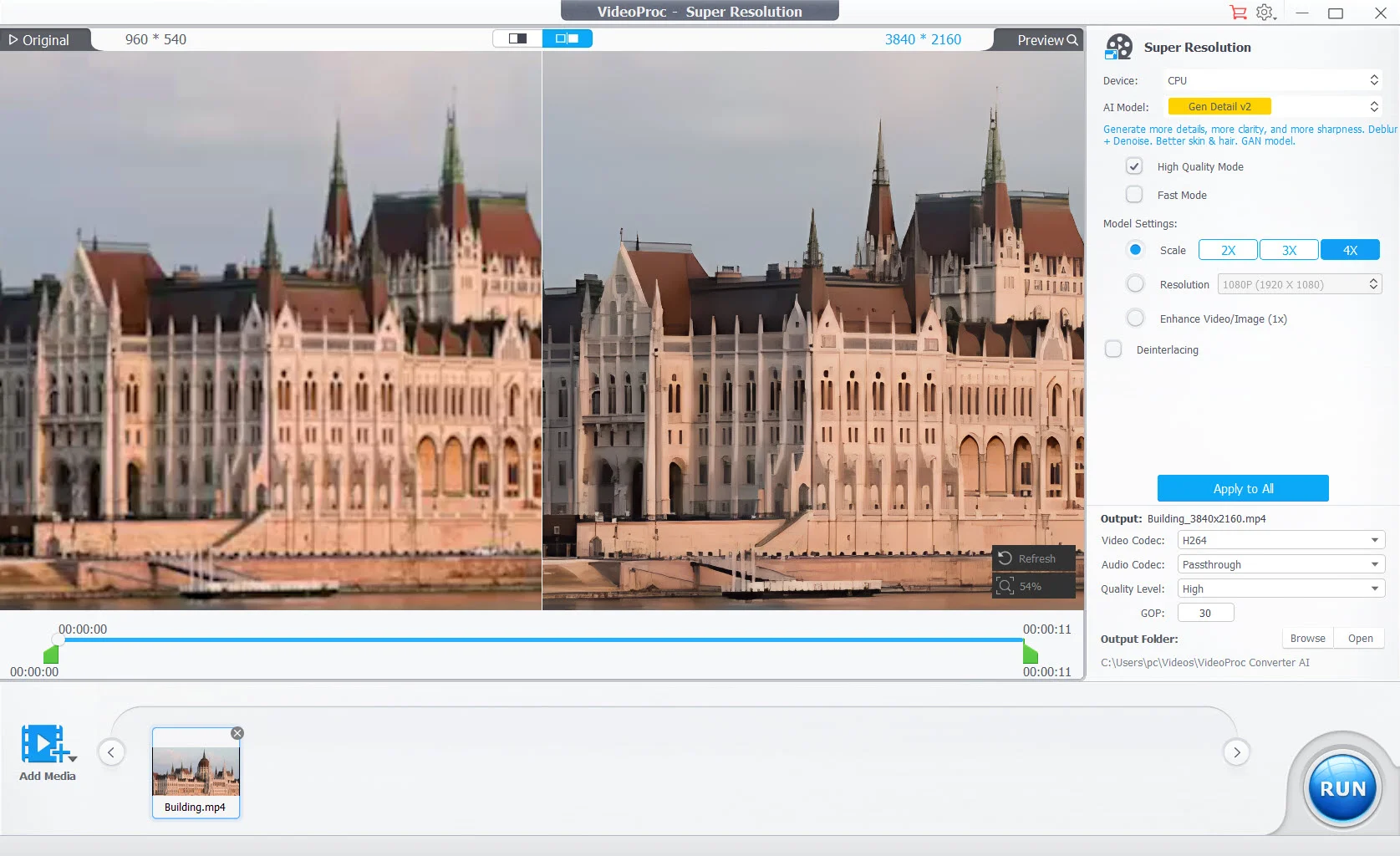
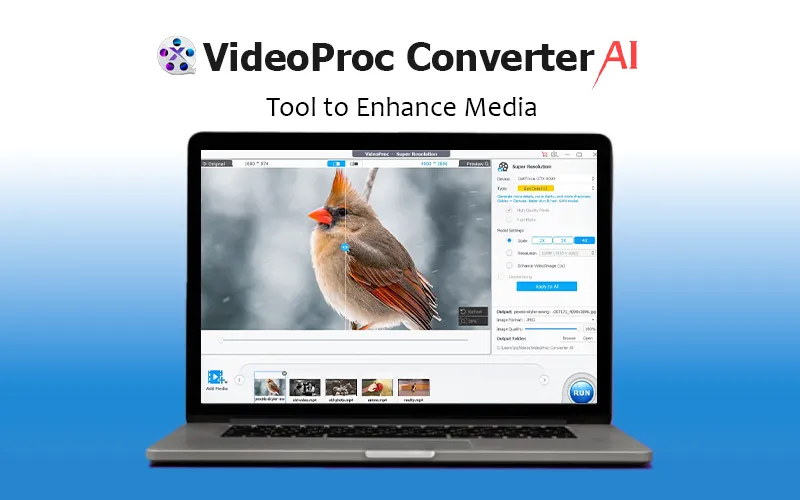
Its AI Super Resolution leverages the latest AI models to generate more detail and clarity, making both videos and images sharper.

Moreover, this media enhancer allows you to adjust key file parameters such as frame rate, bit rate, GOP, aspect ratio, and more!

Introduction To VideoProc Converter AI (Windows)

Introduction To VideoProc Converter AI (Mac)

Features Of This Tool To Enhance Media

AI Video Enhancer

  • Upscale video resolution by 400% up to HD/4K
  • Enhance blurry, noisy, compressed video with more details
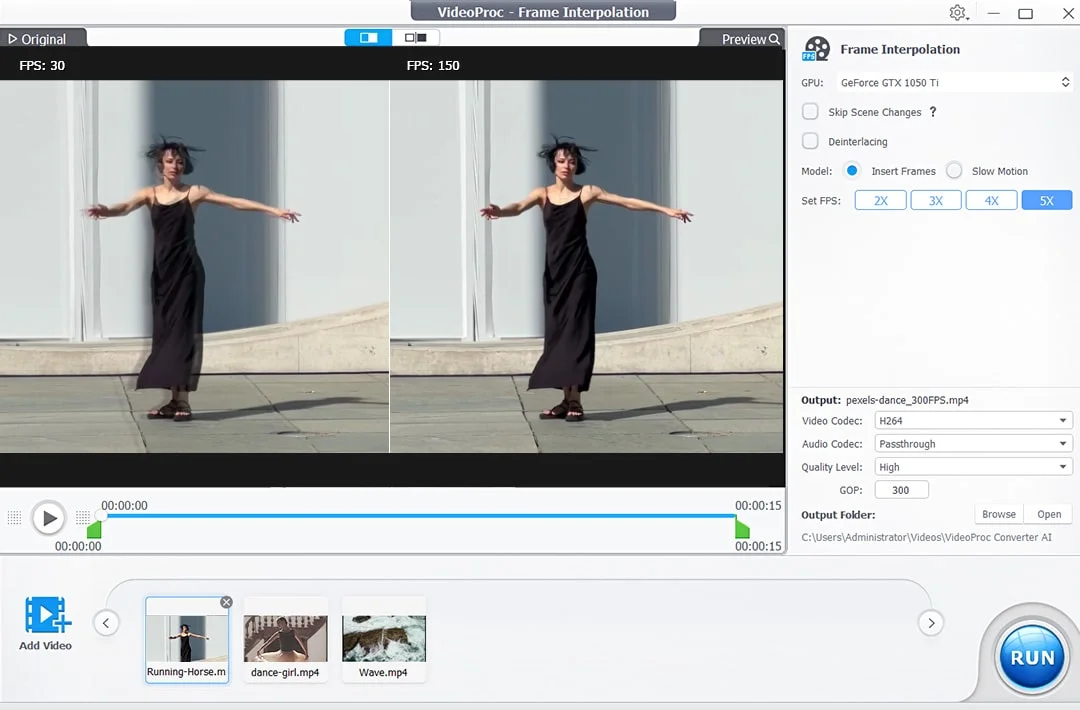
  • Convert low FPS to 60/120/240 FPS to create ultra-smooth videos
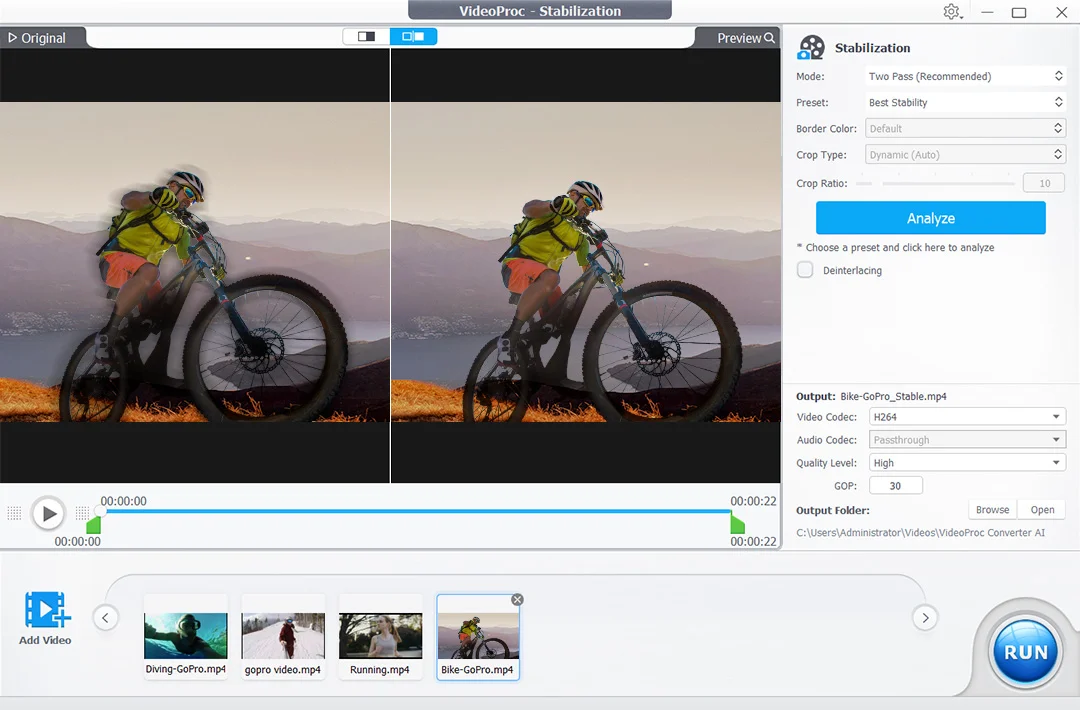
  • Stabilize shaky footage with precise frame correction
AI Image Enhancer

  • Enlarge image/photo/AI art by 2x, 3x and 4x up to 10K
  • Improve image quality by generating more realistic details
  • Denoise, deblur, remove compression artifacts, and sharpen images

Video/Audio/DVD Converter

  • Works with mainstream and rare video types: 4K, 60fps, HDR, etc
  • Convert videos to MP4, MKV, AVI, MOV, YouTube, etc
  • Transcode H.265 to H.264 for wider compatibility
  • Convert audio while preserving original sound quality
  • Convert video to audio, for example, MP4 to MP3
  • Back up/Digitize DVD to PC with favored chapters

Media Editing

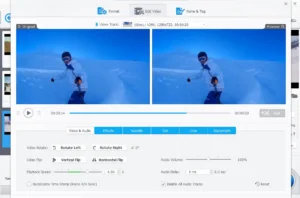
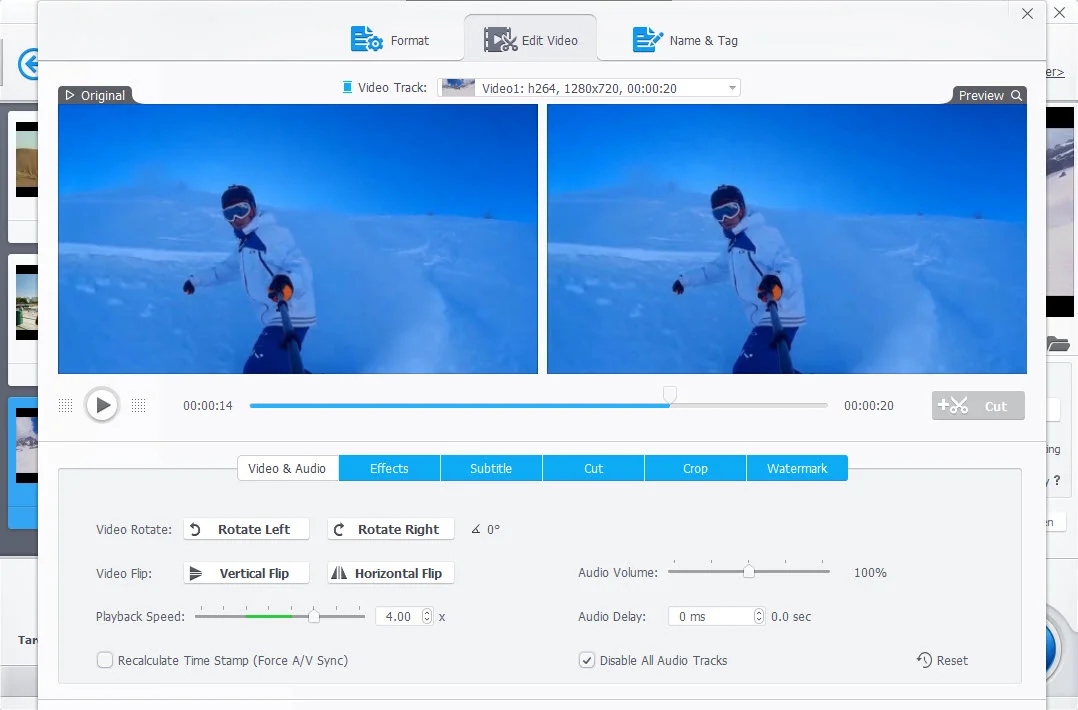
  • Cut, merge, crop, rotate, flip, and adjust speed
  • Add filters, subtitles, text/watermarks to videos
  • Adjust audio volume, sync audio with video
  • Fine-tune Colors

Editing Toolkit

  • Deshake/denoise GoPro footage
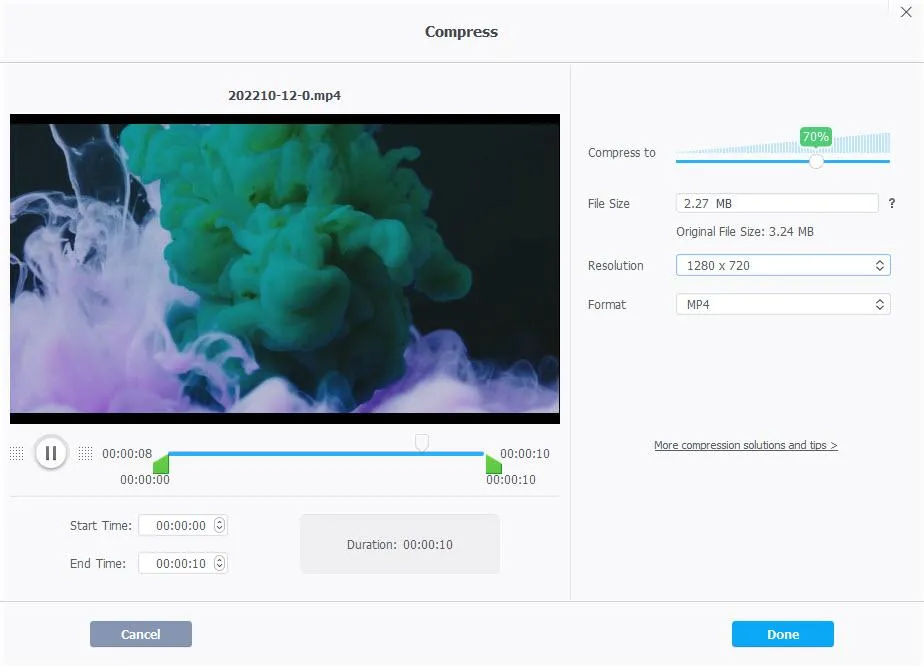
  • Compress 4K/large-sized videos
  • Capture snapshots from video
  • Convert 3D video to 2D video
  • Pass through video stream to MKV
  • Make GIF from video
  • Export subtitle
  • Correct lens distortion (fisheye)

Media Downloader

  • Download online video, audio, and subtitles in bulk
  • Supports 1000+ popular sites and 2000+ niche sites
  • Options to pick video resolution (up to 8K)

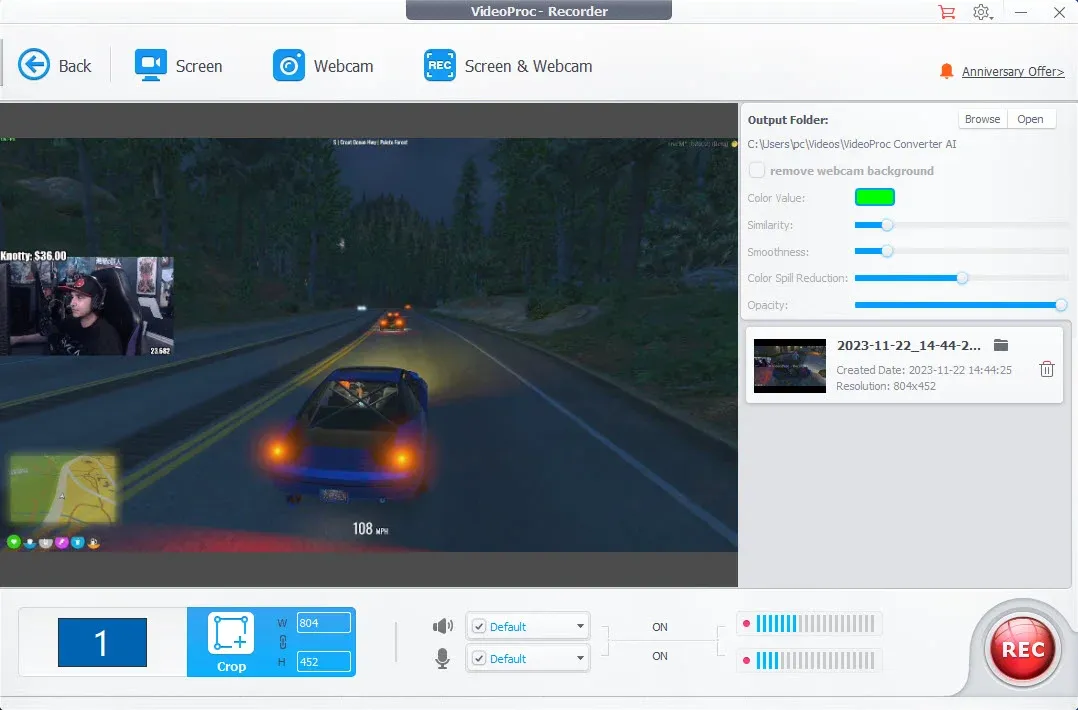
Screen Recorder

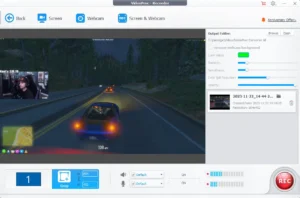
  • Four recording modes: screen, webcam, PiP, green screen
  • Record full or part of screen in HD 1080p
  • Utilities to mark, crop, and highlight in real-time

Specifications of VideoProc Converter AI 

  • Supported OS For Windows: Windows 7, 7/8.1, 10, 11 or later (32-bit and 64-bit supported)
  • Supported OS For Mac: MacOS High Sierra, Mojave, Catalina, Big Sur, Monterey, Ventura, Sonoma or higher. Support computers powered by the Apple Silicon chips: M1, M1 Pro, M1 Max, M1 Ultra, M2, M2 Pro, M2 Max, M2 Ultra, M3, M3 Pro, M3 Max

Preview of This AI Media Enhancer (Windows)

Preview of This AI Media Enhancer (Mac)

VideoProc Converter AI (Mac) Reviews

VideoProc Converter AI (Windows) Reviews

Deal Terms:

How to download/activate this product?
After completing your purchase, you will receive an instructions document. Follow the instructions in this document to redeem the coupon code and get access to this product.

What is the validity of the license key/coupon code? (Within how many days the coupon code must be redeemed?)
The coupon code must be redeemed within 30 days from the date of purchase.

Do you get Lifetime Access to this deal?
Yes, this deal gives you lifetime access to VideoProc Converter AI.
Lifetime means the lifetime of the product.
We try to get great products with longevity for our customers, but products do get acquired, or sometimes the products go bankrupt. Many of these products are startup companies, giving us a great deal for our customers. But in case of an unfortunate situation where the product does not last long, there is not much DealFuel can do about it.

Are Lifetime Updates available for this product?
Yes, lifetime updates are available for this product.

Is Lifetime support available for this product?
Yes, support is available. For support, contact – [email protected] 

Is this deal for new users only?
No, this deal is for both old & new users of VideoProc Converter AI.

How many users can use the license key/coupon code?
1 coupon code can be used for 1 user/account.

Are the coupon codes stackable?
No, the coupon codes are not stackable.

Can this product be accessed on all devices?
No, VideoProc Converter AI is accessible only on

  • Windows 7, 7/8.1, 10, 11 or later
  • MacOS High Sierra, Mojave, Catalina, Big Sur, Monterey, Ventura, Sonoma or higher
  • And computers powered by the Apple Silicon chips: M1, M1 Pro, M1 Max, M1 Ultra, M2, M2 Pro, M2 Max, M2 Ultra, M3, M3 Pro, M3 Max

Reviews

There are no reviews yet.

Only logged in customers who have purchased this product may leave a review.

Tired of the hassle of juggling multiple tools for your media conversions? Discover the all-in-one solution that simplifies your media processing workflow – 

VideoProc Converter AI – Tool To Enhance Media 

VideoProc Converter AI is an all-in-one media enhancer that allows you to enhance, upscale, smooth, stabilize, convert, compress, edit, download, and record videos/audio/images/DVDs.

It offers level-3 hardware acceleration, which is fully optimized for Intel QSV, NVIDIA CUDA/NVENC, and AMD GPUs, ensuring smooth and efficient performance.

VideoProc Converter AI supports almost every type of video, audio, and DVD with 320 built-in codecs and 420 output conversion presets.

Its AI Super Resolution leverages the latest AI models to generate more detail and clarity, making both videos and images sharper.

Moreover, this media enhancer allows you to adjust key file parameters such as frame rate, bit rate, GOP, aspect ratio, and more!

Introduction To VideoProc Converter AI (Windows)

Introduction To VideoProc Converter AI (Mac)

Features Of This Tool To Enhance Media

AI Video Enhancer

  • Upscale video resolution by 400% up to HD/4K
  • Enhance blurry, noisy, compressed video with more details
  • Convert low FPS to 60/120/240 FPS to create ultra-smooth videos
  • Stabilize shaky footage with precise frame correction
AI Image Enhancer

  • Enlarge image/photo/AI art by 2x, 3x and 4x up to 10K
  • Improve image quality by generating more realistic details
  • Denoise, deblur, remove compression artifacts, and sharpen images

Video/Audio/DVD Converter

  • Works with mainstream and rare video types: 4K, 60fps, HDR, etc
  • Convert videos to MP4, MKV, AVI, MOV, YouTube, etc
  • Transcode H.265 to H.264 for wider compatibility
  • Convert audio while preserving original sound quality
  • Convert video to audio, for example, MP4 to MP3
  • Back up/Digitize DVD to PC with favored chapters

Media Editing

  • Cut, merge, crop, rotate, flip, and adjust speed
  • Add filters, subtitles, text/watermarks to videos
  • Adjust audio volume, sync audio with video
  • Fine-tune Colors

Editing Toolkit

  • Deshake/denoise GoPro footage
  • Compress 4K/large-sized videos
  • Capture snapshots from video
  • Convert 3D video to 2D video
  • Pass through video stream to MKV
  • Make GIF from video
  • Export subtitle
  • Correct lens distortion (fisheye)

Media Downloader

  • Download online video, audio, and subtitles in bulk
  • Supports 1000+ popular sites and 2000+ niche sites
  • Options to pick video resolution (up to 8K)

Screen Recorder

  • Four recording modes: screen, webcam, PiP, green screen
  • Record full or part of screen in HD 1080p
  • Utilities to mark, crop, and highlight in real-time

Specifications of VideoProc Converter AI 

  • Supported OS For Windows: Windows 7, 7/8.1, 10, 11 or later (32-bit and 64-bit supported)
  • Supported OS For Mac: MacOS High Sierra, Mojave, Catalina, Big Sur, Monterey, Ventura, Sonoma or higher. Support computers powered by the Apple Silicon chips: M1, M1 Pro, M1 Max, M1 Ultra, M2, M2 Pro, M2 Max, M2 Ultra, M3, M3 Pro, M3 Max

Preview of This AI Media Enhancer (Windows)

Preview of This AI Media Enhancer (Mac)

VideoProc Converter AI (Mac) Reviews

VideoProc Converter AI (Windows) Reviews

Deal Terms:

How to download/activate this product?
After completing your purchase, you will receive an instructions document. Follow the instructions in this document to redeem the coupon code and get access to this product.

What is the validity of the license key/coupon code? (Within how many days the coupon code must be redeemed?)
The coupon code must be redeemed within 30 days from the date of purchase.

Do you get Lifetime Access to this deal?
Yes, this deal gives you lifetime access to VideoProc Converter AI.
Lifetime means the lifetime of the product.
We try to get great products with longevity for our customers, but products do get acquired, or sometimes the products go bankrupt. Many of these products are startup companies, giving us a great deal for our customers. But in case of an unfortunate situation where the product does not last long, there is not much DealFuel can do about it.

Are Lifetime Updates available for this product?
Yes, lifetime updates are available for this product.

Is Lifetime support available for this product?
Yes, support is available. For support, contact – [email protected] 

Is this deal for new users only?
No, this deal is for both old & new users of VideoProc Converter AI.

How many users can use the license key/coupon code?
1 coupon code can be used for 1 user/account.

Are the coupon codes stackable?
No, the coupon codes are not stackable.

Can this product be accessed on all devices?
No, VideoProc Converter AI is accessible only on

  • Windows 7, 7/8.1, 10, 11 or later
  • MacOS High Sierra, Mojave, Catalina, Big Sur, Monterey, Ventura, Sonoma or higher
  • And computers powered by the Apple Silicon chips: M1, M1 Pro, M1 Max, M1 Ultra, M2, M2 Pro, M2 Max, M2 Ultra, M3, M3 Pro, M3 Max
Clear
30 Day Refund Policy
For support contact: [email protected] 

Want to save another 25% on this deal?

Join DealClub

Plans & Features

Mac
$29.95 $78.9
  • AI-Powered Media Enhancer
  • Enhance, Upscale, Stabilize, Convert, Edit, and Download videos/audio/images/DVDs.
Buy Now
Windows
$29.95 $78.9
  • AI-Powered Media Enhancer
  • Enhance, Upscale, Stabilize, Convert, Edit, and Download videos/audio/images/DVDs.
Buy Now

    No Q&A available yet.

    No Reviews available.

    Only logged in customers who have purchased this product may leave a review.

$25.45$78.90
$29.95$78.90
Scroll to Top

15% OFF SITEWIDE*

*Discount not applicable on some deals