
Home > All > Operating System > Browser Based > QuickSearchPlus – AI Browsing Assistant & Bookmark Manager | Annual Subscription

QuickSearchPlus – AI Browsing Assistant & Bookmark Manager | Annual Subscription

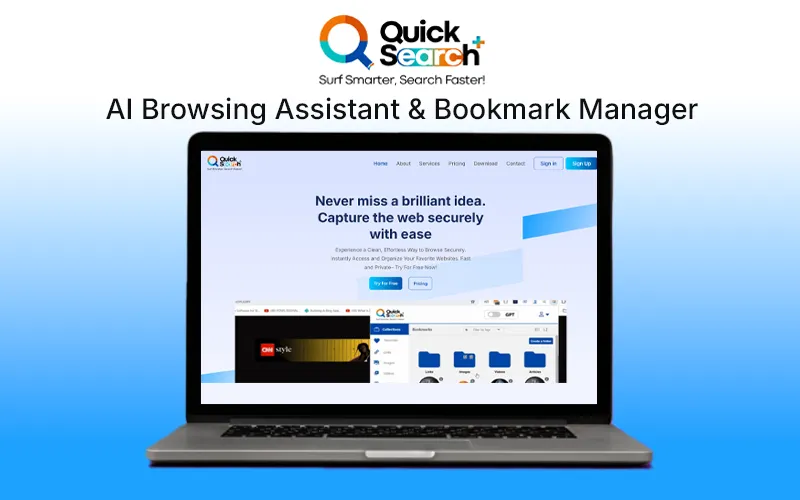
Browsing Assistant & Bookmark Manager Feature Image

Browsing the internet should be fast, private, and effortless. However, mainstream search engines often contain intrusive ads, tracking, and inefficiencies that slow you down. That’s why DealFuel brings to you –

QuickSearchPlus – AI Browsing Assistant & Bookmark Manager

QuickSearchPlus is an AI Browsing Assistant that offers a more smarter, faster, and secure way of browsing.

It offers – 

  • Privacy-first browsing
  • AI-powered personal assistant
  • Smart search suggestions
  • Easy bookmark management
  • Seamless cloud storage integration
  • QS+ Incognito Browser

With no ads, no tracking, and compatibility with Chrome extensions, it empowers users to stay productive while protecting their data.

It is designed for tech-savvy professionals, students, and privacy-conscious users, ensuring a distraction-free search experience.

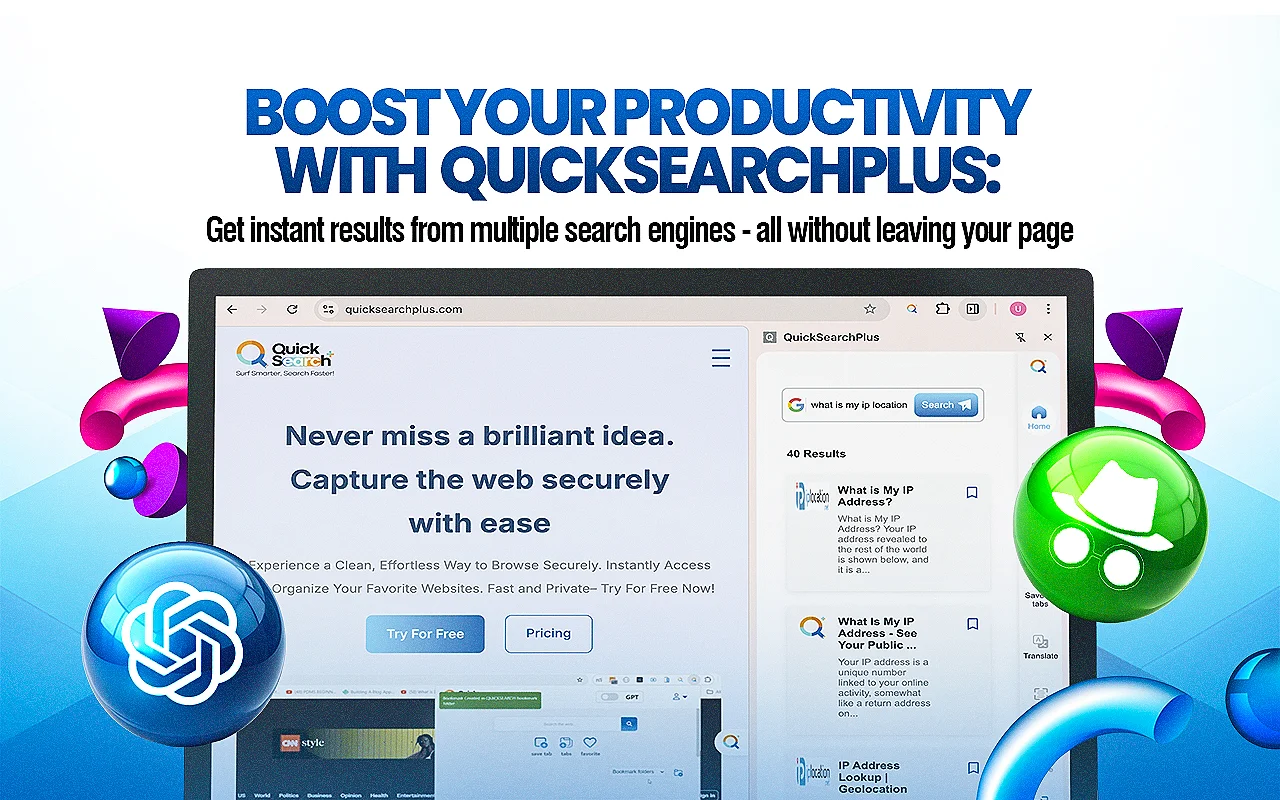
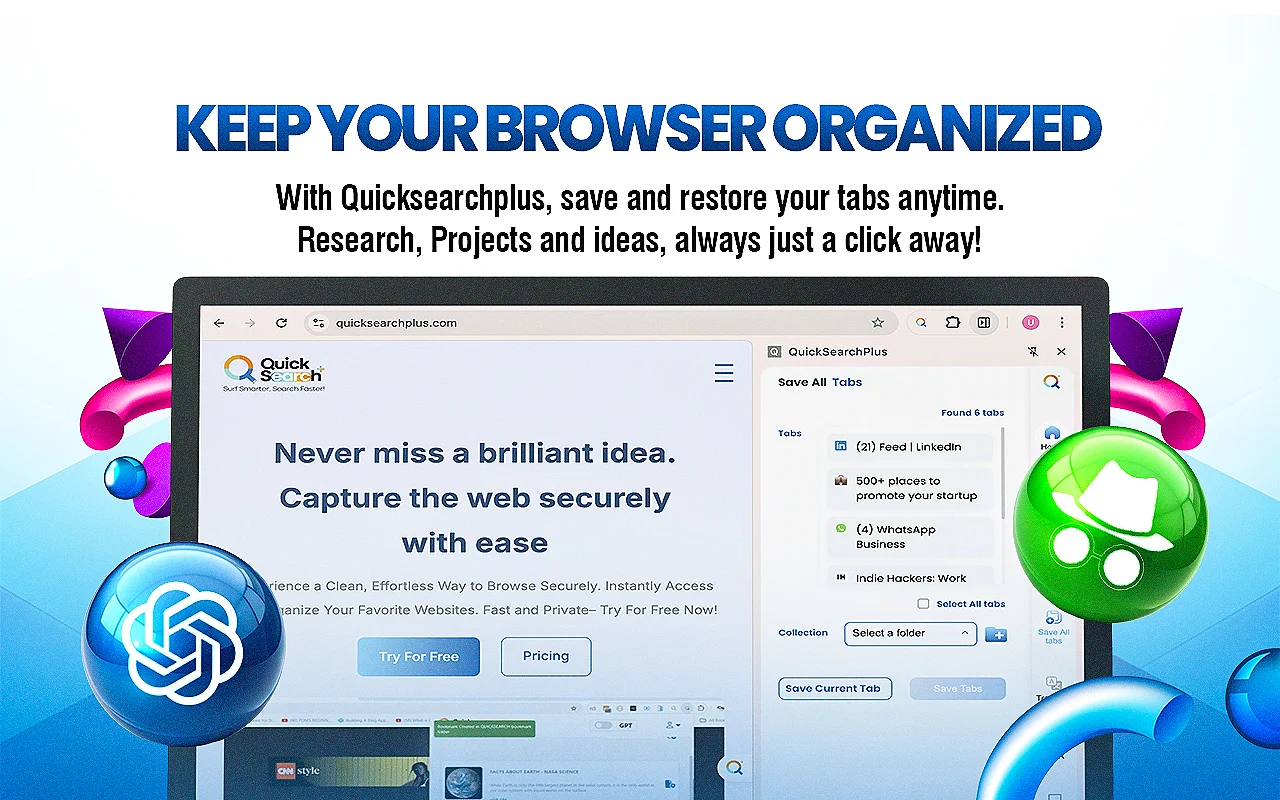
QuickSearchPlus now comes with a sleek Sider View. It is a game-changing enhancement that keeps the extension fixed to the side of the browser across all tabs.

This gives users lightning-fast access to all our powerful tools without breaking their workflow.

Click here to check out QuickSearchPlus web application. 

Here’s How QuickSearchPlus – AI Browsing Assistant Works​

QuickSearchPlus Browsing Assistant Demo

Install and use QS+ Incognito browser

Features of QuickSearchPlus:

Easy To Use

  • Effortlessly navigate and utilize the features of QuickSearchPlus with its simple and easy-to-use platform.

Speedy Researching

  • This platform leverages cutting-edge technology to deliver lightning-fast search results.

Dual Search

  • Explore any information the way you want with DualSearch.

Search Recall

  •  Easily navigate the vast landscape of search engine searches with precision using SearchRecall.

Cloud Drive Storage

  • Expand your horizons with Cloud Drive.

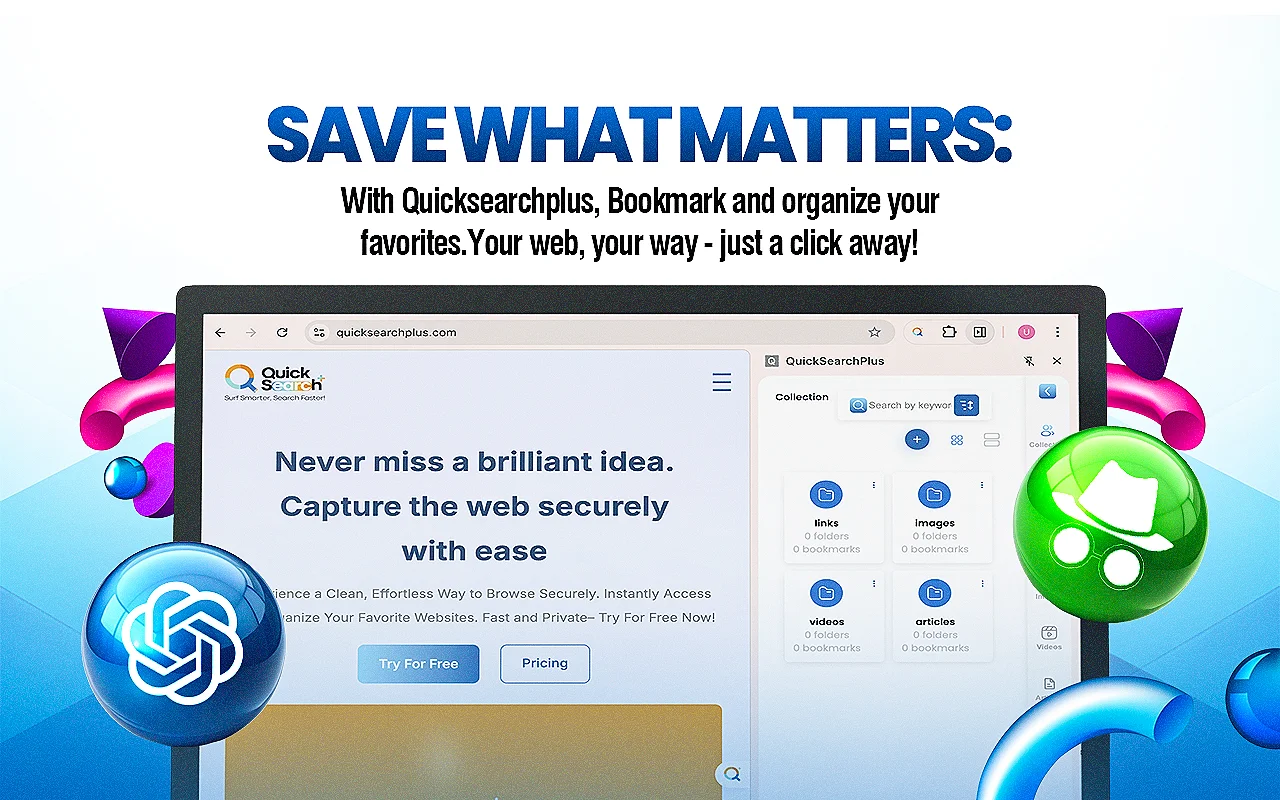
Intuitive Bookmark Organization

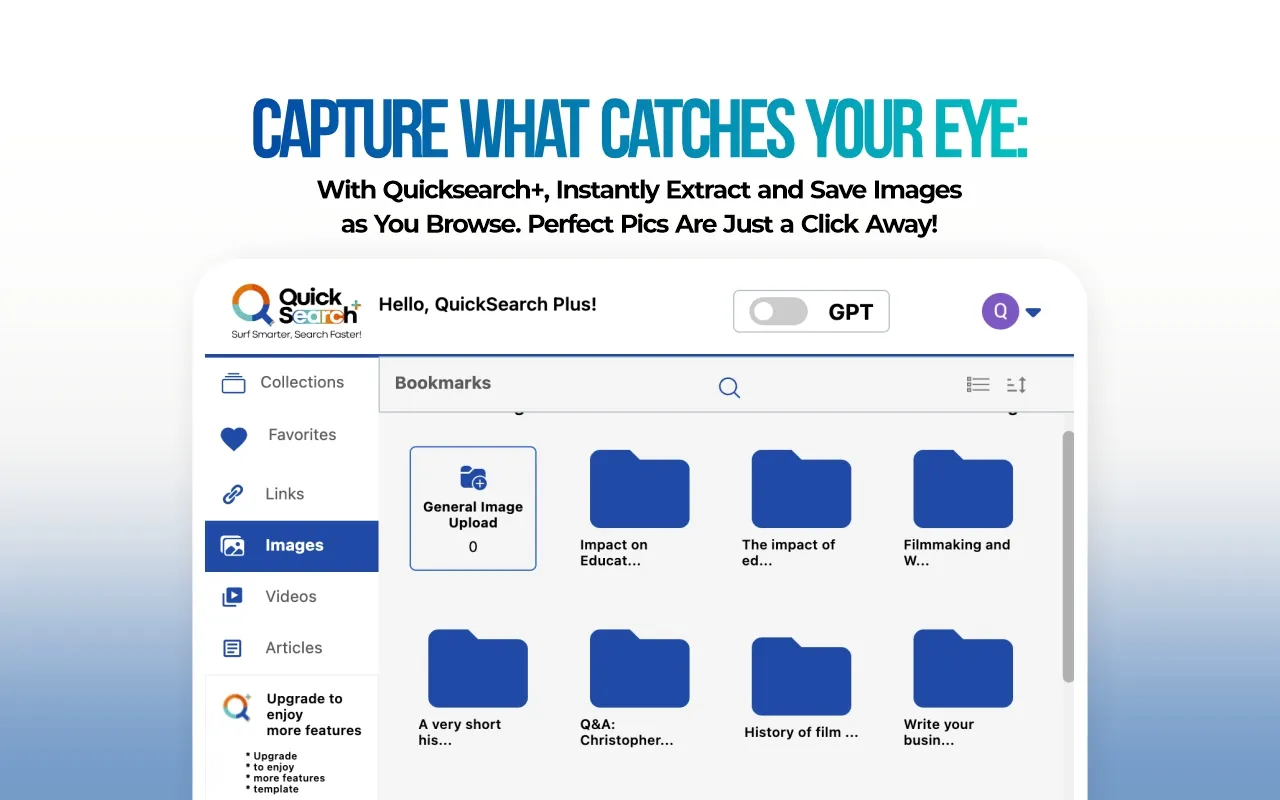
  • Categorize and tag your bookmarks easily using the intuitive and user-friendly interface of the Bookmark manager.

Multi-Device Sync

  • Sync multiple devices at once. 

Advanced Search Capabilities

  • Effortlessly locate and manage any bookmark within seconds using the advanced search functionality.

Web portal (incognito)

  • Surf the web with built-in VPN protection and ensure anonymous and protected online activity—anytime, anywhere.

Web Extension

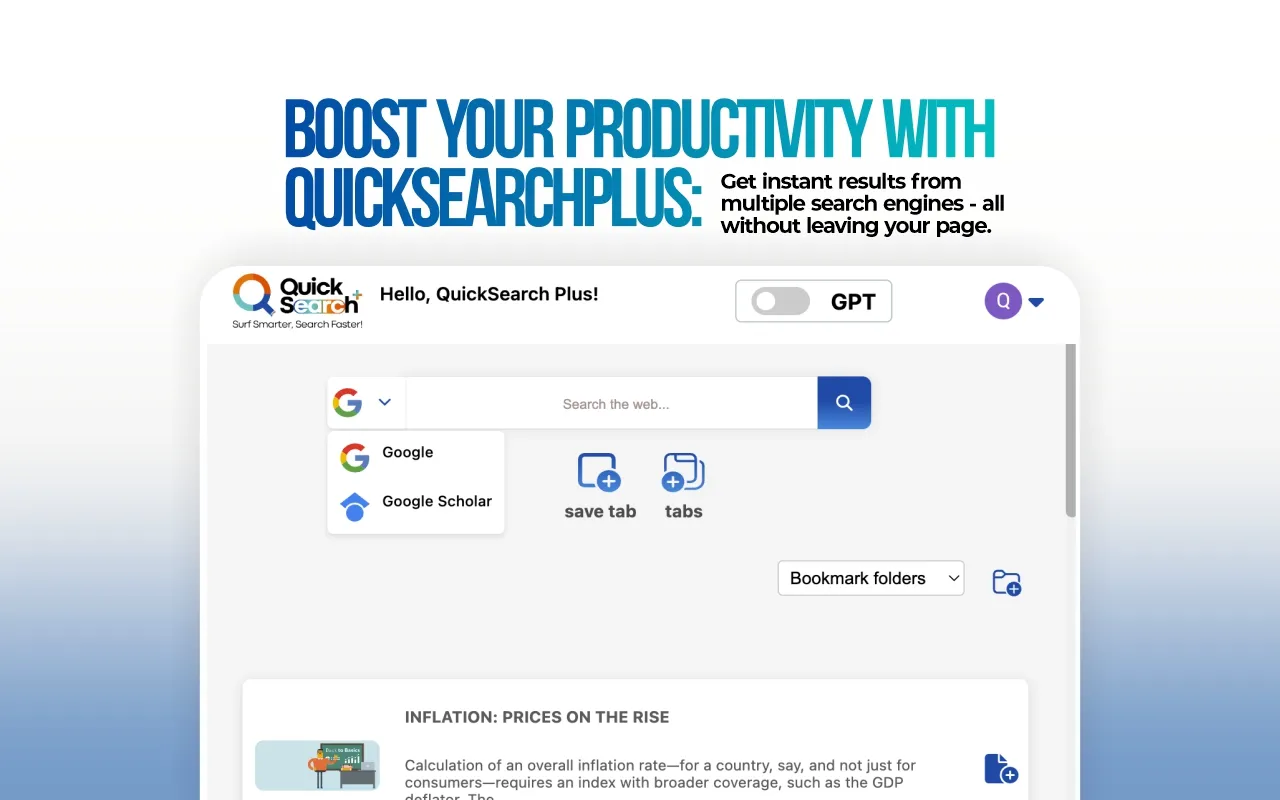
  • Access multiple search engines instantly and find relevant results with minimal effort.

No Ads & Tracking

  • Get the benefit of a user-prioritized experience with non-intrusive ads.

New Improved Features:

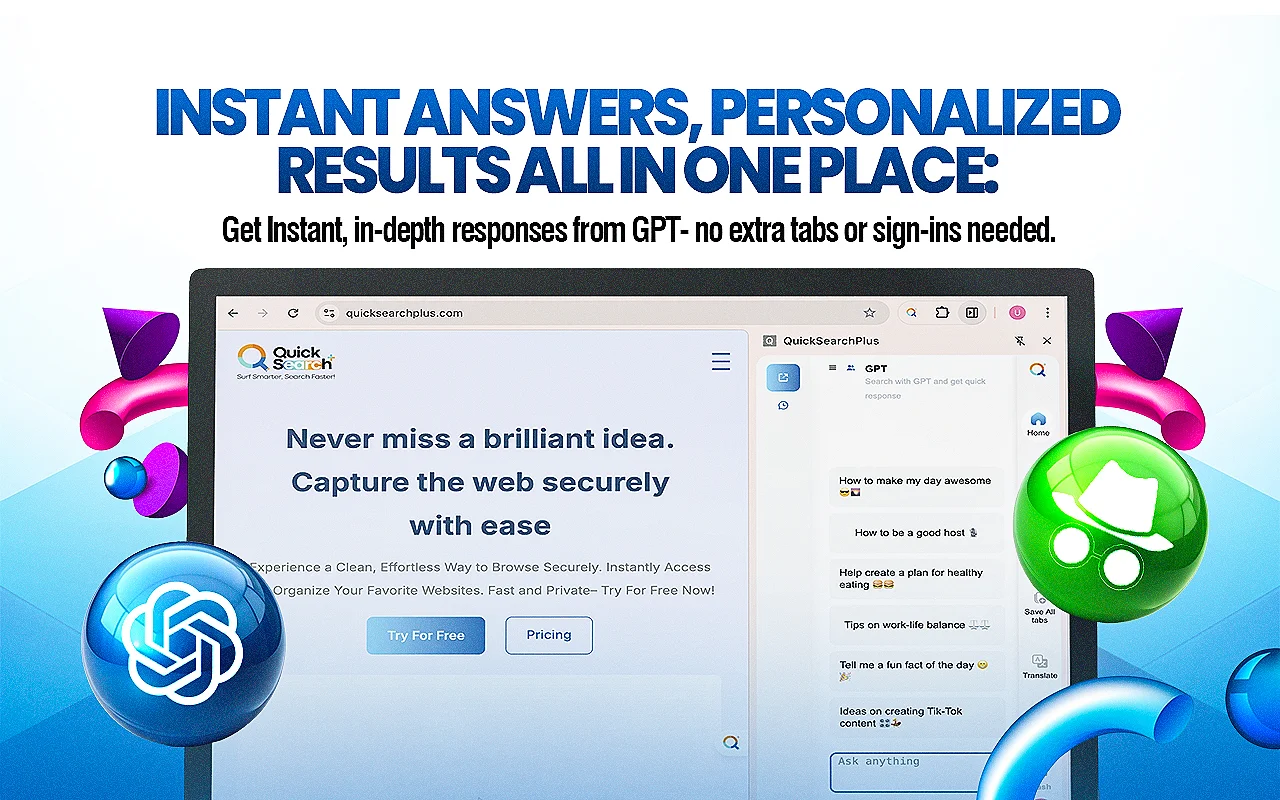
AI-Powered Search with GPT Integration:

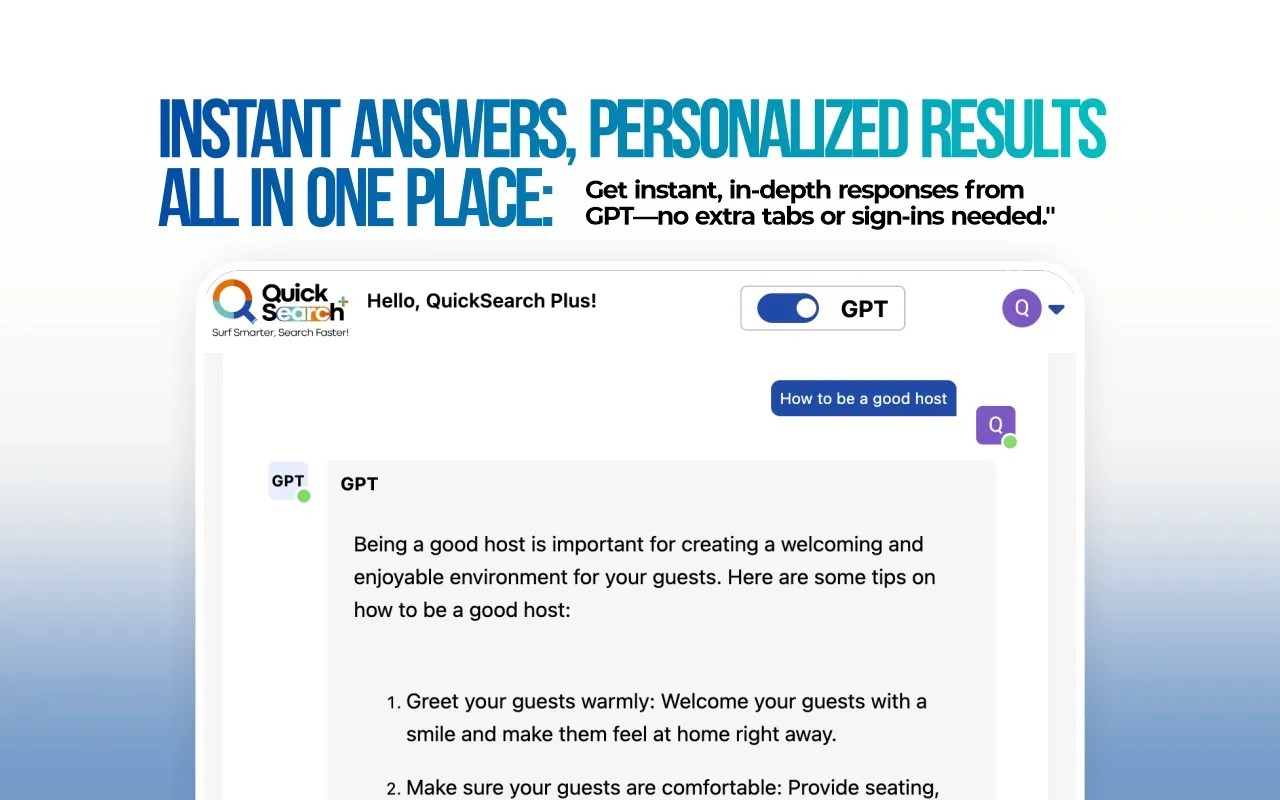
  • Use natural language and keywords to quickly find answers, insights, or ideas—powered by advanced AI.

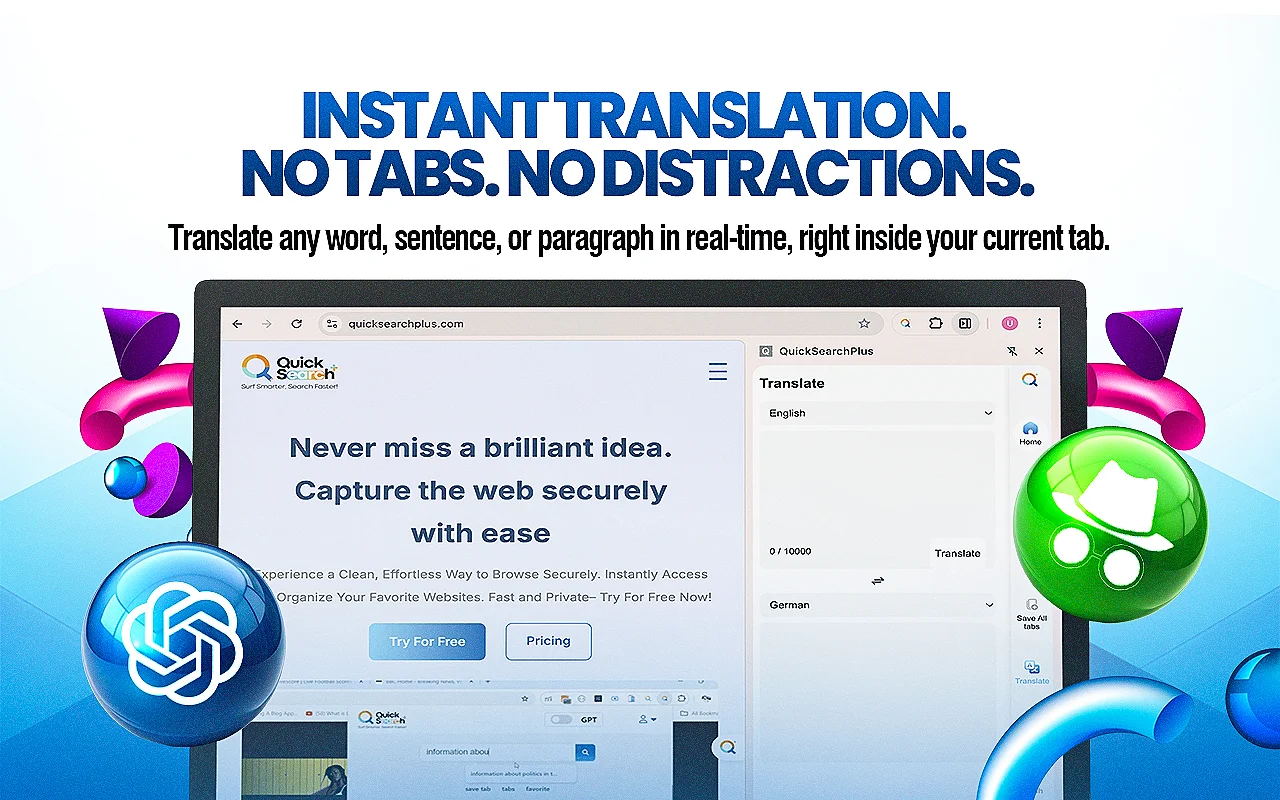
OCR + Instant Translation:

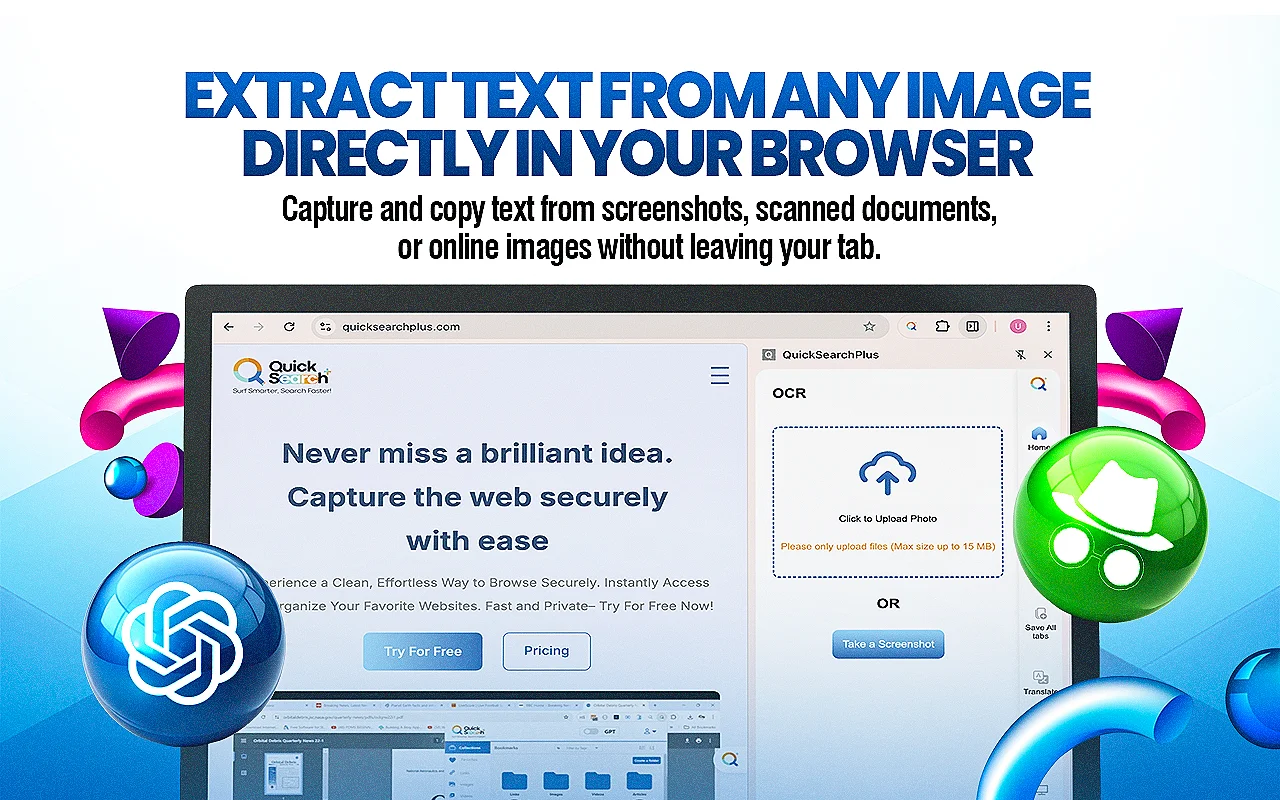
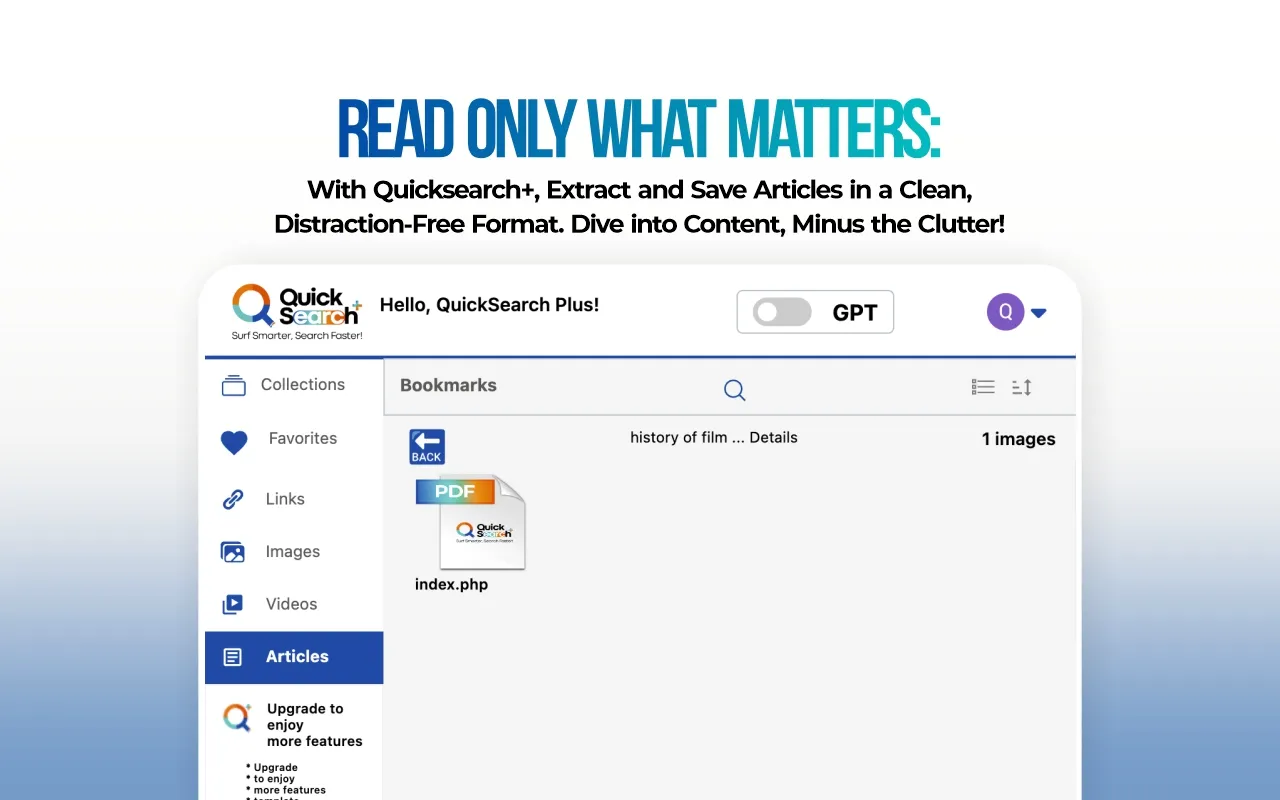
  • Extract text from images or PDFs and translate content instantly—perfect for global research and fast documentation.

Smart Link Saving & Organization:

  • Bookmark and neatly organize links in one place for distraction-free productivity and quicker access.

Private Incognito Browsing:

  • Browse in peace with built-in incognito mode—no tracking, no data leaks, just total privacy.

Cloud Sync Across Devices:

  • Start on one device, finish on another. Your work stays updated everywhere.

3 Easy Steps To Use QuickSearchPlus:

Step 1 – Download: Visit the QuickSearch+ website or your browser’s extension store and download the extension.

Step 2 – Install: Follow the on-screen instructions to install the QuickSearch+ extension on your browser.

Step 3 – Configure: Customize the extension’s settings and preferences to tailor it to your browsing needs.

Download QS+ Incoginito Browser:

Step 1 – Download: Visit the QuickSearchPlus website to download the incognito browser.

Step 2 – Install: Follow the on-screen instructions to install the QuickSearchPlus browser on your system.

Step 3 – Configure: Customize the browser settings and preferences to tailor it to your browsing needs. browsing needs.

Preview Of QuickSearchPlus – AI Browsing Assistant & Bookmark Manager:

QuickSearchPlus Customer Testimonials:

 Deal Terms:

How to download/activate this product?
After completing your purchase, you will receive an instructions document. Follow the instructions in this document to get access to QuickSearchPlus – AI Browsing Assistant & Bookmark Manager.

What is the validity of the activation license key/code? (Within how many days must the code be redeemed?)
The coupon code must be redeemed within 7 days from the date of purchase.

Is a Lifetime Subscription available for this product?
No, an Annual Subscription is available for this product with this deal.

Are Annual Updates available for this product?
Yes, updates are available for free during the subscription period.

Is support available for this product?
Yes, support is available for this product.
For support, contact –[email protected].

How many users can use the license key/coupon code?
1 coupon code can be used by 1 user/account.

Are the coupon codes stackable?
No, the coupon codes are not stackable.

Is this deal for new users only?
Yes, this deal is available only for new users of QuickSearchPlus.

Can this product be accessed on all devices?
Yes, QuickSearchPlus is accessible on all devices, provided the devices have a good internet connection.

Reviews

There are no reviews yet.

Only logged in customers who have purchased this product may leave a review.

TL;DR

  • Blazing-Fast Search Results
  • Uncompromised Security & Privacy
  • Seamless Chrome Integration
  • Easy Bookmark Management

Browsing the internet should be fast, private, and effortless. However, mainstream search engines often contain intrusive ads, tracking, and inefficiencies that slow you down. That’s why DealFuel brings to you –

QuickSearchPlus – AI Browsing Assistant & Bookmark Manager

QuickSearchPlus is an AI Browsing Assistant that offers a more smarter, faster, and secure way of browsing.

It offers – 

  • Privacy-first browsing
  • AI-powered personal assistant
  • Smart search suggestions
  • Easy bookmark management
  • Seamless cloud storage integration
  • QS+ Incognito Browser

With no ads, no tracking, and compatibility with Chrome extensions, it empowers users to stay productive while protecting their data.

It is designed for tech-savvy professionals, students, and privacy-conscious users, ensuring a distraction-free search experience.

QuickSearchPlus now comes with a sleek Sider View. It is a game-changing enhancement that keeps the extension fixed to the side of the browser across all tabs.

This gives users lightning-fast access to all our powerful tools without breaking their workflow.

Click here to check out QuickSearchPlus web application. 

Here’s How QuickSearchPlus – AI Browsing Assistant Works​

QuickSearchPlus Browsing Assistant Demo

Install and use QS+ Incognito browser

Features of QuickSearchPlus:

Easy To Use

  • Effortlessly navigate and utilize the features of QuickSearchPlus with its simple and easy-to-use platform.

Speedy Researching

  • This platform leverages cutting-edge technology to deliver lightning-fast search results.

Dual Search

  • Explore any information the way you want with DualSearch.

Search Recall

  •  Easily navigate the vast landscape of search engine searches with precision using SearchRecall.

Cloud Drive Storage

  • Expand your horizons with Cloud Drive.

Intuitive Bookmark Organization

  • Categorize and tag your bookmarks easily using the intuitive and user-friendly interface of the Bookmark manager.

Multi-Device Sync

  • Sync multiple devices at once. 

Advanced Search Capabilities

  • Effortlessly locate and manage any bookmark within seconds using the advanced search functionality.

Web portal (incognito)

  • Surf the web with built-in VPN protection and ensure anonymous and protected online activity—anytime, anywhere.

Web Extension

  • Access multiple search engines instantly and find relevant results with minimal effort.

No Ads & Tracking

  • Get the benefit of a user-prioritized experience with non-intrusive ads.

New Improved Features:

AI-Powered Search with GPT Integration:

  • Use natural language and keywords to quickly find answers, insights, or ideas—powered by advanced AI.

OCR + Instant Translation:

  • Extract text from images or PDFs and translate content instantly—perfect for global research and fast documentation.

Smart Link Saving & Organization:

  • Bookmark and neatly organize links in one place for distraction-free productivity and quicker access.

Private Incognito Browsing:

  • Browse in peace with built-in incognito mode—no tracking, no data leaks, just total privacy.

Cloud Sync Across Devices:

  • Start on one device, finish on another. Your work stays updated everywhere.

3 Easy Steps To Use QuickSearchPlus:

Step 1 – Download: Visit the QuickSearch+ website or your browser’s extension store and download the extension.

Step 2 – Install: Follow the on-screen instructions to install the QuickSearch+ extension on your browser.

Step 3 – Configure: Customize the extension’s settings and preferences to tailor it to your browsing needs.

Download QS+ Incoginito Browser:

Step 1 – Download: Visit the QuickSearchPlus website to download the incognito browser.

Step 2 – Install: Follow the on-screen instructions to install the QuickSearchPlus browser on your system.

Step 3 – Configure: Customize the browser settings and preferences to tailor it to your browsing needs. browsing needs.

Preview Of QuickSearchPlus – AI Browsing Assistant & Bookmark Manager:

QuickSearchPlus Customer Testimonials:

 Deal Terms:

How to download/activate this product?
After completing your purchase, you will receive an instructions document. Follow the instructions in this document to get access to QuickSearchPlus – AI Browsing Assistant & Bookmark Manager.

What is the validity of the activation license key/code? (Within how many days must the code be redeemed?)
The coupon code must be redeemed within 7 days from the date of purchase.

Is a Lifetime Subscription available for this product?
No, an Annual Subscription is available for this product with this deal.

Are Annual Updates available for this product?
Yes, updates are available for free during the subscription period.

Is support available for this product?
Yes, support is available for this product.
For support, contact –[email protected].

How many users can use the license key/coupon code?
1 coupon code can be used by 1 user/account.

Are the coupon codes stackable?
No, the coupon codes are not stackable.

Is this deal for new users only?
Yes, this deal is available only for new users of QuickSearchPlus.

Can this product be accessed on all devices?
Yes, QuickSearchPlus is accessible on all devices, provided the devices have a good internet connection.

This Deal ran out of Fuel

Don’t Miss a Deal Again.
Get the Latest Deals In your Inbox.

30 Day Refund Policy
For support contact: [email protected] 

Want to save another 25% on this deal?

Join DealClub

Plans & Features

Standard
$96 $120
  • Keyword-based Search
  • SearchRecall Service
  • ChatGPT
  • Unlimited Bookmarks
  • Unlimited Folders
  • Offline Access
  • QuickScan/Web Summary
  • Upload to 10 GB of files per month
Buy Now
Premium
$168 $210
  • Keyword-based Search
  • SearchRecall Service
  • ChatGPT
  • Unlimited Bookmarks
  • Unlimited Folders
  • Offline Access
  • Full Access to Web Portal
  • QuickScan/Web Summary (unlimited)
  • Upload to 50 GB of files per month
  • Priority support by email
Buy Now

    No Q&A available yet.

    No Reviews available.

    Only logged in customers who have purchased this product may leave a review.

Scroll to Top