SoftOrbits – Batch Picture Resizer | Lifetime Access

TL;DR

  • Resize multiple photos, convert, flip, mirror or rotate them in a batch mode.
  • Supports different formats including JPEG, BMP, PSD, TIFF, GIF, PNG, PCX, JPEG 2000, TGA, PSD, WEBP, DNG.

Quick Overview

Alternative to:

  • Adobe Photoshop
  • IrfanView
  • XnConvert

Best for:

  • Content Creators
  • Freelancers
  • Graphic Designers
  • Photographers
  • Small Business Owners

Compatibility:

  • Browser Support:
    Brave, Chrome, Edge, Firefox, Safari
  • Operating Systems:
    Windows

Resizing and converting images individually is a time-consuming and tedious task, especially when dealing with large volumes of images.


That is why DealFuel brings to you SoftOrbits’ Batch Picture Resizer.


What is SoftOrbits’ Batch Picture Resizer?


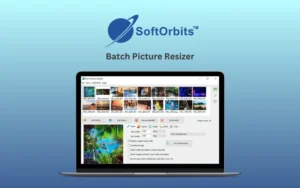
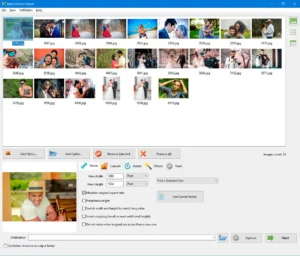
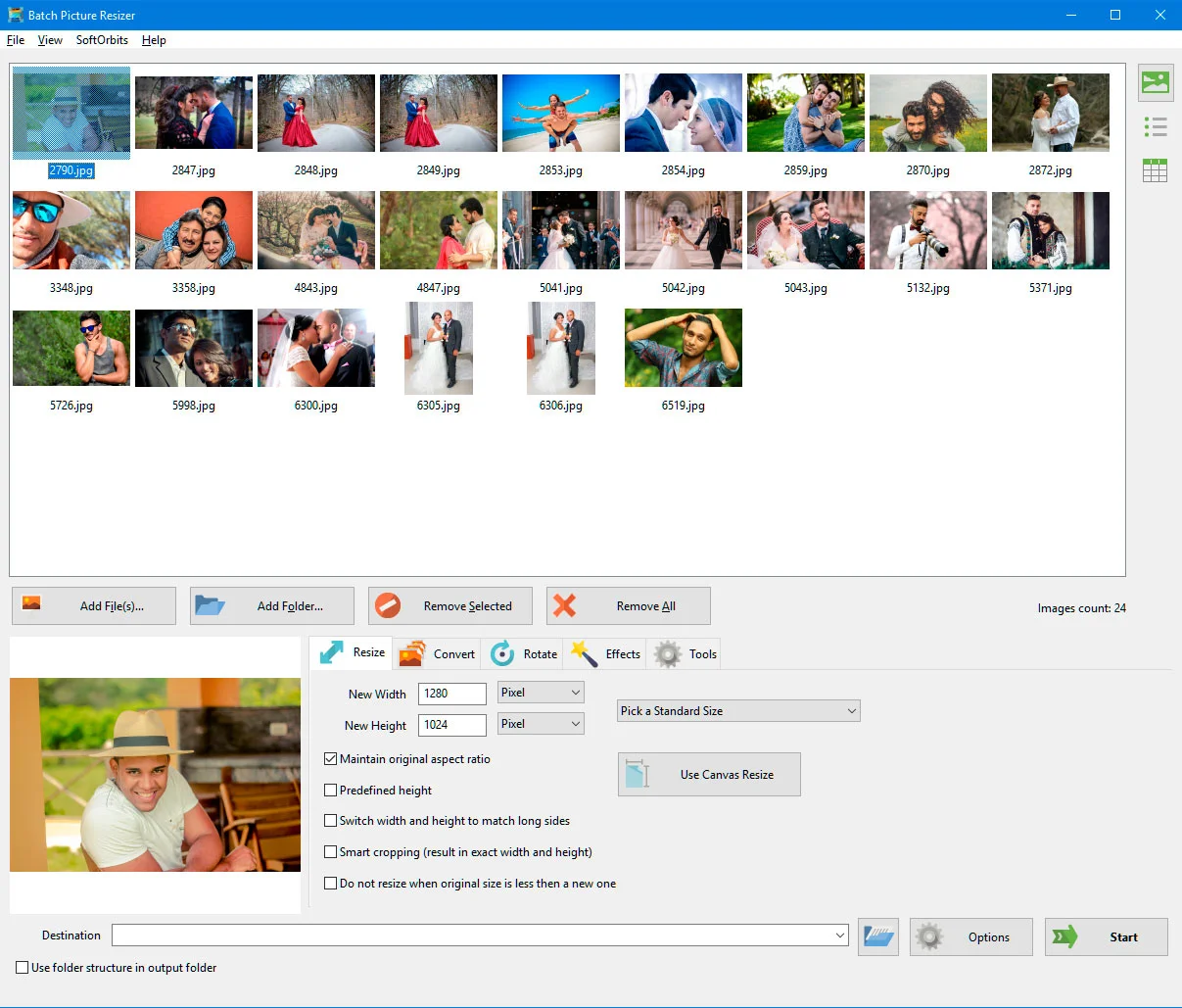
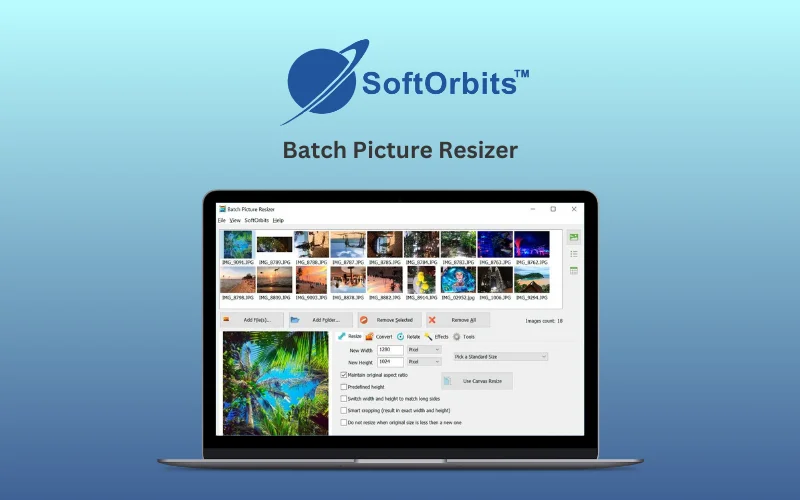
Batch Picture Resizer is a powerful image processing tool designed to resize, convert, rotate, crop, and rename multiple images in a single batch.


It supports various formats, maintains high quality, and offers lossless image rotation, watermarking, and color correction features.


Its intelligent resizing algorithms ensure that images retain their sharpness and clarity without pixelation or distortion.


This Batch Picture Resizer is ideal for eCommerce sellers, photographers, and graphic designers, this software is a must-have for anyone dealing with large numbers of images.

Features Of Batch Image Resizer:

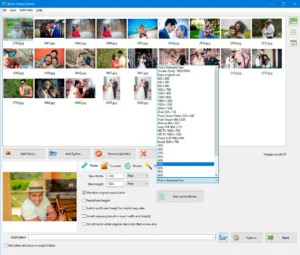
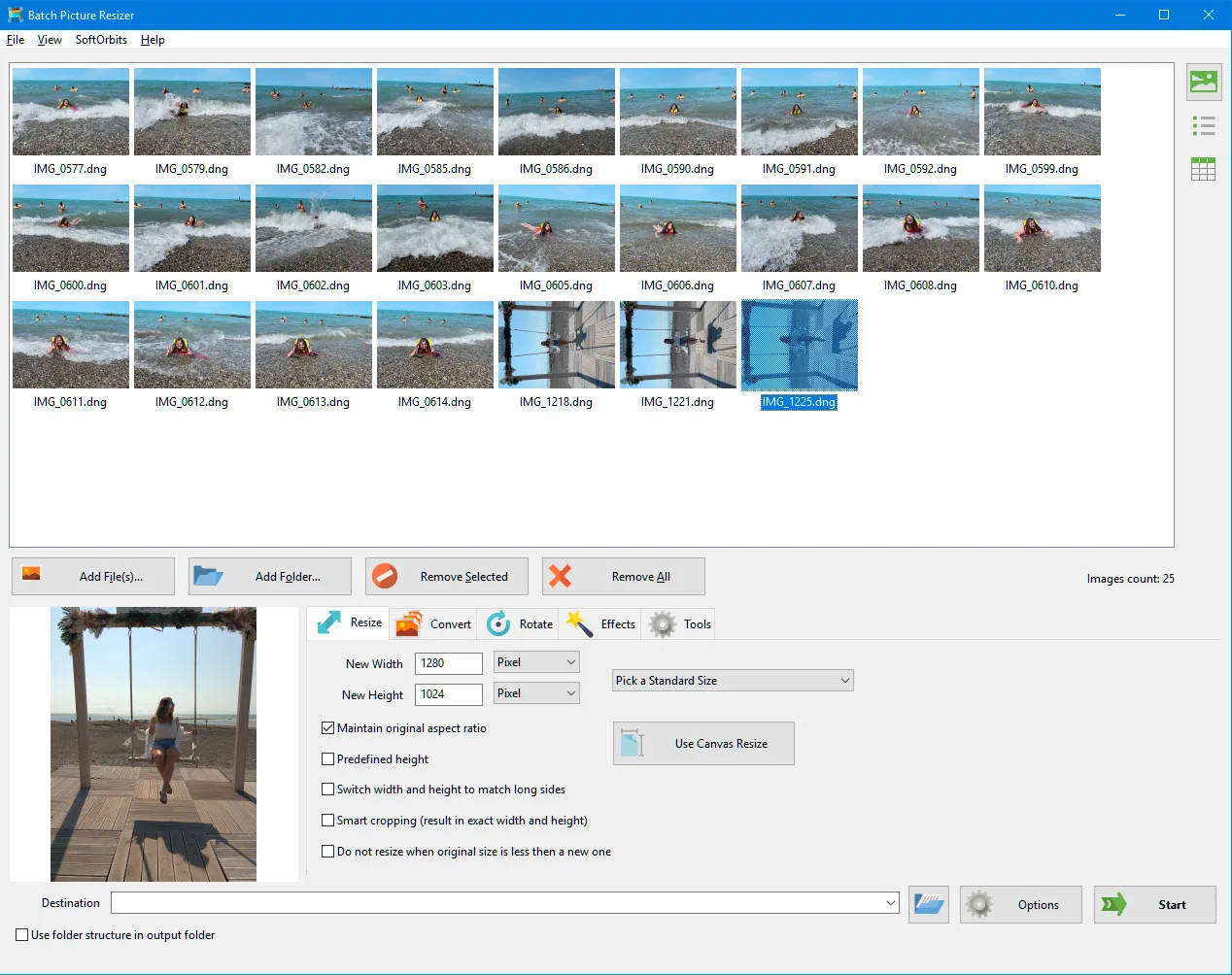
<B>Change Image Dimensions</B>

Resize & Dimension Control:

  • Convert aspect ratios without distortion
  • Adjust canvas size to fit any dimensions
  • Fine-tune DPI & compression for print or web
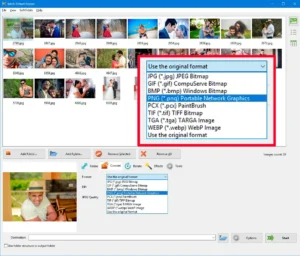
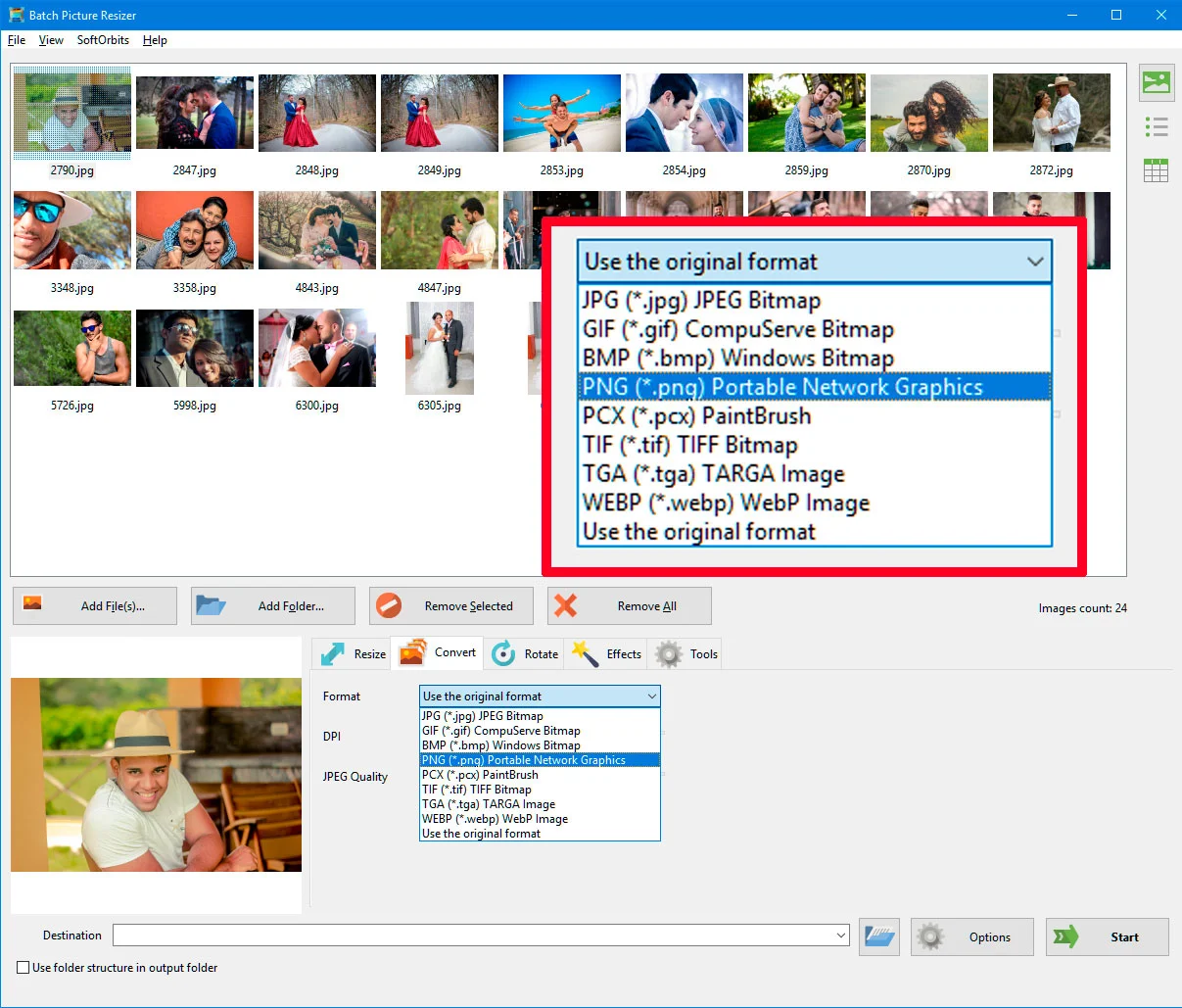
<b>File Formats</b>

Format & Conversion:

  • Convert to JPEG, PNG, BMP, TIFF, WEBP & more
  • Supports RAW formats (CR2, NEF, DNG & more)
  • One-click grayscale conversion
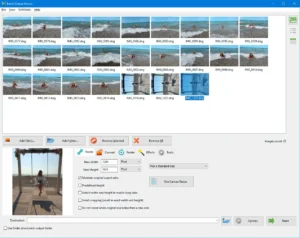
<b>Image Resizer Interface</b>

Smart Batch Workflow:

  • Multi-core speed for large batches
  • Keeps folder structure & EXIF data intact
  • Batch rename with prefixes/suffixes/dates
  • GUI, command-line & right-click Explorer access
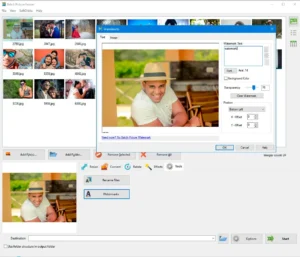
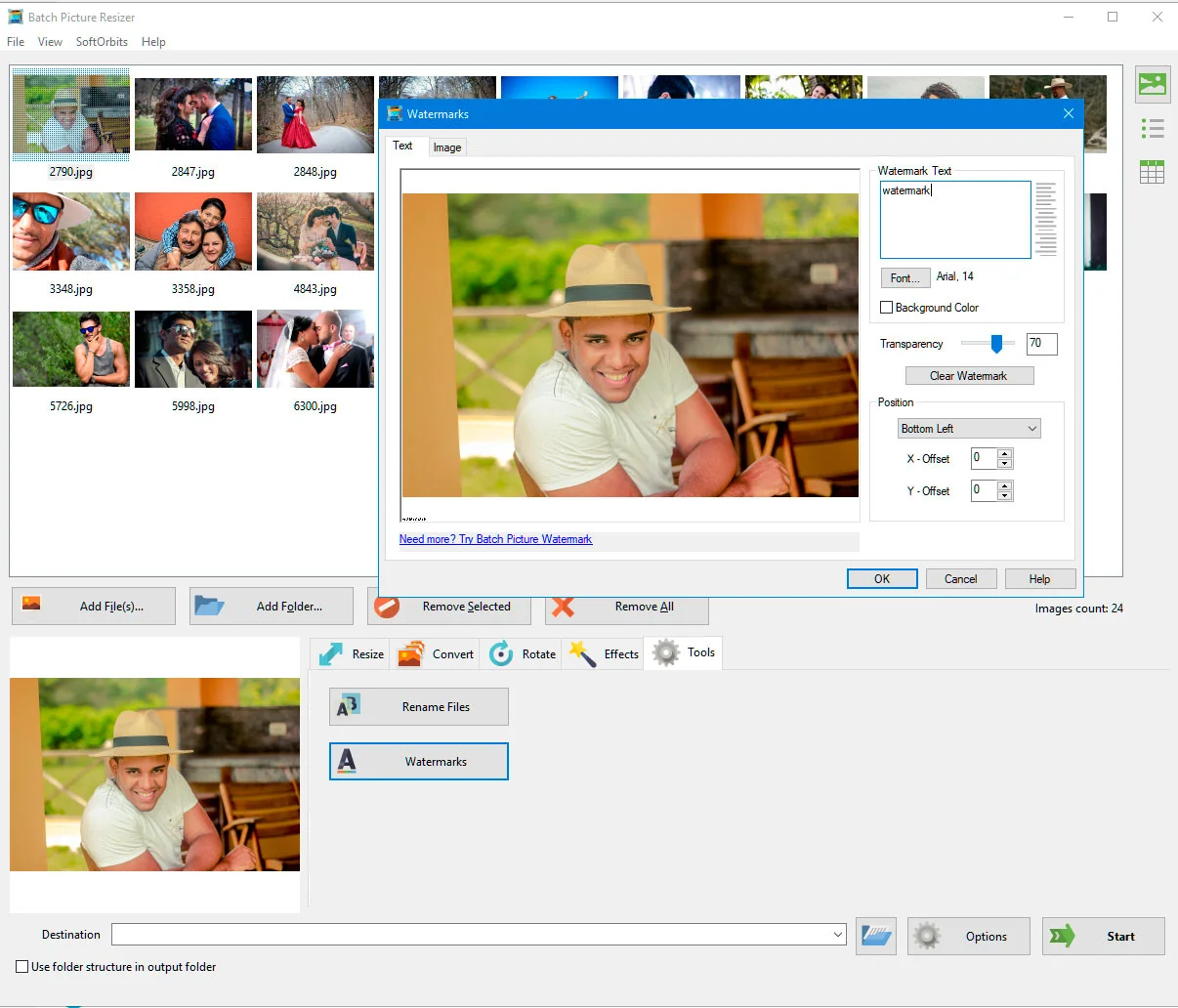
<b>Remove Watermark</b>

Enhancement & Branding:

  • Add text, logo, or image watermarks in bulk
  • Lossless rotation, flip & mirror (with EXIF auto-rotate)
  • Auto color & contrast correction

Why Choose Batch Picture Resizer?

  • Save Time: Resize, convert, rename, and edit hundreds of images at once.
  • Keep Image Quality: Smart resizing helps preserve sharpness and clarity.
  • Support Many Formats: Work with 30+ formats, including RAW, JPEG, PNG, TIFF, and WEBP.
  • Simplify Image Management: Batch rename, organize, and maintain folder structures easily.
  • Add Branding Faster: Apply text, logo, or image watermarks to multiple photos.

SoftOrbits - Batch Picture Resizer is best for:

  • Content Creators
  • Freelancers
  • Graphic Designers
  • Photographers
  • Small Business Owners

Choose Your Plan

With DealClub
$25.49
$59.99
Without DealClub
$29.99
$59.99
Buy Now
Limited Time Deal

Deal Terms

  • Access via redemption of coupon code
  • 30-Day Coupon Code Validity
  • One Coupon Code for one user/account
  • Coupon Codes are not stackable
  • For both - New & Existing Users
  • Free Updates
  • Free Support
  • Accessible only on Windows - Desktop and Laptop

Plans & Features

Choose the perfect plan for your needs.

Plans & Features
Lifetime Plan
$59.99 $29.99
Buy Now
Convert to JPEG and resize RAW images
Resize Animated GIF Images
Batch Rename Photos
Automatically Fix Photo Colors and Contrast
Supports more than 30 formats

Lifetime Plan

$59.99 $29.99
Buy Now
30-Day Refund | Lifetime Access | One-Time Payment
  • Convert to JPEG and resize RAW images
  • Resize Animated GIF Images
  • Batch Rename Photos
  • Automatically Fix Photo Colors and Contrast
  • Supports more than 30 formats

Frequently Asked Questions

Find Answers to common questions about SoftOrbits – Batch Picture Resizer

Can I resize multiple images at once?

Yes. Batch Picture Resizer lets you resize and process multiple images simultaneously.

Which image formats does Batch Picture Resizer support?

It supports 30+ formats, including JPEG, PNG, TIFF, PSD, WEBP, GIF, and RAW formats.

Can I convert and resize RAW images?

Yes. You can resize RAW images and convert them to formats such as JPEG.

Customer Feedback

Customer Reviews (0) Customer Q&A (0)

No Reviews Yet

Be the first to try this deal and share your experience.

You must purchase this product to leave a review.

Be The First To Ask

Get clarity before you buy—your question might help others too.

×

You Might Also Like

VoiceWave - Transform Your Voice in Real Time With AI

VoiceWave - Transform Your Voice in Real Time With AI

, , , , , , , ,

WonderFox HD Video Converter Factory Pro | Lifetime Access

WonderFox HD Video Converter Factory Pro | Lifetime Access

, , , , , , ,

CharmShotAI - Screenshot Tool & Editor | Lifetime Access

CharmShotAI - Screenshot Tool & Editor | Lifetime Access

, , , , , , ,

Screen Bolt - Mac Screen Recorder with Audio

Screen Bolt - Mac Screen Recorder with Audio

, , , , , , , ,

Buy with DealClub
$25.49 $59.99
Buy without DealClub
$29.99 $59.99

Deal Terms

  • ✓ Access via redemption of coupon code
  • ✓ 30-Day Coupon Code Validity
  • ✓ One Coupon Code for one user/account
  • ✓ Coupon Codes are not stackable
  • ✓ For both - New & Existing Users
  • ✓ Free Updates
  • ✓ Free Support
  • ✓ Accessible only on Windows - Desktop and Laptop
Scroll to Top