SoftOrbits – Video Converter Software – Edit, Convert & Compress Videos

TL;DR

  • Video Converter offers a clean, uncluttered way to convert, compress, enhance and upscale videos in one go.
  • Supports all relevant (and some exotic) audio/video formats and containers with 1000+ presets.

Quick Overview

Alternative to:

  • HandBrake

Best for:

  • Content Creators
  • Marketers
  • Movie & Video Enthusiasts
  • Online Course Creators
  • Podcasters
  • Small Business Owners
  • Social Media Managers
  • Streamers
  • Trainers
  • Video Editors

Compatibility:

  • Operating Systems:
    Windows

Struggling with large video files, compatibility issues, low-quality playback, and limited editing tools. That is why DealFuel brings to you SoftOrbits Video Converter.


What is SoftOrbits Video Converter?


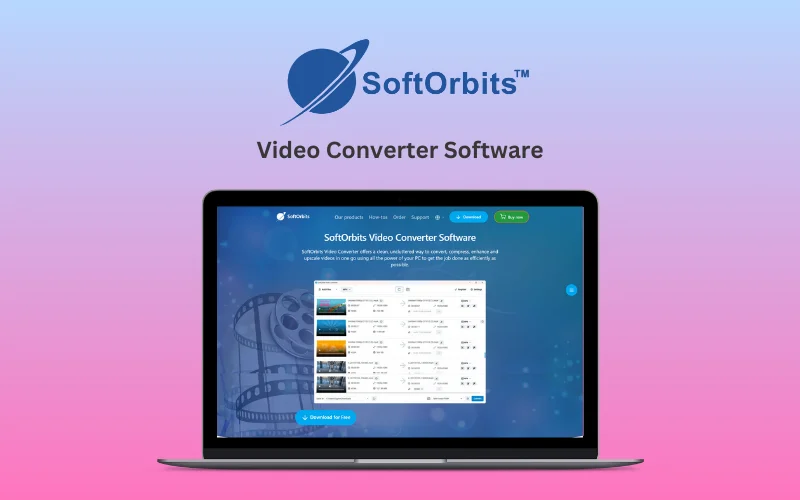
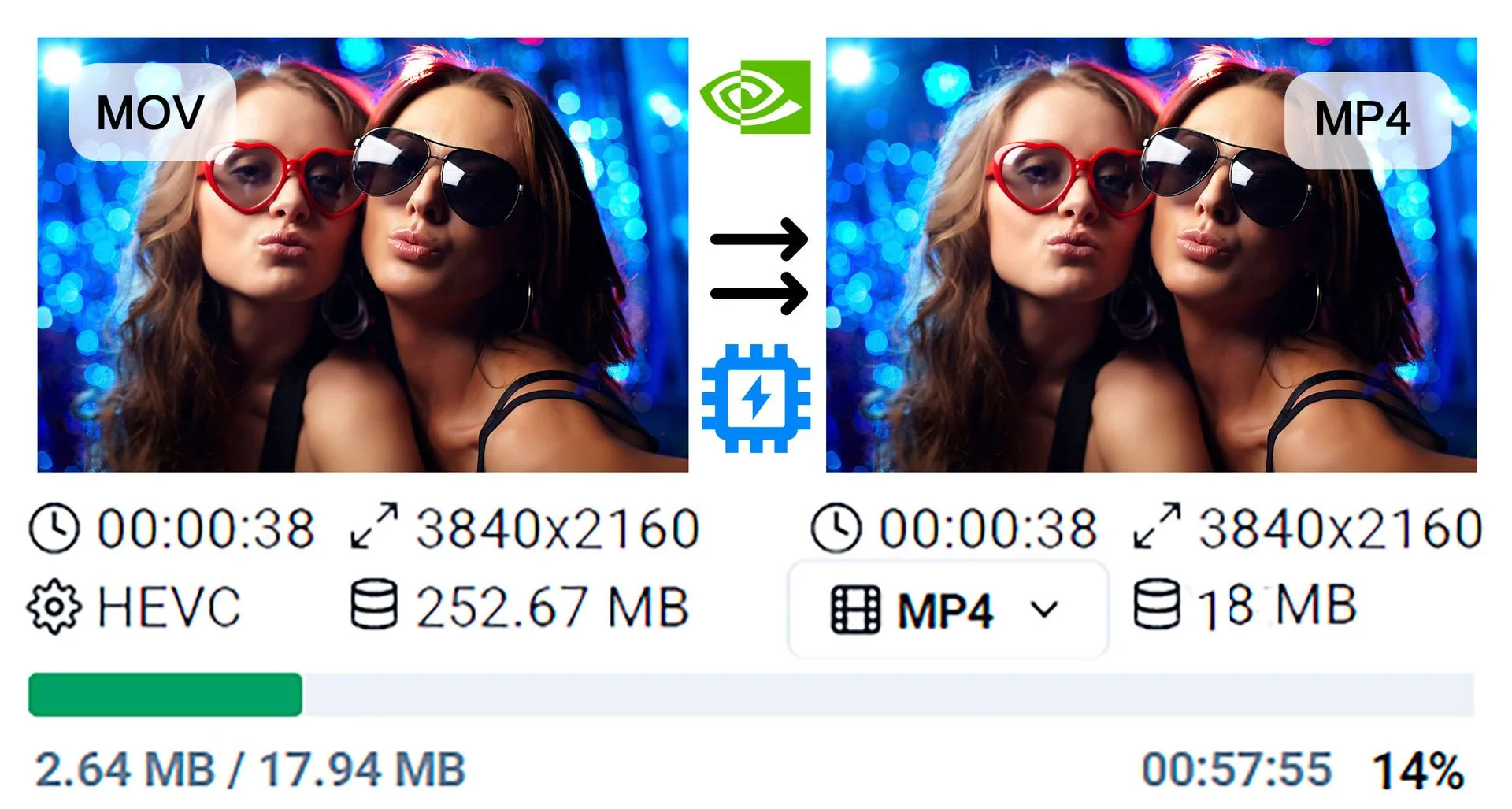
SoftOrbits Video Converter Software helps you quickly convert video files between all popular formats (AVI, MP4, MOV, WMV, FLV, and more) for playback across various devices.


It includes built-in video editing tools, advanced AI features for video enhancement and upscaling, and full GPU support for ultra-fast processing.


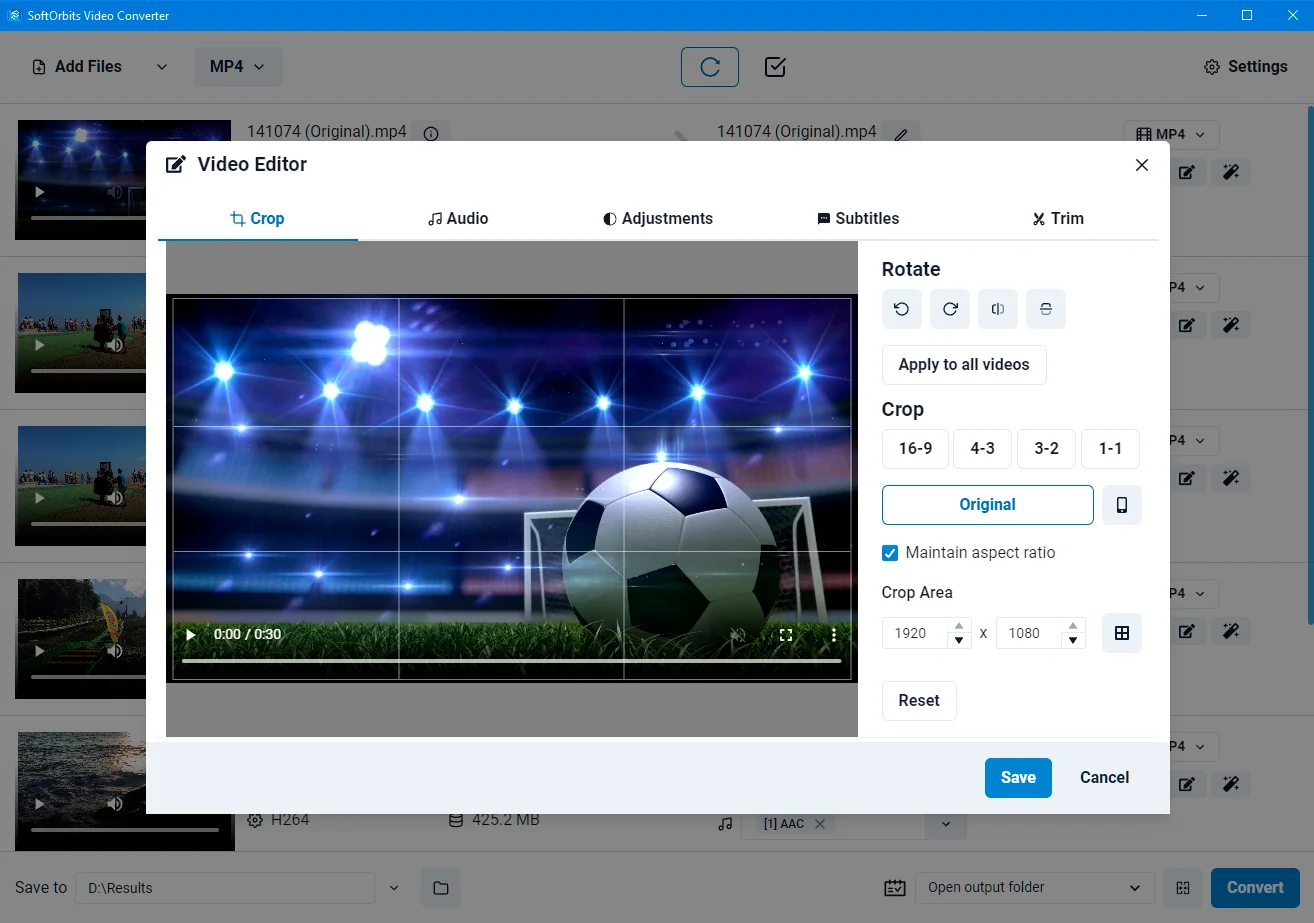
Whether you want to trim, crop, add subtitles, or normalize audio, SoftOrbits Video Converter software delivers professional-quality results with minimal effort.


How To Use Video Converter?

  1. Add videos (add files/folders or drag and drop).
  2. Click on the “Profile” drop-down box to select an output format. Customize the profile if required to change output quality.
  3. Select the output folder and click Convert.

Features Of SoftOrbits - Video Converter Software:

<b>Video Converter</b>

Fast & Flexible Video Conversion:

  • Convert videos using your PC’s CPU and GPU for maximum speed.
  • Support popular and exotic video and audio formats.
  • Convert MP4, AVI, MOV, MKV, WMV, FLV, MP3, FLAC, and more.
  • Convert videos for smartphones, tablets, and other devices.
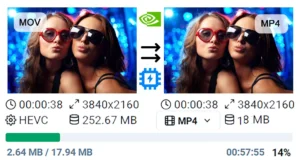
  • Downscale 4K videos to 1080p or lower to save storage and battery life.
  • Use Intel QuickSync, AMD VCE, and NVIDIA NVENC for accelerated processing.
<b>Compress Video</b>

AI Enhancement & Compression:

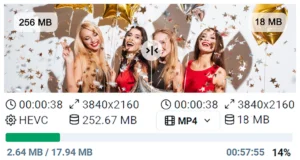
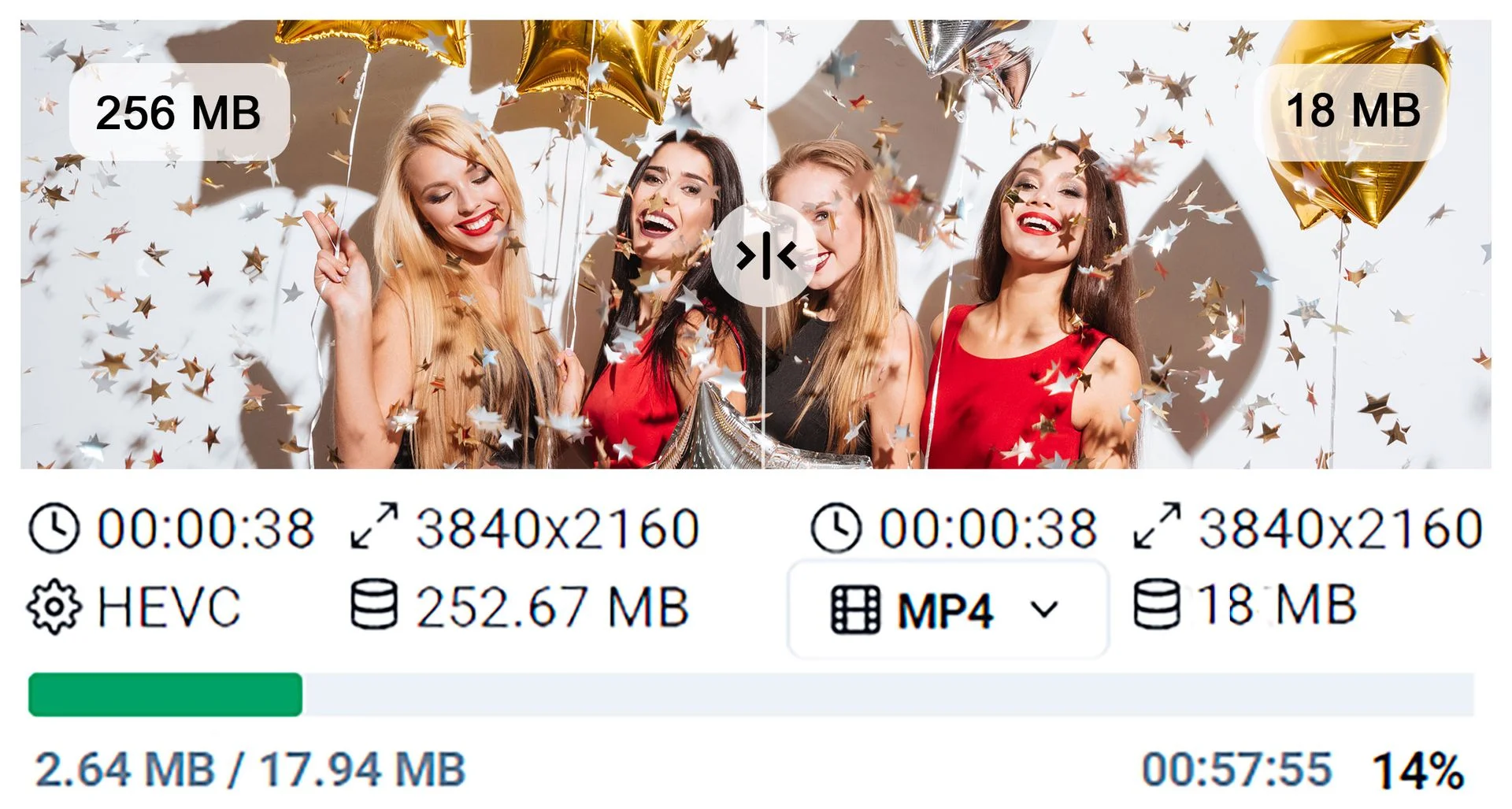
  • Compress large videos with intelligent hardware-accelerated processing.
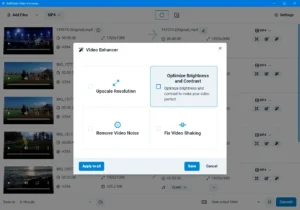
  • Enhance video clarity and reduce noise with AI.
  • Stabilize shaky footage and remove compression artifacts.
  • Upscale SD and Full HD videos to crisp 4K quality with AI.
  • Improve visual detail for modern high-resolution displays.
<b>Video Editor </b>

Video Editing & Customization:

  • Split videos into segments without quality loss or re-encoding.
  • Crop, rotate, flip, and mirror videos for perfect framing.
  • Adjust brightness, contrast, and colors to improve visuals.
  • Merge multiple videos or episodes into one seamless file.
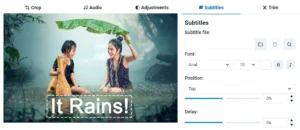
  • Add subtitles with customizable font, size, style, position, and timing.
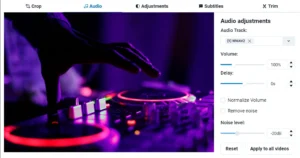
  • Add or remove audio tracks and sync audio using delays.
  • Normalize volume and reduce unwanted background noise.
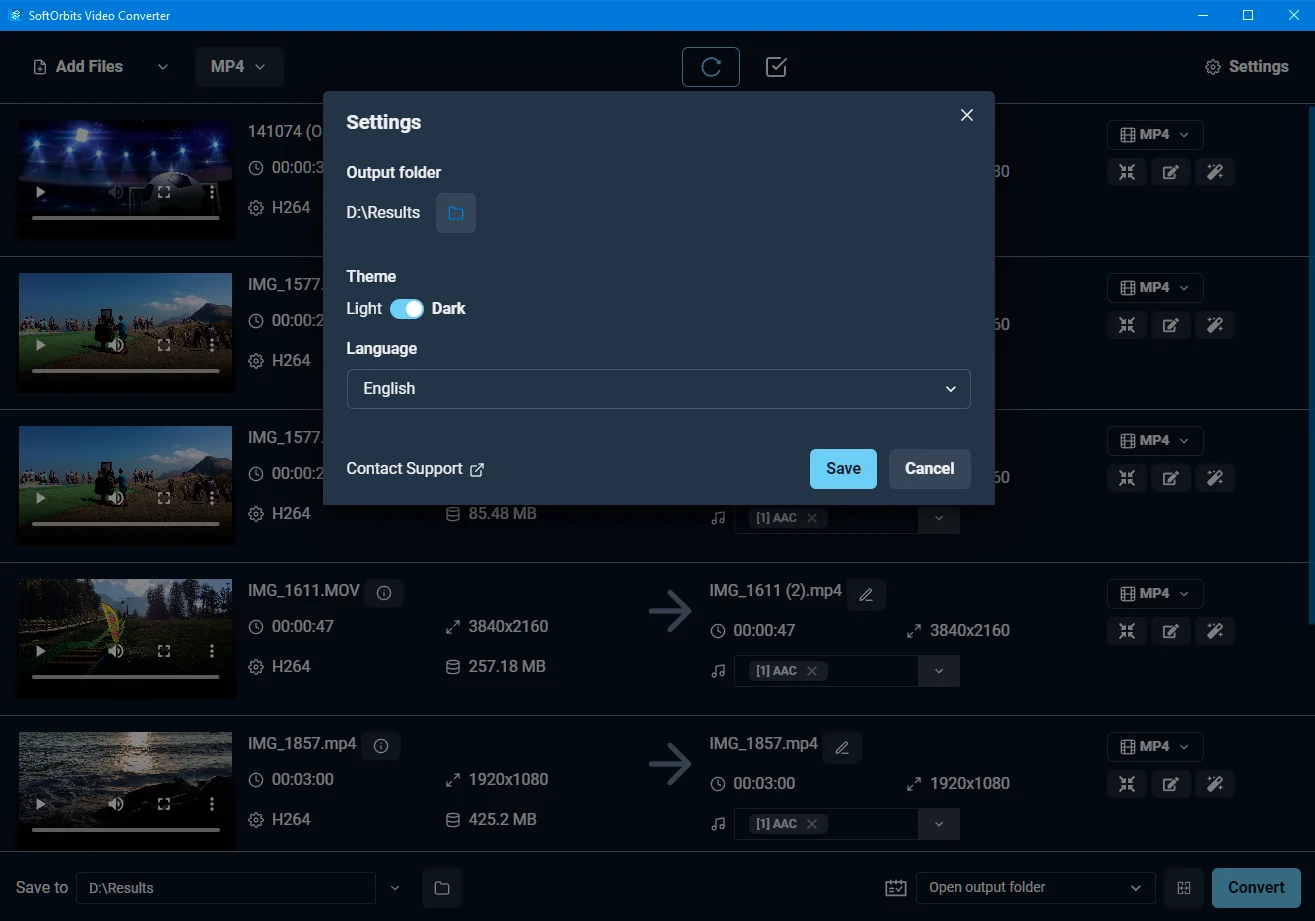
<b>Light/Dark Mode</b>

Simple & Convenient Workflow:

  • Enjoy an intuitive interface designed for distraction-free use.
  • Switch between clean dark and light themes.
  • Process videos efficiently without compromising quality.
  • Prepare videos for smooth playback across different screens and devices.

Why Choose SoftOrbits Video Converter?

  • Convert 150+ video formats for seamless playback on any device.
  • Batch-convert multiple videos to save time and effort.
  • Compress large videos while maintaining high-quality output.
  • Upscale low-resolution footage with AI for sharper visuals.
  • Process 4K, 5K, and 8K videos with ease.
  • Trim, crop, resize, and rotate videos before conversion.
  • Add subtitles and adjust audio for polished video files.
  • Optimize videos for smartphones, TVs, tablets, and other devices.
  • Speed up video processing with GPU acceleration.
  • Extract audio from videos in popular audio formats.

Best For:

  • Content Creators
  • Marketers
  • Movie & Video Enthusiasts
  • Online Course Creators
  • Podcasters
  • Small Business Owners
  • Social Media Managers
  • Streamers
  • Trainers
  • Video Editors

Choose Your Plan

With DealClub
$16.99
$59.99
Without DealClub
$19.99
$59.99
Buy Now
Limited Time Deal

Deal Terms

  • Access via redemption of coupon code
  • 30-Day Coupon Code Validity
  • One Coupon Code for one user/account
  • Coupon Codes are not stackable
  • For both - New & Existing Users
  • Free Updates
  • Free Support
  • Accessible only on Windows devices

Plans & Features

Choose the perfect plan for your needs.

Plans & Features
Lifetime Plan
$59.99 $19.99
Buy Now
Compress Large Videos
Lossless Video Split
Adjust volume, colors and brightness
Crop videos, change aspect ratio
Merge Videos
Video enhancer and AI upscaler
Add and edit audio tracks
Dark and light themes

Lifetime Plan

$59.99 $19.99
Buy Now
30-Day Refund | Lifetime Access | One-Time Payment
  • Compress Large Videos
  • Lossless Video Split
  • Adjust volume, colors and brightness
  • Crop videos, change aspect ratio
  • Merge Videos
  • Video enhancer and AI upscaler
  • Add and edit audio tracks
  • Dark and light themes

Frequently Asked Questions

Find answers to common questions about SoftOrbits - Video Converter Software

How many formats does it support?

You can convert videos across 150+ formats and codecs.

Can I convert multiple videos at once?

Yes, batch processing lets you handle multiple files together.

Does it support 4K and 8K videos?

Yes, it can process high-resolution 4K, 5K, and 8K footage.

Can I edit videos before converting them?

Yes. Trim, crop, resize, rotate, add subtitles, and adjust audio.

Does it support GPU acceleration?

Yes, hardware acceleration helps speed up video processing.

Can I extract audio from videos?

Yes, you can convert video files into popular audio formats.

Customer Feedback

Customer Reviews (0) Customer Q&A (0)

No Reviews Yet

Be the first to try this deal and share your experience.

You must purchase this product to leave a review.

Be The First To Ask

Get clarity before you buy—your question might help others too.

×

You Might Also Like

4K Tokkit - Download TikTok Videos in Bulk
1000 MP4 Animated Video Backgrounds Bundle | Extended License

1000 MP4 Animated Video Backgrounds Bundle | Extended License

, , , , , , , , , , ,

4K Download Bundle - Download, Backup, Compress, & Save Your Digital Media

4K Download Bundle - Download, Backup, Compress, & Save Your Digital Media

, , , , , , , , , ,

YouTube Video Downloader For Mac | Lifetime Access

YouTube Video Downloader For Mac | Lifetime Access

, , , , , , ,

Buy with DealClub
$16.99 $59.99
Buy without DealClub
$19.99 $59.99

Deal Terms

  • ✓ Access via redemption of coupon code
  • ✓ 30-Day Coupon Code Validity
  • ✓ One Coupon Code for one user/account
  • ✓ Coupon Codes are not stackable
  • ✓ For both - New & Existing Users
  • ✓ Free Updates
  • ✓ Free Support
  • ✓ Accessible only on Windows devices
Scroll to Top