Home > All > Operating System > Browser Based > Flowchart AI – AI Powered Flowchart Generator | Annual Access

Flowchart AI – AI Powered Flowchart Generator | Annual Access

Vendor: Chaowen Tan
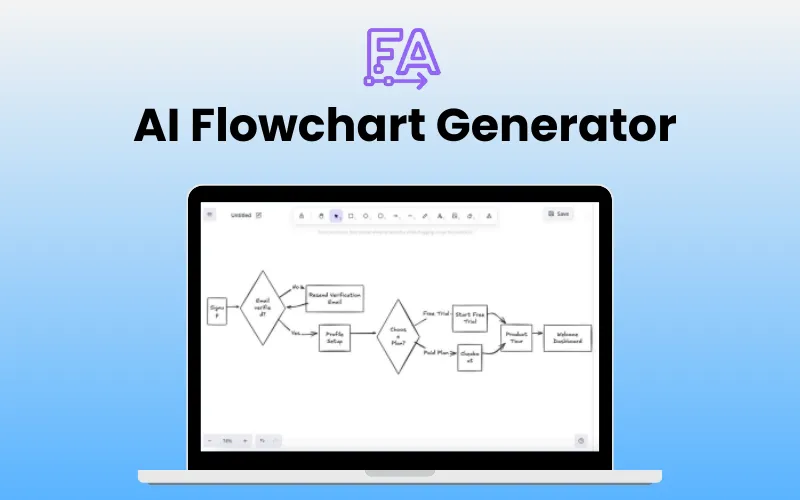
AI FlowChart Generator Feature Image

Turning ideas into visual diagrams shouldn’t take all day. With a single prompt, you can create professional flowcharts in seconds. That’s the power of –

Flowchart AI – AI Flowchart Generator

Flowchart AI is an intelligent online tool that transforms your text prompts into clean, editable flowcharts in seconds. This tool streamlines brainstorming, planning, and presenting workflows, making them faster and more effective.

FlowChart AI’s smart layout engine arranges everything logically, so your diagrams are easy to understand at first glance.

It offers templates, automatic version history, and cloud backup so you never lose your work.

Whether you’re
  • mapping a business process,
  • designing system architecture, or
  • Preparing visual learning materials,

this AI Flowchart maker delivers professional-quality results for everyone.

Introduction To FlowChart AI:

Steps To Create Flowcharts Using This AI Generator:

  1. Describe your process, structure, or system in natural language.
  2. Let FlowChart AI transform your input into a clean, structured flowchart using intelligent shape detection and layout optimization.
  3. Save diagrams to your personal workspace,
  4. Manage your flowcharts, and
  5. Return to refine or export when needed.

Features of AI Flowchart Generator:

Natural Language to Diagram:
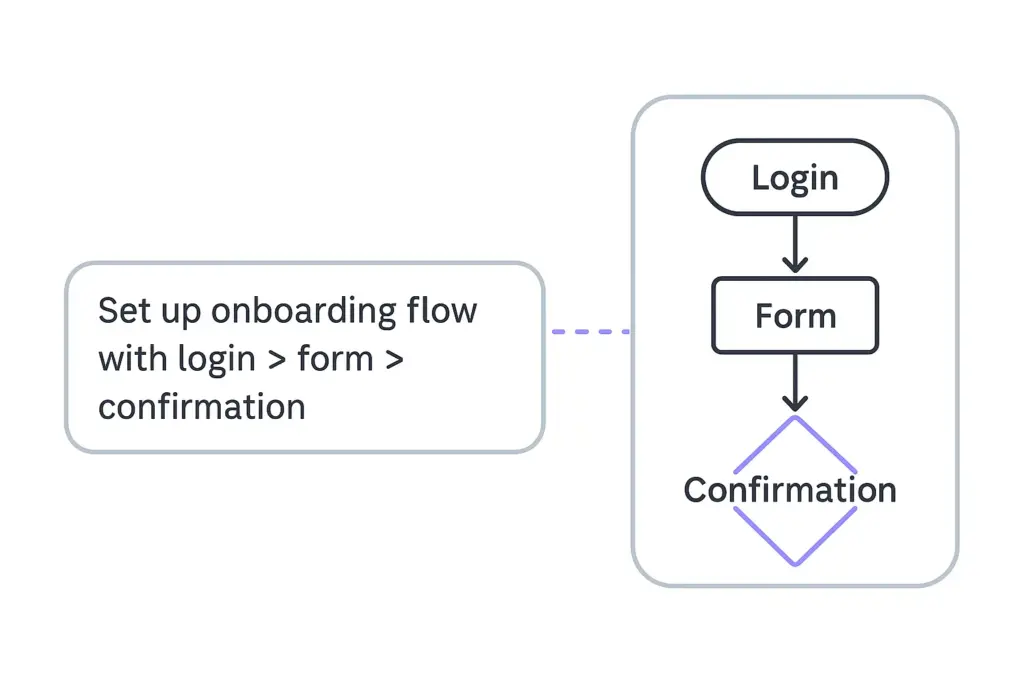
Allows you to describe your process or idea in plain language and lets AI instantly turn it into a professional flowchart.
Natural Language to Diagram With FlowChart AI

Personal Workspace & Diagram Library:

Provides a personal workspace where you can access, manage, and continue editing your saved diagrams with ease.
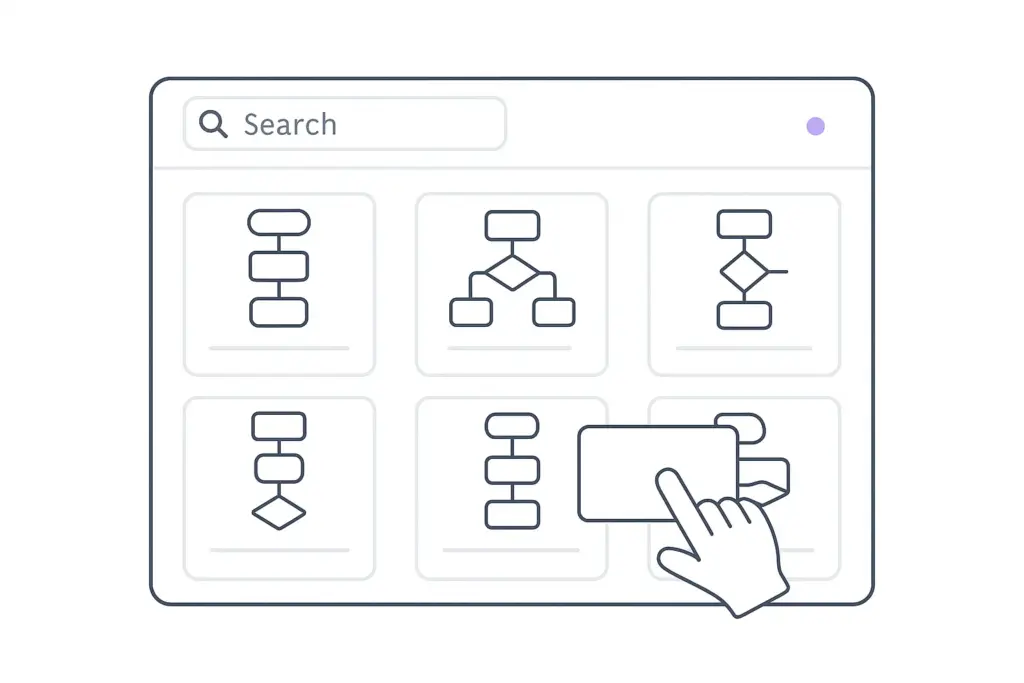
Personal Workspace and Diagram Library In FlowChart AI

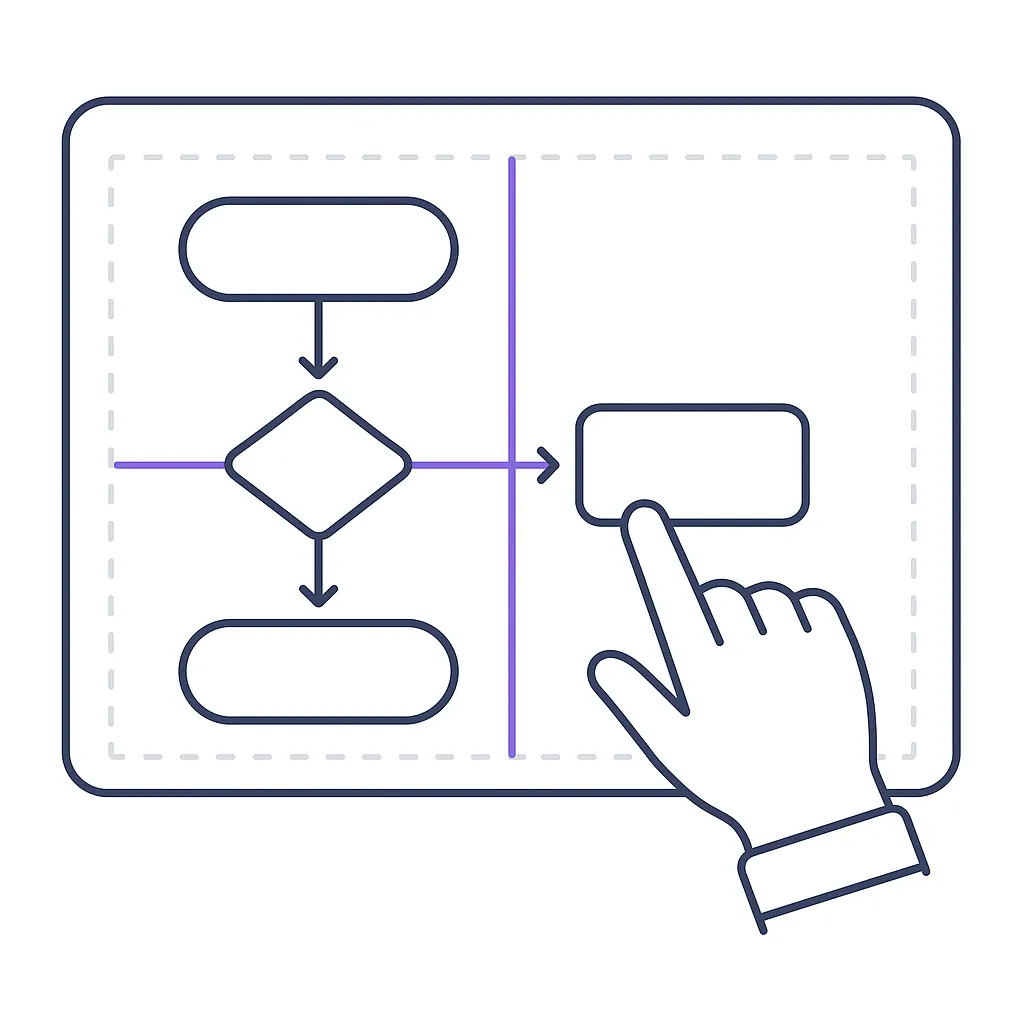
Intuitive Drag-and-Drop Editor:

Allows you to move elements, adjust connections, and apply styles with simple drag-and-drop, without any learning curve.
Drag and Drop Editor With FlowChart AI

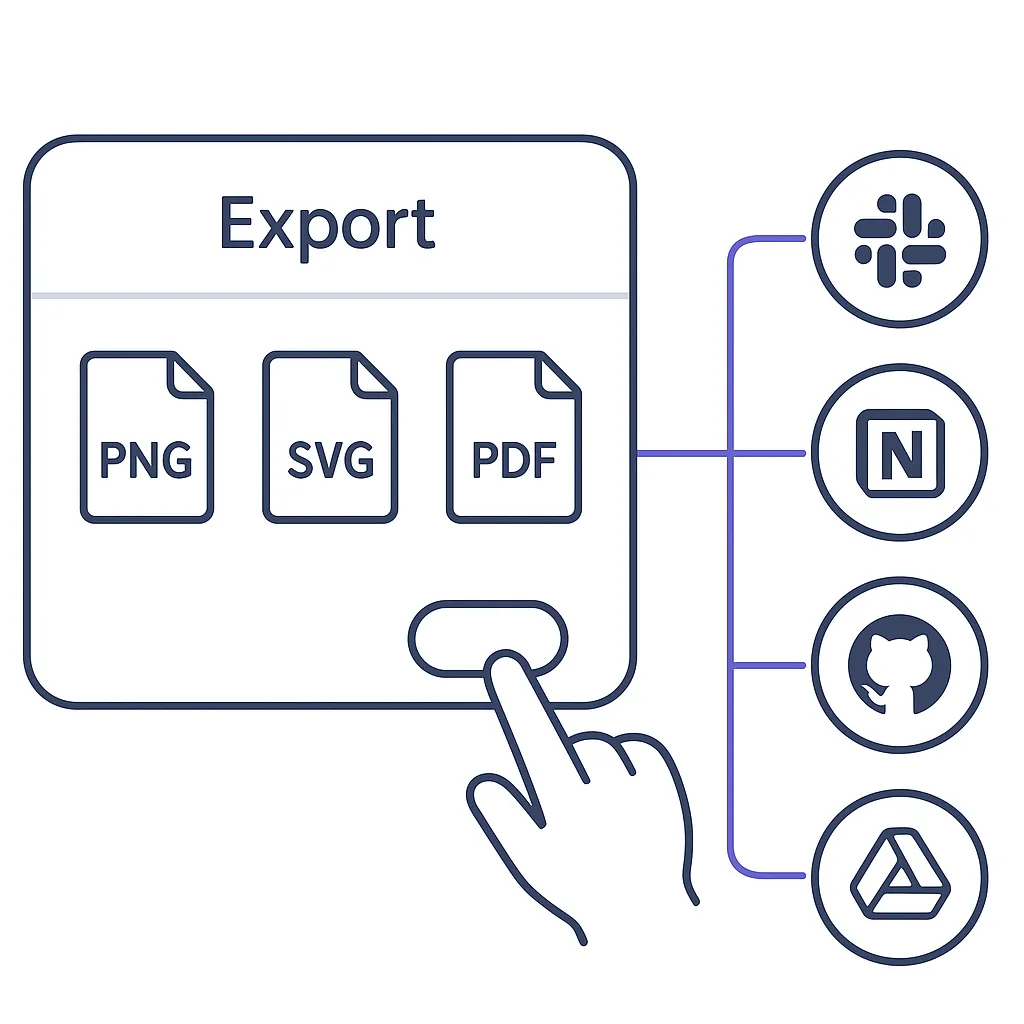
Export & Integrate Anywhere:

Allows you to export your diagrams in multiple formats: PNG for presentations, SVG for web use, and Excalidraw format for future editing. 
Export and Integrate Anywhere With FlowChart AI

Additional Features:

  • Smart Layout Engine: Automatically arranges elements logically and visually for maximum clarity.
  • AI-Powered Edits: Let you update and expand existing flowcharts without starting over.
  • Multi-language Input: Allows you to describe your flowcharts in any language you’re comfortable with.
  • Templates: Provides unlimited templates and thoughtful suggestions.
  • Backup: Automatic version history and cloud backup

FAQ:

How complex a flowchart can FlowChart AI generate?
There is no strict limit on the complexity of flowcharts. The actual capability depends on the content and structure of your input.

How do I write effective prompts?
Use clear, natural language and structured steps. You may optionally upload reference images to aid AI understanding. FlowChart AI will then convert your input into a structured diagram.

Can teams collaborate on flowcharts?
Currently, FlowChart AI is built for individual use. Team collaboration and shared workspaces are part of its future roadmap.

Can I generate diagrams from uploaded documents?
At the moment, FlowChart AI supports text and image inputs only. Support for document uploads, including PDF, Markdown, and other formats, is under active development.

Deal Terms:

How to download/activate this product?
After completing your purchase, you will receive an instructions document. Follow the instructions in this document to redeem the coupon code and get access to this product.

What is the validity of the license key/coupon code? (Within how many days the coupon code must be redeemed?)
The coupon code must be redeemed within 30 days of the purchase date.

Is a Lifetime Subscription available for this product?
No, an Annual Subscription is available with this deal.

Are Updates available for this product?
Yes, automatic updates are available for free during the subscription period.

Is support available for this product?
Yes, support is available for this product.
For support, contact – [email protected].

Is this deal exclusive to new users?
Yes, this deal is available only to new users of Flowchart AI.

How many users can use the license key/coupon code?
One coupon code can be used for one user/account only.

Can this product be accessed on all devices?
Yes, Flowchart AI is accessible on all devices, provided that they have a good internet connection.

Reviews

There are no reviews yet.

Only logged in customers who have purchased this product may leave a review.

TL;DR

  • Instantly turn text into editable flowcharts with AI.
  • Smart AI layouts ensure clarity every time.
  • Export, share, and present workflows with ease.

Turning ideas into visual diagrams shouldn’t take all day. With a single prompt, you can create professional flowcharts in seconds. That’s the power of –

Flowchart AI – AI Flowchart Generator

Flowchart AI is an intelligent online tool that transforms your text prompts into clean, editable flowcharts in seconds. This tool streamlines brainstorming, planning, and presenting workflows, making them faster and more effective.

FlowChart AI’s smart layout engine arranges everything logically, so your diagrams are easy to understand at first glance.

It offers templates, automatic version history, and cloud backup so you never lose your work.

Whether you’re
  • mapping a business process,
  • designing system architecture, or
  • Preparing visual learning materials,

this AI Flowchart maker delivers professional-quality results for everyone.

Introduction To FlowChart AI:

Steps To Create Flowcharts Using This AI Generator:

  1. Describe your process, structure, or system in natural language.
  2. Let FlowChart AI transform your input into a clean, structured flowchart using intelligent shape detection and layout optimization.
  3. Save diagrams to your personal workspace,
  4. Manage your flowcharts, and
  5. Return to refine or export when needed.

Features of AI Flowchart Generator:

Natural Language to Diagram:

Allows you to describe your process or idea in plain language and lets AI instantly turn it into a professional flowchart.
Natural Language to Diagram With FlowChart AI

Personal Workspace & Diagram Library:

Provides a personal workspace where you can access, manage, and continue editing your saved diagrams with ease.

Personal Workspace and Diagram Library In FlowChart AI

Intuitive Drag-and-Drop Editor:

Allows you to move elements, adjust connections, and apply styles with simple drag-and-drop, without any learning curve.
Drag and Drop Editor With FlowChart AI

Export & Integrate Anywhere:

Allows you to export your diagrams in multiple formats: PNG for presentations, SVG for web use, and Excalidraw format for future editing. 
Export and Integrate Anywhere With FlowChart AI

Additional Features:

  • Smart Layout Engine: Automatically arranges elements logically and visually for maximum clarity.
  • AI-Powered Edits: Let you update and expand existing flowcharts without starting over.
  • Multi-language Input: Allows you to describe your flowcharts in any language you’re comfortable with.
  • Templates: Provides unlimited templates and thoughtful suggestions.
  • Backup: Automatic version history and cloud backup

FAQ:

How complex a flowchart can FlowChart AI generate?
There is no strict limit on the complexity of flowcharts. The actual capability depends on the content and structure of your input.

How do I write effective prompts?
Use clear, natural language and structured steps. You may optionally upload reference images to aid AI understanding. FlowChart AI will then convert your input into a structured diagram.

Can teams collaborate on flowcharts?
Currently, FlowChart AI is built for individual use. Team collaboration and shared workspaces are part of its future roadmap.

Can I generate diagrams from uploaded documents?
At the moment, FlowChart AI supports text and image inputs only. Support for document uploads, including PDF, Markdown, and other formats, is under active development.

Deal Terms:

How to download/activate this product?
After completing your purchase, you will receive an instructions document. Follow the instructions in this document to redeem the coupon code and get access to this product.

What is the validity of the license key/coupon code? (Within how many days the coupon code must be redeemed?)
The coupon code must be redeemed within 30 days of the purchase date.

Is a Lifetime Subscription available for this product?
No, an Annual Subscription is available with this deal.

Are Updates available for this product?
Yes, automatic updates are available for free during the subscription period.

Is support available for this product?
Yes, support is available for this product.
For support, contact – [email protected].

Is this deal exclusive to new users?
Yes, this deal is available only to new users of Flowchart AI.

How many users can use the license key/coupon code?
One coupon code can be used for one user/account only.

Can this product be accessed on all devices?
Yes, Flowchart AI is accessible on all devices, provided that they have a good internet connection.

Clear
30 Day Refund Policy
For support contact: [email protected] 

Want to save another 25% on this deal?

Join DealClub

Plans & Features

Hobby
$30 $60
  • 500 AI requests per month
  • Full access to AI agent for generation and editing
  • Unlimited diagram storage
  • Text and image input supported
  • Email support (24–48h response, max 7 days)
Buy Now
Professional
$48 $96
  • 1000 AI requests per month
  • Priority AI processing
  • Unlimited diagram storage
  • Text and image input supported
  • Email & technical support (under 24h, max 48h)
  • Real-time AI-assisted editing
  • All generated content belongs to the user
Buy Now

    No Q&A available yet.

    No Reviews available.

    Only logged in customers who have purchased this product may leave a review.

$25.5$60.00
$30.00$60.00
Scroll to Top