
In 2026, the world of digital content has changed forever. Faceless channels are no longer a side hustle; they are a trillion-dollar frontier. But many traditional creators are now hitting a “Personality Bottleneck.”
This happens when creators get burned out by being on camera every single day. While they struggle, faceless video creators are scaling faster than ever before.
The internet is now facing “Content Saturation.” This means there is more video than people can watch. To win this year, you do not need the most expensive camera. You need the most efficient AI pipeline.
Success is about how fast you can turn an idea into a high-quality video. By removing your face from the equation, you remove the limit on how much you can grow. This shift allows anyone to run a global media empire from a laptop
Best AI Tools for Faceless Content Creators
To dominate as a faceless video creator, all you need is a smart content creation toolkit. Here are the four essential categories for your automated workflow:
1. Video Scripting:
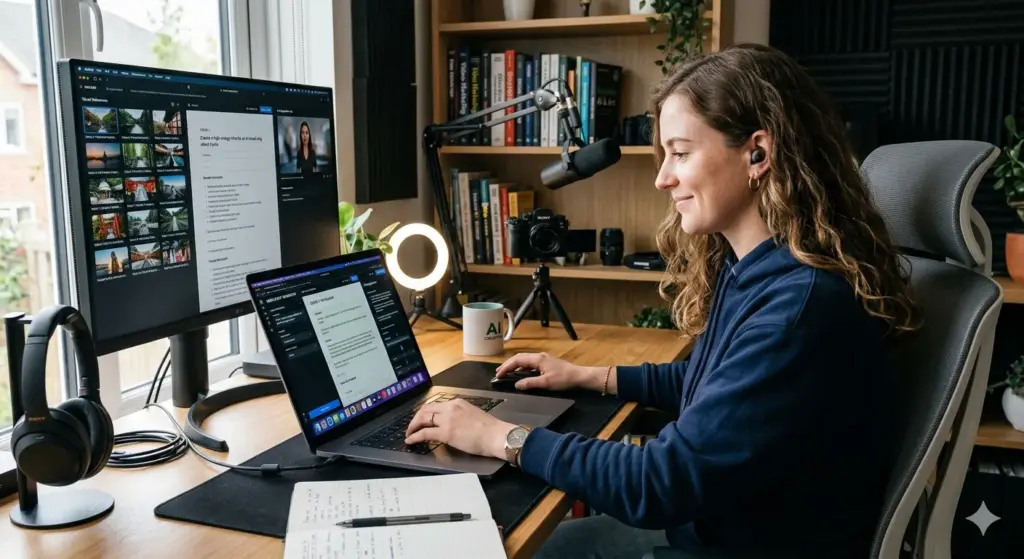
Scripting is about more than just text; it’s about “Viral Engineering.” This category focuses on tools that analyze current trends, emotional triggers, and audience retention data to produce scripts that hook viewers in the first 3 seconds.
- Workaforce: A specialized script generator that focuses on viral hooks and engaging story arcs specifically for short-form platforms like TikTok and Reels.
- Typeboss: An innovative AI writer that uses the GPT-4/5 backbone to generate high-conversion scripts and social copy with 60+ pre-built templates.
- Friday AI: Known for its “30+ writing tones,” this tool helps you script multiple versions of a video to A/B test which persona resonates best with your niche.
2. Video Generation:

Instead of spending hours clicking and dragging clips, these tools use AI to pick the best visuals for you. The goal is to create high-quality videos that keep viewers engaged, all without a complicated video editor.
- Hypnotype: It turns raw audio into “visual podcasts” by syncing every word to the audio’s pulse, creating a hypnotic read-along faceless video that boosts retention instantly.
- InkSprout: A text-to-video generator that focuses on social media automation, allowing you to turn long articles or scripts into bite-sized video updates.
- Potion: An AI video maker that excels at personalization and character consistency, perfect for faceless channels that want to maintain a “digital avatar” presence.
- Higgsfield: An AI video generator for faceless creators, offering powerful AI-driven video production that turns simple ideas into stunning, scroll-stopping content effortlessly.
3. Voiceovers:

The era of robotic voices is now dead. Modern AI now sounds human by adding natural breaths, pauses, and real emotion.
- SpeakBreez: A high-end generator that offers a massive library of human-like voices across dozens of languages, ensuring your brand sounds professional and authoritative.
- Voicely 2.0: A text-to-speech tool that provides 700+ voices and includes “Tone & Speed Adjusters” to ensure the narration matches the energy of your video.
- CoHarmonify: While built for audiobooks, its ability to handle long-form narration with perfect pacing makes it the secret weapon for creators doing “Deep-Dive” or documentary-style content.
4. Thumbnail Generators:
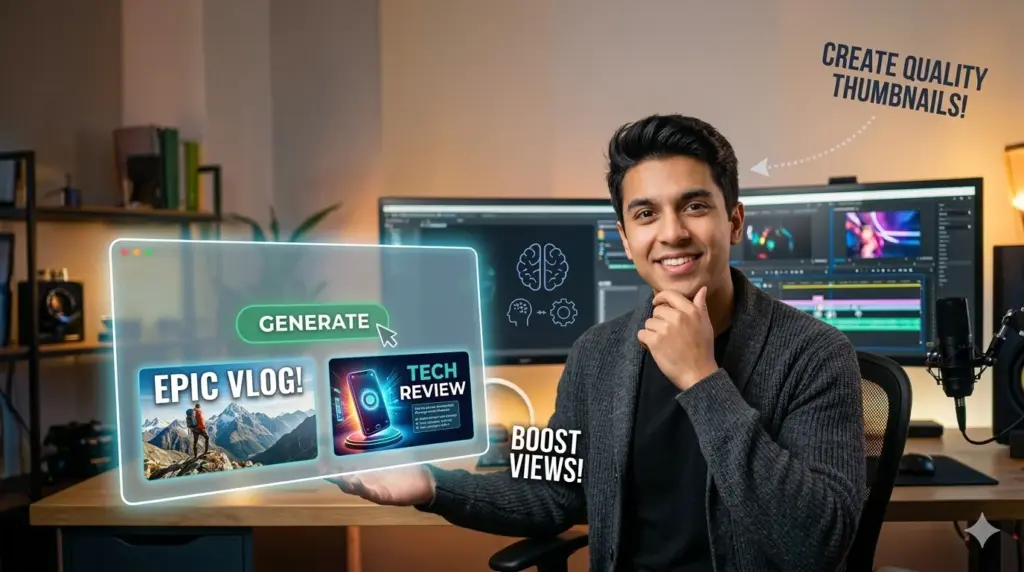
Your thumbnail is your shop window. AI doesn’t just make “nice” pictures; it uses data from millions of viral videos to choose colors and layouts that make people click.
- PickThumb: A specialized AI thumbnail generator that creates professional, viral-style visuals for YouTube and social media without needing design skills.
- Zoviz AI: A powerful image generator that allows you to turn complex script concepts into high-impact, scroll-stopping visuals in seconds.
- FlowPic: An all-in-one AI photo editor that allows you to generate and edit any image to make your thumbnail pop.
Hypnotype For Faceless Content: 3-Step Guide
Now that you’ve explored the content creation toolkit, let’s see how Hypnotype helps you stop editing frame-by-frame and start generating engagement instantly:
1. Drop Your Audio or Script into Hypnotype
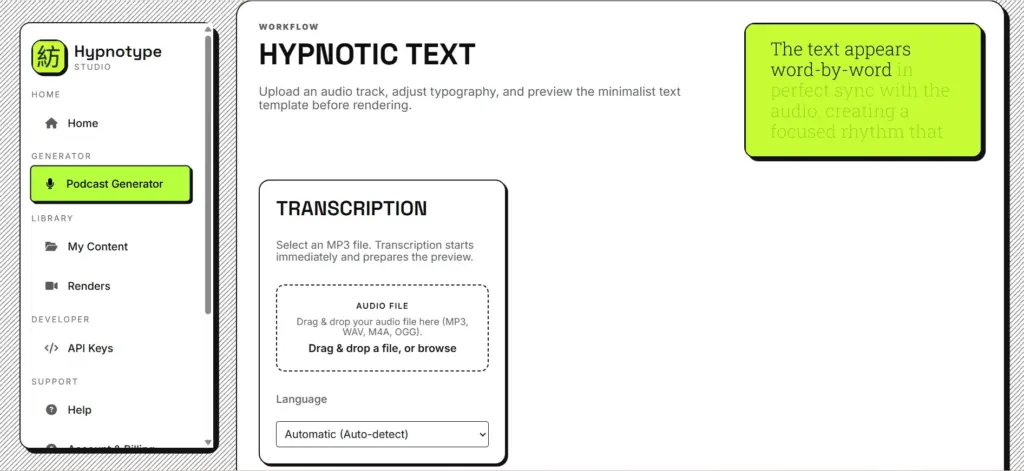
Simply upload your recorded voice file or paste your written text into the platform. The Hypnotype AI Sync Engine takes over the heavy lifting by handling the timing and transcription. It ensures frame-perfect accuracy for every single word, so your visuals match the audio perfectly without any manual dragging.
2. Select Your Visual Identity in Hypnotype
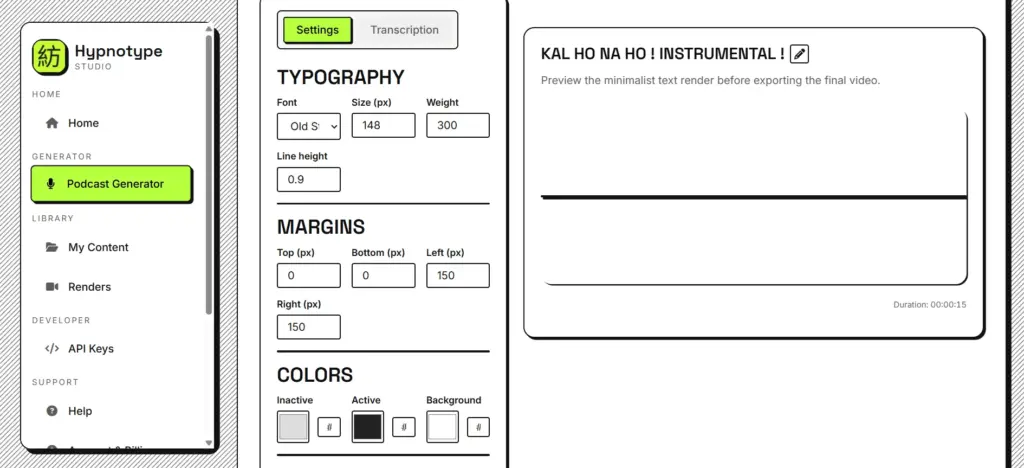
Choose a high-retention layout designed to keep eyes on the screen during busy social feeds. Within Hypnotype, you can easily customize colors and typography to match your brand’s unique voice. This ensures your video looks professional and stands out in a crowded digital space without needing a graphic designer.
3. Export & Dominate with Hypnotype
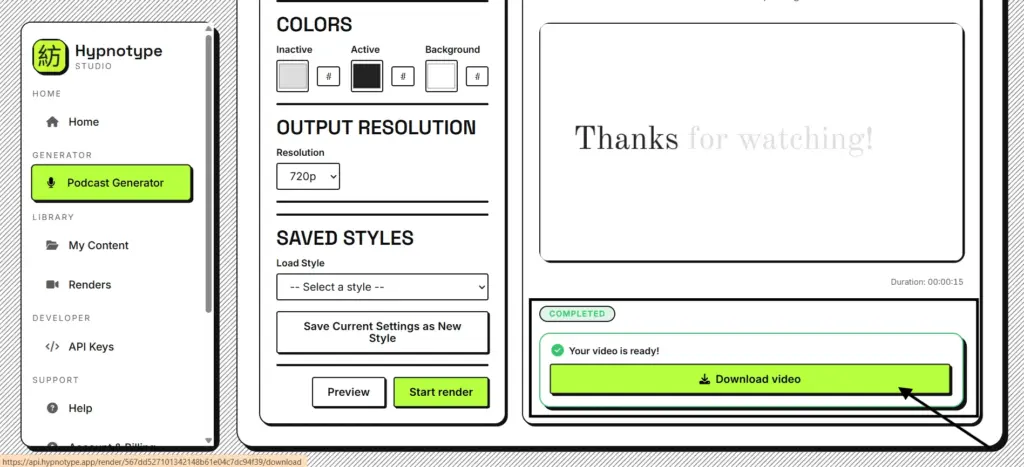
With one click, your high-definition MP4 is ready for YouTube, TikTok, or your sales page. Hypnotype removes all technical headaches, leaving you with a polished final product in minutes. Now you can spend your extra time planning your next viral hit or exploring new niches.
Niches That are “Printing Money” in 2026
Success in faceless video starts with choosing a popular and easy-to-automate niche. Here are the top categories where you can grow quickly this year:
- Trivia & Quiz Challenges: These are “binge-bait.” You can easily create “Guess the Flag” or general knowledge quizzes using simple image templates.
- Scary Stories & Urban Legends: Creepy narrations are evergreen. Use AI voices to read Reddit horror stories over dark, moody stock footage.
- Daily Motivational Quotes: Everyone loves a morning boost. Pair a powerful voiceover with high-quality landscape videos for quick, viral shorts.
- Life & Productivity Hacks: These solve real problems. Show simple screen recordings of AI tools or “how-to” slides to help people work faster.
- Rain & Ambient Soundscapes: This is the easiest niche to start. Just loop relaxing rain sounds with a beautiful AI-generated image for 8-hour videos.
Conclusion
The world of digital media has shifted toward efficiency. Today, the barrier to entry is lower than it has ever been. Anyone can start a channel with just a few AI tools. However, the barrier to keeping an audience is much higher now.
The real secret to success is “Curation over Creation.” You do not need to invent everything from scratch. You simply need to find the best ideas and use AI to present them beautifully.
By using a fast pipeline like Hypnotype, you stay ahead of the competition. This is the year of the smart creator, not the busy one. Focus on your workflow, and the growth will follow naturally.