Create Instant Splash Effects in Photoshop for Free

TL;DR

  • Add bold splash & spatter effects instantly
  • 12 high-resolution brush tips included
  • Works with your existing Photoshop tools
  • One-click install, no design skills needed
  • 100% free, unlimited personal & commercial use

Quick Overview

Best for:

  • Freelancers
  • Graphic Designers
  • Print-on-Demand Sellers

Compatibility:

  • Browser Support:
    Brave, Chrome, Edge, Firefox, Safari
  • Operating Systems:
    Android, Browser Based, iOS, Linux, MacOS, Windows
  • Integrations:
    Adobe Photoshop

You’ve got the right photo, the right layout, the right colors, but something’s still missing.


It needs energy to grab attention.


Most people reach for a stock texture pack, spend an hour hunting for the right one, then spend another hour making it look right.


That’s time you don’t have.


Introducing –


Free Photoshop Splatter Brushes

A set of 12 ready-to-use ink splash and paint spatter brushes for Adobe Photoshop.


One click adds a bold, hand-painted splash to any layer- no drawing, no drips to fake, no hours lost.


Use them to:

  • Make a product photo pop on social media
  • Add energy to a poster or event flyer
  • Give a logo or title a hand-painted edge
  • Break up a plain background in seconds


You stay in Photoshop, using the tools you already know.


No new software, no learning curve.


This freebie was created by Eldar Zakirov.

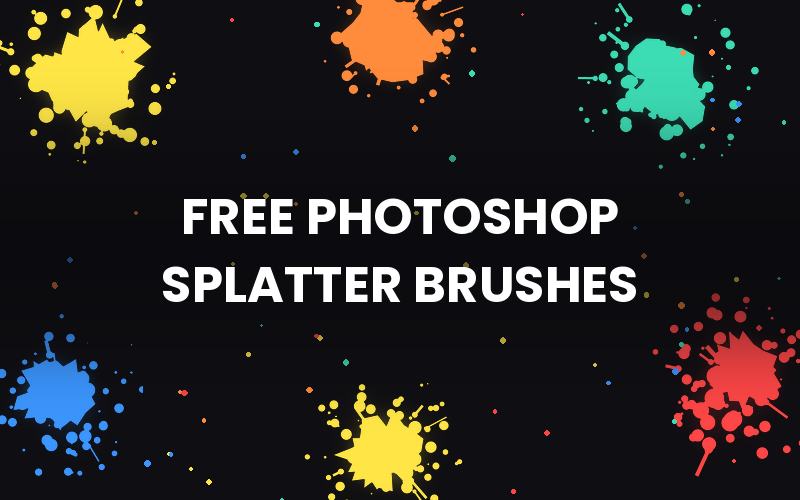
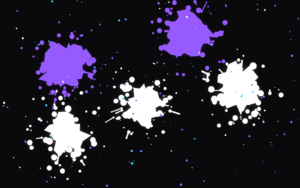
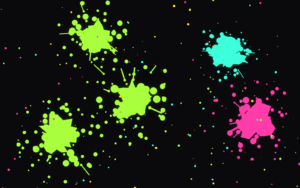
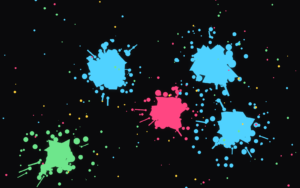
Preview of the Free Photoshop Splatter Brushes

Vivid Splash Mix
Neon Splash Burst
Electric Splash Preview
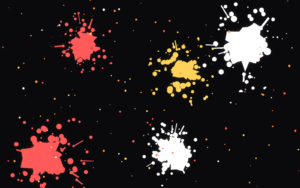
Warm Splash Colors

Specifications:

  • 12 Hi-Res Brush Tips
  • File Format: ABR (Photoshop Brush File)
  • Compatibility: Adobe Photoshop CS6 and newer
  • Use: Digital & print projects
  • License: Free for personal and commercial use
  • Download: Instant, free

These Free Photoshop Splatter Brushes are Best for:

  • Freelancers
  • Graphic Designers
  • Print-on-Demand Sellers
Download Now
Limited Time Deal

Deal Terms

  • Available as instant download after completing your purchase
  • Can be used for unlimited Personal and Commercial Purposes
  • End products must not be used or sold in a way that is directly competitive with the original item
  • Cannot be sublicensed, resold, shared, transferred, or otherwise redistributed on their own

Frequently Asked Questions

Find Answers to common questions about the Free Photoshop Splatter Brushes

How many brushes are included in this bundle?

12 high-resolution splatter and spatter brush tips.

What Photoshop version do I need?

These brushes works in Photoshop CS6 and newer, plus Photoshop Elements and Adobe Fresco.

How do I install ABR brushes in Photoshop?

Open the Brushes panel, click the menu icon, choose Import Brushes, and select the file.

Can I change the color of the brushes?

Yes. They're grayscale tips, so they take on any foreground color you set.

Customer Feedback

Customer Reviews (0) Customer Q&A (0)

No Reviews Yet

Be the first to try this deal and share your experience.

You must purchase this product to leave a review.

Be The First To Ask

Get clarity before you buy—your question might help others too.

×

You Might Also Like

Download Now
Scroll to Top