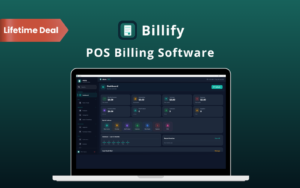
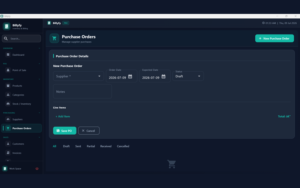
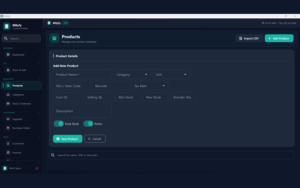
See Your Business Activity at a Glance:
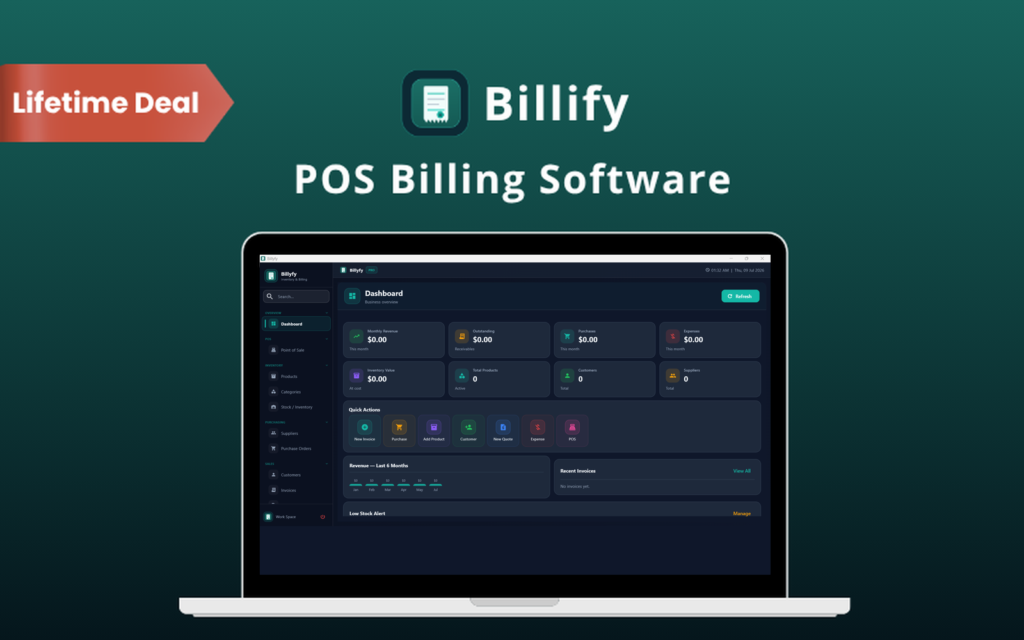
- View sales, purchases, expenses, and stock value from the dashboard
- Check recent activity and your business summary
- Review key figures without opening each individual record
Scattered records make billing and stock tracking harder than they need to be.
Bring your daily business tasks together with Billify.
Billify is an inventory, billing, & point-of-sale software for Windows.
It helps you manage everyday sales and stock from a single desktop workspace.
Your business data stays in a local database on your computer. No external database server is required.
Step 1 – Install & Activate
Download Billify, install it on a supported Windows computer, and enter your license key.
Step 2 – Add Your Business Records
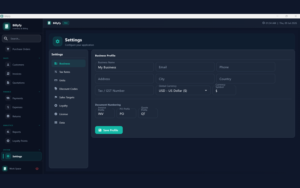
Add your products, prices, stock details, customers, and suppliers.
Step 3 – Start Billing & Tracking
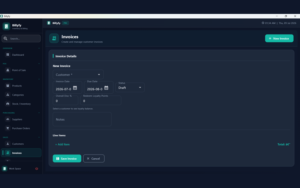
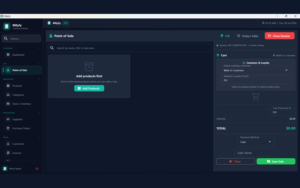
Create invoices or process POS sales, record payments, and monitor your stock.
Step 4 – Review & Back Up
Check your reports and export backups of your business records.
| Software Type | Inventory, billing, and POS desktop software |
|---|---|
| Supported Systems | Windows 10 64-bit and Windows 11 64-bit |
| Processor | Intel or AMD dual-core 2.0 GHz or better |
| Memory | 4 GB RAM minimum; 8 GB recommended |
| Storage | At least 1 GB of free disk space |
| Display | 1366 × 768 minimum; 1920 × 1080 recommended |
| Internet | Required for license activation and verification |
| Database | Local SQLite database |
| External Database Server | Not required |
| Additional Setup | No separate Python or manual package installation required |
| Access | Lifetime access with a one-time payment |
| Updates | Free updates |
Choose the perfect plan for your needs.
| Plans & Features |
1 Device
|
5 Devices
|
10 Devices
|
|---|---|---|---|
|
$29
$15
Buy Now
|
$60
$29
Buy Now
|
$120
$49
Buy Now
|
|
| Licensed Devices |
1 |
5 |
10 |
| Dashboard & Business Summary | |||
| Product & Barcode Management | |||
| Inventory & Low-Stock Tracking | |||
| Point of Sale | |||
| Invoices & PDF Generation | |||
| Quotations & Invoice Conversion | |||
| Purchase Orders | |||
| Customer & Supplier Records | |||
| Full & Partial Payment Tracking | |||
| Expense & Return Tracking | |||
| Reports With Date Filters | |||
| Discount Codes & Loyalty Points | |||
| Database & Excel Backups | |||
| Backup Restore |
Find Answers to common questions about Billify
Yes. Daily billing, inventory, and reporting use the local database on your computer. Whereas, internet access is required for license activation & verification.
Your data is stored in a local SQLite database on your computer. You do not need an external database server.
Yes. You can export database and Excel backups, then import backup data when needed.
Yes. You can record full or partial invoice payments, including payment methods, references, and history.
Be the first to try this deal and share your experience.
You must purchase this product to leave a review.
Get clarity before you buy—your question might help others too.
All, Browser Based, Human Assistance, Invoicing & Payment, Lifetime, Marketplace, Operating System, Subscription Type, Tools & Software
All, Browser Based, Business Management, Invoicing & Payment, Lifetime, Marketplace, Operating System, Subscription Type, Templates & Kits, Tools & Software

All, Annual Subscription, Browser Based, Invoicing & Payment, Marketplace, Operating System, Subscription Type, Tools & Software
All, Browser Based, Invoicing & Payment, Lifetime, Marketplace, Operating System, Subscription Type, Tools & Software
Deal Terms