Home > All > Operating System > Windows > Freebie Bundle – 22 Awesome Black and White Photoshop Actions

Freebie Bundle – 22 Awesome Black and White Photoshop Actions

TL;DR

  • Manipulate your photos like a pro
  • Speed up your editing process
  • Create photos for the everlasting imprints
  • Automate your work
  • Improve your efficiency
  • Keep the original photos untouched

Embrace the joy of monochrome into your photos with these amazing black and white photoshop actions

22 Free Black and White Photoshop Actions 

This bundle will miraculously transform your color photos into bold and impressive black & whites.

These actions will help to:

  • Manipulate your photos like a pro
  • Speed up your editing process
  • Create photos for the everlasting imprints
  • Automate your work
  • Improve your efficiency
  • Keep the original photos untouched

Specifications

  • 22 Photoshop Actions
  • File Format – ATN, readme.jpg
  • Instant Download
  • Commercial License

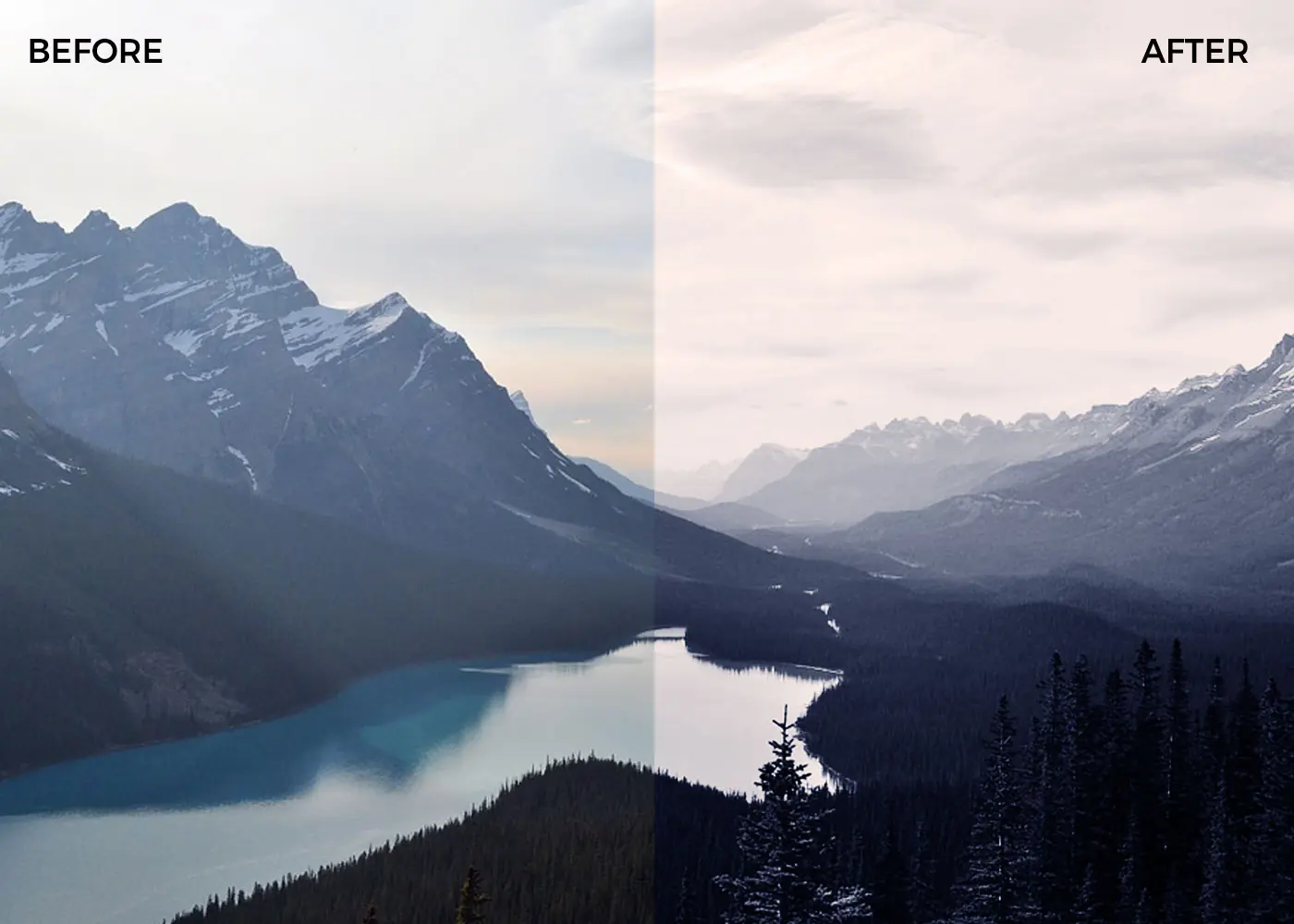
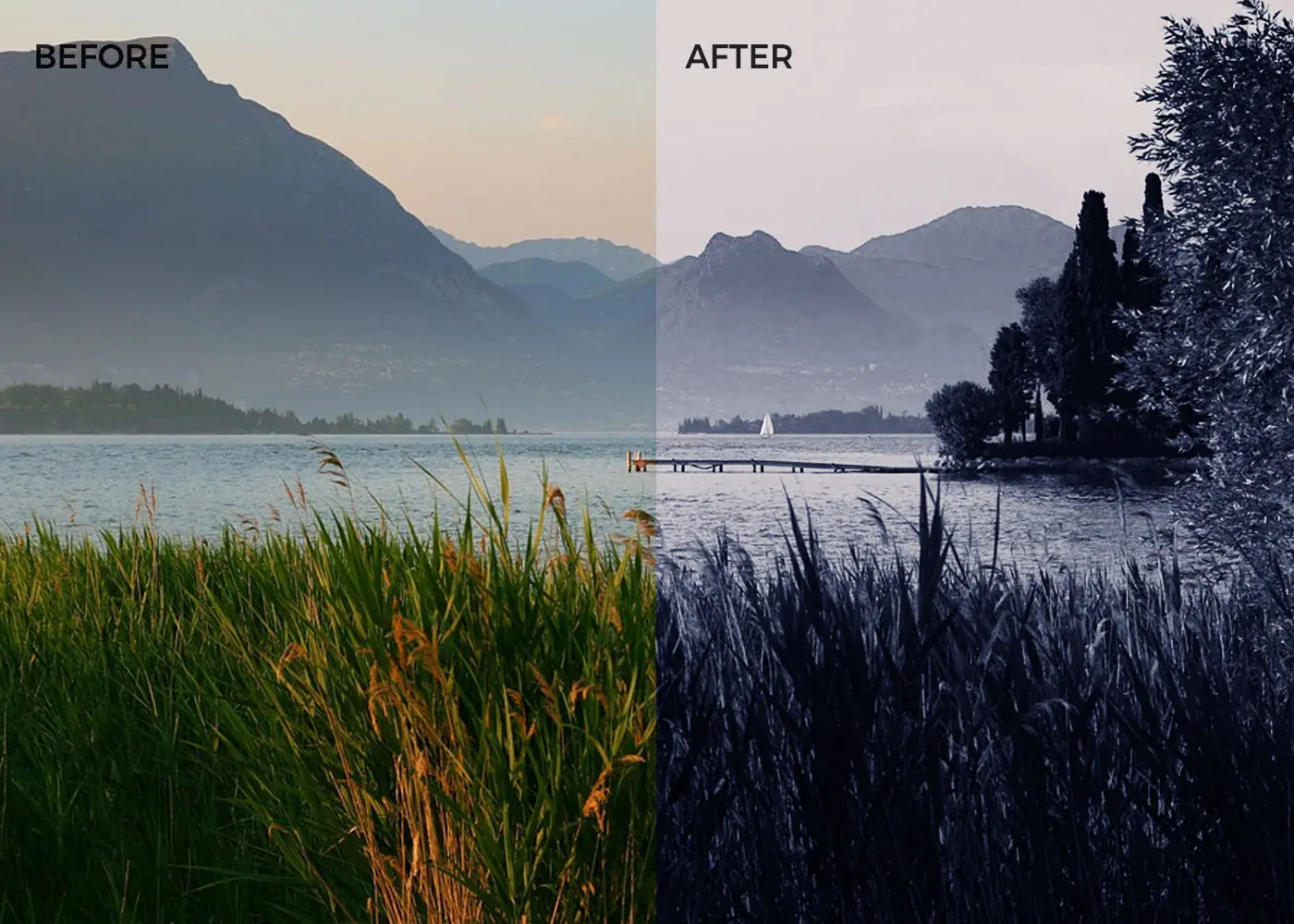
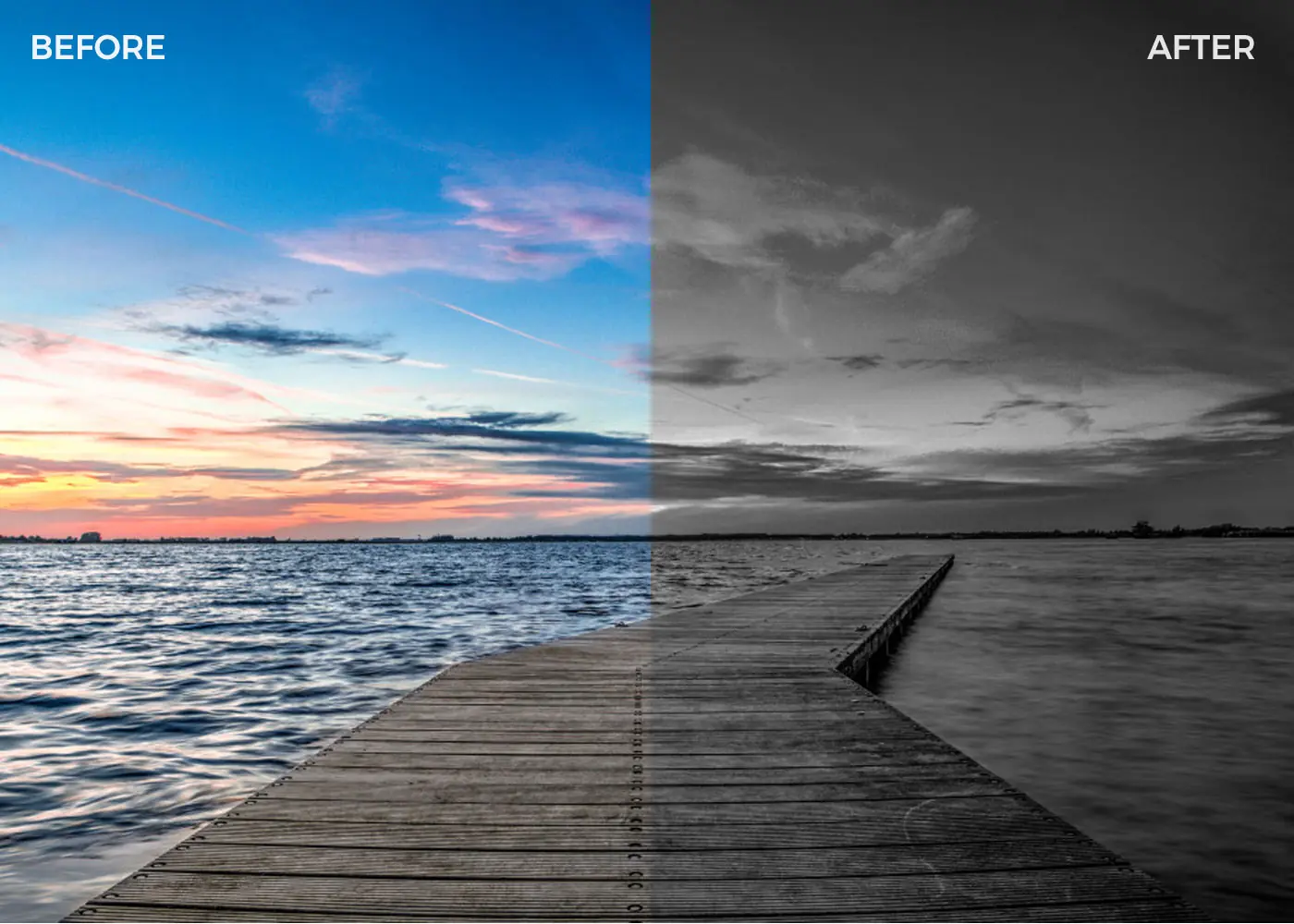
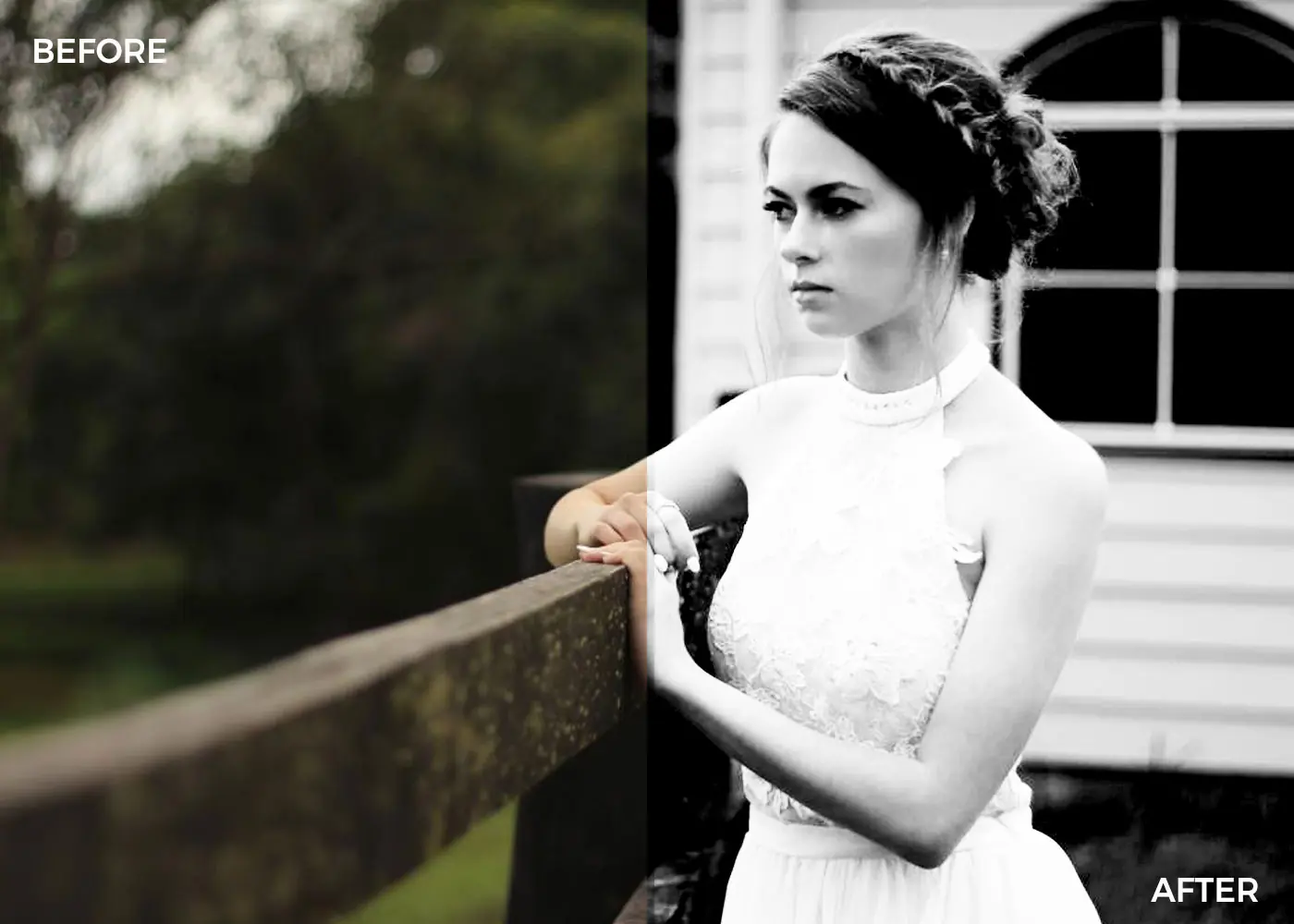
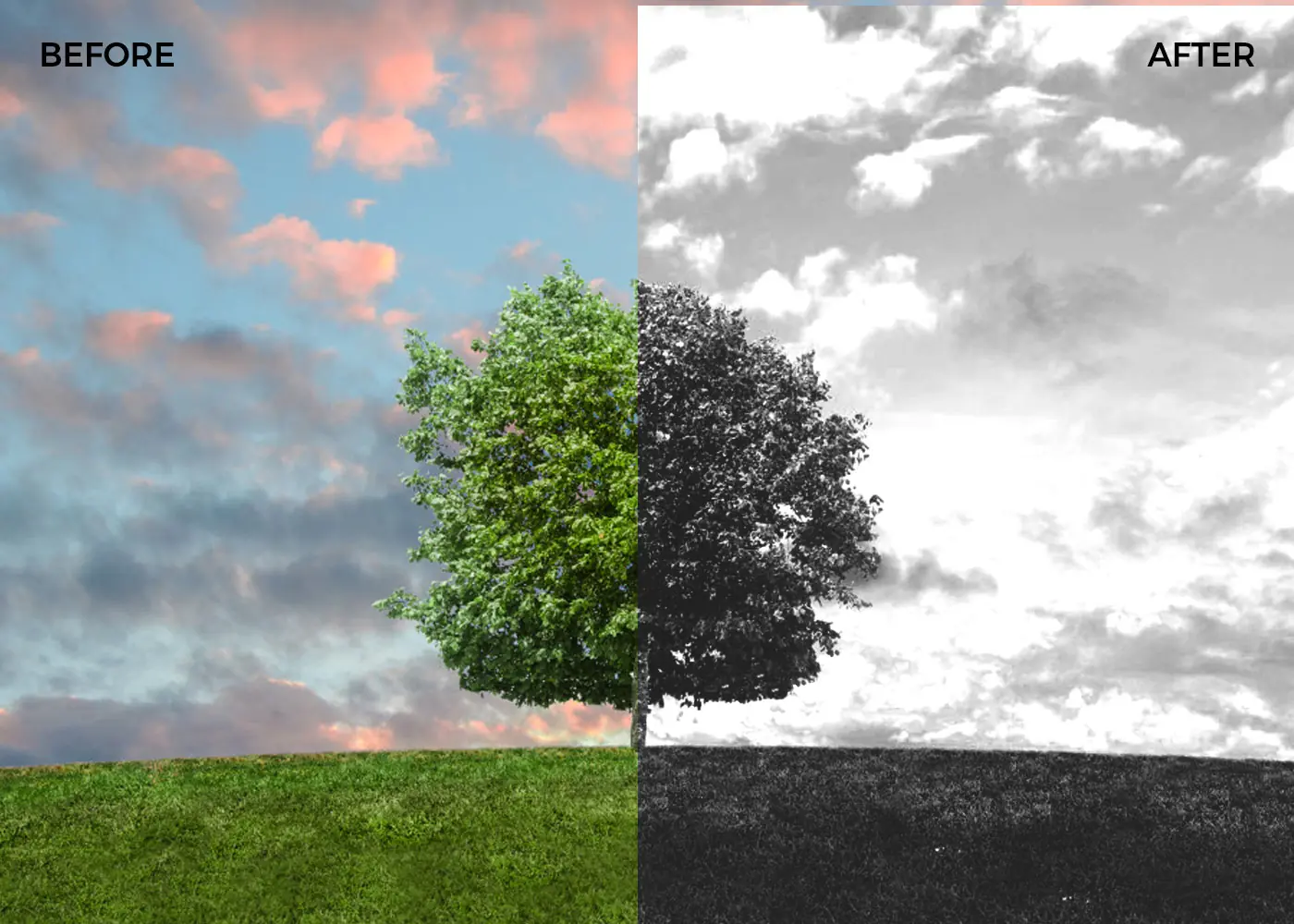
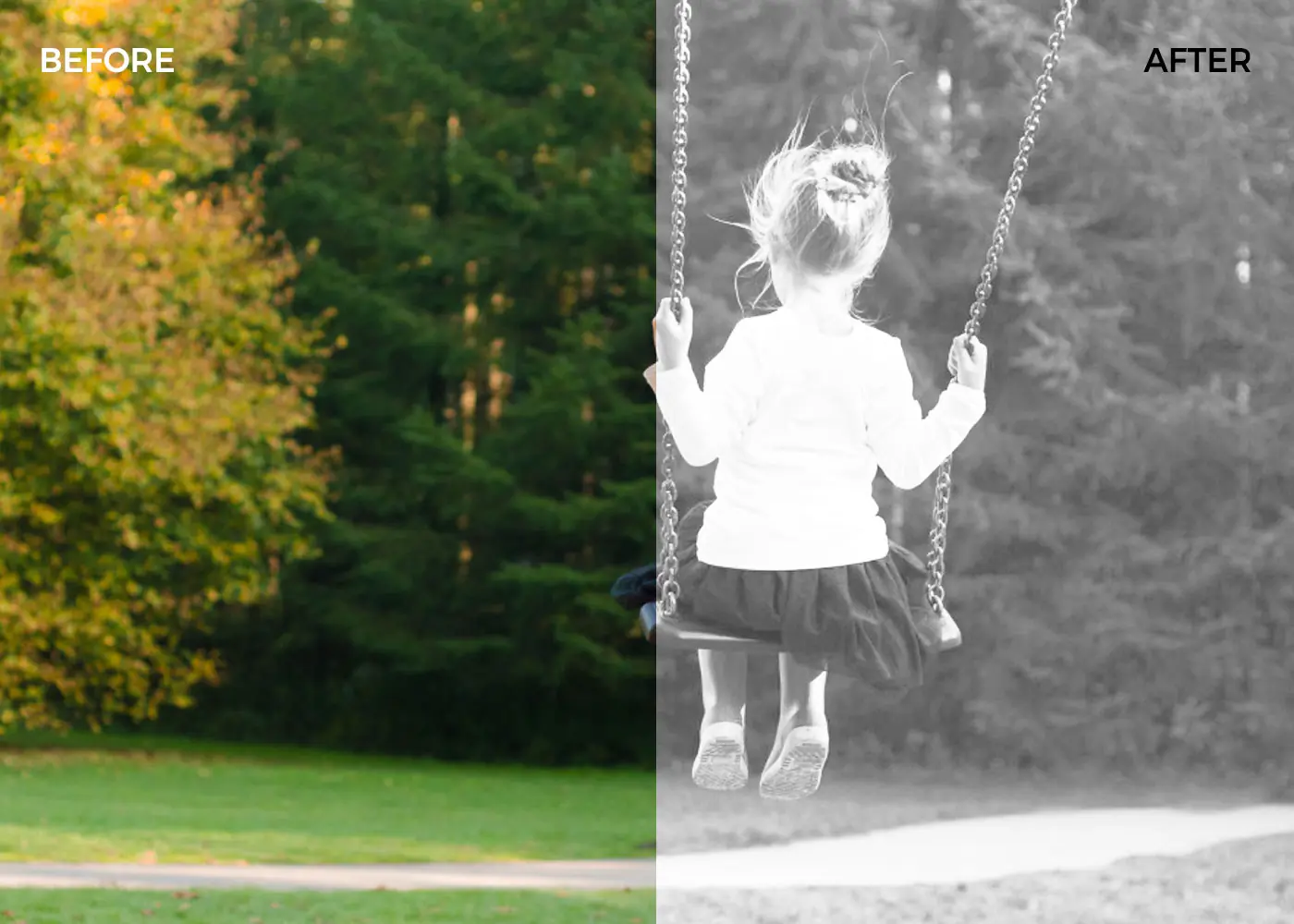
Preview of Black and White Photoshop Actions:
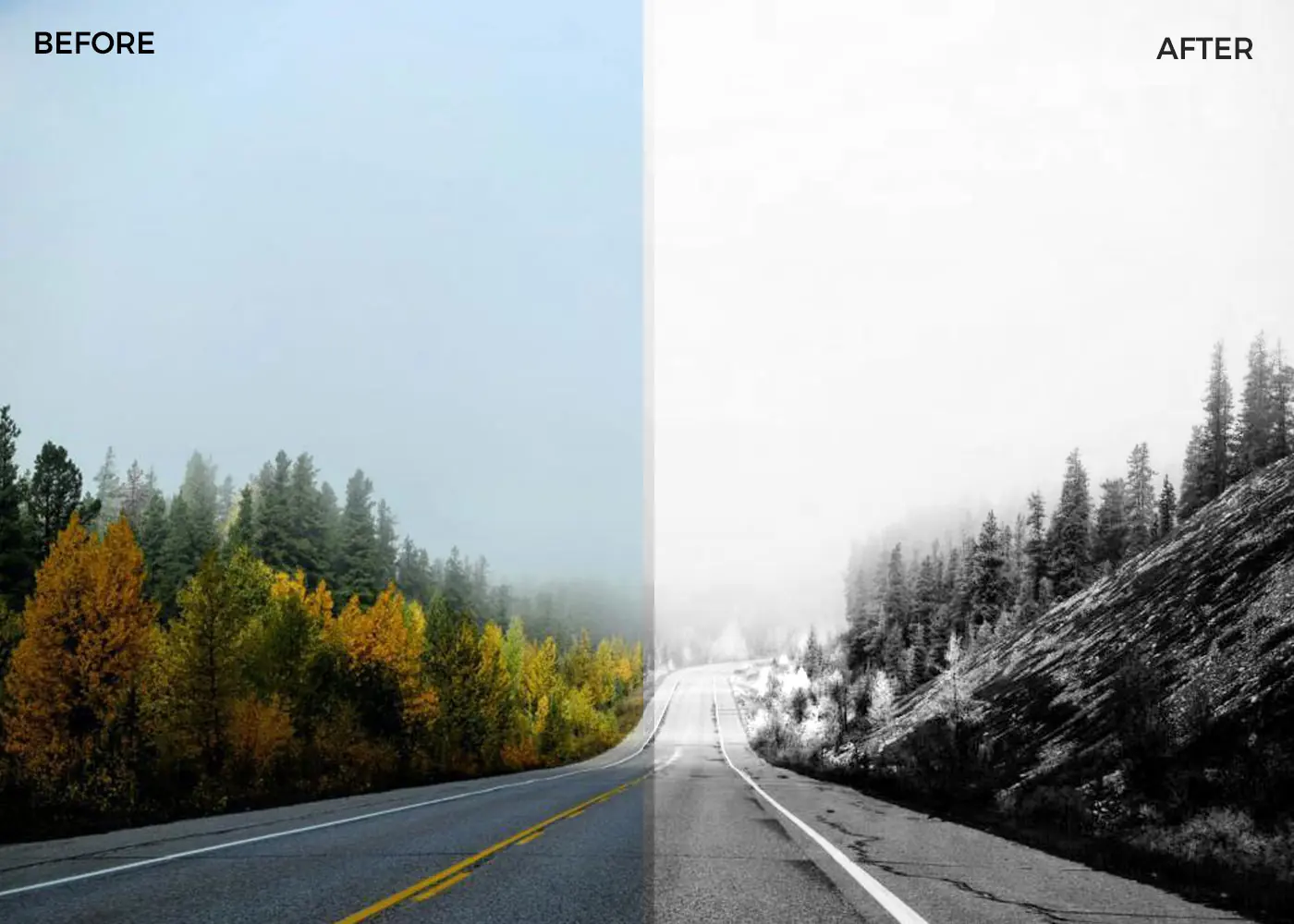
Use of Black and White Photoshop Actions for Nature Photo Black and white Photoshop actions on grassland Black and white Photoshop action applied on a mountain sceneries Black and white Photoshop actions on a lake scenery Photoshop action applied on a girl Black and white Photoshop action applied on a pier Black and white Photoshop actions -dark Black and white Photoshop actions -heavy Old effect to Photos with Black and white Photoshop actions Sunny effects with Photoshop Actions

Key Features of These Photoshop Actions

  • Non-destructive actions- These actions keep the original image intact.
  • Arrangement – All layers created during the process are automatically arranged in a Group Folder.
  • Adjustment layers used- It gives you the chance to change the values in your way.

Six benefits of using photo effects:

  • It improves and enhances the quality of your pictures in many different ways.
  • It helps to cheat the eyes of some viewers who don’t stare for long at your image.
  • It gives emphasis to your subject. Once a viewer looks at your photo, he immediately notices what you want them to see.
  • It makes the picture attractive. It not only gets the attention of the people but it also boomerangs to you as the photographer.
  • It turns out your picture like a work of an expert photographer.
  • It gives your images a professional look.

How to load ATN files in Photoshop:

  • STEP 1: First, you’ll need some actions to work with and we just so happen to have a great selection to choose from.
  • STEP 2: After you’ve downloaded the zip file containing your actions, you’ll need to unpack the contents of the file. This should reveal the folders containing the .ATN file for your new actions with preview images.
  • STEP 3: You can either drag this file directly into your Photoshop window, or you can use the action panel dropdown in Photoshop to select your .ATN file and load your actions.
  • STEP 4: That’s it! Once your actions are loaded in Photoshop, you’re ready to go.

Grab these bold & free Photoshop actions Today! Check out more freebies here

Save

Deal Terms 

How do I download these Photoshop actions?
These photoshop actions pack is delivered as an instant download after completing your purchase.

Is Lifetime Access available for these backgrounds?
Yes, Lifetime Access is available for these elements.

Which license is available for this bundle?
These photoshop actions come with an extended license.
Hence, they can be used for unlimited personal and commercial purposes.

What are the terms of use for this bundle?
– The end products must not be used or sold in a way that is directly competitive with the original item you have purchased.
– This yellow background collection cannot be sublicensed, resold, shared, transferred, or otherwise redistributed on their own.

Rated 5.00 out of 5 based on 3 customer ratings
(3 customer reviews)

Embrace the joy of monochrome into your photos with these amazing black and white photoshop actions

22 Free Black and White Photoshop Actions 

This bundle will miraculously transform your color photos into bold and impressive black & whites.

These actions will help to:

  • Manipulate your photos like a pro
  • Speed up your editing process
  • Create photos for the everlasting imprints
  • Automate your work
  • Improve your efficiency
  • Keep the original photos untouched

Specifications

  • 22 Photoshop Actions
  • File Format – ATN, readme.jpg
  • Instant Download
  • Commercial License

Preview of Black and White Photoshop Actions:
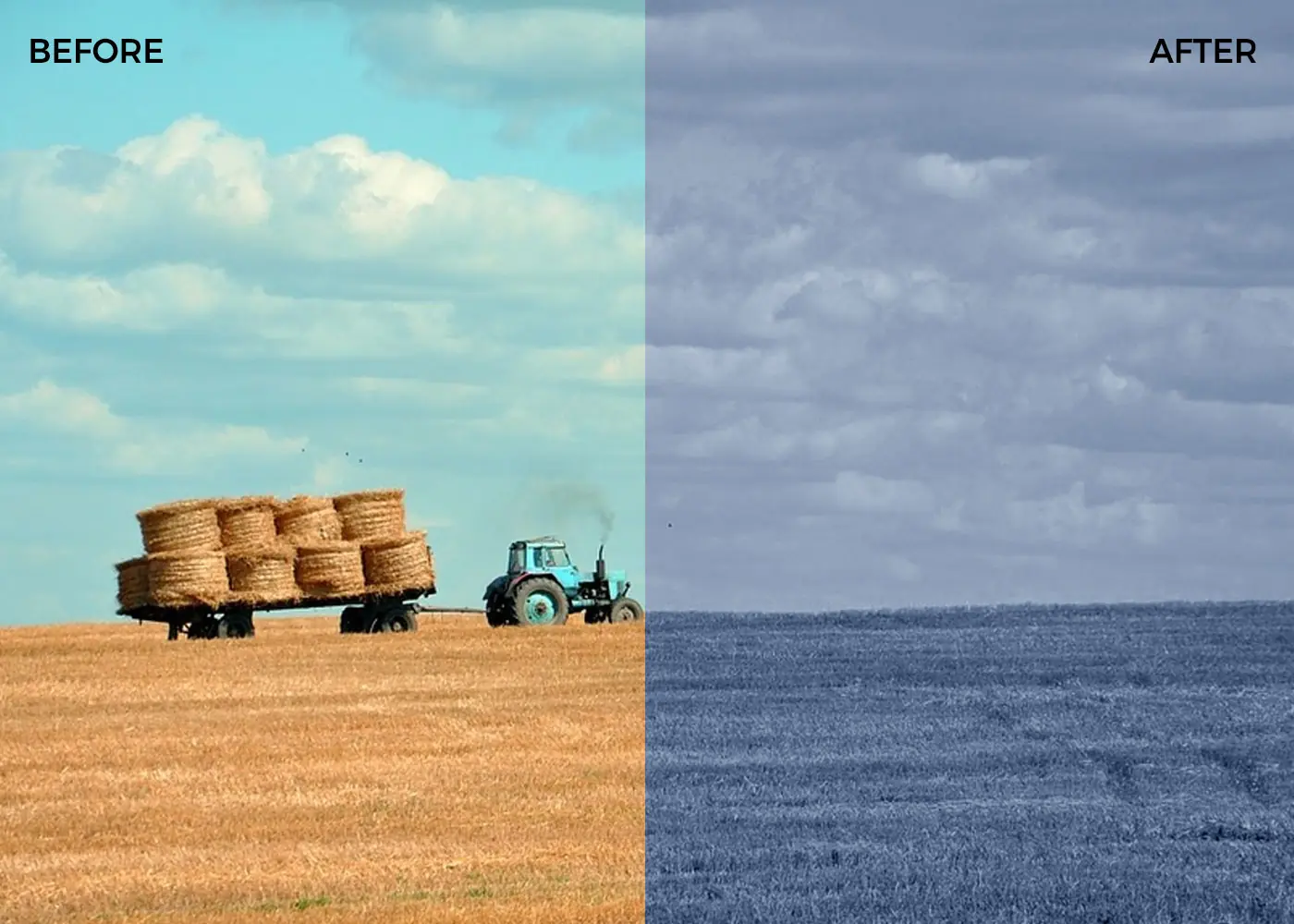
Use of Black and White Photoshop Actions for Nature Photo Black and white Photoshop actions on grassland Black and white Photoshop action applied on a mountain sceneries Black and white Photoshop actions on a lake scenery Photoshop action applied on a girl Black and white Photoshop action applied on a pier Black and white Photoshop actions -dark Black and white Photoshop actions -heavy Old effect to Photos with Black and white Photoshop actions Sunny effects with Photoshop Actions

Key Features of These Photoshop Actions

  • Non-destructive actions- These actions keep the original image intact.
  • Arrangement – All layers created during the process are automatically arranged in a Group Folder.
  • Adjustment layers used- It gives you the chance to change the values in your way.

Six benefits of using photo effects:

  • It improves and enhances the quality of your pictures in many different ways.
  • It helps to cheat the eyes of some viewers who don’t stare for long at your image.
  • It gives emphasis to your subject. Once a viewer looks at your photo, he immediately notices what you want them to see.
  • It makes the picture attractive. It not only gets the attention of the people but it also boomerangs to you as the photographer.
  • It turns out your picture like a work of an expert photographer.
  • It gives your images a professional look.

How to load ATN files in Photoshop:

  • STEP 1: First, you’ll need some actions to work with and we just so happen to have a great selection to choose from.
  • STEP 2: After you’ve downloaded the zip file containing your actions, you’ll need to unpack the contents of the file. This should reveal the folders containing the .ATN file for your new actions with preview images.
  • STEP 3: You can either drag this file directly into your Photoshop window, or you can use the action panel dropdown in Photoshop to select your .ATN file and load your actions.
  • STEP 4: That’s it! Once your actions are loaded in Photoshop, you’re ready to go.

Grab these bold & free Photoshop actions Today! Check out more freebies here

Save

Deal Terms 

How do I download these Photoshop actions?
These photoshop actions pack is delivered as an instant download after completing your purchase.

Is Lifetime Access available for these backgrounds?
Yes, Lifetime Access is available for these elements.

Which license is available for this bundle?
These photoshop actions come with an extended license.
Hence, they can be used for unlimited personal and commercial purposes.

What are the terms of use for this bundle?
– The end products must not be used or sold in a way that is directly competitive with the original item you have purchased.
– This yellow background collection cannot be sublicensed, resold, shared, transferred, or otherwise redistributed on their own.

Reviews

  1. Rated 5 out of 5

    celea

    Awsome!!

  2. Rated 5 out of 5

    [email protected]

    These actions will definetely speed up your work process as the work is done for you automatically within moments. The great advantage is the non-destructive process. Get this pack of actions, use it, be happy!

  3. Rated 5 out of 5

    Kirk

    Everything i wanted and more

Only logged in customers who have purchased this product may leave a review.

30 Day Refund Policy
For support contact: [email protected] 

Want to save another 25% on this deal?

Join DealClub

    No Q&A available yet.

    Rated 5 out of 5
    Everything i wanted and more
    Rated 5 out of 5
    These actions will definetely speed up your work process as the work is done for you automatically within moments. The great advantage is the non-destructive process. Get this pack of actions, use it, be happy!
    Rated 5 out of 5
    Awsome!!

    Only logged in customers who have purchased this product may leave a review.

Related Products

Scroll to Top