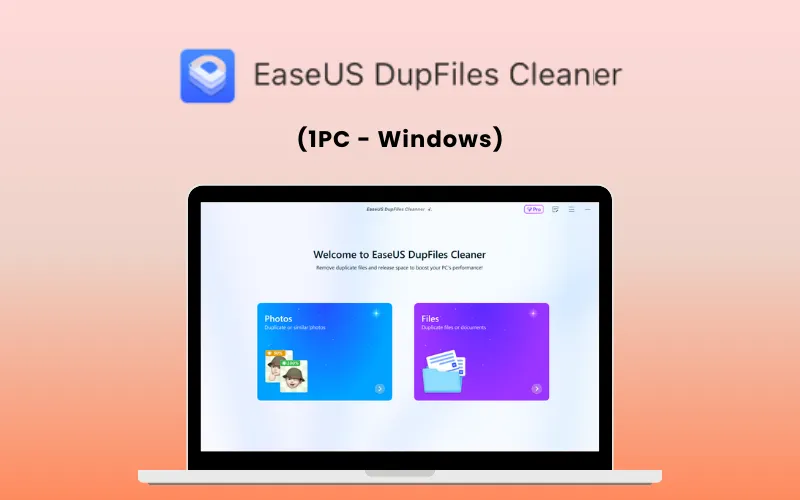
EaseUS DupFiles Cleaner – (1PC – Windows) – Clear Duplicate Files & Reclaim Storage

Vendor: EaseUS

TL;DR

  • Detect and Delete duplicate and similar files
  • Frees up valuable storage and improves your PC’s speed and organization
  • Save hours of manual sorting by automating duplicate file detection
  • Supports scanning for duplicates in synced Google Drive, Dropbox, and Synology NAS folders

Quick Overview

Alternative to:

  • AllDup
  • Auslogics Duplicate File Finder
  • Czkawka
  • dupeGuru

Best for:

  • Business Owners
  • Content Creators
  • Freelancers
  • Graphic Designers
  • Photographers
  • Researchers
  • Students
  • Videographers

Compatibility:

  • Operating Systems:
    Windows

Tired of sorting through similar photos, identical audio clips, or repeated project files? Clean up your creative workspace in minutes with EaseUS DupFiles Cleaner (1PC – Windows)


What is EaseUS DupFiles Cleaner?


EaseUS DupFiles Cleaner is a smart Windows tool that helps find and remove duplicate files. It is helpful in –

  • Freeing up disk space
  • Organizing your file collection
  • Improving your PC’s performance


It can be used to –

  • Find similar images
  • Compare documents
  • Sort similar videos
  • Clean up unwanted system files


EaseUS DupFiles Cleaner supports Windows 7, 8, 10, and 11 operating systems.


It is handy for anyone managing massive file collections across multiple devices or cloud sync setups.


Whether it’s repeated photos, similar documents, or duplicate music tracks, EaseUS DupFiles Cleaner makes file management smarter and simpler.


How To Use EaseUS DupFiles Cleaner?

  • Choose to Scan Photos or Files
  • Select Folders/Disk to Scan
  • Scan for Duplicates or Similars
  • Remove Duplicate Files

Features of EaseUS DupFiles Cleaner:

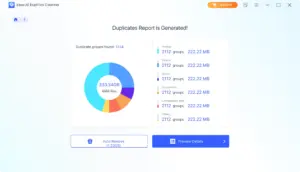
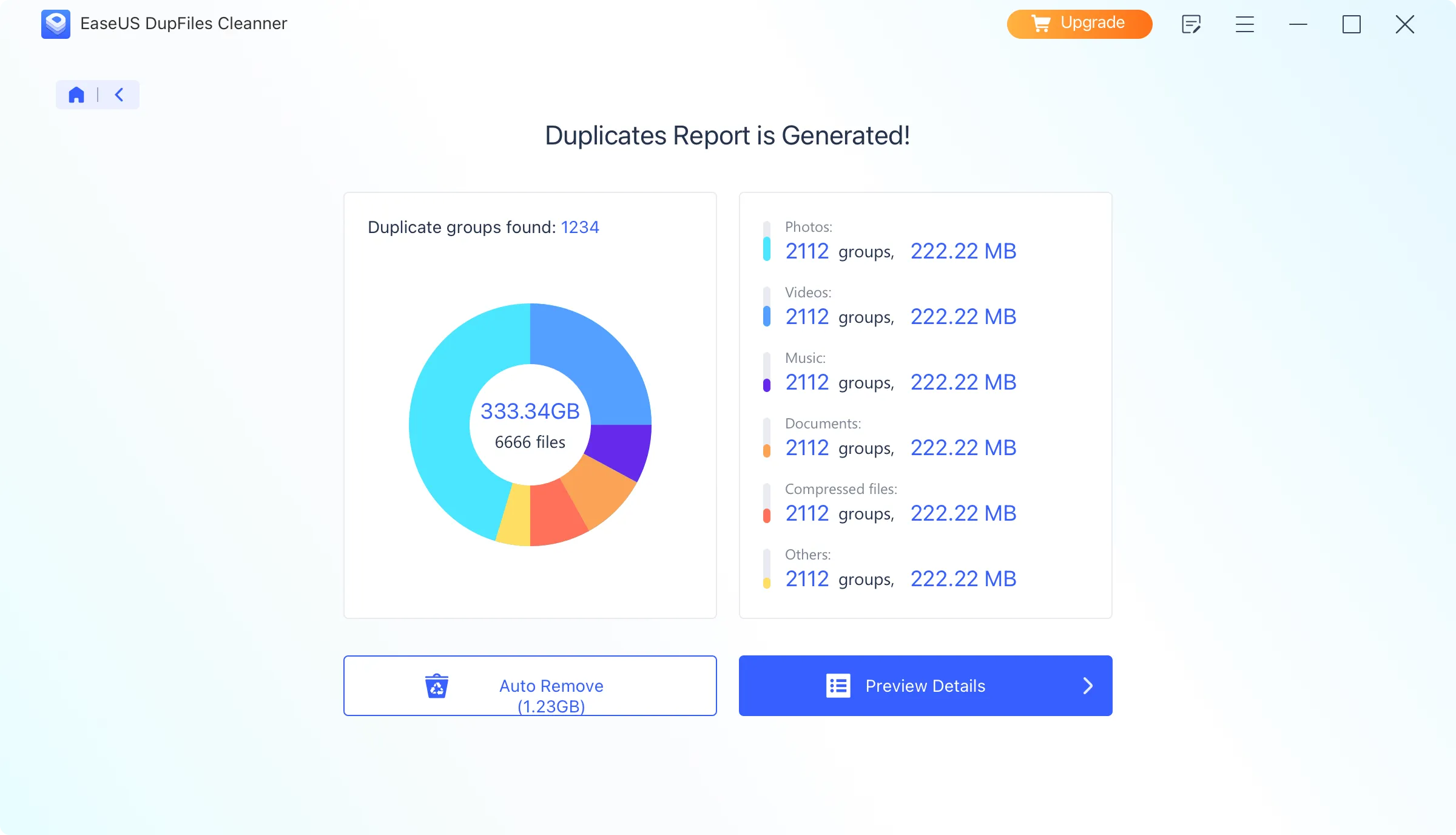
<b>Duplicate Files Report</b>

Find & Clean Duplicate Files:

  • Scan, locate, and delete duplicate documents, videos, images, audio, and archives on your computer.
  • Detect duplicates in local folders downloaded from cloud services like Google Drive and Dropbox.
  • Optimize storage space, improve syncing performance, and keep cloud-synced files organized.
  • Scan similar or duplicate files on system drives.
  • Find similar compressed files, including ZIP, RAR, and other archive formats, and remove unwanted copies.
  • Note: Direct scanning of duplicates stored in the cloud is not currently supported.
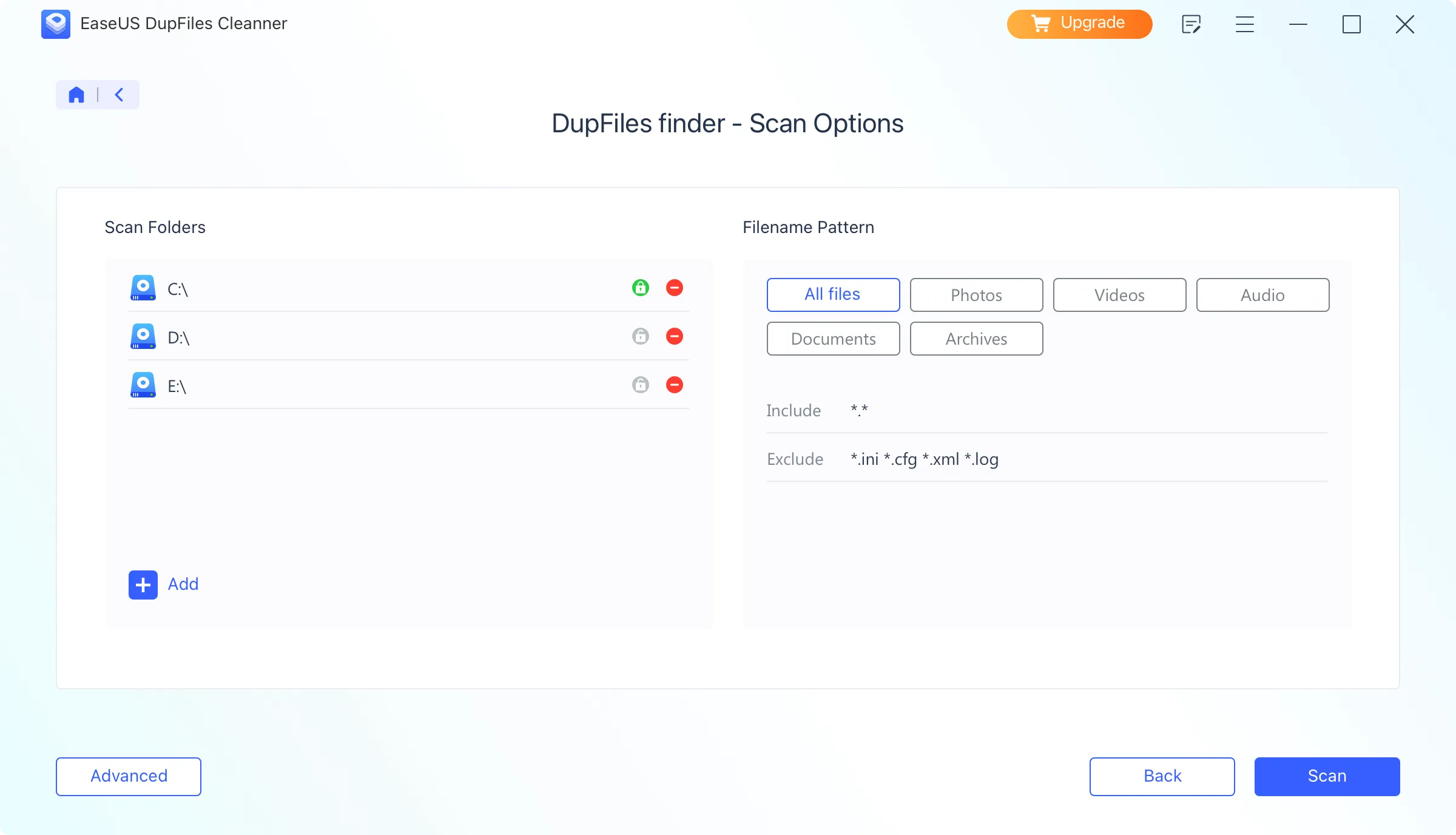
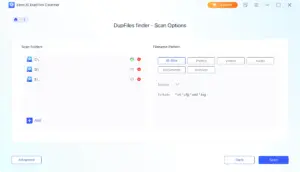
<b>File Scan Options</b>

Compare & Organize Similar Files:

  • Find similar photos, group them together, automatically mark the best ones, and delete unwanted images.
  • Sort similar videos and identify duplicate music files.
  • Search for and remove duplicate music and audio files.
  • Spot similar documents, view their locations, preview differences, and delete unwanted versions.

Additional Features:

  • Secure and User-Friendly Interface.
  • Multiple Scan Locations.
  • Quick & Customizable Scanning.
 

Why Choose EaseUS DupFiles Cleaner?

  • Find duplicate files faster – Scan your folders and drives to identify unnecessary copies.
  • Free up storage space – Remove duplicates and reclaim valuable disk space.
  • Clean up photo collections – Find duplicate and similar images without checking them one by one.
  • Organize large file libraries – Reduce clutter across documents, videos, audio, and other files.
  • Scan external storage – Check HDDs, SSDs, USB drives, and other connected storage devices.
  • Target specific locations – Scan selected folders or drives instead of searching your entire PC.
  • Review files before deleting – Check detected duplicates and choose what you want to remove.
  • Manage growing media libraries – Keep large collections of photos, videos, and audio files easier to manage.
  • Reduce file clutter – Remove unnecessary copies and make important files easier to find.
  • Keep your Windows PC cleaner – Maintain a more organized storage system with less duplicate data.
 

Supported File Types:

  • Office Documents: DOC/DOCX, XLS/XLSX, PPT/PPTX, CWK, HTML/HTM, INDD, EPS, RTF, EPUB, PDF, CHM, CSV, TXT, DOTM, THMX, and so on.
  • Audio: MP3, AIF/AIFF, M4A, WMA, WAW, APE, MID/MIDI, VQF, OGG, AAC, WAV, FLAC, DTS, and other audio formats.
  • Video: AVI, MOV, MP4, M4V, 3GP, 3G2, WMV, MKV, ASF, FLV, FLA, AMV, F4V, SWF, MPG, RM/RMVB, MPEG, TS, VOB, MTS, DV, etc.
  • Photo: JPG/JPEG, TIFF/TIF, PNG, BMP, GIF, PSD, WEBP, CRW, RGB, CR2, NEF, ORF, SR2, MRW, DCR, WMF, RAW, SWF, SVG, RAF, DNG, ERF, ICO, DSC, etc.
  • Others: ASPX, CGI, ELM, IGY, IQY, JSP, LDB, MHT, MHTML, PHP, and more.
 

Supported Storage Devices:

  • Computer/laptop
  • SD/Memory Card/TF Card
  • USB flash drive, memory stick
  • HDD/SSD/Digital Camera/Music Player/Camcorder/RAID/Floppy Disk, Action Camera, Drone Camera, Dashcam
 

System Requirements:

  • Operating Systems: Windows 11/10/8.1/8/7
  • File systems: NTFS (Windows only), exFAT, and FAT16/FAT32.

Best For:

  • Business Owners
  • Content Creators
  • Freelancers
  • Graphic Designers
  • Photographers
  • Researchers
  • Students
  • Videographers

Choose Your Plan

Perpetual
Perpetual
Original price was: $69.95.Current price is: $38.47.
Lifetime Upgrades
Original price was: $99.95.Current price is: $59.97.
With DealClub
$32.69
$69.95
Without DealClub
$38.47
$69.95
Buy Now
Limited Time Deal

Deal Terms

  • Access via redemption of coupon code
  • 14-Day Coupon Code Validity
  • One Coupon Code for one user/account
  • Coupon Codes are not stackable
  • For New Users Only
  • Perpetual Plan - Major Updates Charged
  • Lifetime Upgrades Plan - Free Updates
  • Free Support
  • Accessible only on Windows Desktops

Customer Testimonials

The software is excellent. Does exactly what is says it does. Used PC Transfer to migrate files, apps from an old laptop to new. Seamlessly successful! I needed assistance from customer support afterwards regarding a billing matter and received quick and attentive help from Warren at the company. It was a pleasant experience overall. I think their products are excellent!

-TILA Gaming

I'm blown away by this computer file recovery software! I thought I'd lost all my important documents after a hard drive crash, but this tool did an incredible job of recovering everything. The interface is user-friendly, and the scan process was quick and thorough. I was able to recover files from a corrupted drive and even restored some files I'd deleted months ago. The customer support team was also super helpful when I had some questions. Highly recommend this software to anyone who's lost important files - it's a lifesaver!

-Jamar Jargo

The software is excellent. Does exactly what is says it does. Used PC Transfer to migrate files, apps from an old laptop to new. Seamlessly successful! I needed assistance from customer support afterwards regarding a billing matter and received quick and attentive help from Warren at the company. It was a pleasant experience overall. I think their products are excellent!

-Consumer

Plans & Features

Choose the perfect plan for your needs.

Plans & Features
Perpetual
Lifetime Upgrades
$69.95 $38.47
Buy Now
$99.95 $59.97
Buy Now
Scan duplicate files
Customize scanning mode
Compare and preview duplicates
Locate duplicate files
1-click delete duplicates
24/7 technical support
Plan 1 of 2

Perpetual

$69.95 $38.47
Buy Now
15-Day Refund | Lifetime Access | One-time Payment
  • Scan duplicate files
  • Customize scanning mode
  • Compare and preview duplicates
  • Locate duplicate files
  • 1-click delete duplicates
  • 24/7 technical support

Frequently Asked Questions

Find answers to common questions about EaseUS DupFiles Cleaner

Can I choose which duplicates to delete?

Yes. Review the detected duplicates and select the files you want to remove.

Can it help free up disk space?

Yes. Removing unnecessary duplicate files can recover valuable storage space.

Can I scan specific folders?

Yes. You can target specific folders or locations instead of scanning your entire system.

Is it useful for large file collections?

Absolutely. It helps you quickly identify duplicate files across large collections.

Can it detect duplicate files with different names?

Yes. Its scanning capabilities can identify duplicate content even when filenames differ.

Customer Feedback

Customer Reviews (0) Customer Q&A (0)

No Reviews Yet

Be the first to try this deal and share your experience.

You must purchase this product to leave a review.

Be The First To Ask

Get clarity before you buy—your question might help others too.

×

You Might Also Like

Scramble Cloud - Secure Cloud Storage | Lifetime Access

Scramble Cloud - Secure Cloud Storage | Lifetime Access

, , , , , , ,

Zoku - Control Multiple AI Coding Agents with Your Voice

Zoku - Control Multiple AI Coding Agents with Your Voice

, , , , , , ,

Claritrix - Compare Multiple Options & Make Better Decisions

Claritrix - Compare Multiple Options & Make Better Decisions

, , , , , , ,

ZipKing - File Compressor | Lifetime Access
Choose Plan
Perpetual
Perpetual
Original price was: $69.95.Current price is: $38.47.
Lifetime Upgrades
Original price was: $99.95.Current price is: $59.97.
Buy with DealClub
$32.69 $69.95
Buy without DealClub
$38.47 $69.95

Deal Terms

  • ✓ Access via redemption of coupon code
  • ✓ 14-Day Coupon Code Validity
  • ✓ One Coupon Code for one user/account
  • ✓ Coupon Codes are not stackable
  • ✓ For New Users Only
  • ✓ Perpetual Plan - Major Updates Charged
  • ✓ Lifetime Upgrades Plan - Free Updates
  • ✓ Free Support
  • ✓ Accessible only on Windows Desktops
Scroll to Top