We get it – the endless shuffle between tools for video editing, screen recording, and whatnot can be exhausting. That’s why DealFuel is introducing the video toolkit Filmage Screen.Â
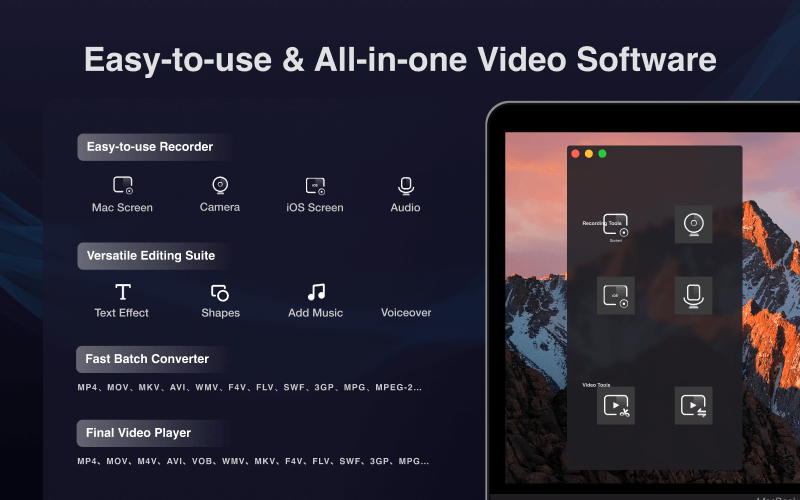
Filmage Screen is an all-in-one video toolbox that includes and video-editing software and screen mirroring and recording.
You can record HD video, mirror iOS screen, edit video, make animated GIFs, convert video, and do more on your Mac.
It is easy to use and a simple Record button records and connects all the user stories.
Introduction to Filmage Screen:
Specifications:
- Compatibility: Requires macOS 10.13 or later (Mac Only).
- Software size: 52.6 MB
Features of Filmage Screen:
Easy-to-use Screen Recorder:
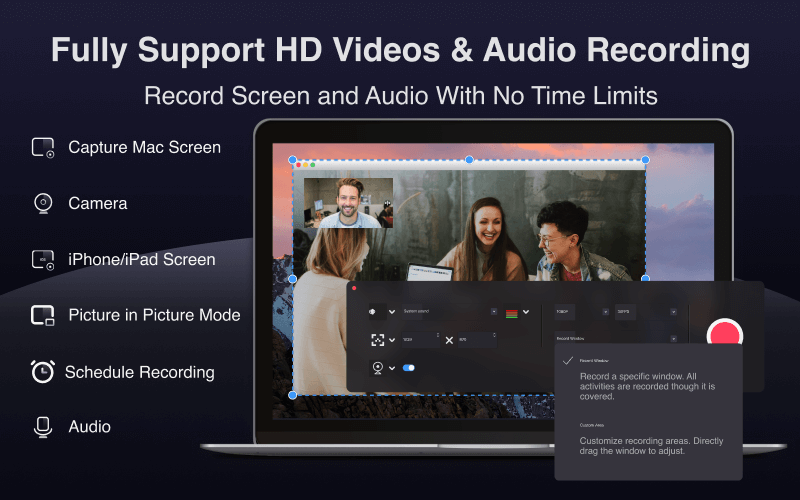
- Capture screen with audio (fullscreen, window rec, freely-customized area rec, and webcam rec.)
- Record internal or external audio (mic + sys)
- Record HD video in 4K/1080P/720P, support frame rate from 15fps to 60fps
- Support screen mirror and record iPhone/iPad screen
- Support scheduled recording
- Support picture-in-picture recording mode
- No recording time limits
User-friendly Editing Suite:
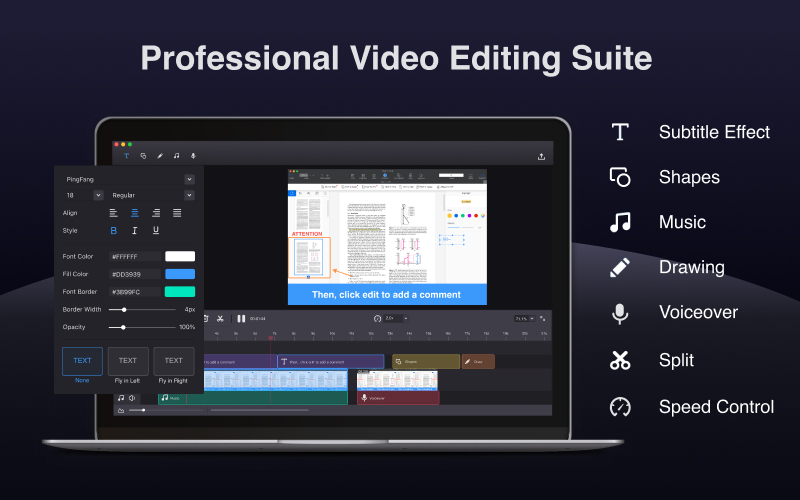
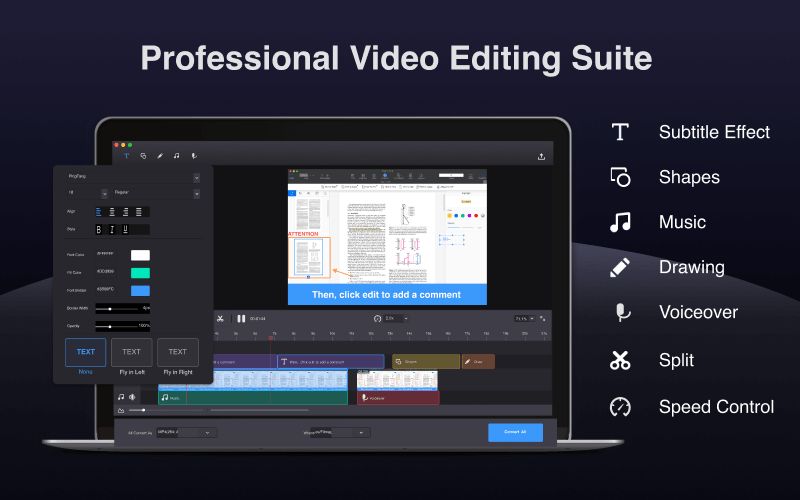
- Edit video with annotate tools, customize the content/color/size/position of text, adjust the speed from 0.5x to 2.0x
- Edit video with trim, split, cut, delete, and more tools
- Add background music
- Creating voice-over by audio-recording
- Export videos without a watermark
Any Formats Video Converter:
- Convert videos in batch
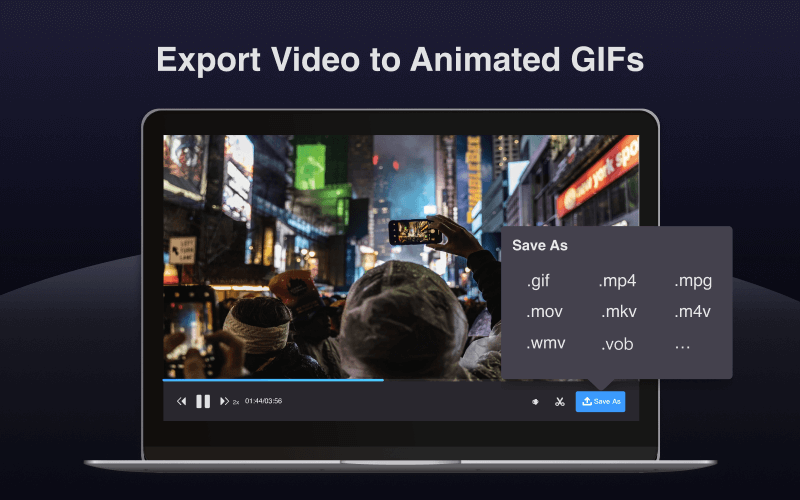
- Convert videos to MP4, MOV, 3GP, VOB, MKV, M4V, WMV, AVI, MPG, and more other video formats
- Export the video as a GIF
- 30X faster conversion rates without quality loss
Quicktime Media Player:
- Drag your video file to Filmage Screen to quickly play it up to 4X speed
- Support playing almost any video format: MP4, MOV, AVI, MKV, F4V, F4B, and more
- Share audio and video via Email, Message, and Airdrop or to social platforms.
Preview of Filmage Screen:


Testimonials:
The best function of this Filmage Screen is that, I can record a movie while I am playing a game.

I love this app, easy, simple and my type. Sometimes I have to record my iPhone and iPad screen, I'm gonna use this app for high-quality app demos.
With Filmage Screen, I can engage my students and reach those with a variety of learing styles, also, I can maximaiize my time to stimulate classroom discussion
I can record the contents of my entire life with filamge screen. I can even edit my video directly right here on the App withput downloading so many video editing softwares. What a great surprise!
AndreaVlogger
Deal Terms:
How to download this product? After completing your purchase, you will receive an instructions document. Follow the instructions carefully in this document to download and activate the product. Is Lifetime Access available for this product? Yes, lifetime access to Filamage with this deal. Are Updates available for this product? Yes, updates are available with this deal. Is support available for this product? Yes, FREE support is available. For support [email protected] Is this deal for new users only? No, this deal is for both existing and new users of Filmage Screen. How many users can use the license key/coupon code? 1 coupon code per person. Are the coupon codes stackable? No, the coupon codes are not stackable. What are the system requirements of this product? The system requirements for this product are-- MacOS 10.13 or later.
- MacOS Big Sur
- Apple M1


Reviews
There are no reviews yet.