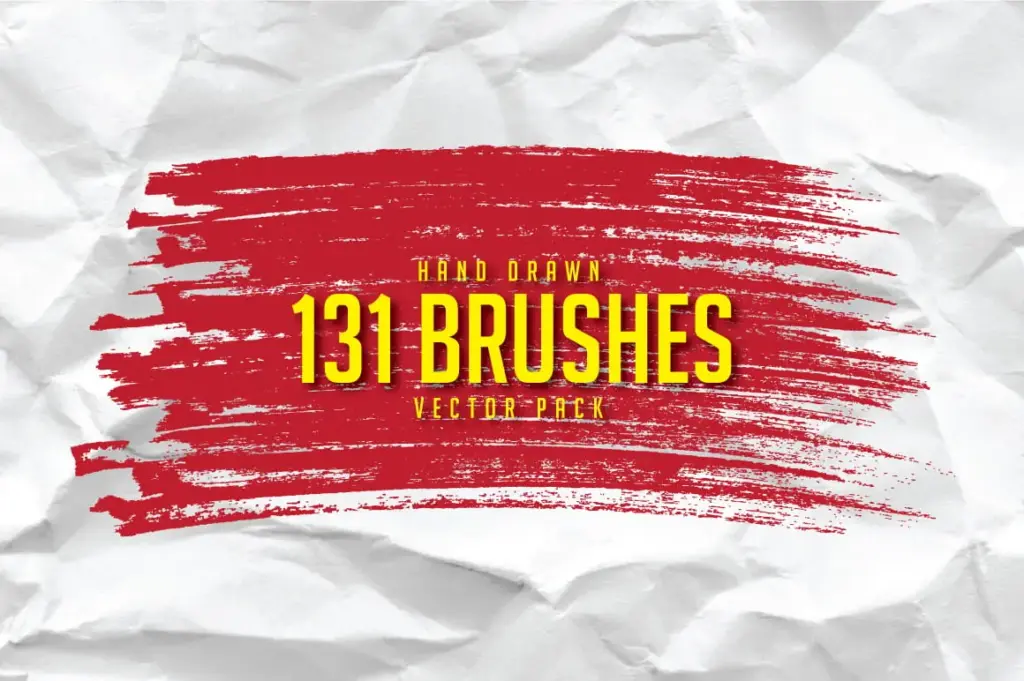
Free 131 Hand Drawn Brushes for Adobe Illustrator

TL;DR

  • Free 131 Hand-Drawn Vector Brushes
  • Available in: Ai, Eps, PDF formats
  • Compatible With Adobe Illustrator
  • Can be used for unlimited personal and commercial projects

Quick Overview

Best for:

  • Freelancers
  • Graphic Designers
  • Interior Designers
  • Logo Designers

Compatibility:

  • Browser Support:
    Chrome, Edge, Firefox, Safari
  • Operating Systems:
    Android, Browser Based, iOS, Linux, MacOS, Windows
  • Integrations:
    Adobe Illustrator

If you’re on the prowl for high-quality, super-detailed and realistic paint brushes for Illustrator, then you’re in the right place! This huge set contains 131 of them, and I’ve got every angle covered.


Free 131 Hand-Drawn Brushes

This collection is perfect for illustrators, typographers, lettering artists, lettering lovers, calligraphers, hobbyists, designers, and everyone in between, as it’s effective and super easy to use. Every measure was taken to ensure that the quality of these brushes remained at their highest throughout every stage.


Big thanks to Atjcloth Studio for sharing this awesome collection with us.


Files Included:

  • Ai files (in 130 brushes vector)
  • Eps10 file (in 130 brushes vector)
  • PDF8 file (in 130 brushes vector)

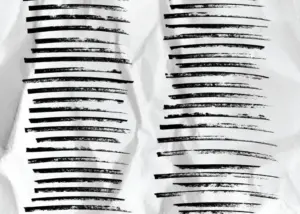
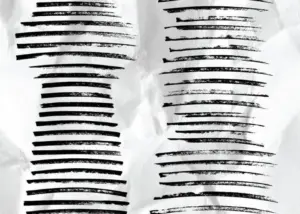
Preview of the Hand-Drawn Brushes

Hand Drawn Brushes Preview
Hand Drawn Brushes Preview 2

This 131 Hand-Drawn Brushes Bundle is Best For:

  • Freelancers
  • Graphic Designers
  • Interior Designers
  • Logo Designers
Download Now
Limited Time Deal

Deal Terms

  • Available as an instant download after completing your purchase
  • Can be used for unlimited Personal and Commercial Purposes
  • End products must not be used or sold in a way that is directly competitive with the original item
  • Cannot be sublicensed, resold, shared, transferred, or otherwise redistributed on their own

Frequently Asked Questions

Find answers to commonly asked questions about this Hand Drawn Brushes

Which versions of Adobe Illustrator are supported?

The bundle includes AI (CS4), EPS10, and PDF files, making it compatible with Adobe Illustrator CS4 and newer versions.

Can I customize the brushes?

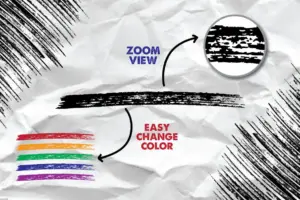
Yes. Since these are vector brushes, you can change their color, scale, stroke weight, and apply them to different paths to suit your design style.

What types of projects can I create with these brushes?

You can use them for illustrations, logos, typography, branding, posters, packaging, social media graphics, invitations, merchandise, and other digital or print designs.

How do I install the brushes in Adobe Illustrator?

Simply open the included AI brush library in Adobe Illustrator and load the brushes into the Brushes panel. They can then be applied to any vector path.

Customer Feedback

Customer Reviews (0) Customer Q&A (0)

No Reviews Yet

Be the first to try this deal and share your experience.

You must purchase this product to leave a review.

Be The First To Ask

Get clarity before you buy—your question might help others too.

×

You Might Also Like

404 Error Page is Killing Your SEO Efforts
5.0 (4)
50+ Free Sports Fonts | Extended License
20 Spray Paint Texture Bundle | Extended License
Download Now
Scroll to Top