Kernel Video Repair Tool to Repair Damaged Video Files

TL;DR

  • Repair corrupted, damaged, and unplayable videos in 20+ formats including MP4, MOV, AVI, MKV, M4V, and 3GP.
  • Fix videos from cameras, smartphones, drones, CCTV systems, GoPro, Canon, Nikon, Sony, and more.
  • Restore 4K, 8K, 12K, HD, VR, and 360° videos without compromising quality.

Quick Overview

Alternative to:

  • Remo Repair Video
  • Stellar Repair for Video
  • Wondershare Repairit

Best for:

  • Digital Marketers
  • Photographers
  • Video Editors
  • YouTubers

Compatibility:

  • Operating Systems:
    Windows

Corrupted or damaged videos can make valuable memories, professional projects, and important recordings inaccessible.


Restore damaged and unplayable video files quickly while preserving their original quality with Kernel Video Repair Tool.


What Is Kernel Video Repair Tool?

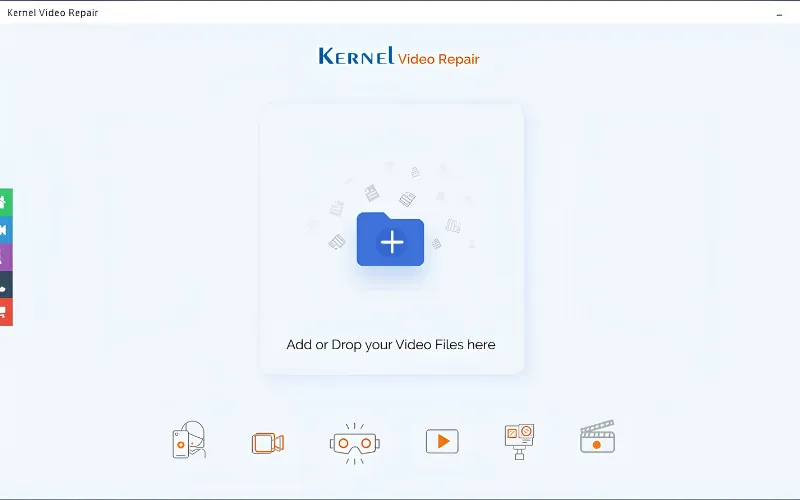
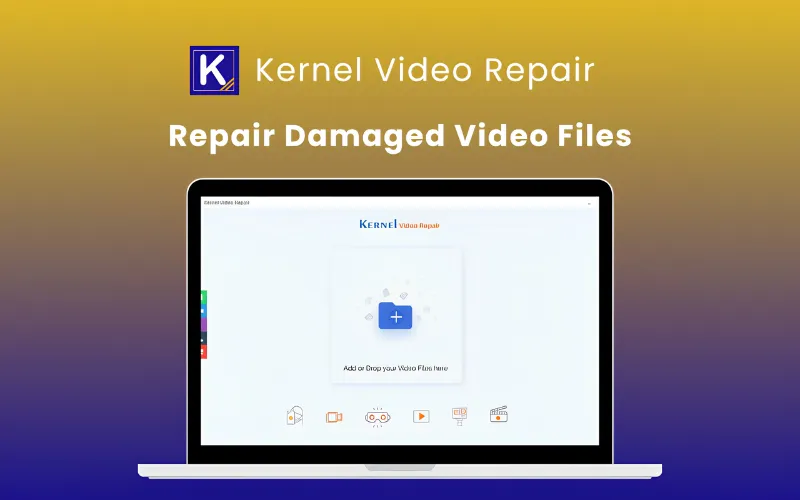
Kernel Video Repair Tool is an advanced Windows-based video repair solution. It helps you repair corrupted, broken, damaged, and inaccessible video files in just a few clicks.


Kernel Video Repair Tool lets you –

  • Repair corrupted video files
  • Restore unplayable videos
  • Fix audio and playback issues
  • Repair videos from cameras, drones, phones, and CCTV systems
  • Recover multiple videos simultaneously


All from one easy-to-use application.


With support for MP4, MOV, AVI, MKV, WMV, MPEG, 3GP, M4V, MXF, WEBM, and many other formats, it repairs videos without affecting their original resolution, frame rate, metadata, audio synchronization, or quality.


Kernel Video Repair Tool is your complete solution for restoring damaged videos from DSLR cameras, smartphones, drones, dashcams, CCTV systems, camcorders, SD cards, HDDs, SSDs, & other storage devices.


How Kernel Video Repair Works:

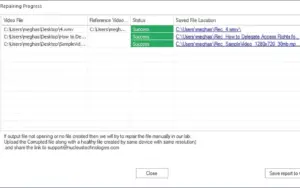
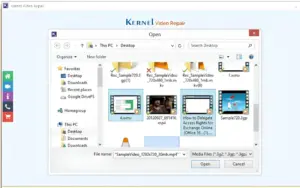
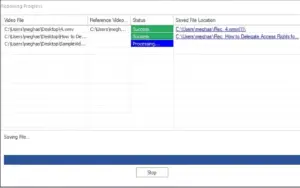
Repair damaged videos in just three simple steps:


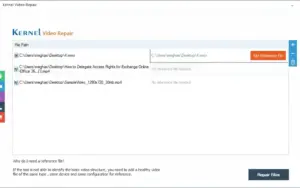
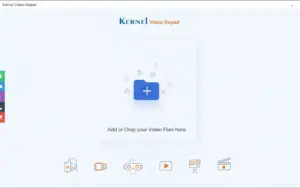
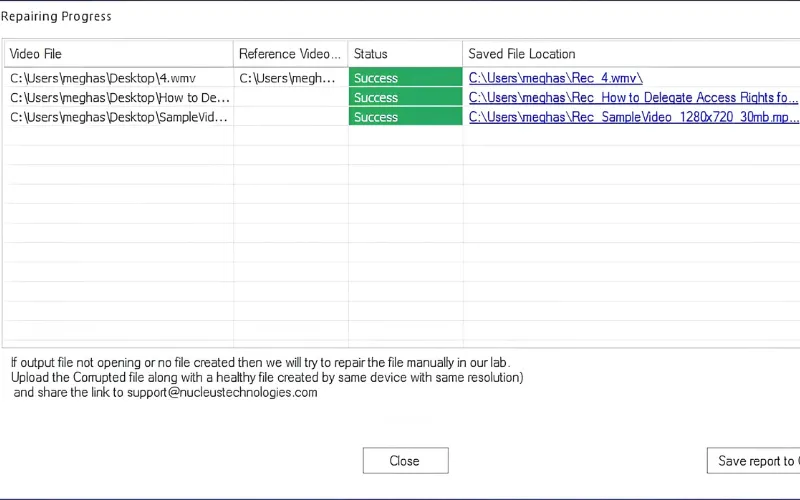
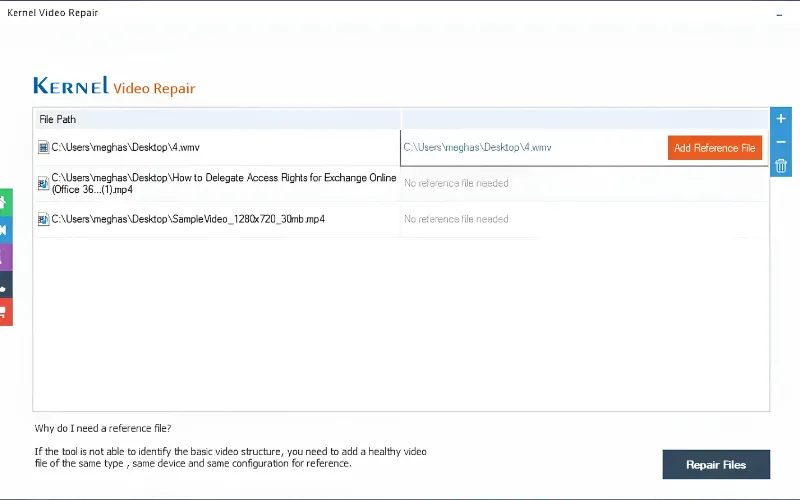
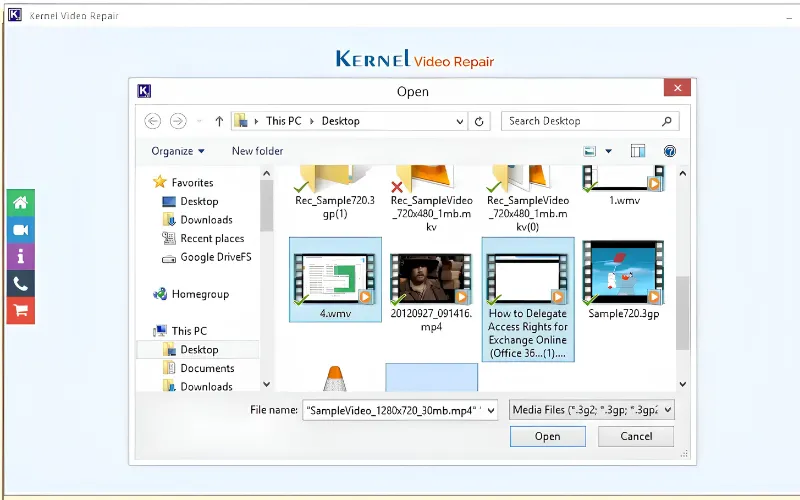
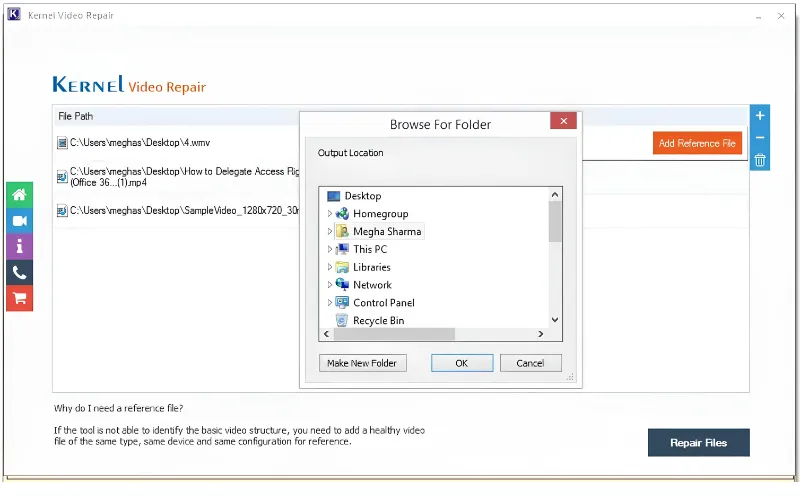
1. Upload Videos
Add damaged video files for repair.


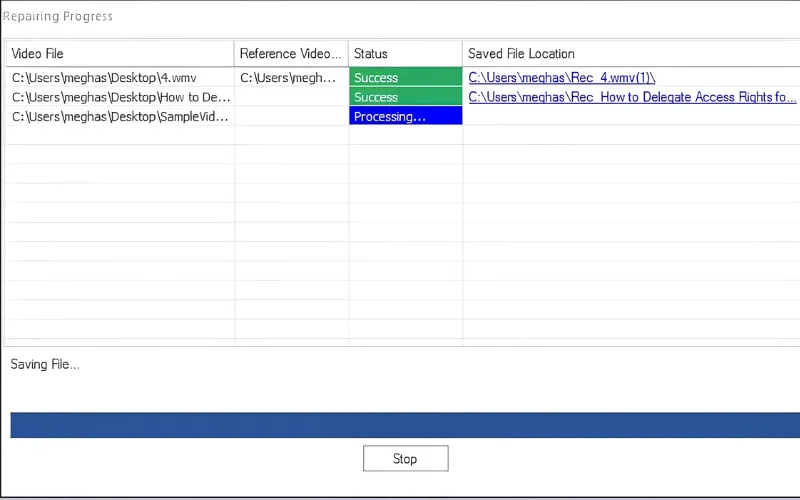
2. Repair Automatically
Scan and fix video corruption in a few clicks.


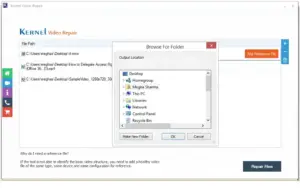
3. Preview & Save
Review repaired videos and save them anywhere you choose.


It’s that easy!

Introduction To kernel Video Repair

Youtube video

Kernel Video Repair Tool Features

Recover Unplayable Videos Instantly

Recover Unplayable Videos Instantly:

  • Fix corrupted, broken, damaged, truncated, and inaccessible videos.
  • Restore smooth playback across VLC, Windows Media Player, KMPlayer, and other popular media players.
Repair Any Video Format

Repair Any Video Format You Use:

  • Fix MP4, MOV, AVI, MKV, WMV, MPEG, M4V, 3GP, MXF, WEBM, ProRes, MTS, and more.
  • Recover videos damaged during recording, editing, copying, moving, conversion, or file transfer.
Restore Videos

Restore Videos From Cameras, Drones & Phones:

  • Repair footage from DSLRs, drones, smartphones, CCTV systems, dashcams, camcorders, and mirrorless cameras.
  • Supports Canon®, Nikon®, Sony®, Panasonic®, Fujifilm®, GoPro®, Samsung®, and more.
Fix Severe Video Corruption

Fix Severe Video Corruption With Higher Accuracy:

  • Add a healthy reference file to repair severely damaged videos with greater accuracy.
  • Fix corruption caused by power failures, storage issues, interrupted transfers, and recording errors.
Repair Multiple Videos In One Go

Repair Multiple Videos In One Go:

  • Repair multiple videos simultaneously with no file size limitations.
  • Save repaired videos to local drives, external storage devices, or NAS locations.
Keep Your Original Video Quality Intact

Keep Your Original Video Quality Intact:

  • Maintain video resolution, frame rate, metadata, audio sync, and overall quality.
  • Supports HD, 4K, 8K, 12K, VR, and 360° videos, and works across all major Windows versions.

Why Kernel Video Repair?

• Repair corrupted, blurry, broken, and unplayable videos
• Supports MP4, MOV, AVI, MKV, WMV, MPEG, MXF, and more
• Recover videos from cameras, drones, smartphones, CCTV, and dashcams
• Batch repair multiple videos with no file size limits
• Preserve original quality, resolution, audio sync, and metadata
• Advanced repair using a healthy reference video file
• Supports 4K, 8K, 12K, VR, and 360° videos
• Preview up to 30 seconds of repaired videos before purchase
• Save repaired videos to local drives, external storage, or NAS
• Includes Video Suite for video repair, conversion, and photo repair
• Trusted by users in 190+ countries with 20+ years of expertise

Kernel Video Repair Tool is best for:

  • Digital Marketers
  • Photographers
  • Video Editors
  • YouTubers

Choose Your Plan

1 Year License
1 Year License
Original price was: $49.00.Current price is: $29.00.
Lifetime license
Original price was: $69.00.Current price is: $49.00.
With DealClub
$24.65
$49.00
Without DealClub
$29.00
$49.00
Buy Now
Limited Time Deal

Deal Terms

  • Access via redemption of coupon code
  • 30 Day Coupon Code Validity
  • One Coupon Code for one user/account
  • Coupon Codes are stackable
  • For both New & Existing Users Only
  • Free Updates
  • Free Support

Customer Testimonials

Ensuring security and effectiveness! This Video Repair tool not only fixed my video but also prioritized the integrity and security of my data throughout the entire repair process. A commendable commitment to data safety.

-Silvia carter

This tool effortlessly resolved my corrupt video file error, enabling seamless access to my video files. I now experience no hindrance in viewing and utilizing my videos, thanks to its effective functionality.

-George

I recently tried out the product and was impressed with its capabilities, it repaired both audio and video files that was unplayable.

-Alicia karam

Plans & Features

Choose the perfect plan for your needs.

Plans & Features
1 Year License
Lifetime license
$49 $29
Buy Now
$69 $49
Buy Now
Bulk video file repair
No file size limitations
Supports various video file formats
Save reports to CSV
Restore corrupt/damaged/unplayable videos

No Limitations

No Limitations

Fix video files from major camera brands

No Limitations

No Limitations

Plan 1 of 2

1 Year License

$49.00 $29.00
Buy Now
30-Day Refund | Annual & Lifetime Access
  • Bulk video file repair
  • No file size limitations
  • Supports various video file formats
  • Save reports to CSV
  • Restore corrupt/damaged/unplayable videos: No Limitations
  • Fix video files from major camera brands: No Limitations

Frequently Asked Questions

Find Answers to common questions about Kernel Video Repair Tool

What video formats does Kernel Video Repair support?

Kernel Video Repair supports MP4, MOV, AVI, MKV, WMV, MPEG, M4V, AVCHD, WEBM, MXF, 3GP, and many other popular video formats.

Which operating systems are supported?

Kernel Video Repair is compatible with Windows 11, 10, 8.1, older Windows versions, and Windows Server editions.

Does this tool repair MKV files?

Yes. Kernel Video Repair can repair multiple MKV video files at once, including heavily corrupted videos.

How do I Repair corrupted video files after trying VLC?

VLC can fix only minor video corruption. For severely damaged videos, use Kernel Video Repair to resolve major issues and restore playback without data loss.

My GoPro HERO9 videos keep freezing. What should I do?

HERO9 videos are typically recorded in MP4 format. Transfer the video files to a Windows computer and use Kernel Video Repair to fix freezing, corrupted, or unplayable footage.

Can I fix MOV videos recorded on an iPhone that won't play on QuickTime Player?

Yes. Transfer the MOV files from your iPhone to a Windows computer, repair them using Kernel Video Repair, and then move the repaired videos back to your iPhone for normal playback.

Customer Feedback

Customer Reviews (0) Customer Q&A (0)

No Reviews Yet

Be the first to try this deal and share your experience.

You must purchase this product to leave a review.

Be The First To Ask

Get clarity before you buy—your question might help others too.

×

You Might Also Like

StackVault - SaaS Management Platform | Lifetime Access

StackVault - SaaS Management Platform | Lifetime Access

, , , , , , ,

5.0 (1)
Doxy - Google Docs To PDF Converter
Chatbaty - AI Chatbot Plugin For WordPress (BYOK) | Lifetime Access

Chatbaty - AI Chatbot Plugin For WordPress (BYOK) | Lifetime Access

, , , , , , ,

LynxPDF - PDF Editing Tool | Lifetime Access

LynxPDF - PDF Editing Tool | Lifetime Access

, , , , , , , ,

Choose Plan
1 Year License
1 Year License
Original price was: $49.00.Current price is: $29.00.
Lifetime license
Original price was: $69.00.Current price is: $49.00.
Buy with DealClub
$24.65 $49.00
Buy without DealClub
$29.00 $49.00

Deal Terms

  • Access via redemption of coupon code
  • 30 Day Coupon Code Validity
  • One Coupon Code for one user/account
  • Coupon Codes are stackable
  • For both New & Existing Users Only
  • Free Updates
  • Free Support
Scroll to Top