Recover Lost Files Without Complicated Tools
Accidentally deleted an important file? Formatted the wrong drive? Or lost files after a system crash?
Losing important data can happen when you least expect it.
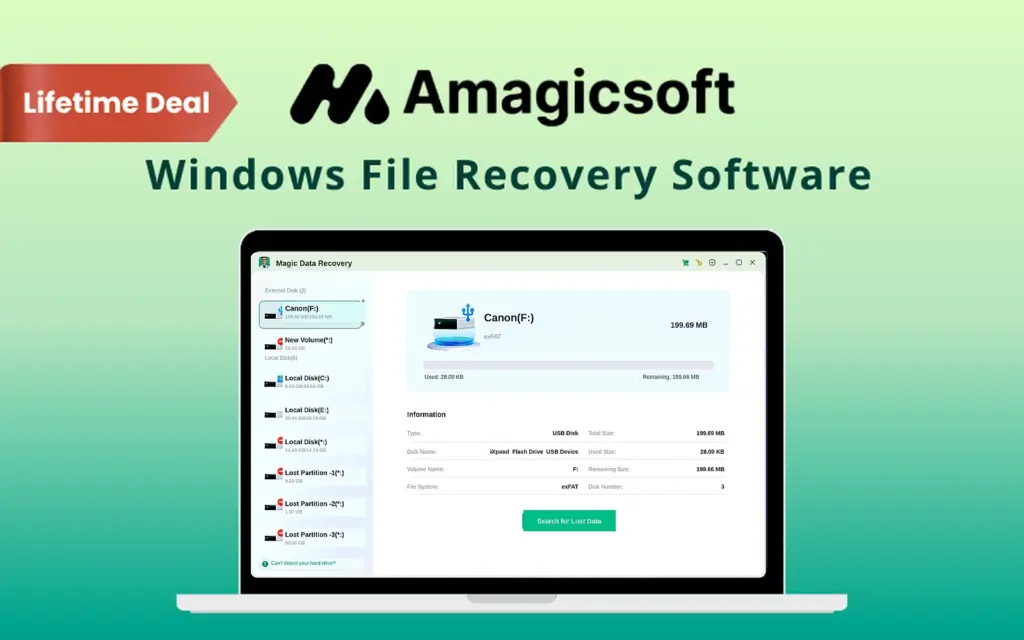
That’s why Magic Data Recovery gives Windows users a simple way to find and restore lost files.
What is Magic Data Recovery?
Magic Data Recovery is a professional Windows file recovery software designed to restore deleted, formatted, corrupted, or inaccessible files.
It supports more than 5,000 file types, including –
- Documents
- Photos
- Videos
- Audio Files
- Emails
- Archives
- Databases
- Disk Images
- RAW Camera Files
The software works with HDDs, SSDs, USB drives, SD cards, memory cards, digital cameras, and other storage devices.
All recovery operations happen locally on your computer, so your files are never uploaded to the cloud.
How It Works:
Recover Your Lost Data in 3 Simple Steps:
1. Download & Install
Install Magic Data Recovery on your Windows computer in under a minute.
2. Scan Your Device
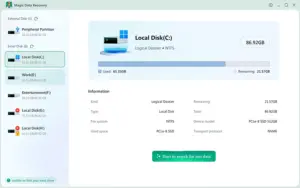
Select your drive or storage device and scan it for recoverable files.
3. Preview & Recover
Preview the files you need, select them, and recover them to a safe location.
It’s that simple!