Bring out the artist in every pixel, sketches, comics, textures, outlines, all at the click of a script, with this perfectly designed –
Digital Brushworks – Photoshop Brush Effects Bundle
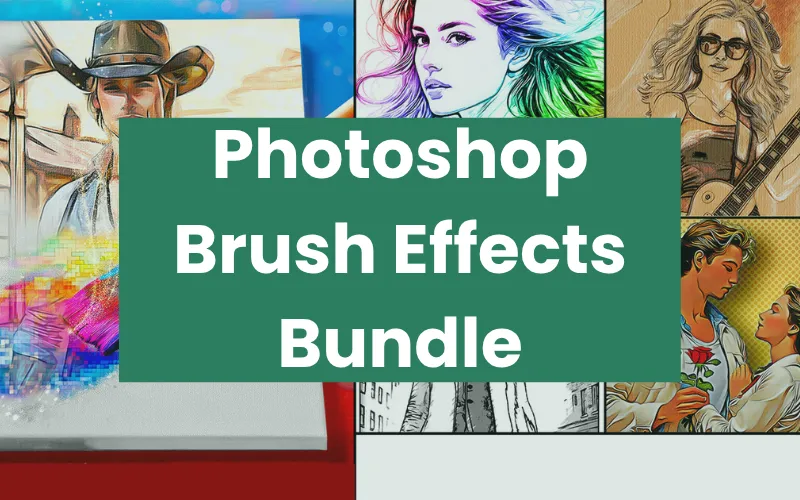
Digital Brushworks is a set of 10 Photoshop brush scripts that apply distinctive, professional-grade art effects to both AI-generated and traditional images.
These brush effects feature scripts that help turn standard portraits and landscapes into gallery-worthy, stylized visuals. They include –
Toonaloni
Photodroid
Sand Blast, and more.
Each script generates a layered PSD file, allowing for further adjustments of opacity, blending modes, and visibility settings.
This gives you access to up to 32 style variations in total, simply by adjusting a few sliders or toggling layers.
You can use these Photoshop brush effects to bring comic vibes to your designs, refine your AI artwork, or even enhance your photo shoots.
How to Use These Photoshop Brush Effects:
The Photoshop Brush Effects Include:
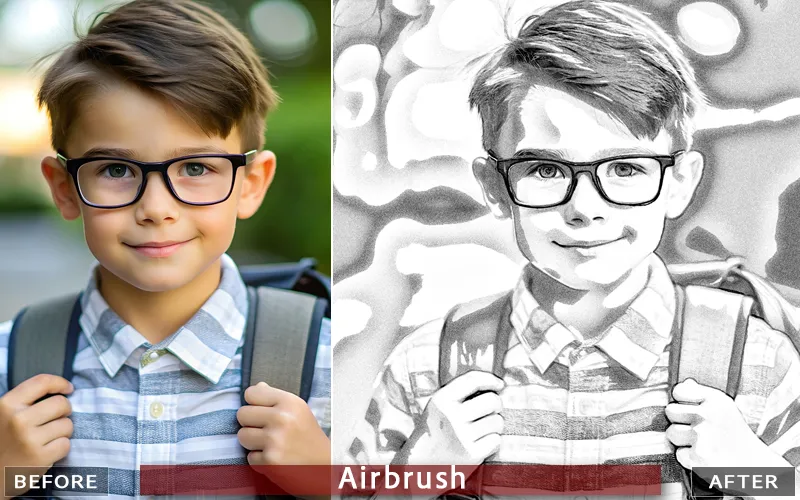
Airbrush: Black & white airbrushed tones on white.
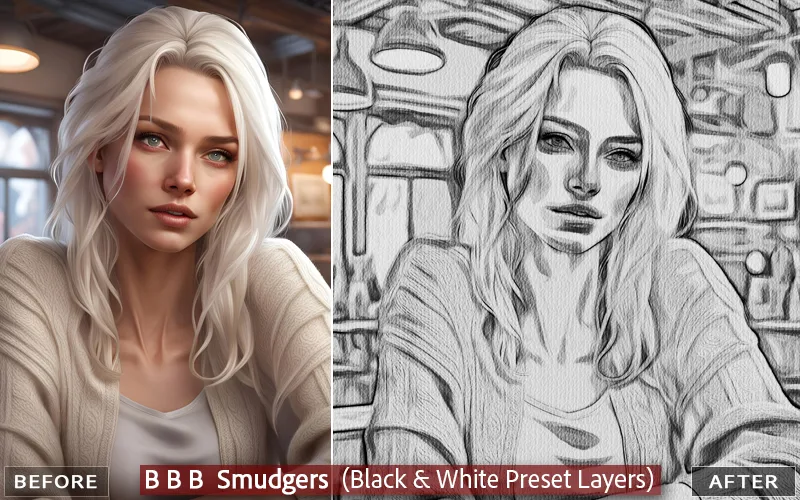
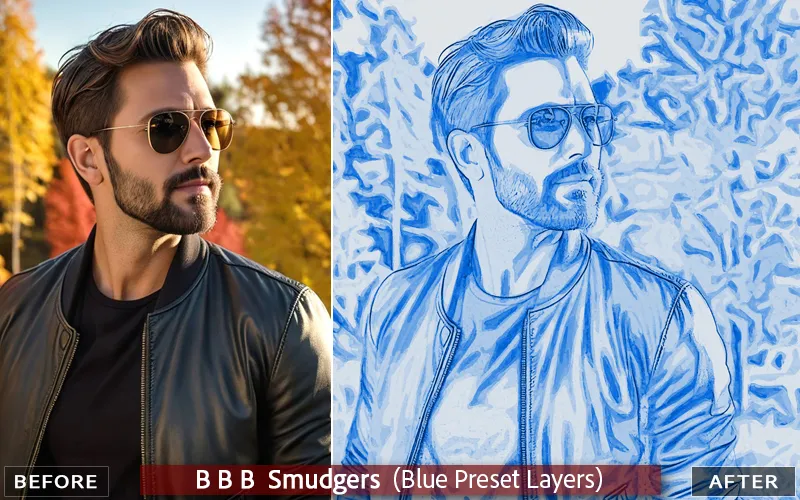
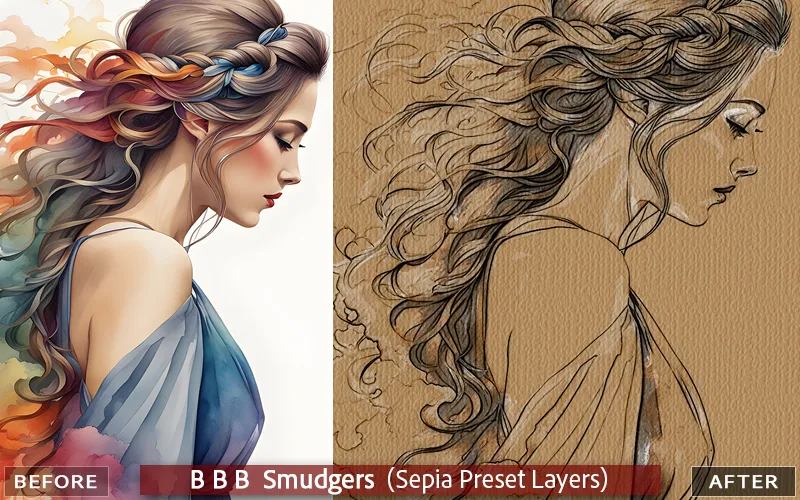
BBB Smudgers (3-in-1): Soft Blue shading, B&W Charcoal, and Drawing on Brown Sepia.
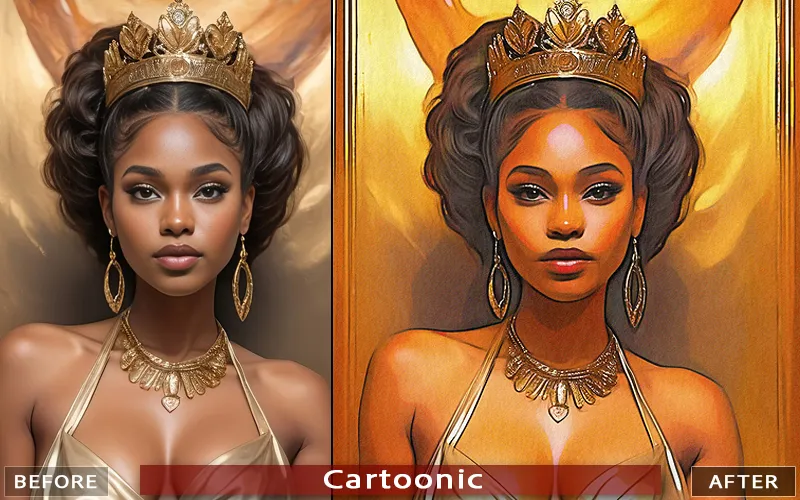
Cartoonic: Color softening, flattening, and smoothing of portrait images.
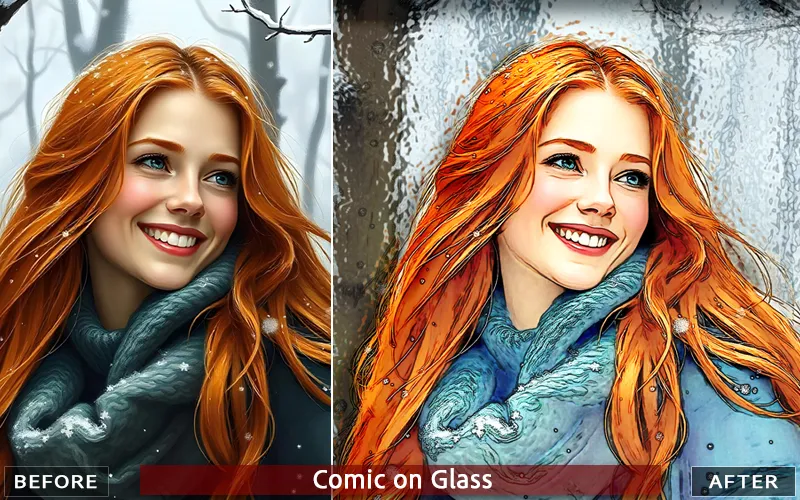
Comic on Glass: Produces a flat, colored graphic comic look against a textured background.
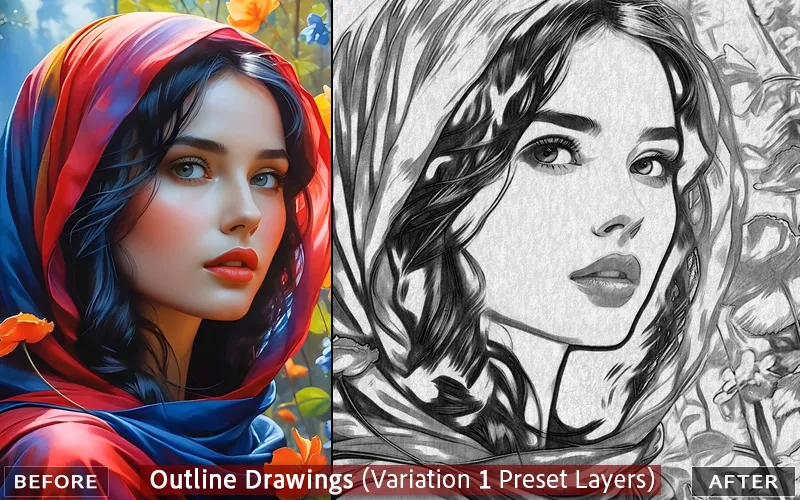
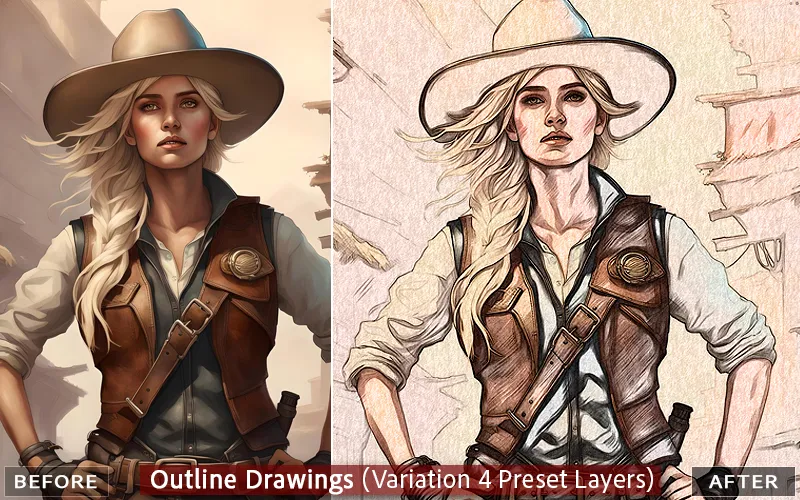
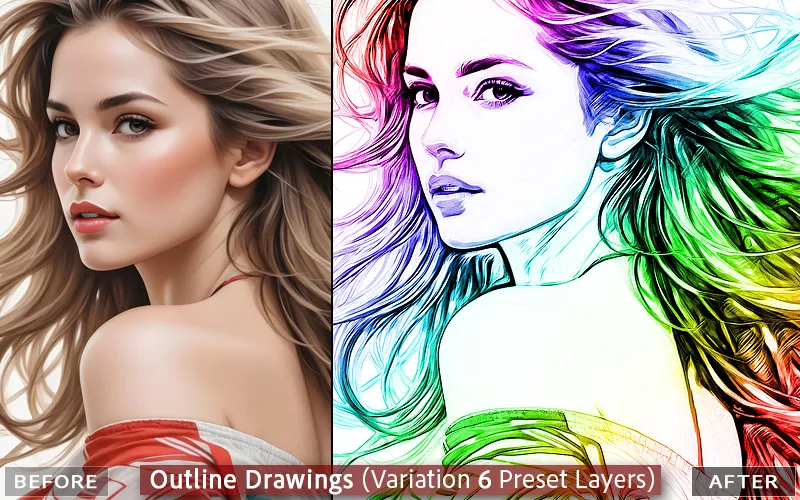
Outline Drawings: Makes 9 variations of styled art drawings and outlines of your image.
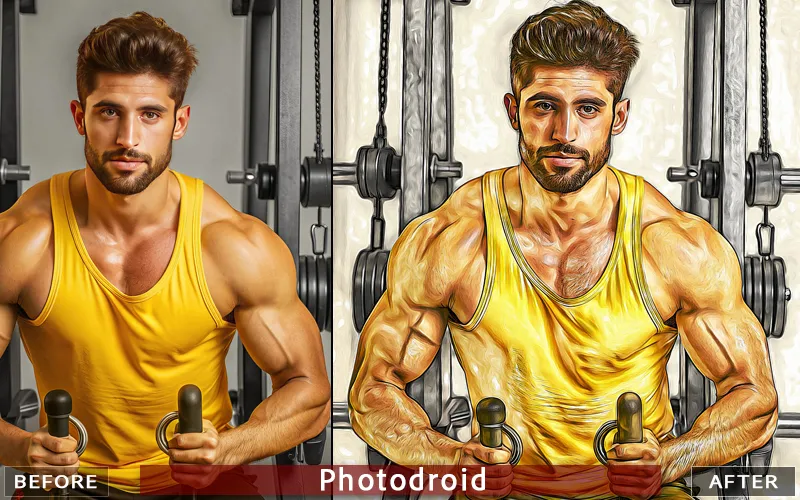
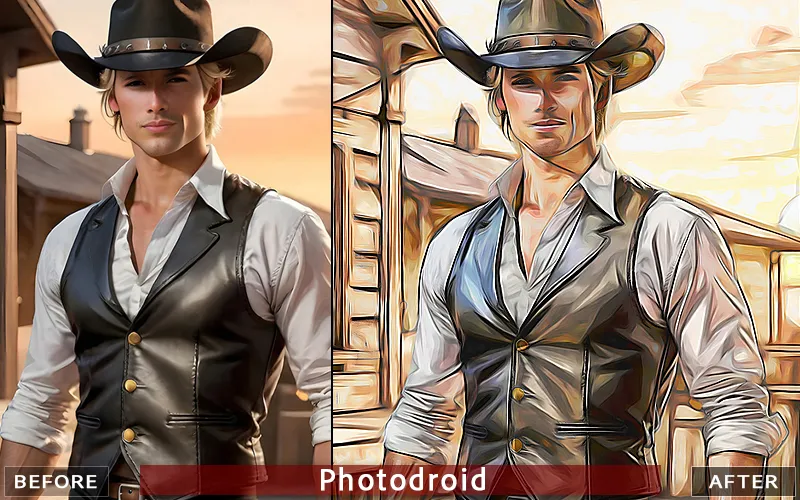
Photodroid: Turns portraits and landscapes into unique, stylized contour art.
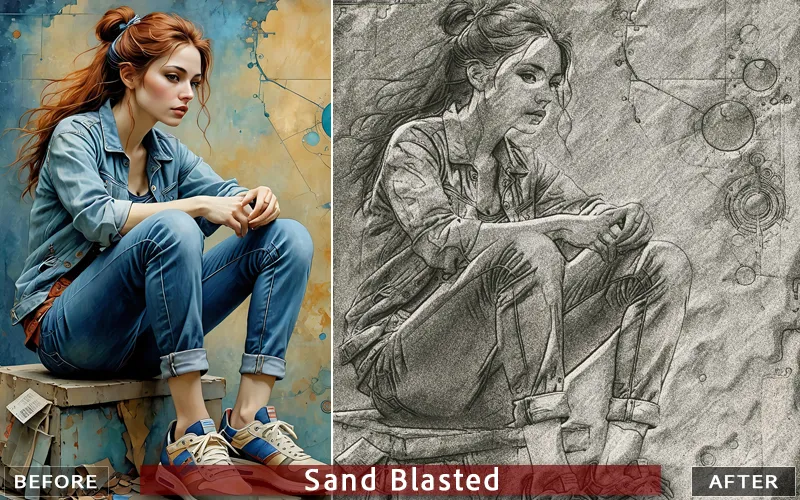
Sand Blast:Imposes 5 different textures on the image, from soft to cement.
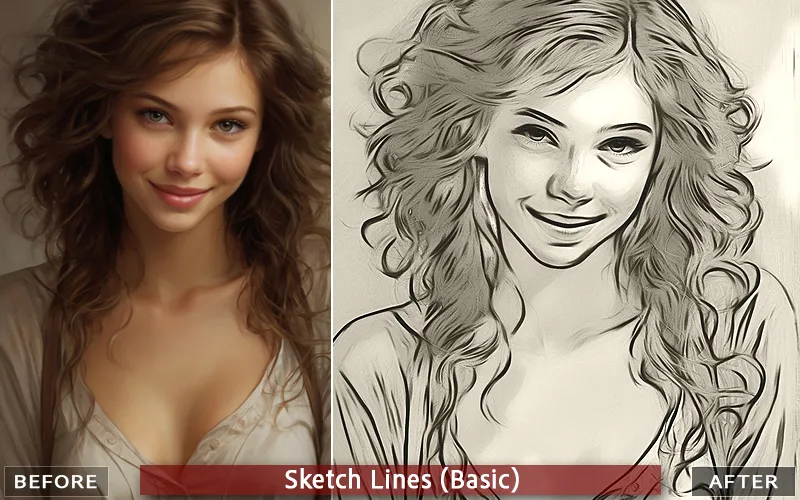
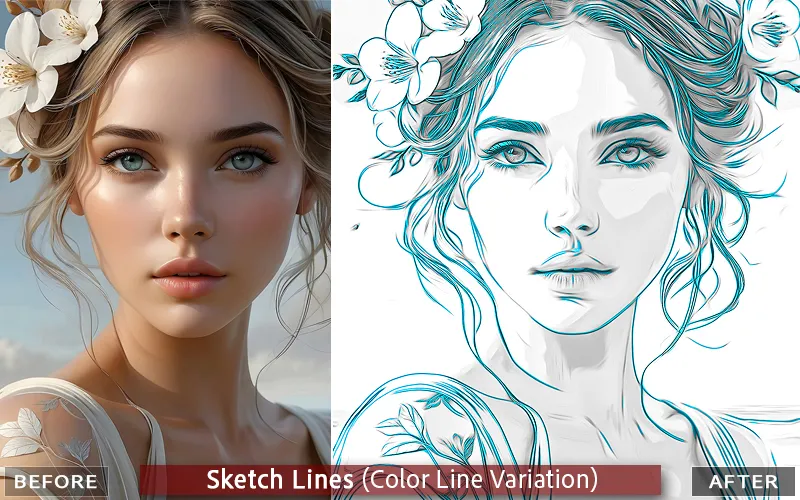
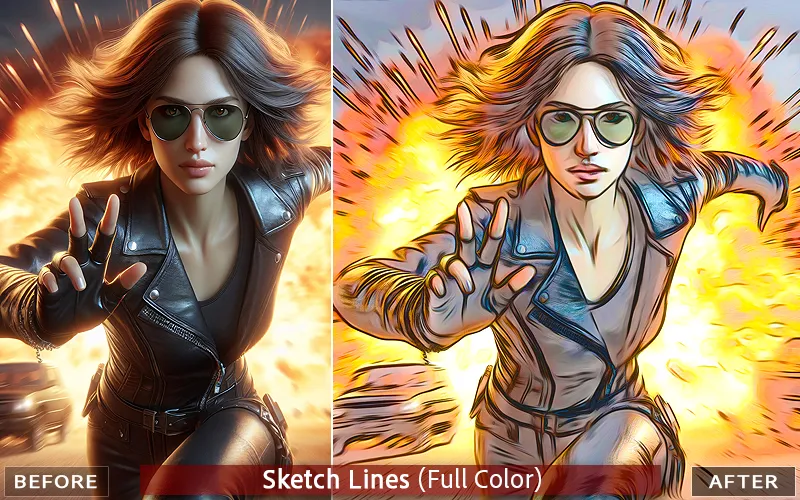
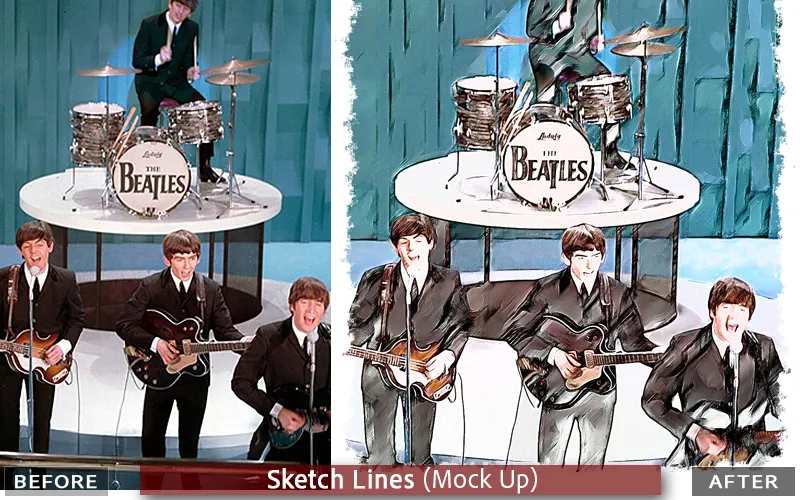
Sketch-Line:Makes 6 artworks based on the lines and color of your image.
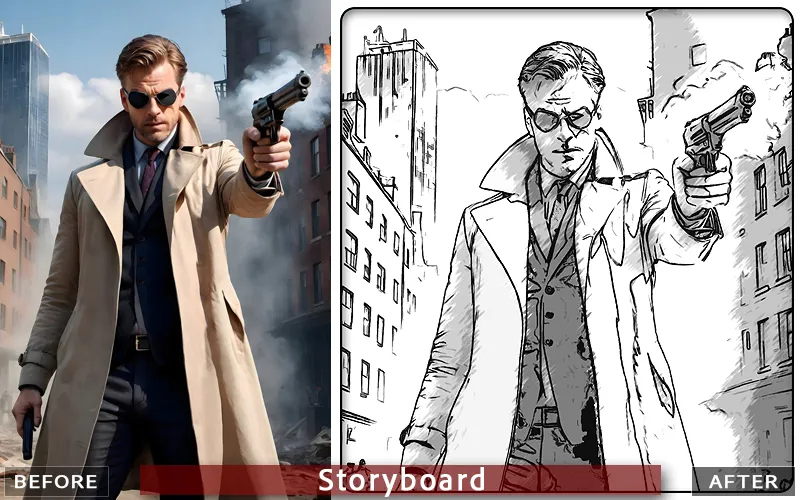
Storyboard:Quickly makes your images as a consistent storyboard, an appearing sequence of art.
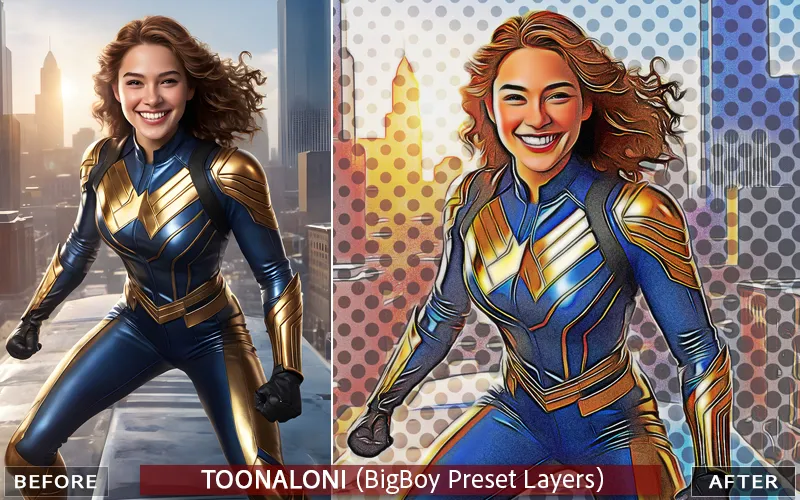
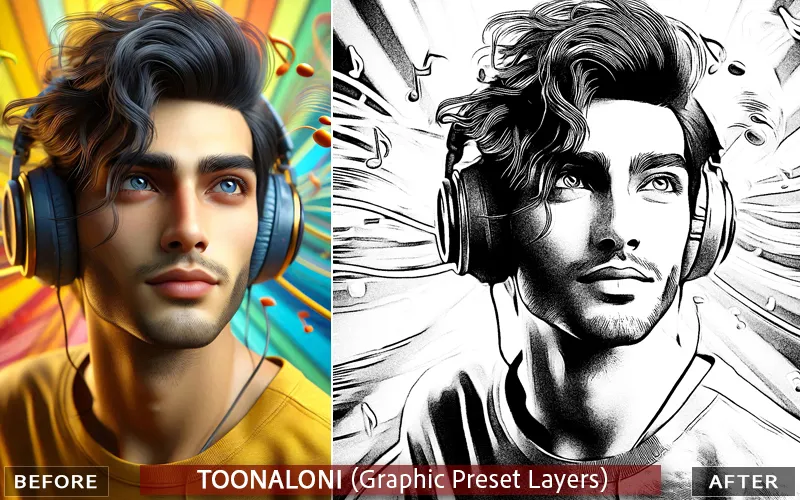
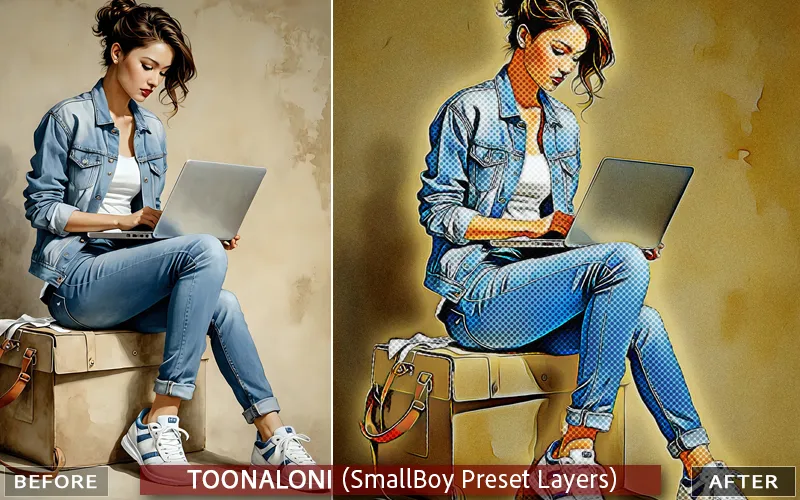
Toonaloni:4 art versions of Comic book modern style.
Steps To Use These Photoshop Brush Effects:
Open an image in Photoshop.
Select a script effect file from the Photoshop Menu: FILE >> SCRIPTS >> BROWSE.
From the dialog box that opens, select the effect file (example.jsx) from where it is located.
The effect will be applied to your image.
The script will process your image and create a snapshot for each of the portrait effects.
Specifications:
10 Photoshop Brush Effects
Format: JSX Files
Compatibility: Photoshop CS 2019 to CC 2026 (26.8.0)
System Compatibility: macOS & Windows
Drag and Drop Script Effects Included
No Additional Plugins Required
Easy-To-Use
Instant Download
Extended Commercial License
A Sneak Peek Into The Photoshop Brush Effects:
Deal Terms:
How to download this bundle? This Photoshop Brush Effects Bundle is delivered as an instant download after completing your purchase.
Which license do you get access to with this deal? This deal comes with an Extended Commercial License.
What are the terms of usage for this bundle? You can use all these assets for both personal and commercial projects, as mentioned below:
The end products must not be used or sold in a way that is directly competitive with the original item you have purchased.
This bundle cannot be sublicensed, resold, shared, transferred, or otherwise redistributed on its own.
You cannot share this bundle with others.
Is Lifetime Access available to this bundle? Yes, you get lifetime access to these resources after downloading them on your device.
Is support available for this product? Yes, support is available for this product. For support, visit https://www.pencilpixels.com/html/contact.html.
Reviews
There are no reviews yet.
Only logged in customers who have purchased this product may leave a review.




Reviews
There are no reviews yet.