Are you tired of spending endless hours on repetitive photo editing tasks, wishing for a tool that could manage your workflow and keep your creativity intact? Look no further than –
PicWish – AI Photo Editor
PicWish is an AI Photo editor that helps you edit and enhance your photos with professional-quality results.
This AI Photo Editor provides a full suite of tools for all your editing needs, including:
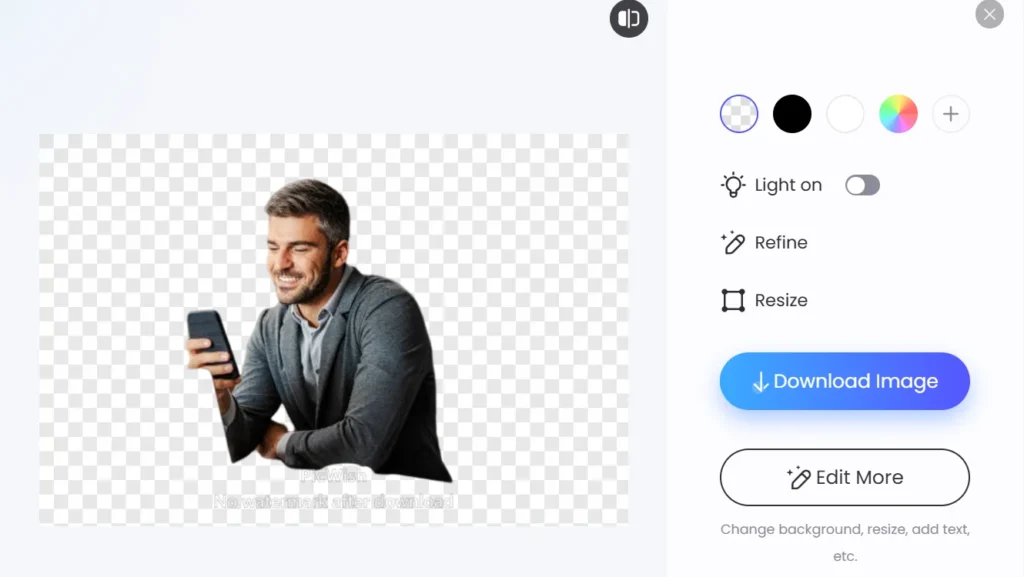
Remove Background
Retouch Images
Colorizing Black & White Photos
Converting File Formats and more.
PicWish uses artificial intelligence to automate complex editing tasks, saving you valuable time and effort.
With its intuitive interface and advanced algorithms, PicWish delivers pro-quality results with just a few clicks.
This AI Photo Editor is the go-to solution for photographers, graphic designers, e-commerce sellers, and anyone seeking to enhance their visual content.
NOTE: The refund for this product will depend on the proportion of credits used. For instance, if a user has utilized 100 credits out of 11500, they will receive a refund for the remaining 900 credits.
Introduction To PicWish AI – Online Image Editor:
Features Of PicWish – AI Photo Editor:
PicWish Background Remover:
- Effortlessly remove backgrounds from images with precision and accuracy.
Photo Retouching Tool:
- Remove blemishes and imperfections from photos while preserving background details.
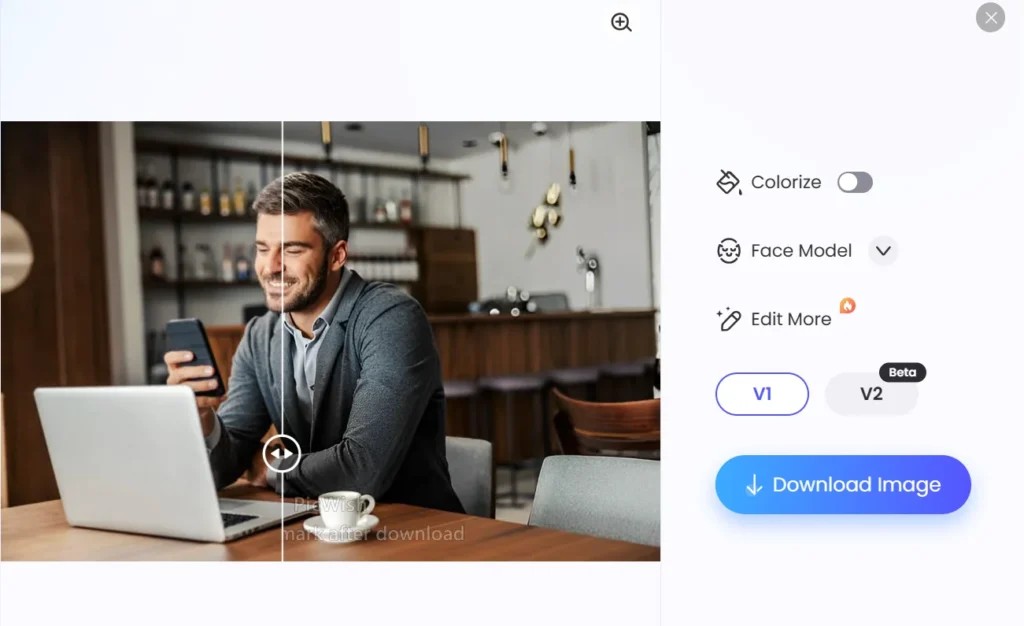
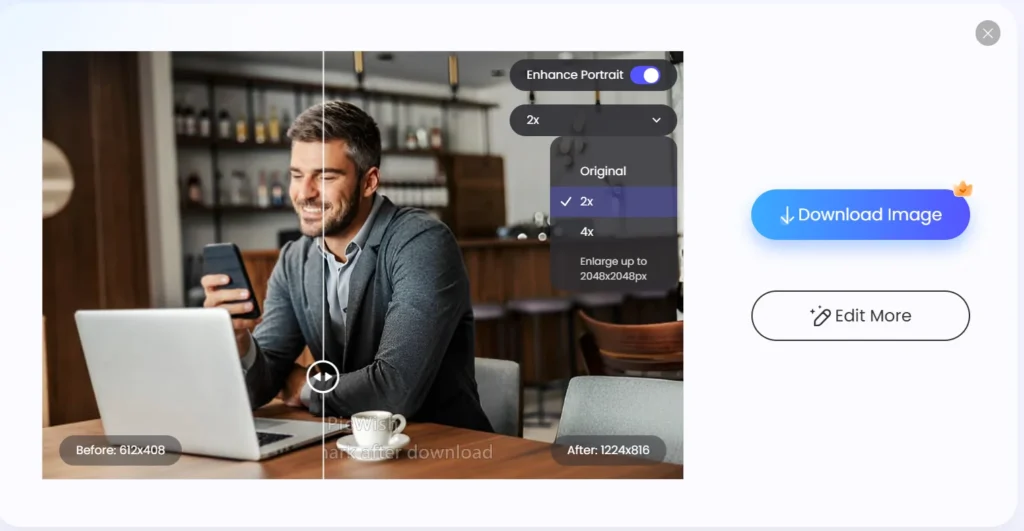
Image Enhancement & Compression:
- Automatically enhance image resolution for sharper, crisper results.Also helps compress the images to any size without changing the picture quality.
Image to Text Converter:
- Extract text from images quickly and easily, saving time on manual transcription.
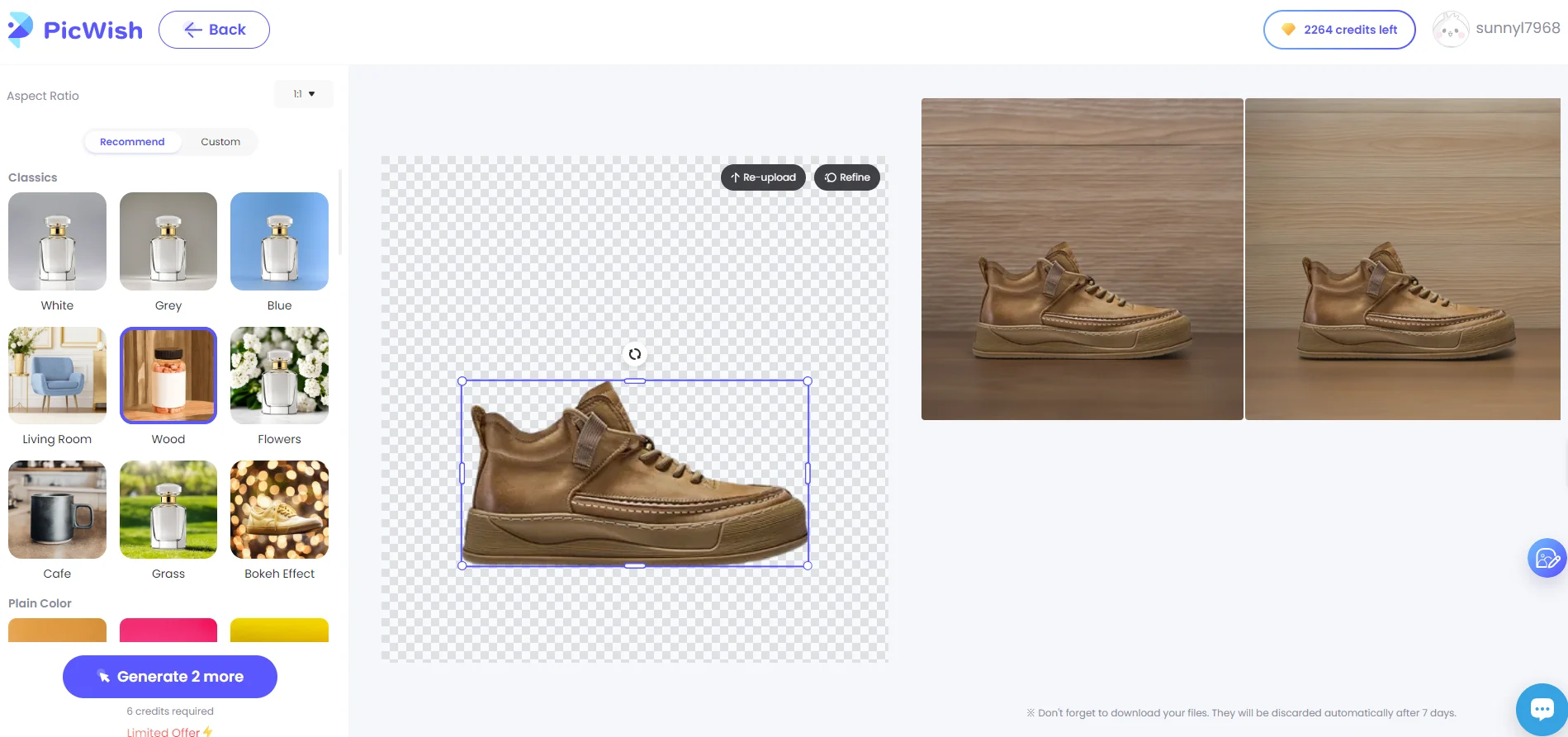
AI background generator:
- Add a clean white background to product photos for professional-looking results.
- Automatically generate a new background for your images or replace the existing one with something more fitting for your needs.
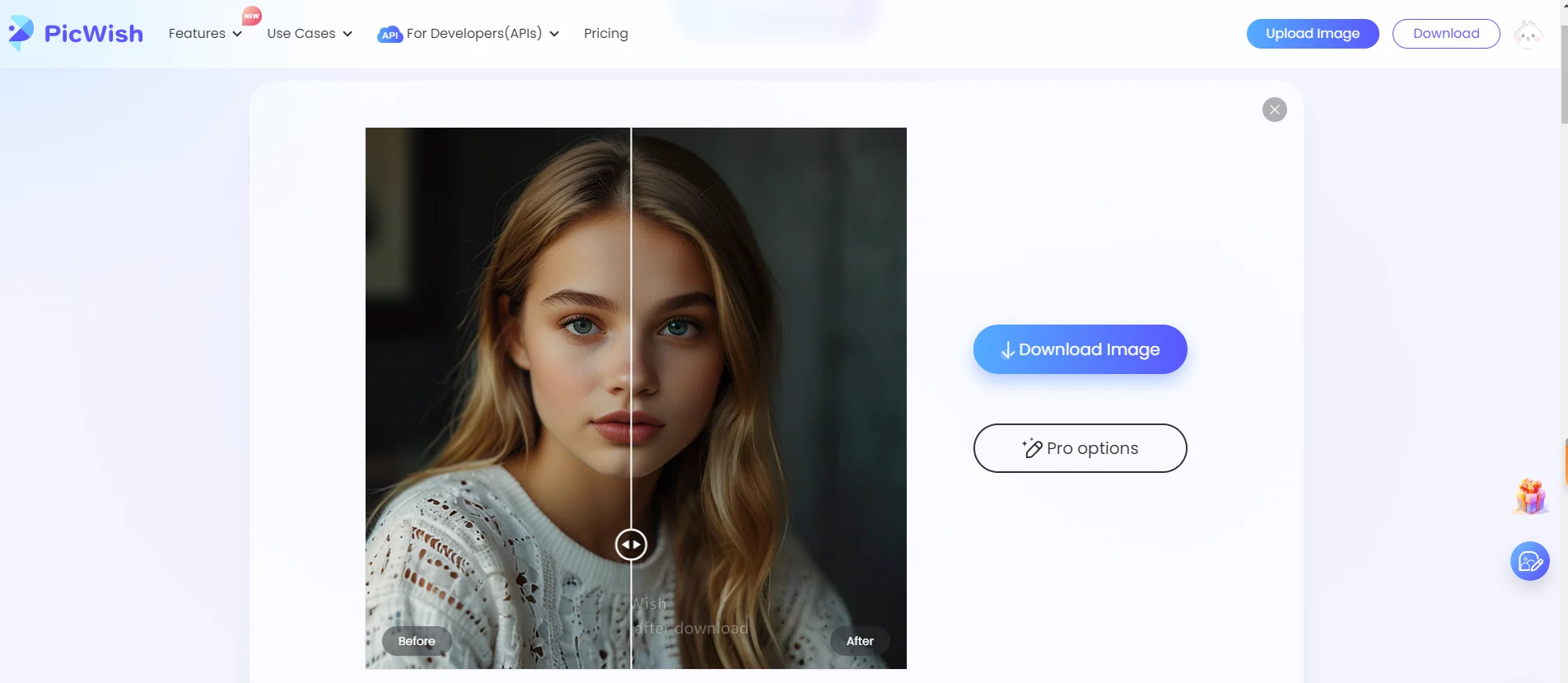
Face Enhancement Tool:
- Perfect portraits with advanced face enhancement tools that eliminate blur and enhance facial features.
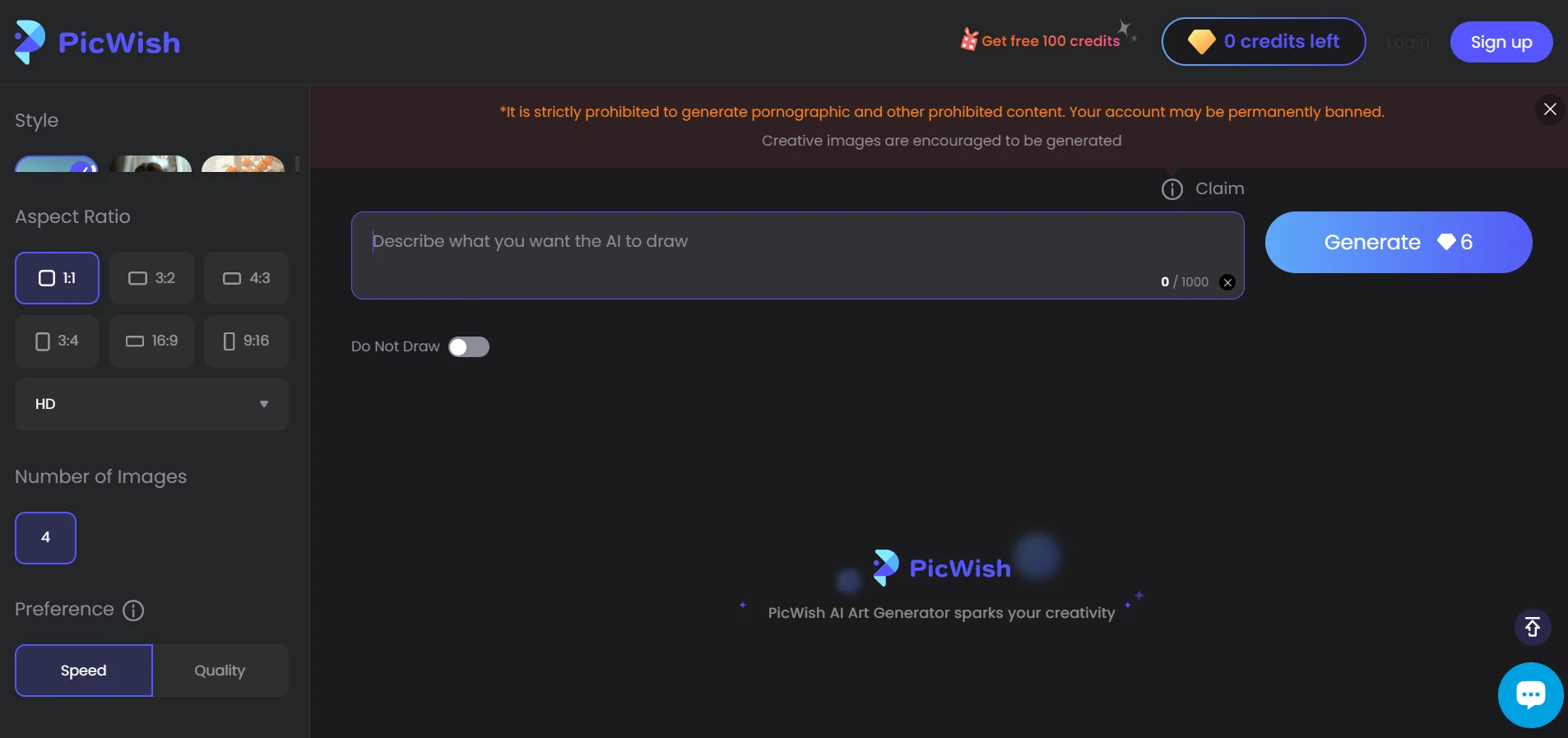
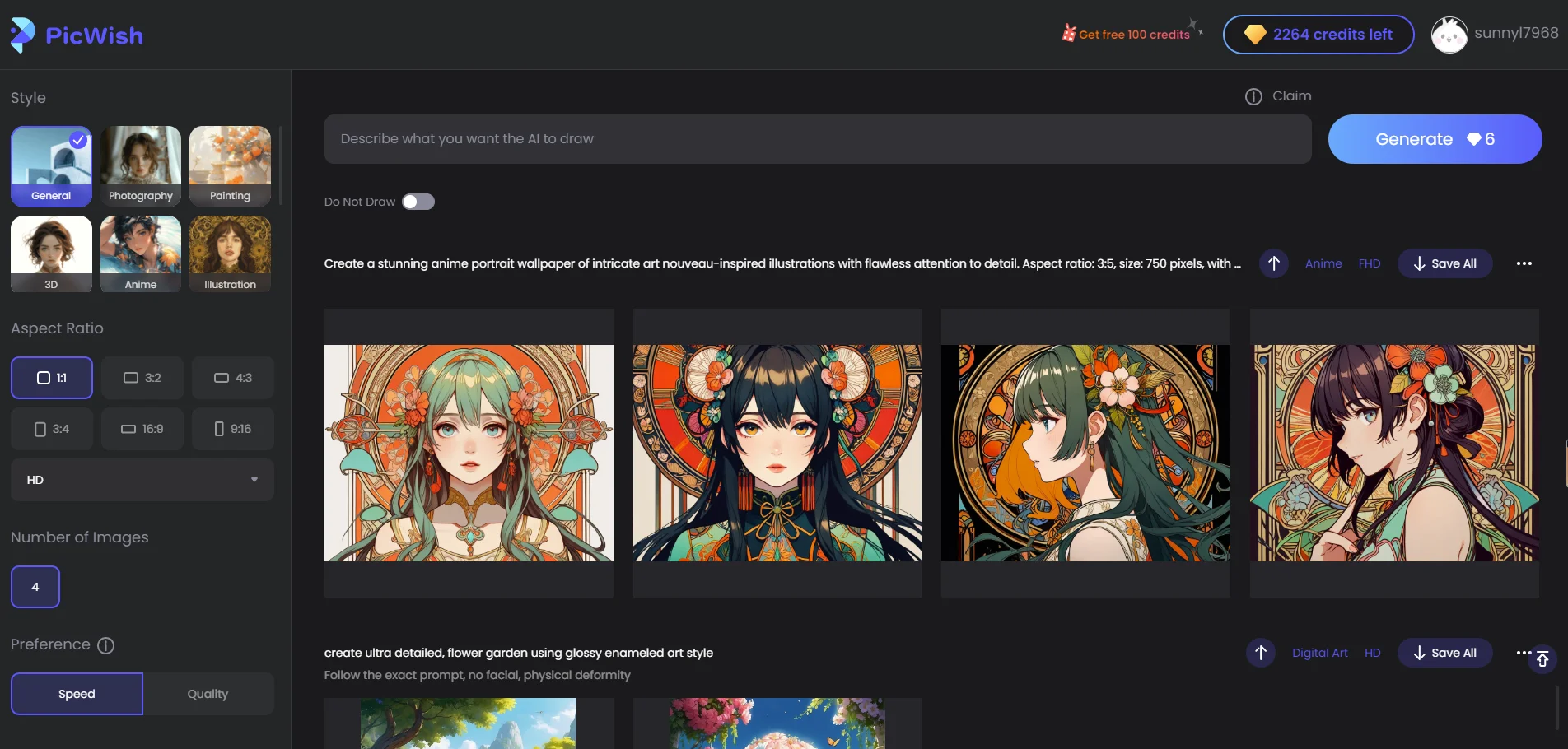
AI Art Generator:
- Create stunning artworks using AI-powered image generation algorithms.
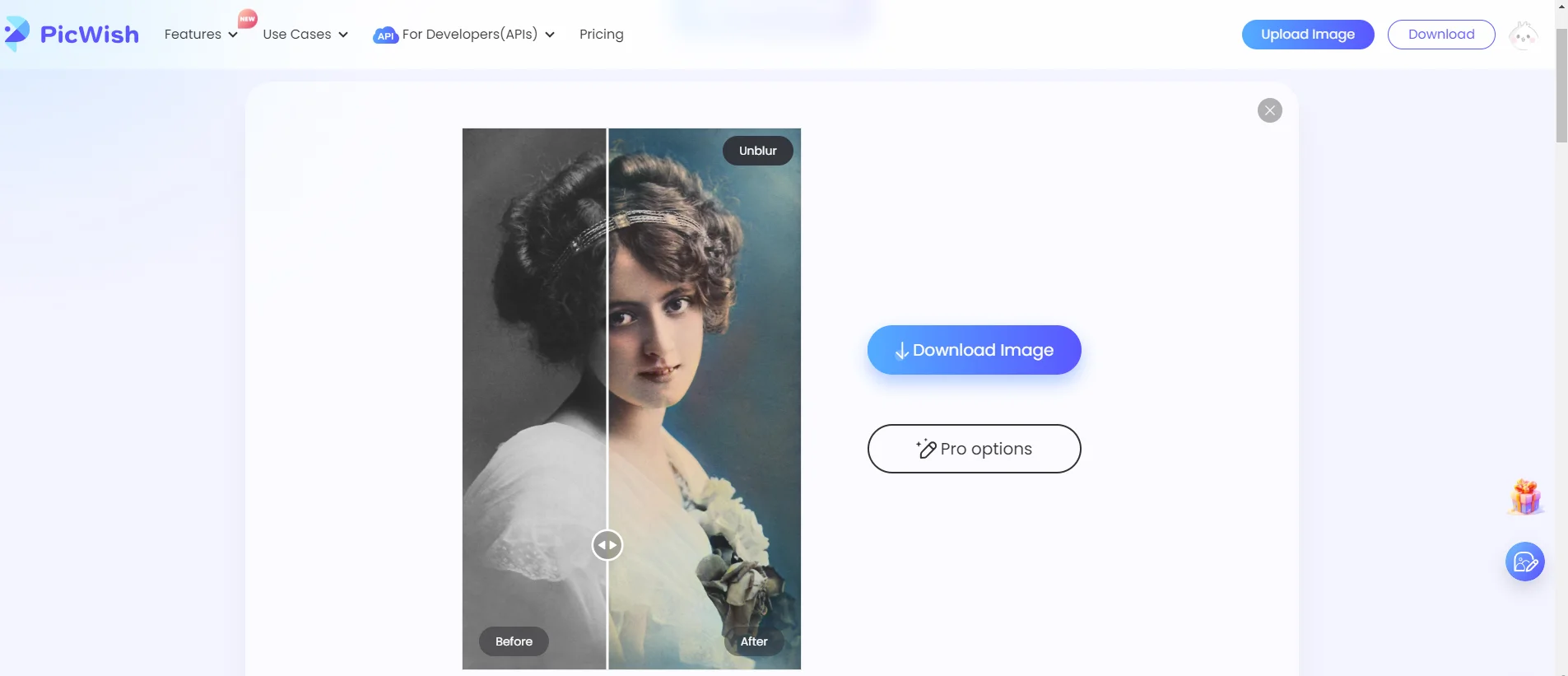
Photo Colorizer:
- Bring old black and white photos to life with automatic colorization.
JPG Converter:
- Convert between different image file formats seamlessly.
Cropping an image online:
- Create a new image by selecting the desired rectangular portion of the source image, quickly resize the image, and crop it custom or proportionally, preserving the aspect ratio without reducing the resolution of the cropped area.
How To Use PicWish?
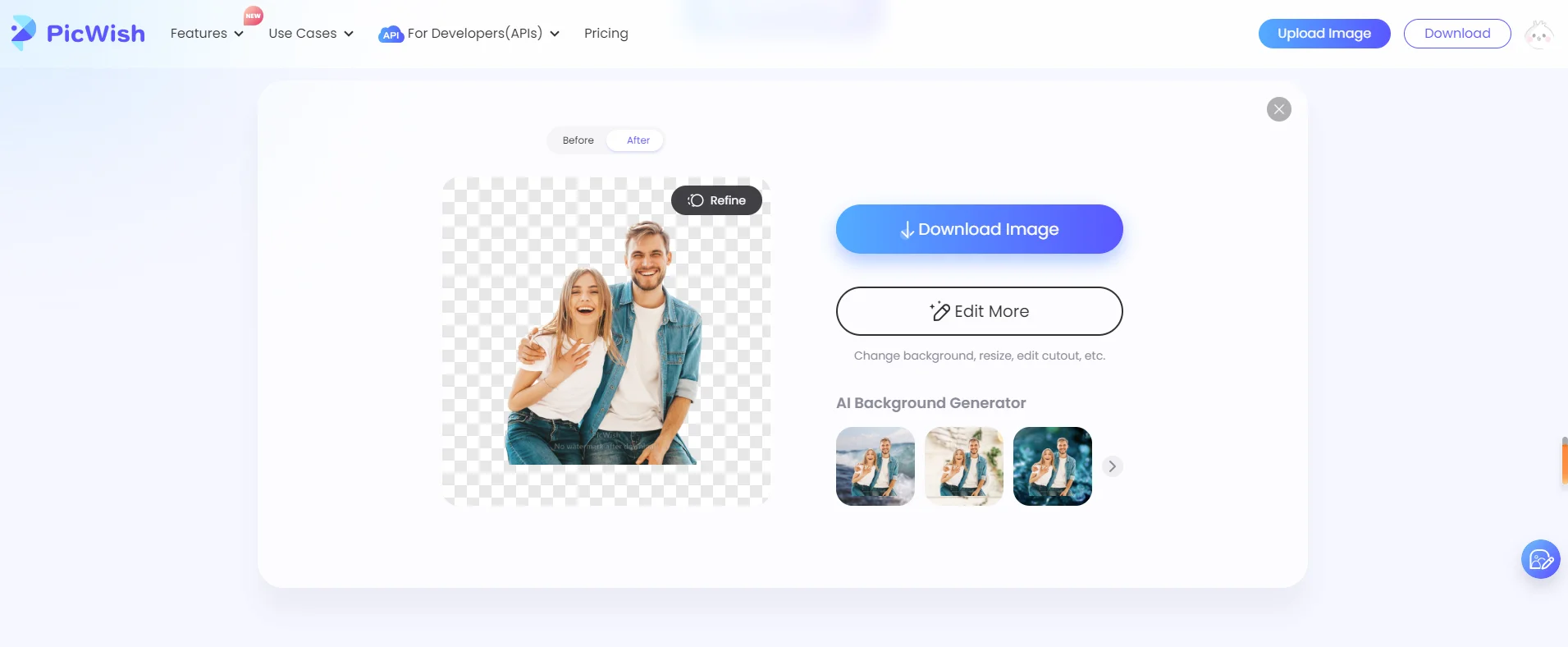
Remove Background
- Go to Background Remover
- Upload your image
- The background will be removed automatically
- Make changes as per your needs
- Click “Download Image,” and done!
Enhance Image Quality
- Go to Photo Enhancer
- Upload your image
- The image will be enhanced automatically
- Make Changes as per your needs
- Click “Download Image,” and done!
Enlarge Image
- Go to Image Enlarger
- Upload your image
- The image will be enlarged automatically
- Enlarge it more if you want to
- Click “Download Image,” and done!
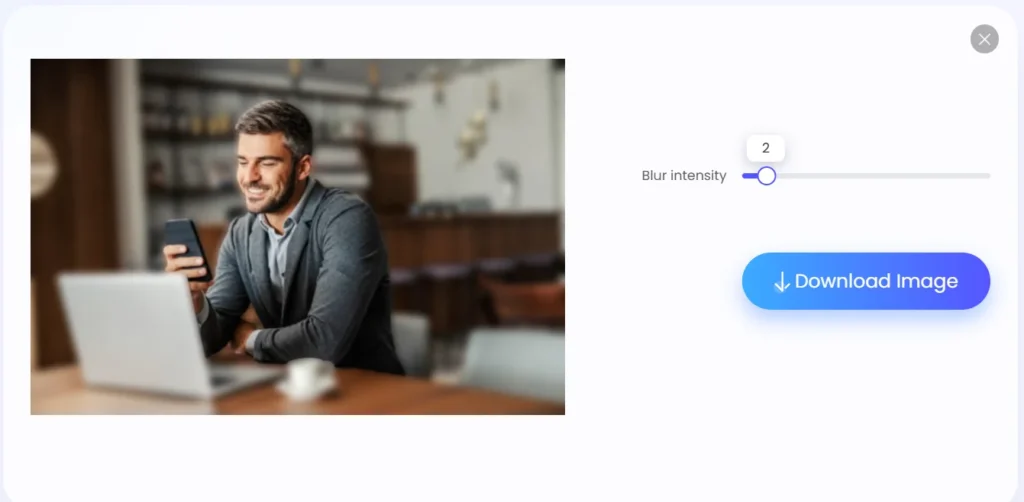
Blur Photo Background
- Go to Blur Background
- Upload your image
- Adjust blur intensity as per your need
- Click “Download Image,” and done!
PicWish – Online Image Editor Plan Offers:
- Total Credits Offered – 11,500
- 1 Image ≥ 1 Credit
- These 11,500 credits will be valid for life until they are utilized for specific features.
| Tools | Web | Desktop | Mobile |
| Download Full Image | Download Full Image | Download Full Image | |
| Remove Background | 1 credit per image | 1 credit per image | 1 credit per image |
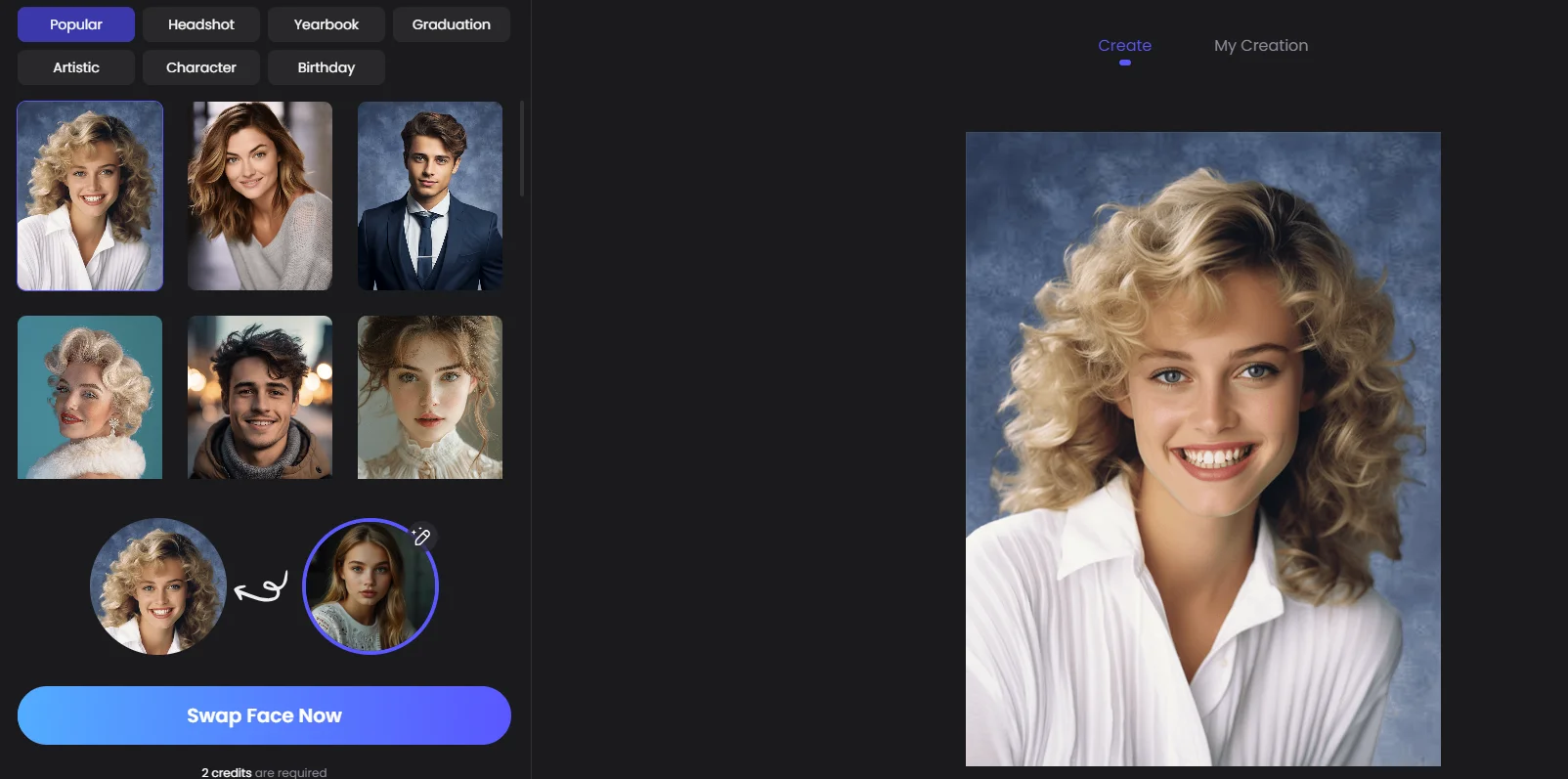
| AI Face Swap | 2 credits per image | – | – |
| White Background | 1 credit per image | 1 credit per image | 1 credit per image |
| ID Photos | Free | 1 credit per image | 1 credit per image |
| AI Background Generator | 6 credits at a time | – | – |
| Enhance Photo | 2~3credits per image | 2 credits per image | 2 credits per image |
| Photo Retouch | 1 credit per image | 1 credit per image | 1 credit per image |
| Video Retouch | – | 1 credit per video | 1 credit per video |
| AI Art Generator | 6~14credits per image | – | – |
| Compress | Free | Free for paid users | – |
| Colorize Photo | Free | 1 credit per image | – |
| Convert to JPG | Free | Free for paid users | – |
| Image to Text | Free | – | – |
| Add Watermark | – | Free for paid users | – |
| Crop & Resize | Free | Free for paid users | Free |
| Bulk Edit | 30 images | Unlimited | 30 images |
System Requirements:
- Windows 7 and above
- Mac OS X 10.10 and above
- Android 5.0 and above
- iOS 13 and above
Sneak Peek Into PicWish – AI Image Editor:


PicWish Reviews:
Deal Terms:
NOTE: The refund for this product will depend on the proportion of credits used. For instance, if a user has utilized 100 credits out of 11,500, they will receive a refund for the remaining 11,400 credits.
How to download/activate this product?
After completing your purchase, you will receive an instructions document. Follow the instructions in this document to redeem the coupon code and get access to PicWish – AI Photo Editor.
What is the validity of the license key/coupon code? (Within how many days the coupon code must be redeemed?)
The coupon code must be redeemed within 30 days from the date of purchase.
Are Lifetime Updates available for this product?
Yes, Lifetime updates are available for this product.
Is lifetime support available for this product?
Yes, support is available for a lifetime.
For support, contact – support@picwish.com.
Is this deal for new users only?
No, this deal is available for both old and new users of PicWish.
How many users can use the license key/coupon code?
1 coupon code can be used for 1 user/account.
Are the coupon codes stackable?
Yes, the coupon codes are stackable.
Can this product be accessed on all devices?
Yes, PicWish is accessible on all devices, provided the devices have a good internet connection.


Reviews
There are no reviews yet.