Now make professional-looking videos on your PC with a full-featured but lightweight Windows screen recorder.
Record anything on your Windows screen with one of the most efficient screen recorders. Meet the best screen recording software with a full set of features:
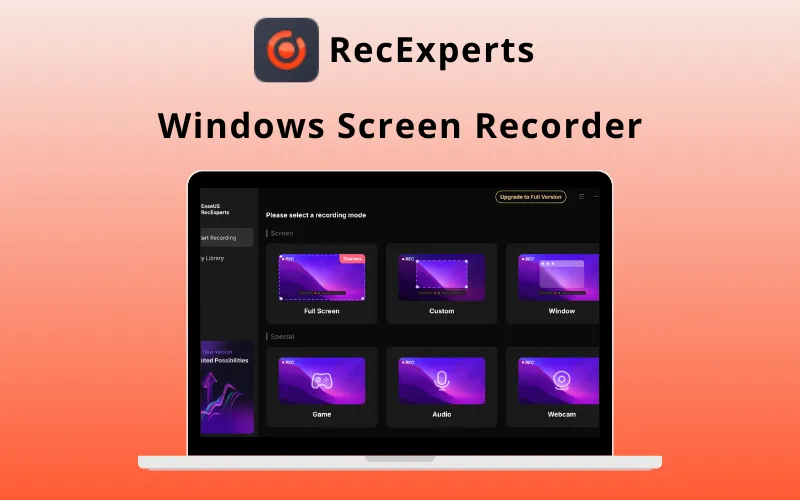
EaseUS RecExperts Windows Screen Recorder
EaseUS RecExperts is a simple, intuitive Windows screen recorder that lets you record and capture anything on your PC screen.
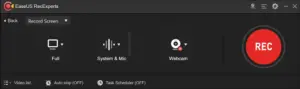
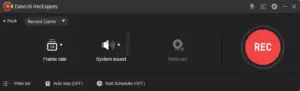
It lets you record any area of the screen with/without system sound or a webcam, whether it’s the full screen, a selected area, a fixed area, or even a locked window.
- Captures any area of a PC screen flexibly with customized settings
- Records video, audio, webcam, and gameplay on screen
- Records a task with a scheduled time
- Adds text, lines, arrows, and other real-time editing works
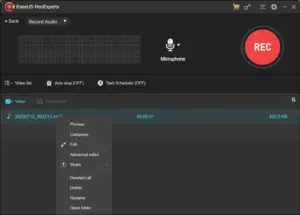
- Trims video length, adds a watermark, and other advanced edits
- Exports recordings directly to YouTube, Google Drive, Vimeo, etc.
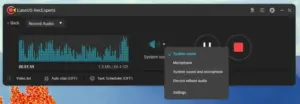
- Removes background noise and boosts audio
- Compresses videos without losing the original quality of the video
- Saves recorded video/audio in up to 10 formats like MP4, WMV, AVI, MOV, FLV, ASF, etc.
- Shares your recordings directly to various popular platforms like YouTube.
It also lets users use the drawing board to annotate the screen, mark an area, and do other editing actions during recording. You can even set up a scheduled recording task to record the screen and webcam automatically at a specific time.
Isn’t that amazing?? Start today!
Get your own handy, effective screen recording tool to export videos with the best results.
An Overview Of EaseUS RecExperts!
https://down.easeus.com/product/recexperts