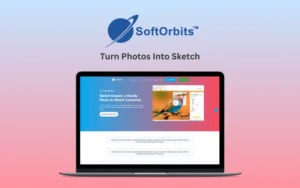
Sketch Drawer – Turn Photos Into Sketch | Lifetime Access

TL;DR

  • Turn your photos into colorful or monochrome pencil sketches.
  • Offers three distinct sketching styles - Realistic, Detailed and Classic sketches.

Quick Overview

Alternative to:

  • Canva
  • Fotor AI
  • VanceAI Image Upscaler

Best for:

  • Content Creators
  • Freelancers
  • Graphic Designers
  • Print-on-Demand Sellers

Compatibility:

  • Browser Support:
    Brave, Chrome, Edge, Firefox, Safari
  • Operating Systems:
    Windows

Create realistic, hand-drawn sketches from your images without extensive drawing experience, with Sketch Drawer.


What is Sketch Drawer?


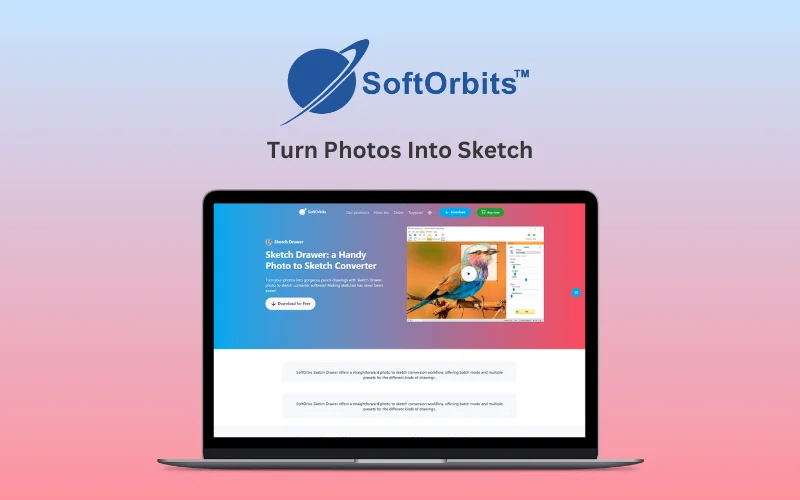
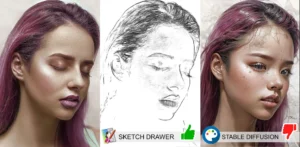
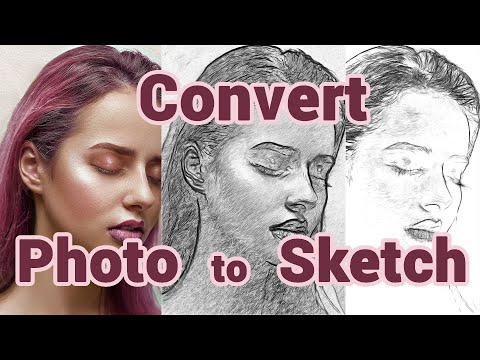
Sketch Drawer is a powerful and user-friendly photo-to-sketch conversion software that helps you turn photos into sketch.


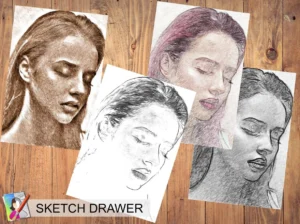
It offers three distinct sketching styles and over 40 artistic presets.


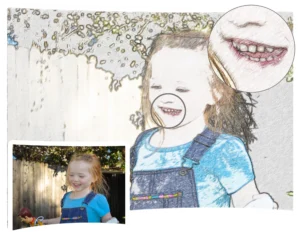
With features like contour adjustments, hatching options, and the ability to blend sketches with original photos, Sketch Drawer ensures stunning, professional results every time.


It supports batch processing, to turn photos into sketch simultaneously.


Additionally, it operates entirely offline, safeguarding user privacy and ensuring that no data leaves your computer.

Watch How Sketch Drawer Converts Your Photos Into Sketches

Youtube video

Sketch Drawer Features:

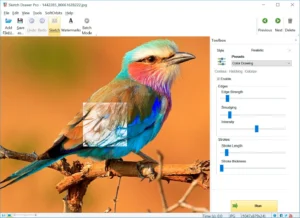
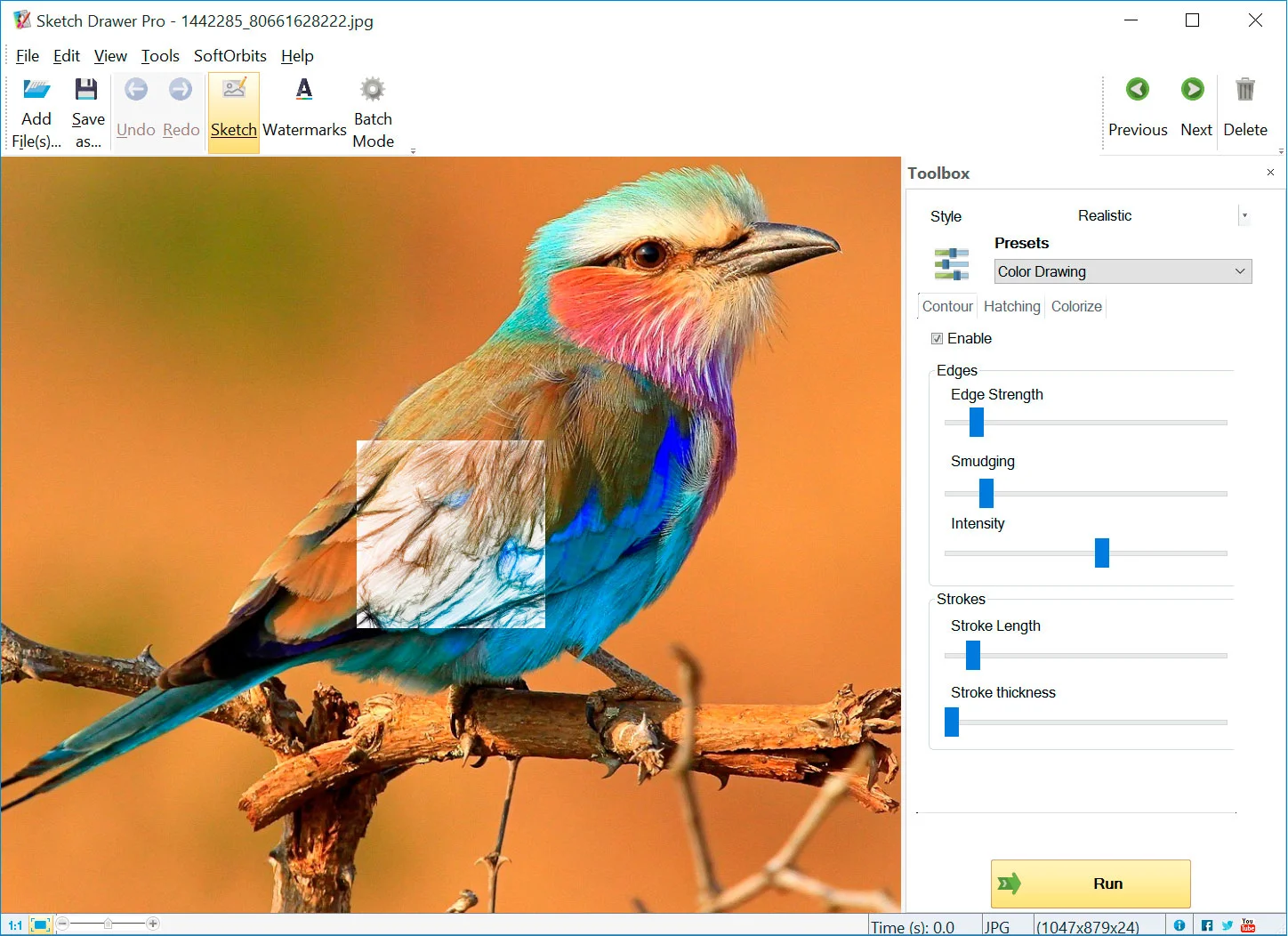
Sketch-Drawer-User-Interface

Effortless Photo-to-Sketch Conversion:

  • Upload a photo, pick a preset
  • Instant conversion, just a few clicks
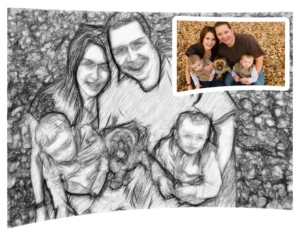
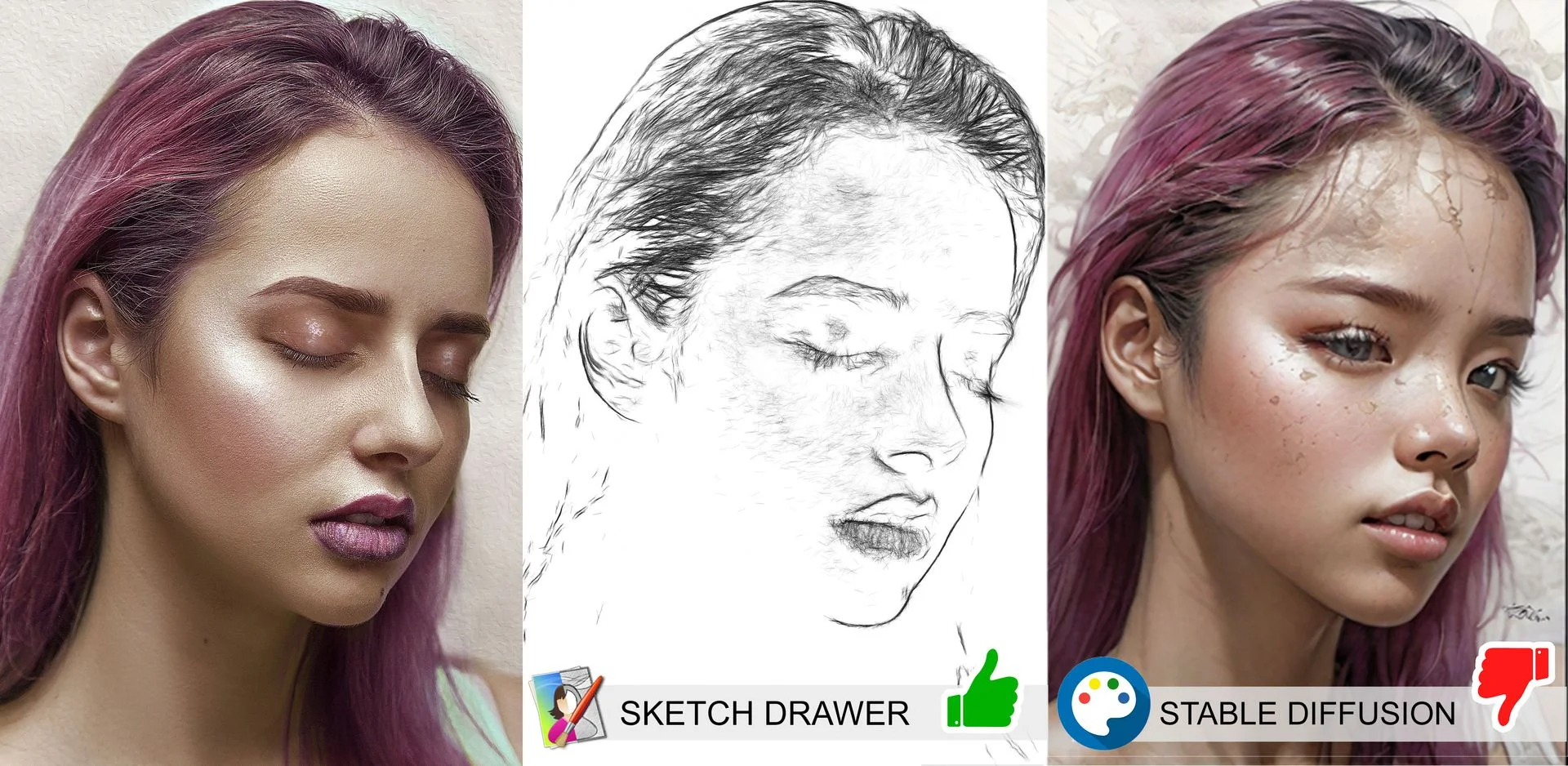
Sketch-Drawer-Girl-11

Sketching Styles & Presets:

  • 3 core styles: Realistic, Detailed, Classic
  • 40+ presets – Pencil Sketch, Anime, Stencil, Line Drawing
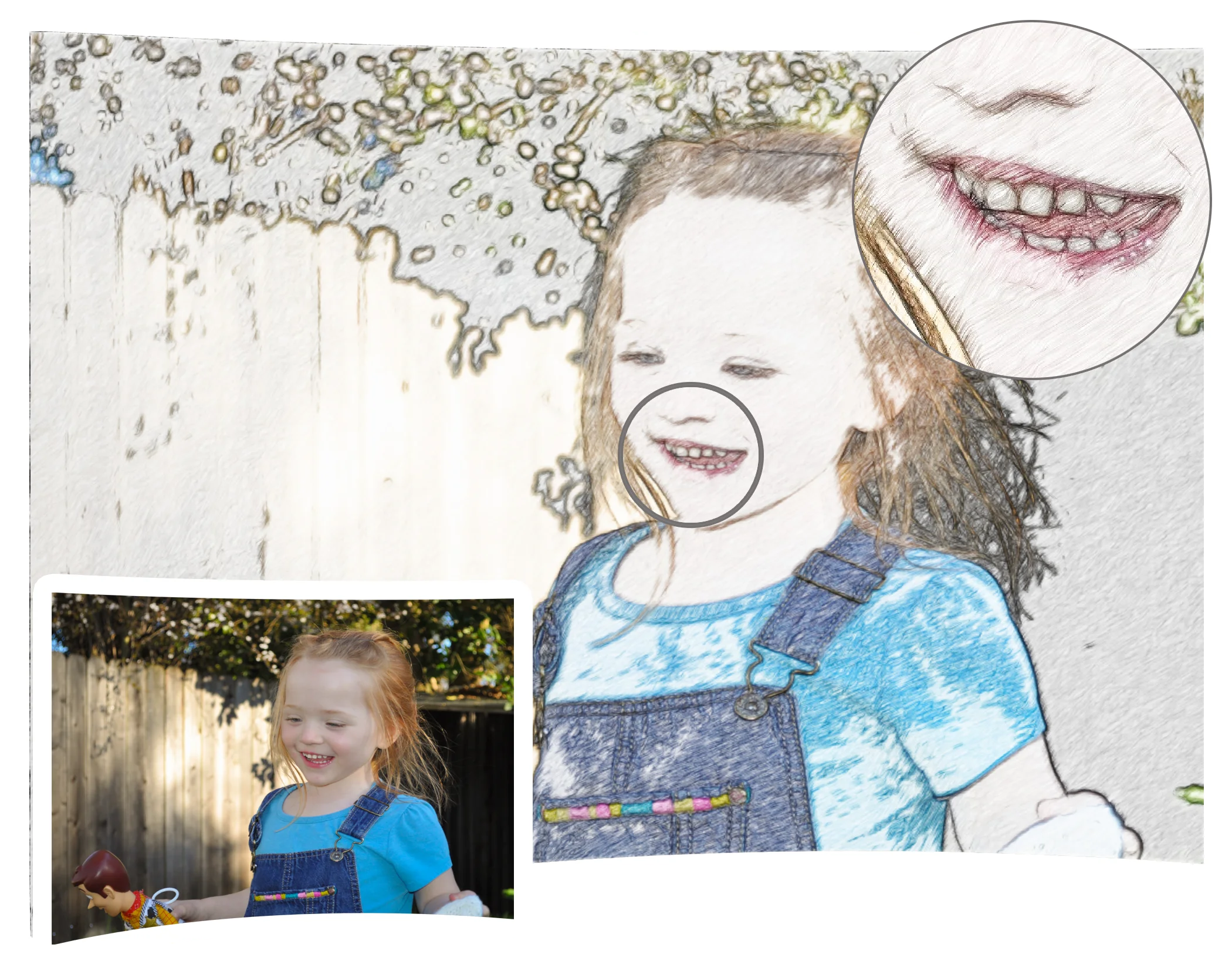
Sketch-Drawer-laughing-kid

Customization & Blending:

  • Adjust contour, hatching & color intensity
  • Undo Brush blends sketch with original photo
  • Crop, rotate, brightness/contrast tools
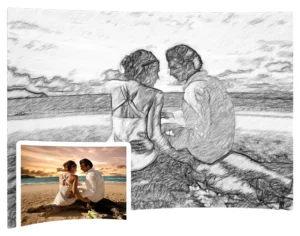
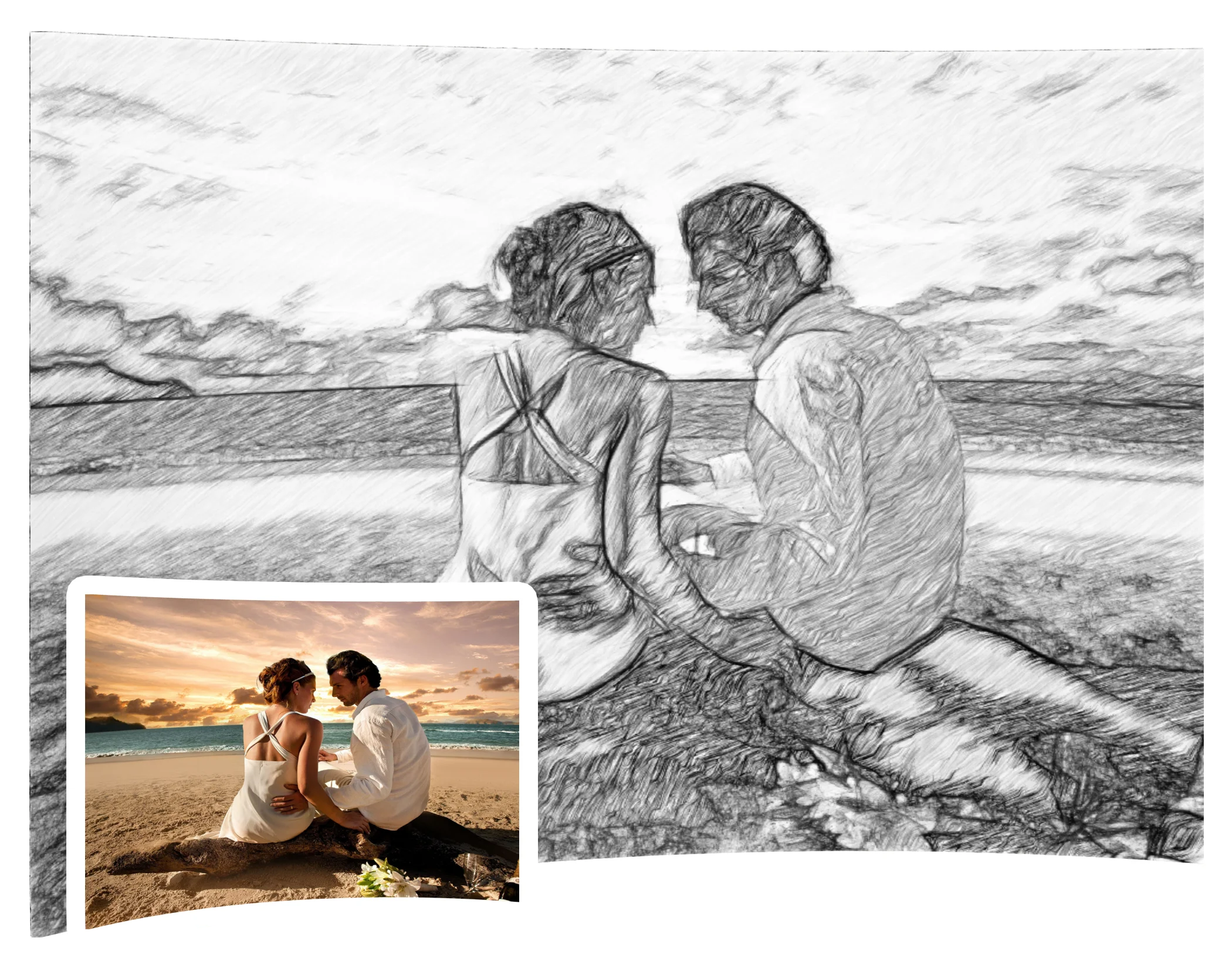
Sketch-Drawer-Couple-Photo

Batch, Privacy & Branding:

  • Convert multiple images at once
  • Runs 100% offline – private & secure
  • Add a custom watermark/signature to protect your art

Why Choose Sketch Drawer?

  • Turn ordinary photos into realistic pencil sketches in just a few clicks.
  • Choose from 3 sketching styles and 40+ artistic presets.
  • Fine-tune contours, hatching, and color intensity for better control.
  • Process multiple photos at once with convenient batch processing.
  • Work completely offline without uploading your photos online.
  • Blend sketches with original photos for creative effects.
  • Add custom watermarks or signatures to protect your artwork.

Sketch Drawer is best for:

  • Content Creators
  • Freelancers
  • Graphic Designers
  • Print-on-Demand Sellers

Choose Your Plan

With DealClub
$25.49
$59.99
Without DealClub
$29.99
$59.99
Buy Now
Limited Time Deal

Deal Terms

  • Access via redemption of coupon code
  • 30-Day Coupon Code Validity
  • One Coupon Code for one user/account
  • Coupon Codes are not stackable
  • For both - New & Existing Users
  • Free Updates
  • Free Support
  • Accessible only on Windows - Desktop and Laptop

Plans & Features

Choose the perfect plan for your needs.

Plans & Features
Lifetime Plan
$59.99 $29.99
Buy Now
Full Customization Control
Batch Processing for Multiple Images
Blend Sketches with Photos

Lifetime Plan

$59.99 $29.99
Buy Now
30-Day Refund | Lifetime Access | One-Time Payment
  • Full Customization Control
  • Batch Processing for Multiple Images
  • Blend Sketches with Photos

Frequently Asked Questions

Find Answers to common questions about SoftOrbits Sketch Drawer

Can Sketch Drawer turn any photo into a sketch?

Yes. It can convert photos into realistic, detailed, and classic pencil-style sketches.

How many sketch styles does Sketch Drawer include?

It includes three main sketch styles and more than 40 artistic presets.

Can I convert multiple photos at once?

Yes. Sketch Drawer supports batch processing for converting multiple images together.

Does Sketch Drawer work without an internet connection?

Yes. The software runs offline on Windows, so your photos stay on your computer.

Customer Feedback

Customer Reviews (0) Customer Q&A (0)

No Reviews Yet

Be the first to try this deal and share your experience.

You must purchase this product to leave a review.

Be The First To Ask

Get clarity before you buy—your question might help others too.

×

You Might Also Like

3000 Midjourney T-Shirt Design Prompts | Lifetime Access
Flowchart AI - AI Powered Flowchart Generator | Annual Access

Flowchart AI - AI Powered Flowchart Generator | Annual Access

, , , , , , ,

Creator's AI Art Prompts Bundle | Lifetime Access

Creator's AI Art Prompts Bundle | Lifetime Access

, , , , , , ,

Collaboard - Collaborate in Real Time on Unlimited Online Whiteboards

Collaboard - Collaborate in Real Time on Unlimited Online Whiteboards

, , , , , , , ,

Buy with DealClub
$25.49 $59.99
Buy without DealClub
$29.99 $59.99

Deal Terms

  • Access via redemption of coupon code
  • 30-Day Coupon Code Validity
  • One Coupon Code for one user/account
  • Coupon Codes are not stackable
  • For both - New & Existing Users
  • Free Updates
  • Free Support
  • Accessible only on Windows - Desktop and Laptop
Scroll to Top