



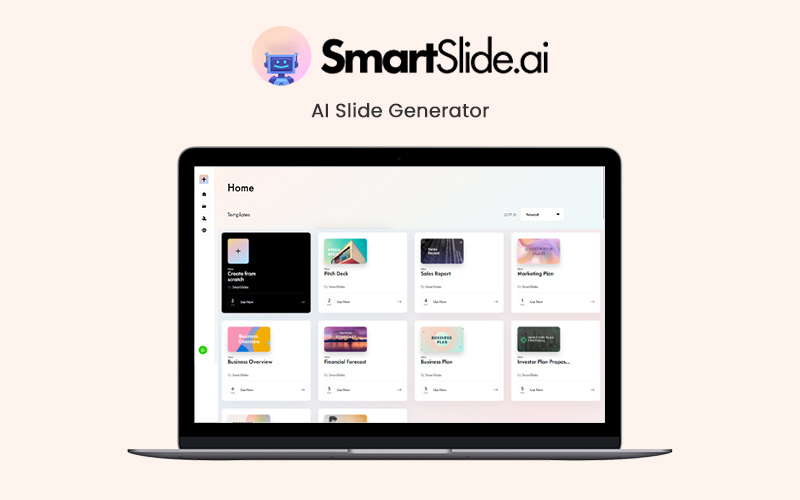
Looking for an AI solution to create innovative presentations in no time? Meet SmartSlide.ai, your AI slide generator, that let’s you craft appealing slides in seconds.
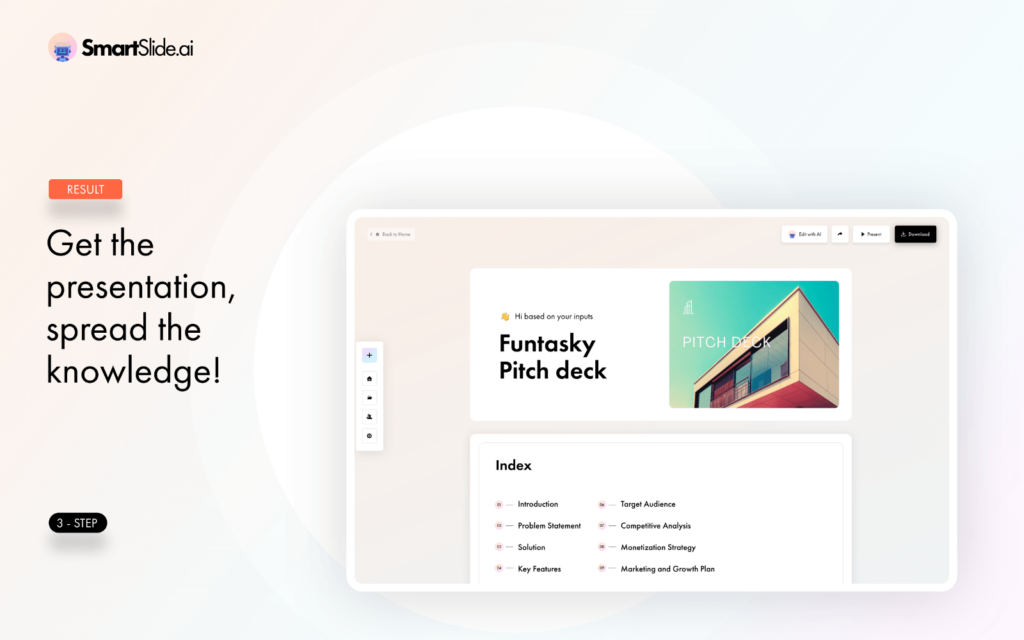
SmartSlide.ai is an AI-powered slide generator that quickly generates professional slides in seconds for a wide range of purposes, including pitch decks, marketing plans, business overviews, and more.
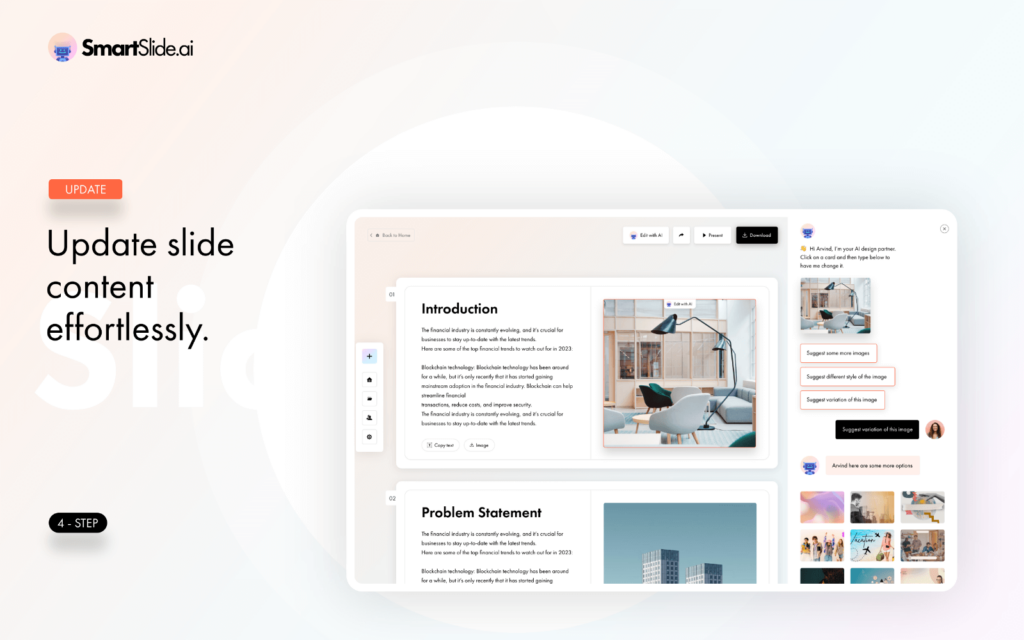
SmartSlide.ai empowers you to effortlessly craft visually engaging
presentations with intelligent design recommendations and content generation.
It can be used by –
- Business Professionals
- Educators
- Marketers
- Salespeople
- Designers
- Students
- Consultants
- Presentation Creators
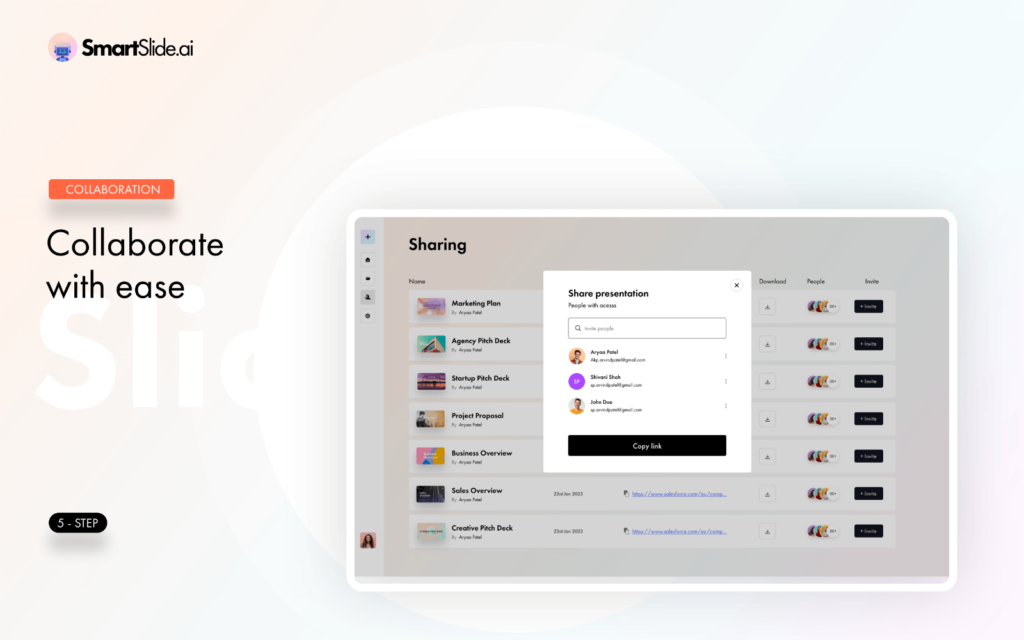
Moreover, this tool allows you to share slides and presentations in various formats – PDF, Microsoft PowerPoint, Google Slides, and Text.
Introduction To SmartSlide.ai
Features Of SmartSlide.ai
AI-Powered Presentation Generation:
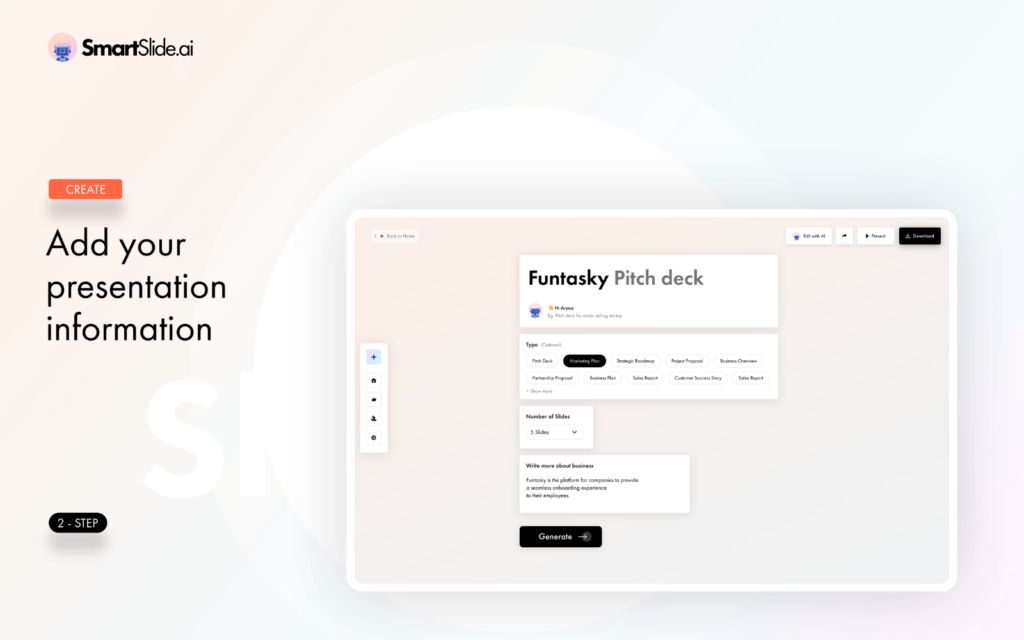
- It provides advanced artificial intelligence to automate the creation of presentations.
User-Friendly Interface:
- It offers an intuitive and easy-to-use interface, ensuring that users of all levels can quickly adapt to the tool.
Template Library:
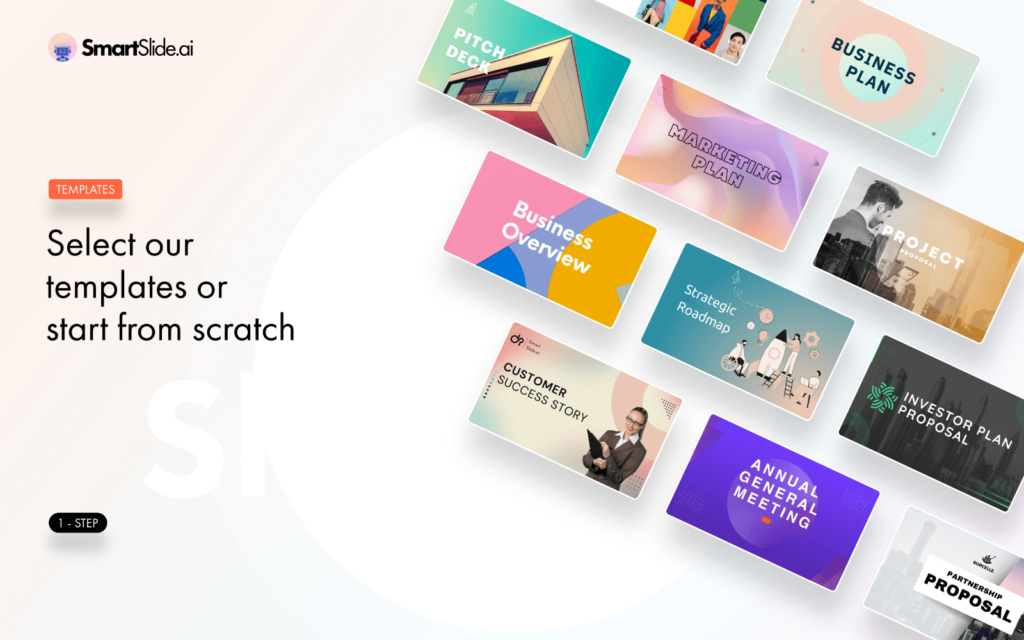
- It provides access to a diverse range of professionally designed templates that can serve as a starting point for various presentation needs.
Content Suggestions:
- It provides content suggestion for your slides, helping you
find the right words to convey your message effectively.
Image Generation:
- It provides visuals and images using AI, eliminating the need to search for or create images separately.
Customization:
- It provides presentations to your specific needs by easily customizing templates, layouts, and design elements.
Collaboration:
- It allows you to collaborate with team members and stakeholders in real-time, making it easy to work on presentations together.
Cross-Platform Compatibility:
- It supports various devices and operating systems, providing flexibility for users.
Time Efficiency:
- It allows you to save significant time in creating presentations, allowing you to focus on content and delivery.
SmartSlide.ai Templates
- Pitch Deck
- Marketing Plan
- Sales Report
- Competitor Analysis
- Business Plan
- Product Launch
- Earnings Call
- Strategic Planning
- SWOT Analysis
- Financial Forecast
- Market Research
- Annual Report
- Board Meeting Presentation
- Customer Presentation
- Growth Strategy
- Project Status Update
- Risk Assessment
- HR Training Materials
- Product Roadmap
- Investment Proposal
Sneak Peek Into SmartSlide.ai
SmartSlide.ai Customer Testimonials
Deal Terms:
How to get access to SmartSlide.ai after purchasing this deal?
After completing your purchase, you will receive an instructions document. Follow the instructions in this document to redeem the coupon code and get access to SmartSlide.ai.
What is the Validity of the activation license key/code? (Within how many days must the code be redeemed?)
The coupon code should be redeemed within 30 days from the date of purchase.
Do you get Lifetime Access to this deal?
No, you get Annual access to SmartSlide.ai with this deal.
Are Updates available with this deal?
Yes, FREE updates are available with this deal during the active subscription period.
Is support available for this product?
Yes, support is available. For support, contact- [email protected]
Is this deal for new users only?
Yes, this deal is for both old and new users of SmartSlide.ai.
How many users can use the license key/coupon code?
1 coupon code can be used for 1 user/account.
Are the coupon codes stackable?
No, coupon codes are not stackable.
Can this product be accessed on all devices?
Yes, this product can be accessed on all devices, provided the devices have a good internet connection.
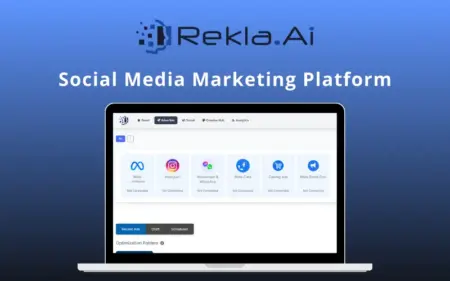


Michael Lewis –
The pitch deck templates with the backgrounds shown are not backgrounds at all. You only get that image in a small picture on the first slide and all slides are white with no images. This is misleading, I thought it would be the theme as a background on the slides with stock or AI images automatically loaded that we could edit if needed. There are spaces to manually add pictures. Also, when exporting to PowerPoint, the titles are placed overtop of the main text so you need to edit each slide.
This tool is not ready for what it’s supposed to be. It needs a public roadmap and some core improvements. It could be great, but because it is an annual deal and no timeframe given for improvements, I will be returning it. The text generation is ok, so if that is what you are looking for then this tool will help you. But as far as backgrounds and images, you need to add everything on your own.