Resizing and converting images individually is a time-consuming and tedious task, especially when dealing with large volumes of images. That is why DealFuel brings to you –
SoftOrbits – Batch Picture ResizerÂ
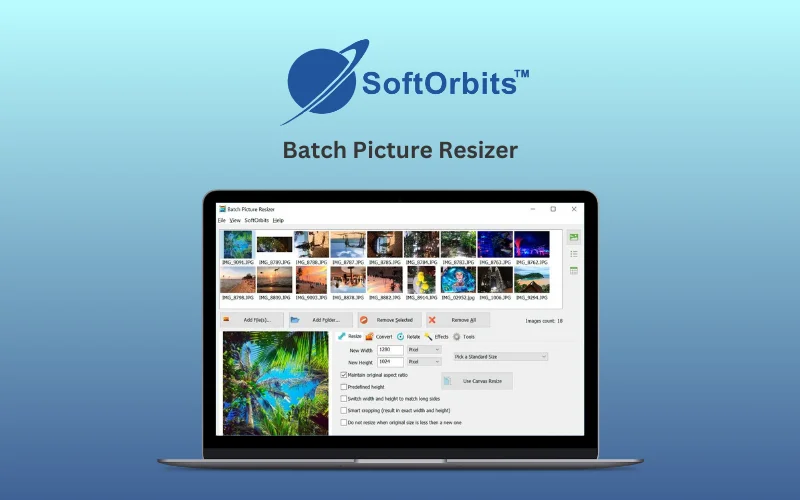
Batch Picture Resizer is a powerful image processing tool designed to resize, convert, rotate, crop, and rename multiple images in a single batch.
It supports various formats, maintains high quality, and offers lossless image rotation, watermarking, and color correction features.
Its intelligent resizing algorithms ensure that images retain their sharpness and clarity without pixelation or distortion.
This Batch Picture Resizer is ideal for eCommerce sellers, photographers, and graphic designers, this software is a must-have for anyone dealing with large numbers of images.
How to Bulk Resize Images with Batch Picture Resizer?
- Download & Install : Download Batch Picture Resizer from the official website and install it on your Windows PC.
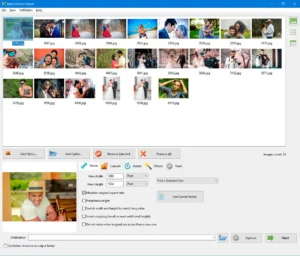
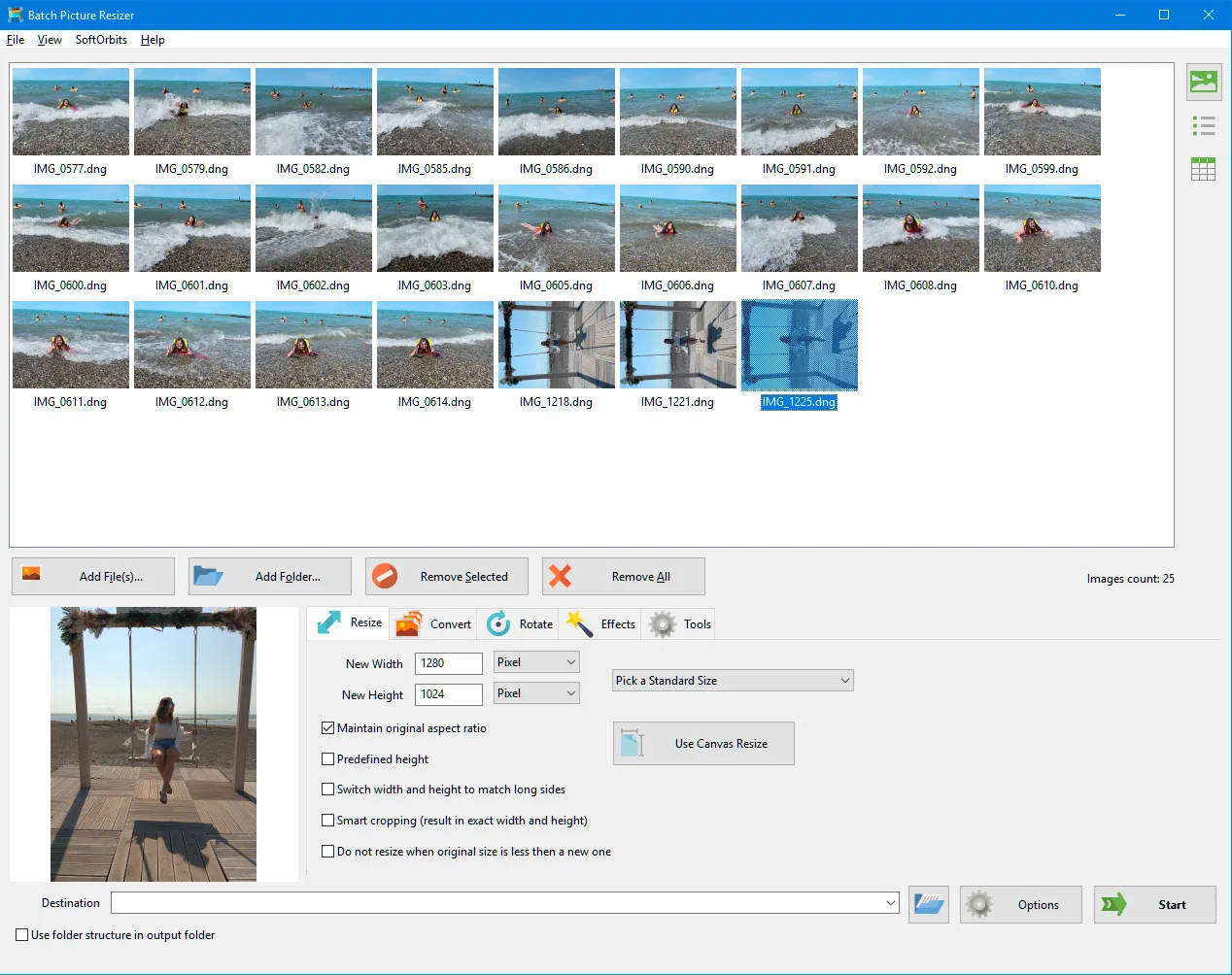
- Add Images: Click ‘Add Files’ or ‘Add Folder’ to upload images for processing.
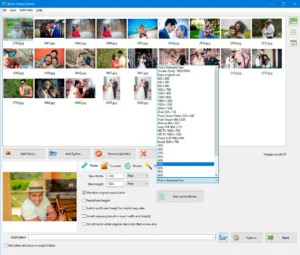
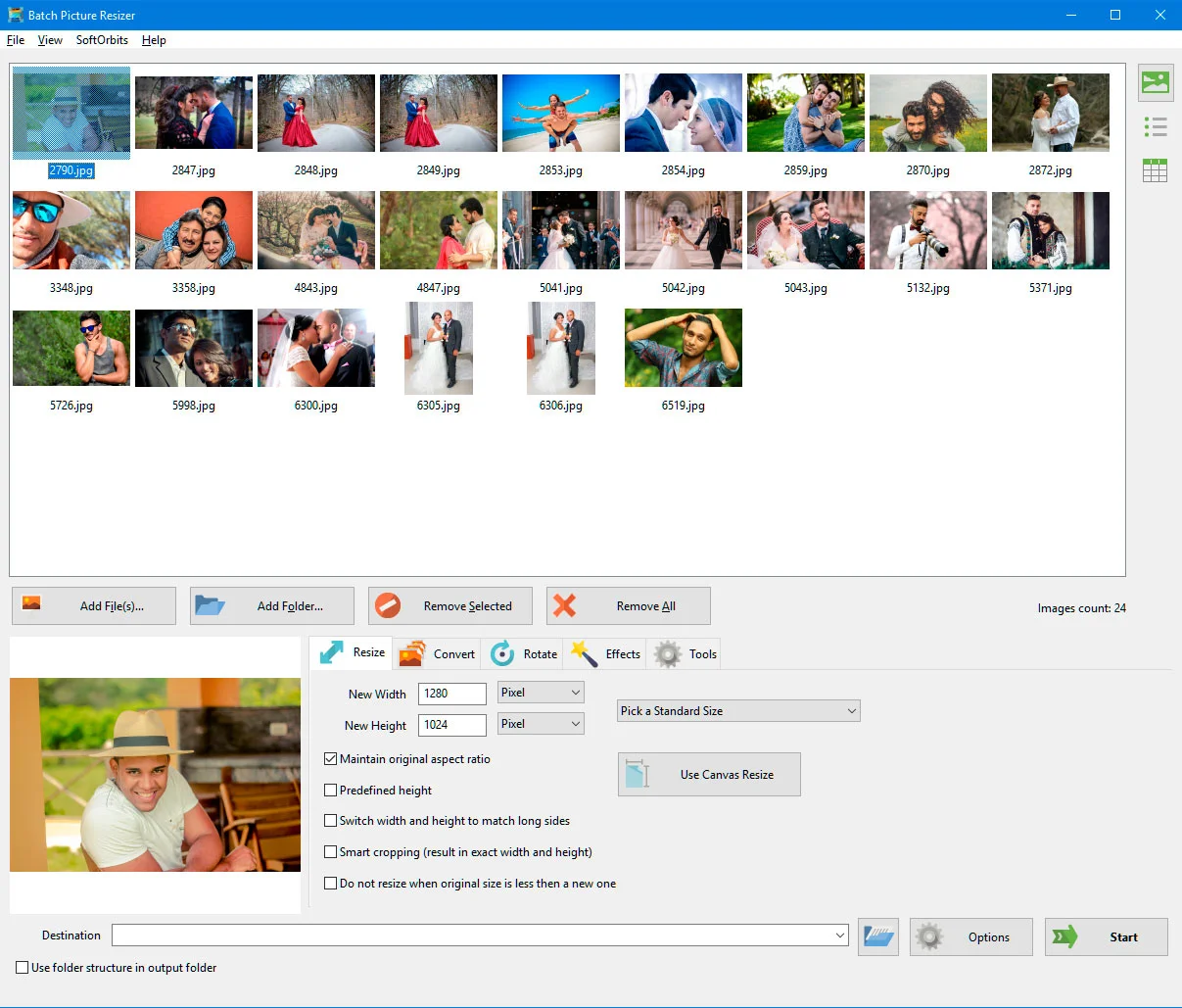
- Choose Resizing Options: Select predefined sizes or manually enter dimensions in pixels or percentage.
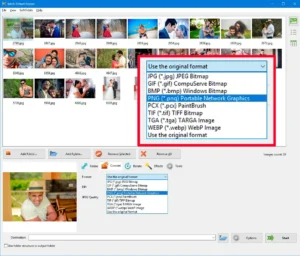
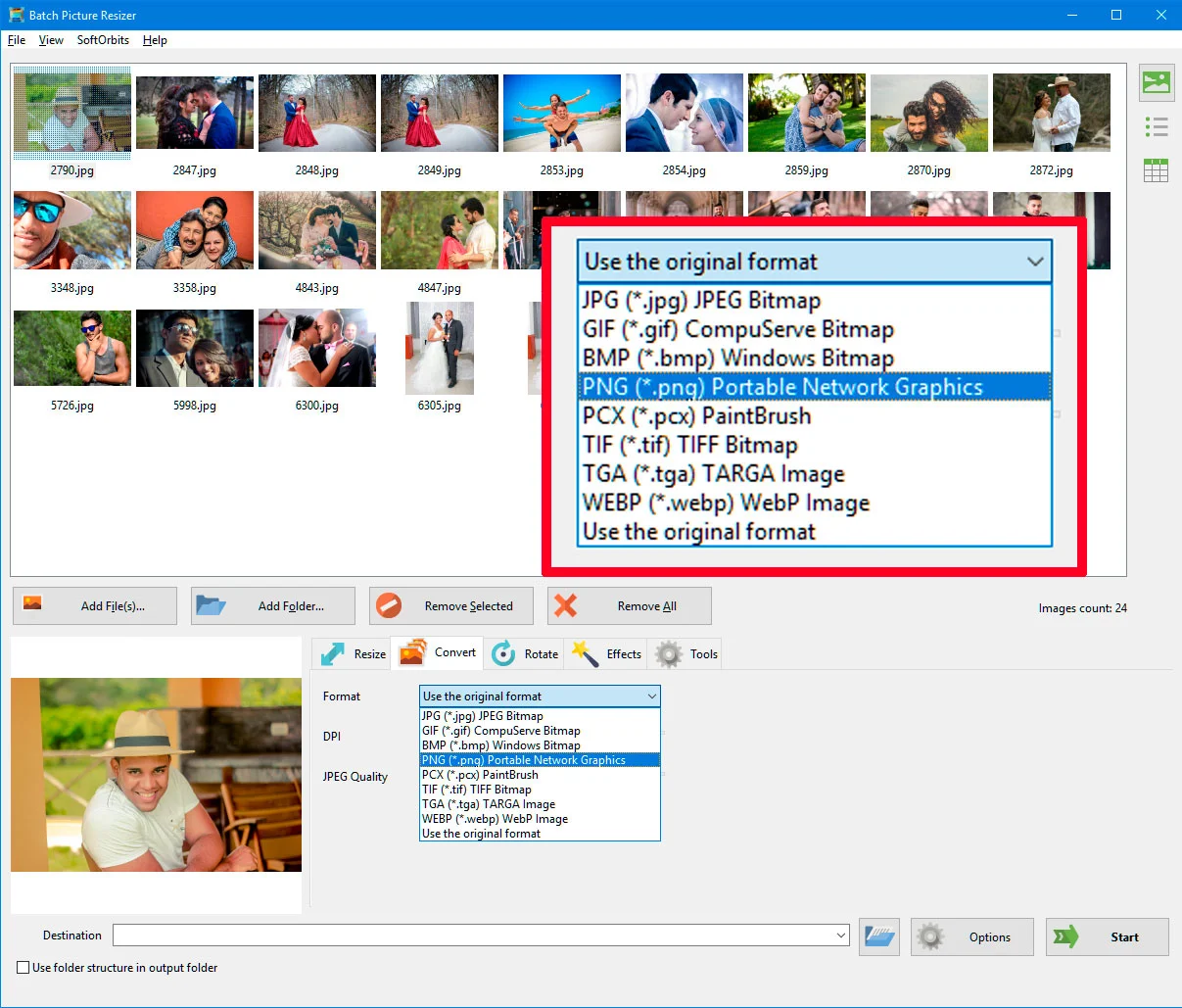
- Select Output Format: Choose the desired format such as JPEG, PNG, TIFF, or RAW.
- Set Additional Options: Enable smart cropping, watermarking, renaming, or color correction as needed.
- Select Destination Folder: Choose a folder to save the processed images.
- Start Processing: Click ‘Start’ to apply the changes in batch mode.
Specifications:
- Windows 11/10/8.1/8/7 (32/64 bit)
- Intel i3, AMD Ryzen 5 or above
- 4 GB of RAM or above
- NVIDIA® GeForce® series 8 and 8M, Intel® HD Graphics 2000, Quadro FX 4800, Quadro FX 5600, AMD Radeon™ R600, Mobility Radeon™ HD 4330, Mobility FirePro™ series, Radeon™ R5 M230 or higher graphics card with up-to-date drivers
- 1280 × 768 screen resolution, 32-bit color
- 1 GB of free hard disk space or above
Features Of Batch Image Resizer:
Maintain Folder Structure:
- Batch Picture Resizer keeps the folder structure intact while processing resized images.
Aspect Ratio Converter:
- Easily convert image aspect ratios while preserving visual quality and avoiding distortions.
Multi-Core Batch Processing:
- Batch mode utilizes all available processor cores, ensuring high-speed processing of large image batches.
Watermarking and Branding:
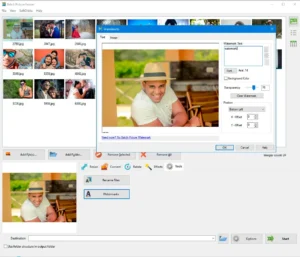
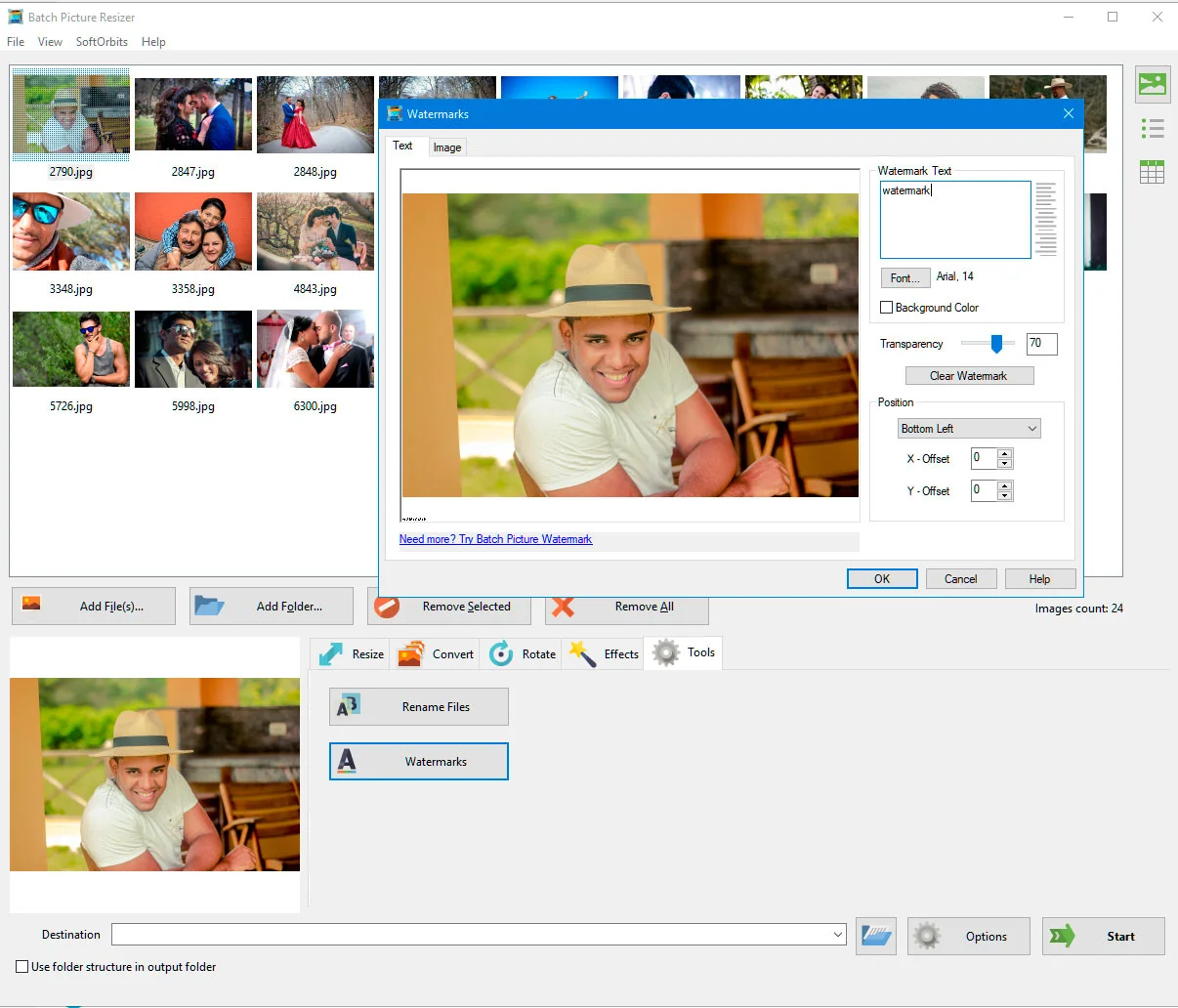
- Add text, logos, or image watermarks to multiple images in one go.
Image Format Conversion:
- Convert images to various formats, including JPEG, PNG, BMP, TIFF, PSD, WEBP, and more.
GUI and Command Line Modes:
- Offers both graphical user interface (GUI) and command-line modes for flexible operation.
Lossless Image Rotation & Mirroring:
- Rotate, flip, and mirror images without any loss of quality.
- The tool also supports automatic JPEG rotation based on EXIF metadata.
Preserve EXIF Data:
- Retain essential EXIF tags, including camera settings, timestamps, and metadata, during processing.
Canvas Size Adjustment:
- Easily change the canvas size of images to fit specific dimensions.
RAW Image Support:
- Supports a wide range of RAW image formats, including CRW, CR2, NEF, PEF, RAF, RAW, DNG, MNG, and more.
Batch Renaming:
- Rename multiple images at once by adding prefixes, suffixes, numbers, or date stamps.
Overwrite or Save New Files:
- Choose between prompt-free overwriting of existing files or saving resized images as new files.
Automatic Color and Level Adjustments:
- Enhance image colors and contrast automatically for a professional touch.
Grayscale Conversion:
- Easily convert images to grayscale for artistic or professional use.
Windows Explorer Integration:
- Right-click images in Windows 11, 10, 8, or 7 Explorer to access the image conversion tool instantly.
DPI and Compression Adjustments:
- Modify image DPI and compression settings to optimize image quality for print or web use.
Sneak Peek Into SoftOrbits Bulk Resizer:


Deal Terms:
How to download/activate this product?
After completing your purchase, you will receive an instructions document. Follow the instructions in this document to redeem the coupon code and get access to this product.
What is the validity of the license key/coupon code? (Within how many days the coupon code must be redeemed?)
The coupon code must be redeemed within 30 days from the date of purchase.
Do you get Lifetime Access to this deal?
Yes, this deal gives you lifetime access to Batch Picture Resizer.
Lifetime means the lifetime of the product.
We try to get great products with longevity for our customers, but products do get acquired, or sometimes the products go bankrupt. Many of these products are startup companies, giving us a great deal for our customers. But in case of an unfortunate situation where the product does not last long, there is not much DealFuel can do about it.
Are Lifetime Updates available for this product?
Yes, Lifetime minor updates are available for this product. Major updates are paid for, and users will receive a pop-up when the update is released.
Is support available for this product?
Yes, support is available for this product.
For support, contact – [email protected].
Is this deal for new users only?
No, this deal is available for both new and existing users of Batch Picture Resizer.
How many users can use the license key/coupon code?
1 coupon code can be used for 1 user/account.
Are the coupon codes stackable?
No, the coupon codes are not stackable.
Can this product be accessed on all devices?
No, this product is accessible only on Windows.


Reviews
There are no reviews yet.