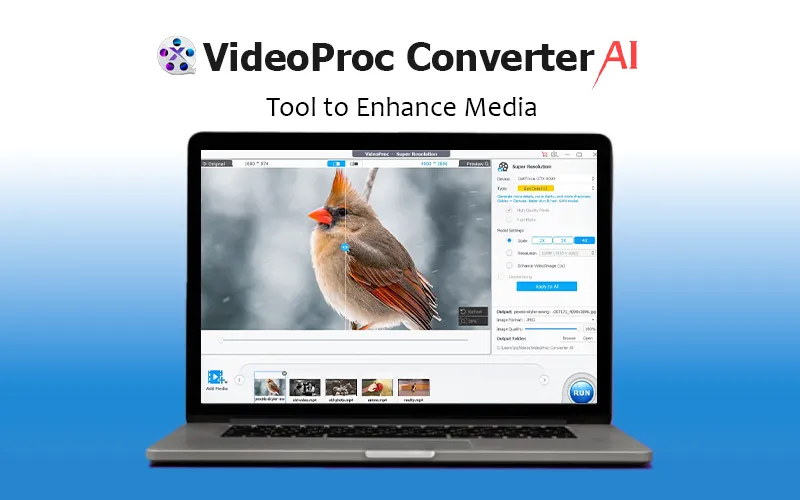
VideoProc Converter AI – Tool To Enhance Media | Lifetime Access

TL;DR

  • AI-powered media enhancer for videos, images, audio, and DVDs
  • Upscale videos & images up to 4K/10K with AI Super Resolution
  • Convert, compress, edit, record, and download media in one tool
  • Supports 320+ codecs and 420+ output presets
  • Lifetime access with free updates

Quick Overview

Alternative to:

  • Any Video Converter
  • HitPaw Video Converter
  • Movavi

Best for:

  • Content Creators
  • Filmmakers
  • Marketers
  • Photographers
  • Social Media Managers
  • Video Editors
  • YouTubers

Compatibility:

  • Operating Systems:
    MacOS, Windows

Tired of the hassle of juggling multiple tools for your media conversions? Discover the all-in-one solution that simplifies your media processing workflow – VideoProc Converter AI.


What is VideoProc Converter AI?

VideoProc Converter AI is an all-in-one media enhancer that allows you to enhance, upscale, smooth, stabilize, convert, compress, edit, download, and record videos/audio/images/DVDs.


It offers level-3 hardware acceleration, which is fully optimized for Intel QSV, NVIDIA CUDA/NVENC, and AMD GPUs, ensuring smooth and efficient performance.


VideoProc Converter AI supports almost every type of video, audio, and DVD with 320 built-in codecs and 420 output conversion presets.


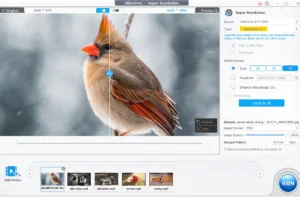
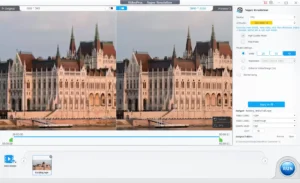
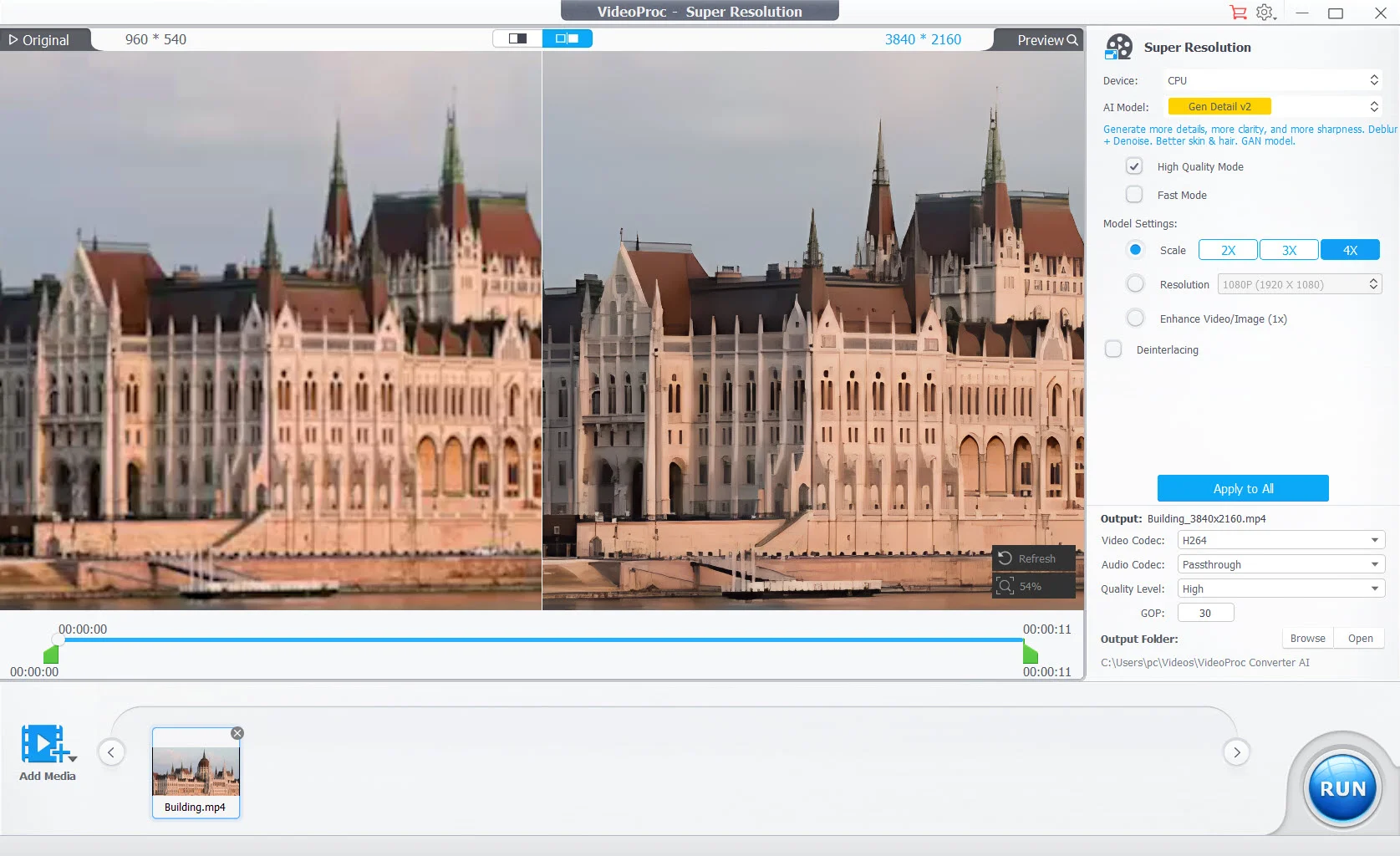
Its AI Super Resolution leverages the latest AI models to generate more detail and clarity, making both videos and images sharper.


Moreover, this media enhancer allows you to adjust key file parameters such as frame rate, bit rate, GOP, aspect ratio, and more!

Introduction To VideoProc Converter AI

Youtube video

VideoProc Converter AI Features

<b>AI Video Upscaling</b>

AI Video Enhancer:

  • Upscale video resolution by 400% up to HD/4K
  • Enhance blurry, noisy, compressed video with more details
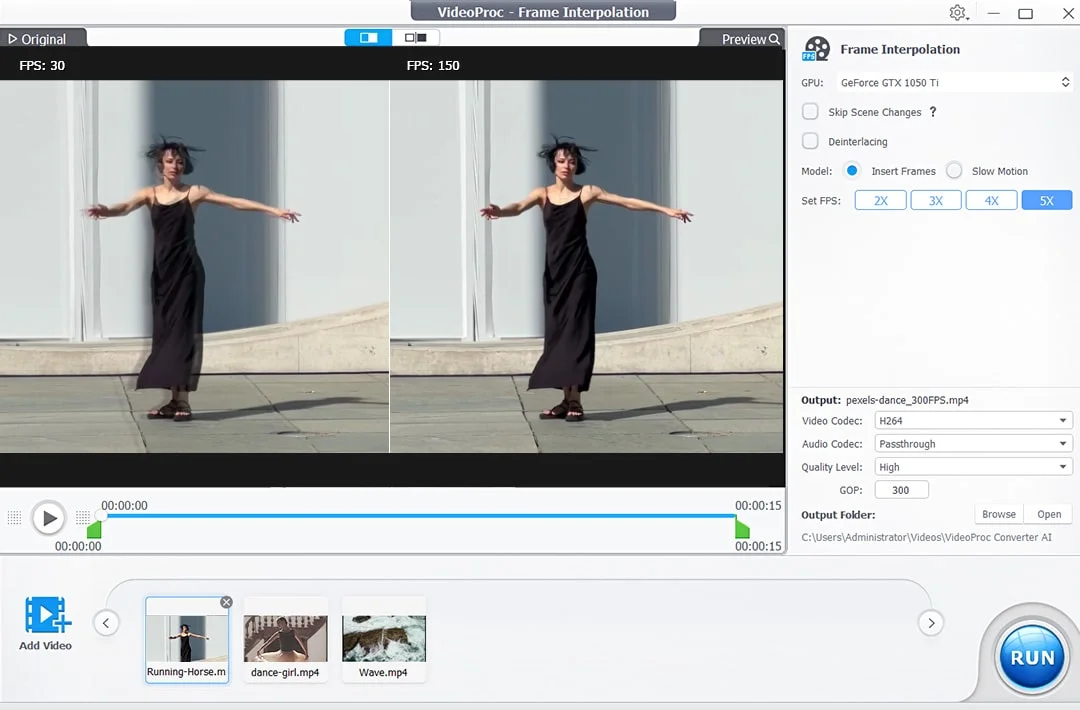
  • Convert low FPS to 60/120/240 FPS to create ultra-smooth videos
  • Stabilize shaky footage with precise frame correction
<b>Frame Interpolation UI</b>

AI Image Enhancer:

  • Enlarge image/photo/AI art by 2x, 3x and 4x up to 10K
  • Improve image quality by generating more realistic details
  • Denoise, deblur, remove compression artifacts, and sharpen images
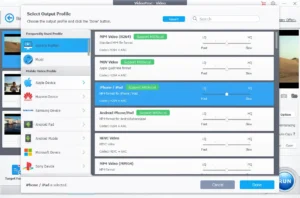
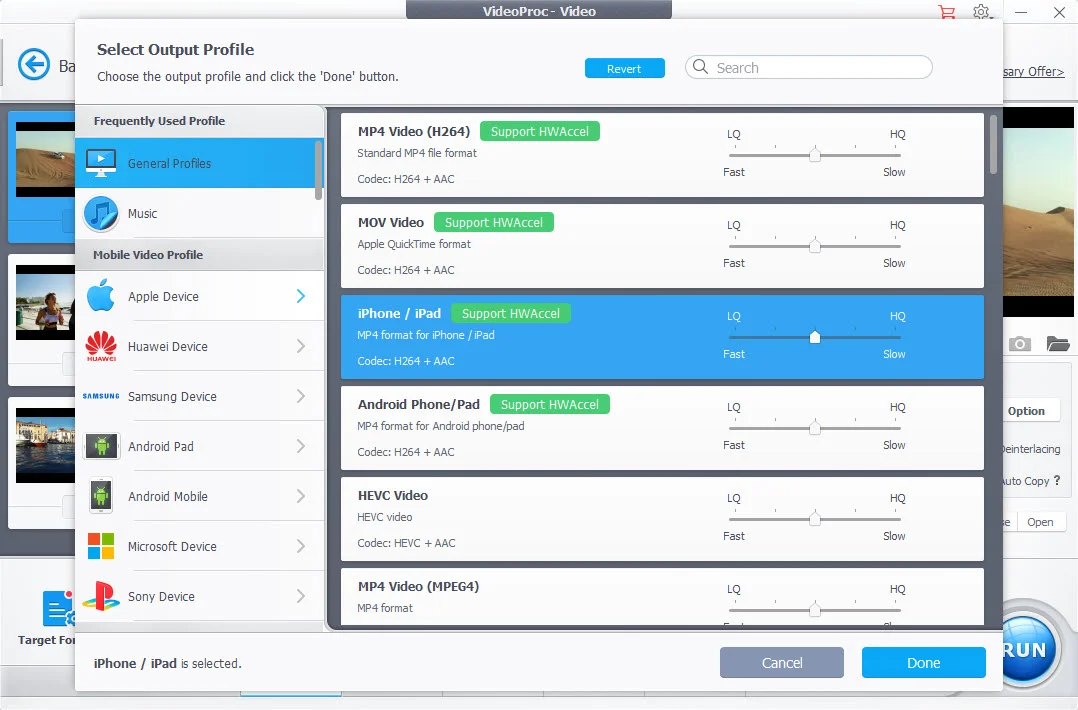
<b>Output Profile UI</b>

Video/Audio/DVD Converter:

  • Works with mainstream and rare video types: 4K, 60fps, HDR, etc
  • Convert videos to MP4, MKV, AVI, MOV, YouTube, etc
  • Transcode H.265 to H.264 for wider compatibility
  • Convert audio while preserving original sound quality
  • Convert video to audio, for example, MP4 to MP3
  • Back up/Digitize DVD to PC with favored chapters
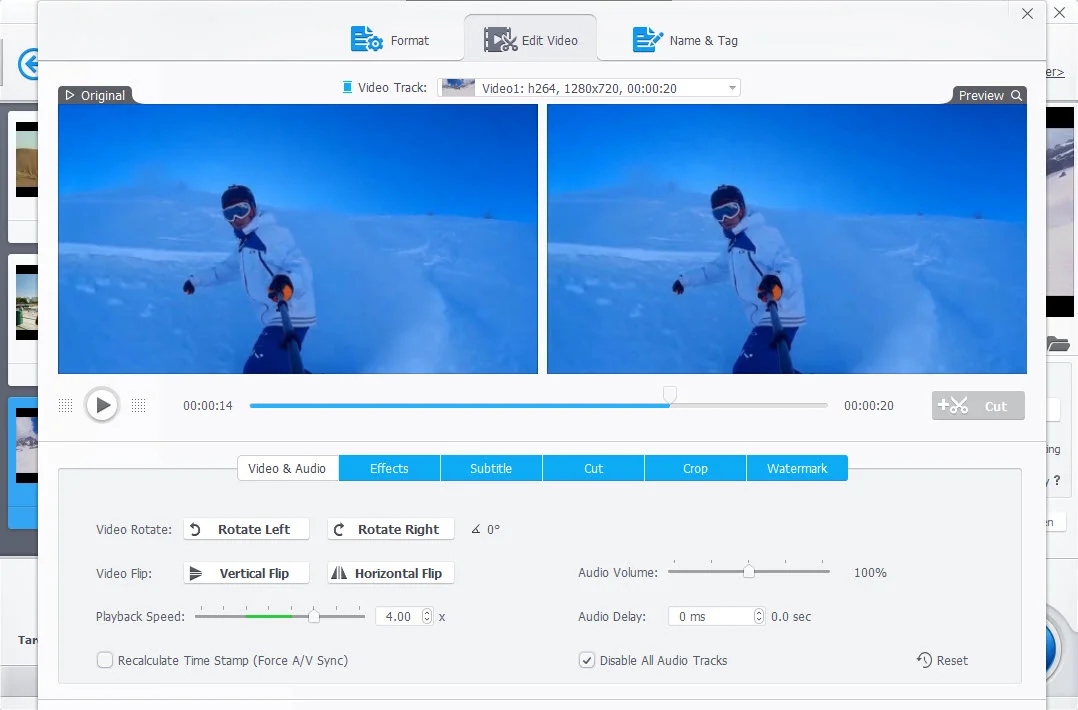
<b>Video Editor UI</b>

Media Editing:

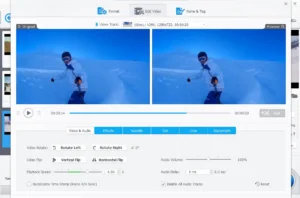
  • Cut, merge, crop, rotate, flip, and adjust speed
  • Add filters, subtitles, text/watermarks to videos
  • Adjust audio volume, sync audio with video
  • Fine-tune Colors
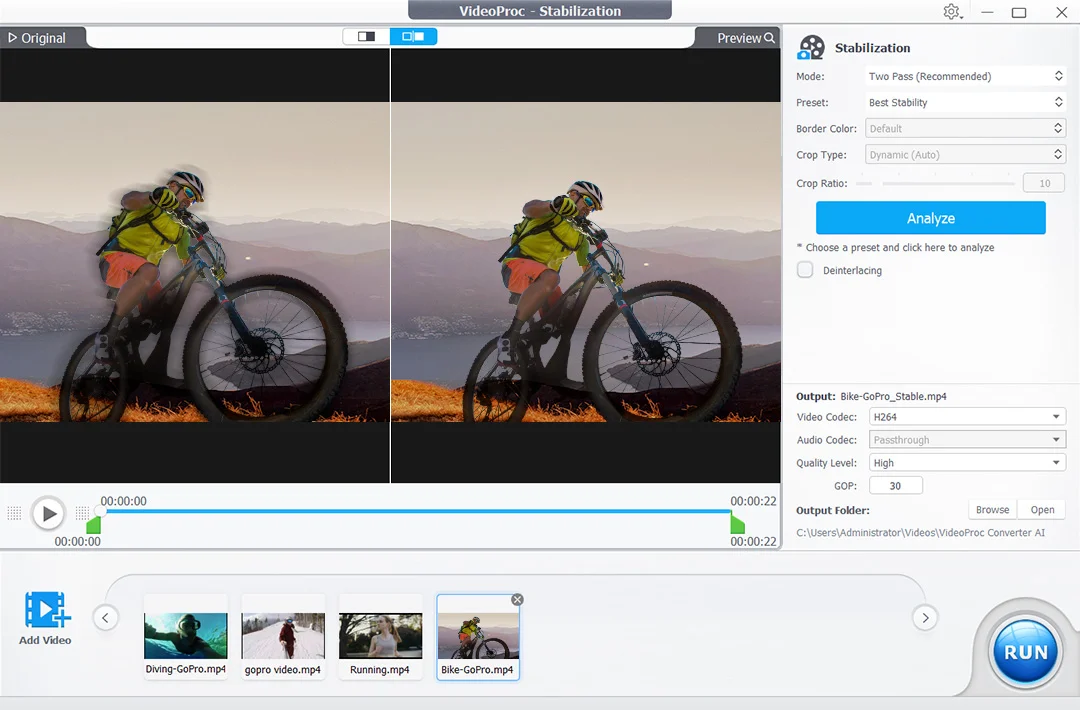
<b>Stabilization UI</b>

Editing Toolkit:

  • Deshake/denoise GoPro footage
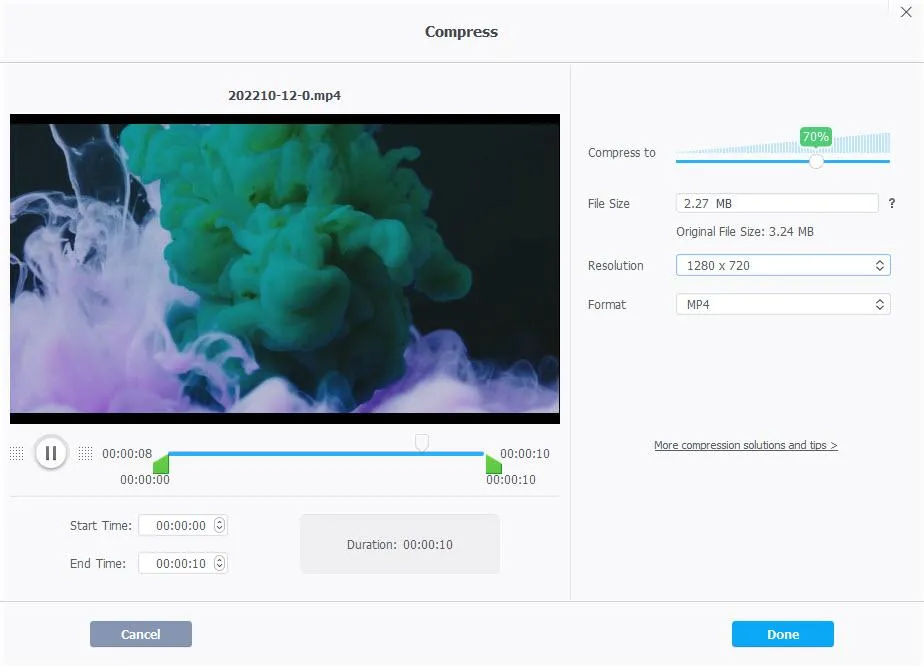
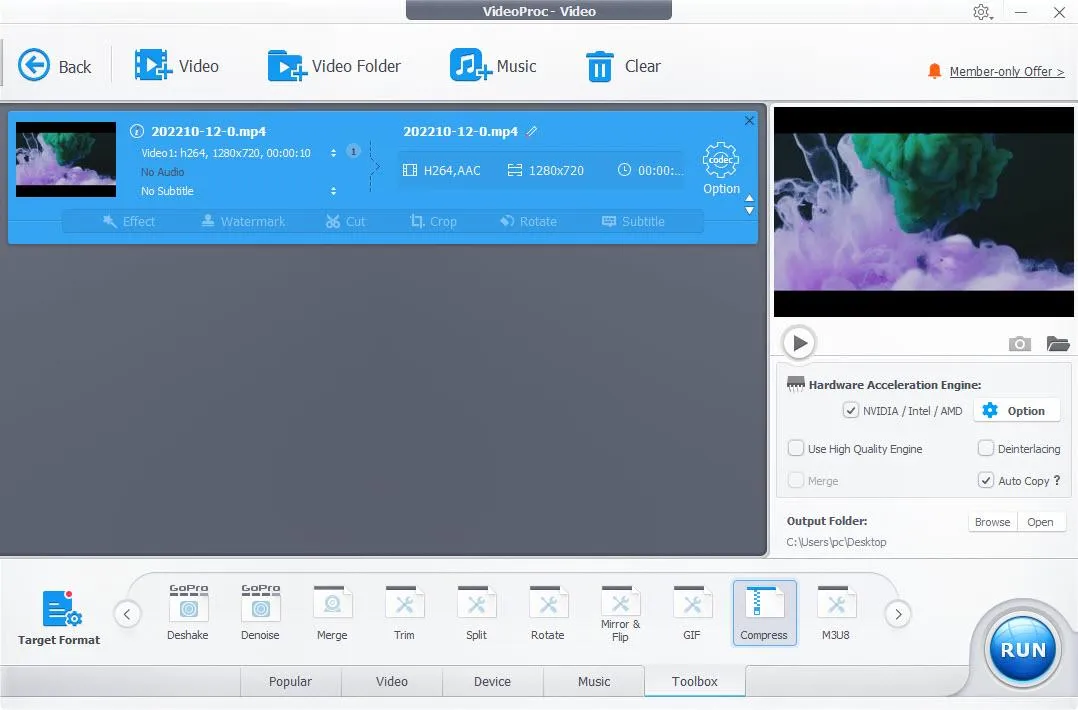
  • Compress 4K/large-sized videos
  • Capture snapshots from video
  • Convert 3D video to 2D video
  • Pass through video stream to MKV
  • Make a GIF from video
  • Export subtitle
  • Correct lens distortion (fisheye)
Vidoe Compressor
Video Converter

Media Downloader:

  • Download online videos, audio, and subtitles in bulk
  • Supports 1000+ popular sites and 2000+ niche sites
  • Options to pick video resolution (up to 8K)


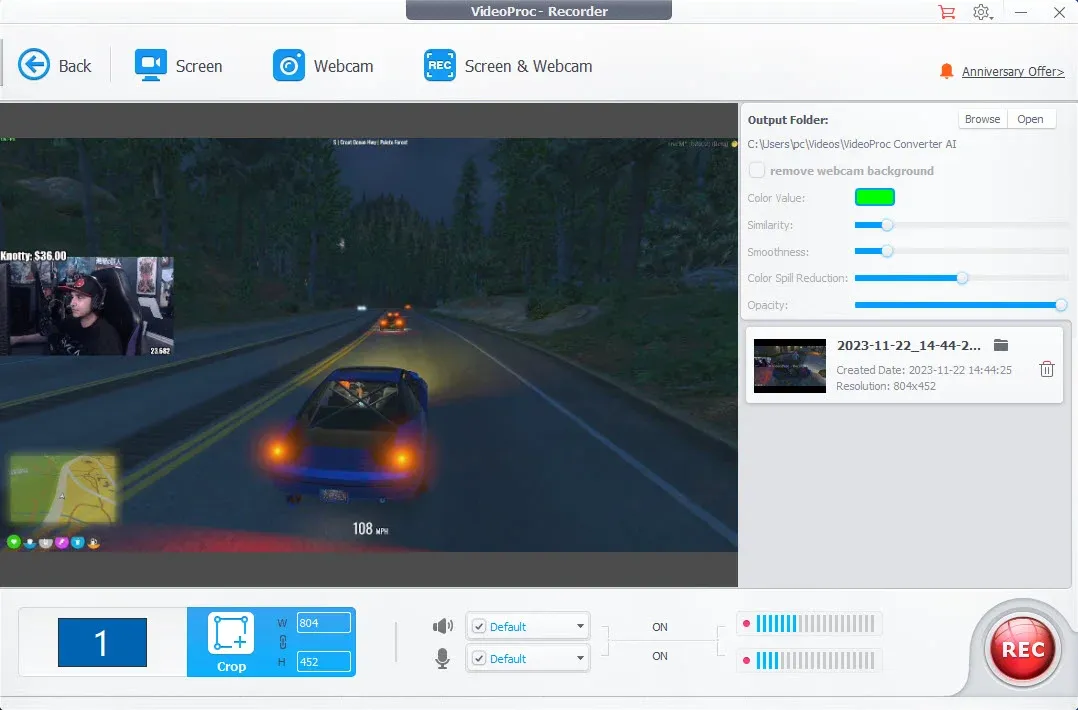
Screen Recorder

Screen Recorder:

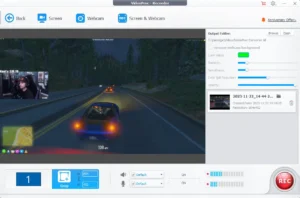
  • Four recording modes: screen, webcam, PiP, green screen
  • Record the full screen or part of it in HD 1080p
  • Utilities to mark, crop, and highlight in real-time

Specifications:

  • Supported OS for Windows: Windows 7, 7/8.1, 10, 11 or later (32-bit and 64-bit supported)
  • Supported OS for Mac: macOS High Sierra, Mojave, Catalina, Big Sur, Monterey, Ventura, Sonoma or higher. Support computers powered by the Apple Silicon chips: M1, M1 Pro, M1 Max, M1 Ultra, M2, M2 Pro, M2 Max, M2 Ultra, M3, M3 Pro, M3 Max

VideoProc Converter AI is Best For:

  • Content Creators
  • Filmmakers
  • Marketers
  • Photographers
  • Social Media Managers
  • Video Editors
  • YouTubers

Choose Your Plan

Windows Most Popular
Mac
Original price was: $78.90.Current price is: $29.95.
Windows
Most Popular Original price was: $78.90.Current price is: $29.95.
With DealClub
$25.45
$78.90
Without DealClub
$29.95
$78.90
Buy Now
Limited Time Deal

Deal Terms

  • Access via redemption of coupon code
  • 30 Day Coupon Code Validity
  • One Coupon Code for one user/account
  • Coupon Codes are not stackable
  • For Both New & Existing Users
  • Free Updates
  • Free Support
  • Accessible only on desktop - Windows & Mac

Customer Testimonials

If you shoot a lot of videos and want more flexibility in making them shine on any device, VideoProc Converter is for you. Instead of focusing on converting a video, or editing and adjusting it, this app does all the above.

-Cult Of Mac

" If you are a content creator, you know how the quality of the videos and images impacts the Audience. If you wonder how to enhance video quality or how to make a picture clearer, VideoProc Converter AI is the tool that you need. "

-TheWindowsClub

" The quality of the upscaling in the Super Resolution section is quite impressive. I've used video and photo upscaling software that costs hundreds of bucks and have had similar results to the kinds of things I am getting out of VideoProc AI. The upscaling works on both videos and images. "

-maketecheasier

Plans & Features

Choose the perfect plan for your needs.

Plans & Features
Mac
Windows
$78.9 $29.95
Buy Now
$78.9 $29.95
Buy Now
AI-Powered Media Enhancer
Enhance, Upscale, Stabilize, Convert, Edit, and Download videos/audio/images/DVDs.
Plan 1 of 2

Mac

$78.90 $29.95
Buy Now
30-Day Refund | Lifetime Access | One-time Payment
  • AI-Powered Media Enhancer
  • Enhance, Upscale, Stabilize, Convert, Edit, and Download videos/audio/images/DVDs.

Frequently Asked Questions

Find answers to common questions about VideoProc Converter AI

What can I do with VideoProc Converter AI?

You can enhance, convert, compress, edit, record, download, and upscale videos, images, audio, and DVDs using one application.

Does VideoProc Converter AI support AI upscaling?

Yes. It uses AI Super Resolution to upscale videos up to 4K and images up to 10K while improving clarity and reducing noise.

Can I download online videos?

Yes. It supports downloading videos, audio, and subtitles from over 1,000 websites, including up to 8K resolution.

Does VideoProc Converter AI support GPU acceleration?

Yes. It supports Intel QSV, NVIDIA CUDA/NVENC, and AMD GPUs for faster processing and rendering.

Which operating systems are supported?

VideoProc Converter AI is available for both Windows and macOS, including Apple Silicon Macs.

Can I record my screen with this software?

Yes. It includes screen recording, webcam recording, picture-in-picture recording, and green screen recording modes.

Customer Feedback

Customer Reviews (0) Customer Q&A (0)

No Reviews Yet

Be the first to try this deal and share your experience.

You must purchase this product to leave a review.

Be The First To Ask

Get clarity before you buy—your question might help others too.

×

You Might Also Like

Voice Summarizer - AI Content Summarizer Plugin | Lifetime Access

Voice Summarizer - AI Content Summarizer Plugin | Lifetime Access

, , , , , , , ,

PicHound - Photo Manager Plugin | Lifetime Deal

PicHound - Photo Manager Plugin | Lifetime Deal

, , , , , , ,

Caption My Event - Real-Time AI Transcription & Live Caption | Lifetime Access

Caption My Event - Real-Time AI Transcription & Live Caption | Lifetime Access

, , , , , , , ,

Leelo AI - AI-Powered Speech Generator | Lifetime Access

Leelo AI - AI-Powered Speech Generator | Lifetime Access

, , , , , , ,

Choose Plan
Windows Most Popular
Mac
Original price was: $78.90.Current price is: $29.95.
Windows
Most Popular Original price was: $78.90.Current price is: $29.95.
Buy with DealClub
$25.45 $78.90
Buy without DealClub
$29.95 $78.90

Deal Terms

  • Access via redemption of coupon code
  • 30 Day Coupon Code Validity
  • One Coupon Code for one user/account
  • Coupon Codes are not stackable
  • For Both New & Existing Users
  • Free Updates
  • Free Support
  • Accessible only on desktop - Windows & Mac
Scroll to Top