Home > All > Operating System > Windows > 1000+ Wedding Lightroom Presets | Extended License

1000+ Wedding Lightroom Presets | Extended License

Vendor: Tetiana

TL;DR

  • 1000+ Wedding Lightroom Presets: Includes a wide variety of styles like Black & White, HDR, Matte, Vintage, Pastel, and Wedding Portraits to enhance your photos professionally.
  • Easy to Use & Versatile: Compatible with Mac & PC, works on RAW and JPEG images, and fully adjustable to suit any photo.
  • Perfect for Weddings: Designed to amplify the magic of wedding moments with vibrant colors and timeless effects.

Want to transform your wedding photos into timeless masterpieces?
Say ‘I do’ to our premium Wedding Lightroom Presets that are quick and easy to use!

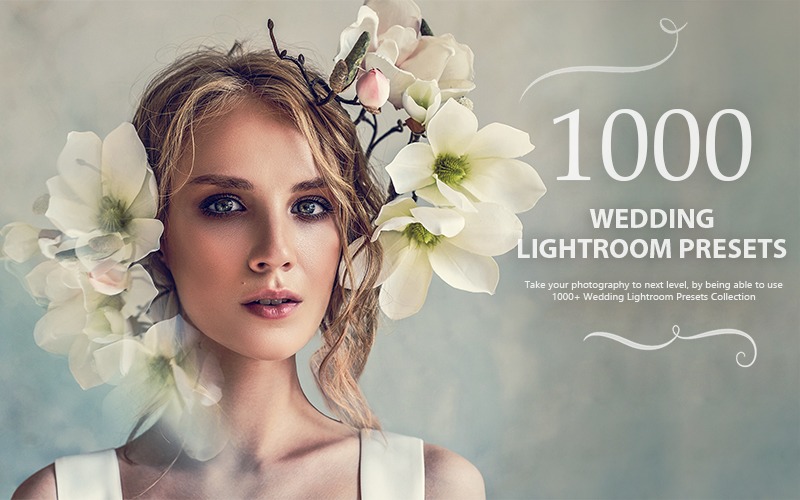
1000+ Wedding Lightroom Presets Bundle

This lightroom presets bundle is a collection of a range of lightroom presets that will help you transform your wedding photos into magnificent art.

This presets bundle helps you edit your photos in a way that will look professional & classic.

With unique effects and vibrant color combinations, each preset is crafted to enhance every masterpiece.

It is perfect for all your photos, especially designed to amplify the magic in your wedding moments making it the best lightroom presets collection.

Specifications of these Wedding Lightroom Presets:

  • 1000 Classic Lightroom Presets
  • Compatibility – Mac & PC
  • File Format – .XMP
  • File Size – 1.3 MB
  • Works on RAW and JPEG images
  • Adjustable to fit your images

This Wedding LR Presets Bundle Includes:

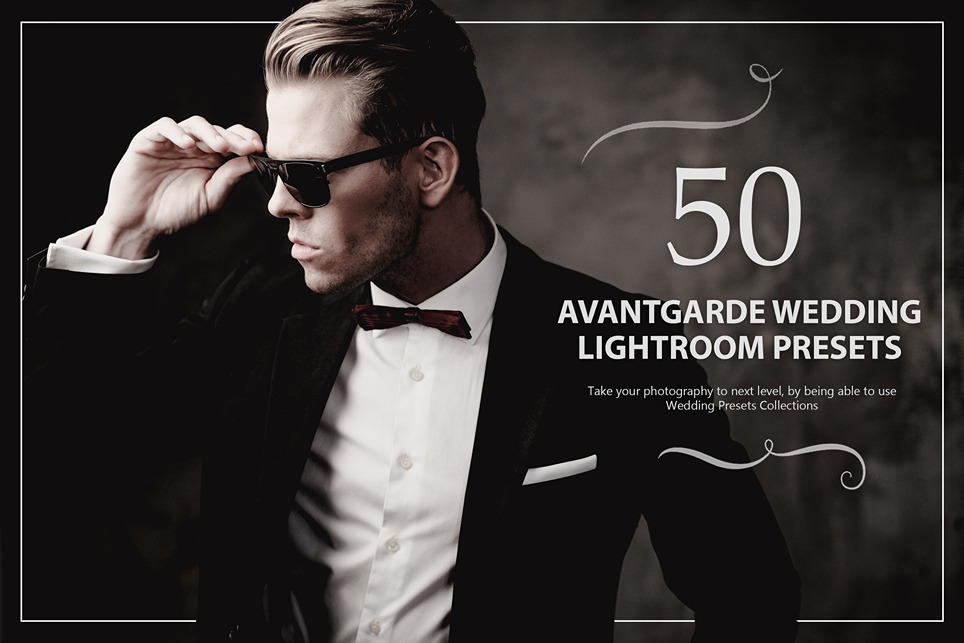
  • 50 Avantgarde Lightroom Presets

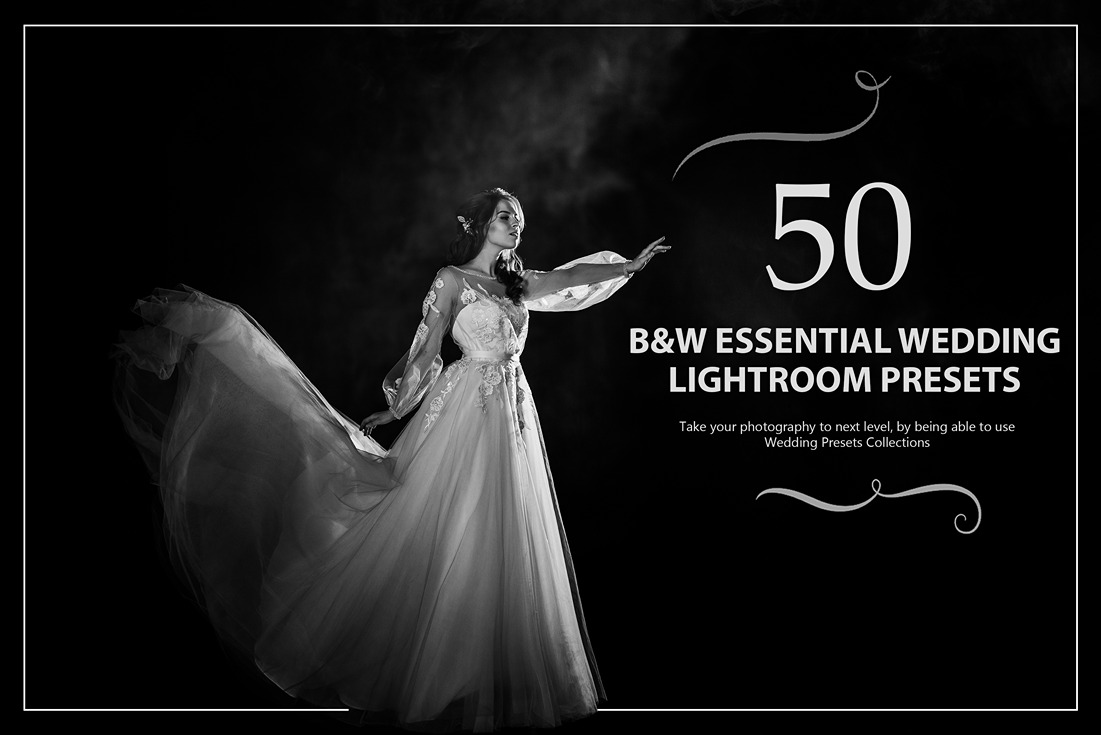
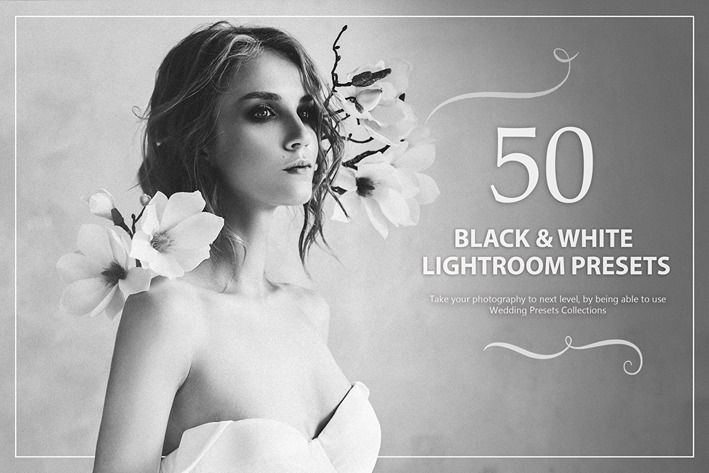
  • 50 Black and White Essential Lightroom Presets

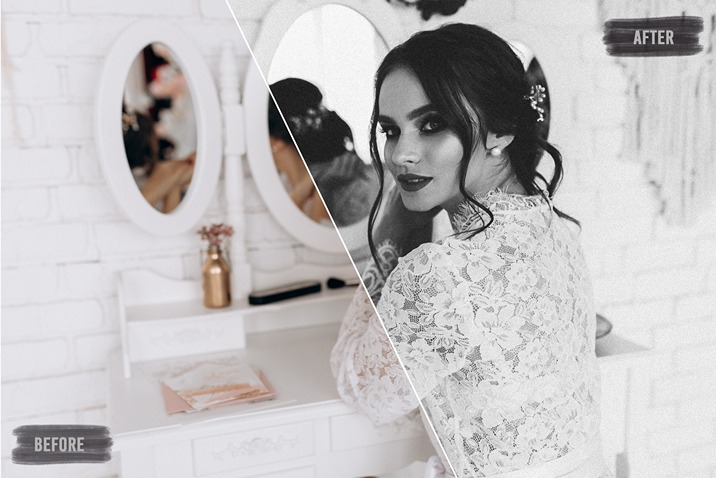
  • 50 Black and White Lightroom Presets

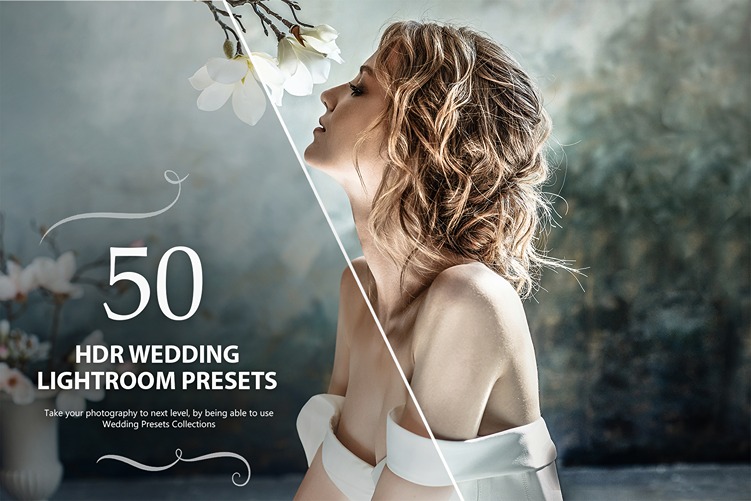
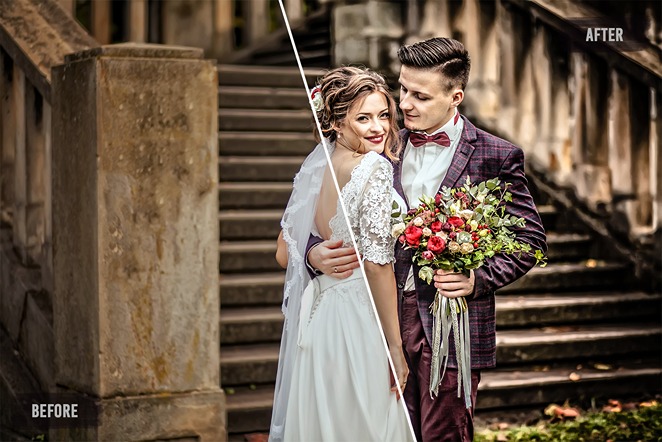
  • 50 HDR Lightroom Presets

  • 50 Light Leaks Photography Presets

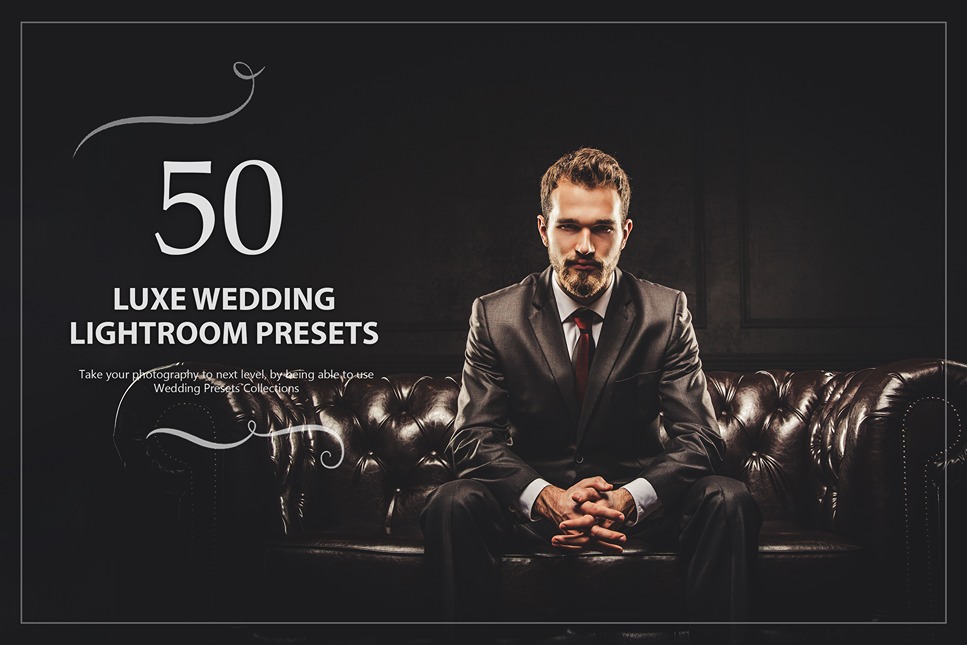
  • 50 Luxe Lightroom Presets

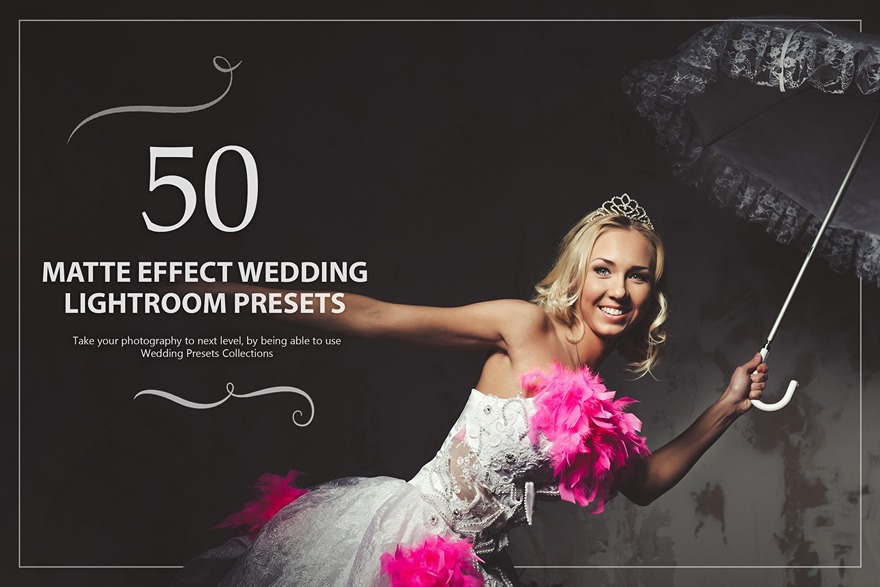
  • 50 Matte Effect Lightroom Presets

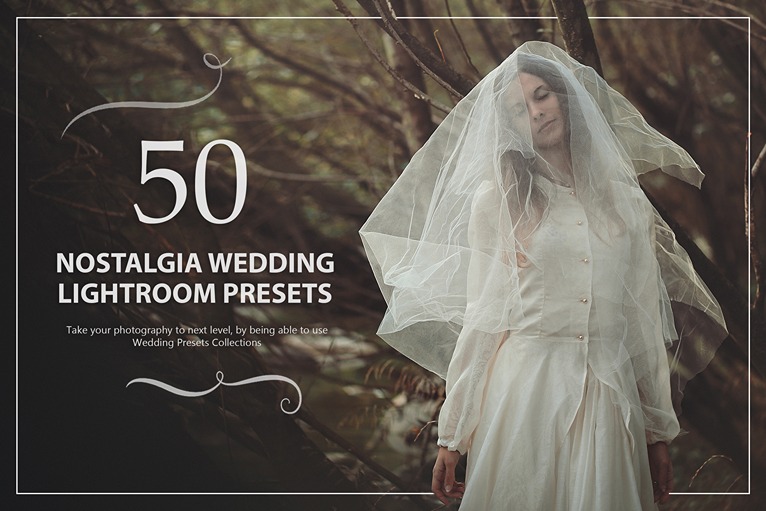
  • 50 Nostalgia Lightroom Presets

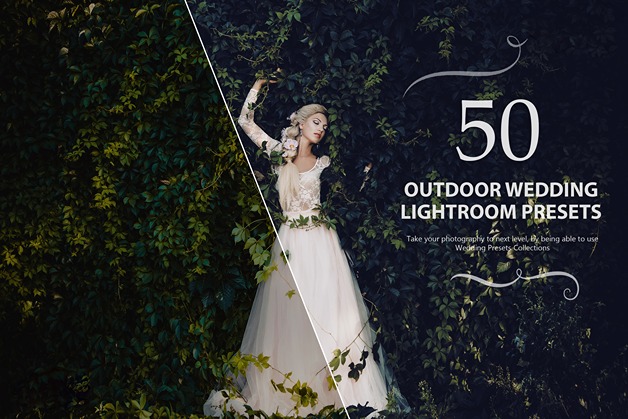
  • 50 Outdoor Lightroom Presets

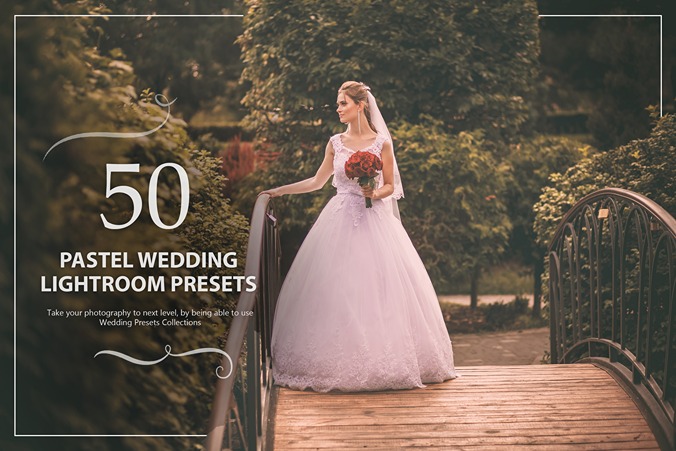
  • 50 Pastel Lightroom Presets

  • 50 Premium Lightroom Presets

  • 50 Pro HDR Lightroom Presets

  • 50 Romantic Lightroom Presets

  • 50 Sepia Lightroom Presets

  • 50 Sweet Lightroom Presets

  • 50 Vintage Lightroom Presets

  • 50 Warm Lightroom Presets

  • 50 Wedding Portrait Lightroom Presets

  • 50 Wedding Skin Retouch Lightroom Presets

  • 50 Wonderland Lightroom Presets

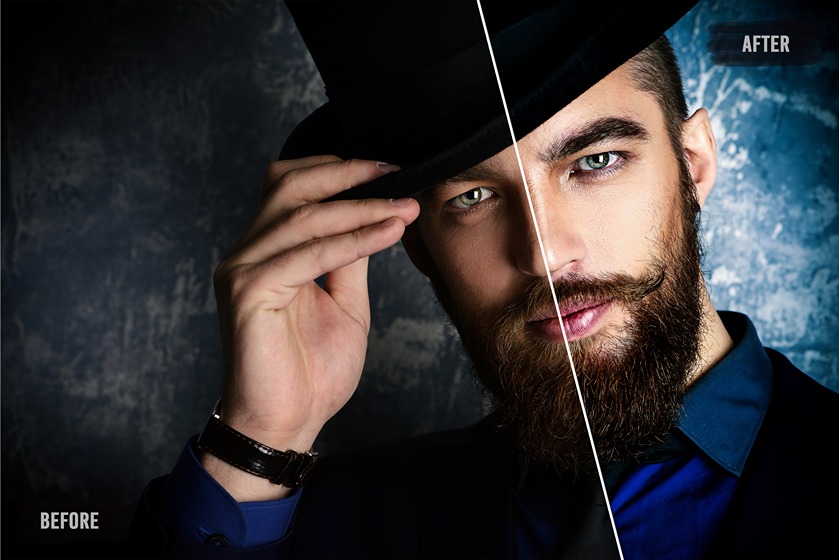
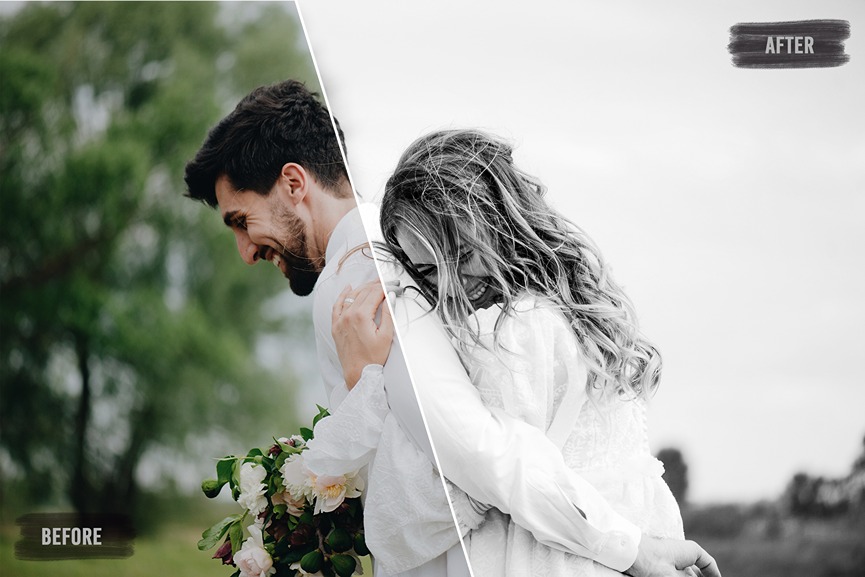
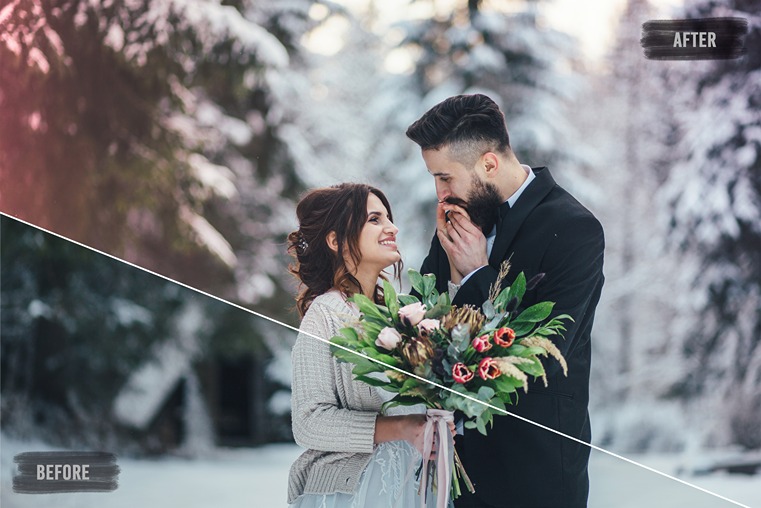
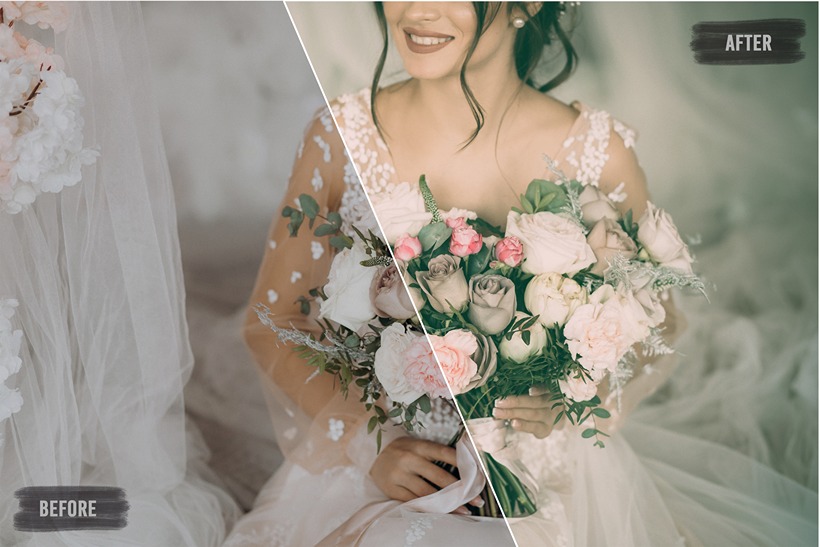
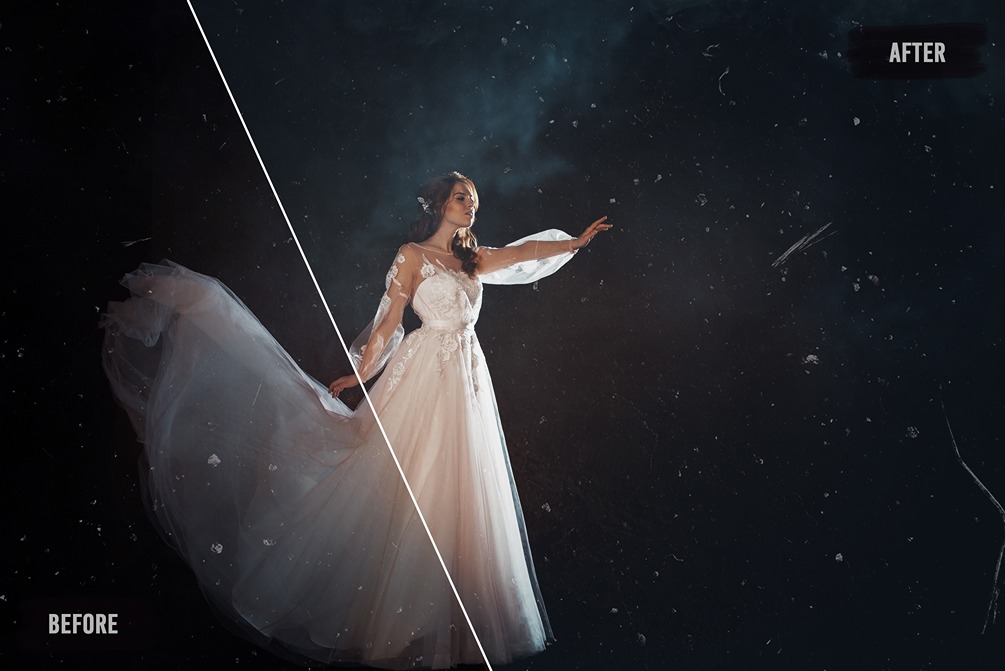
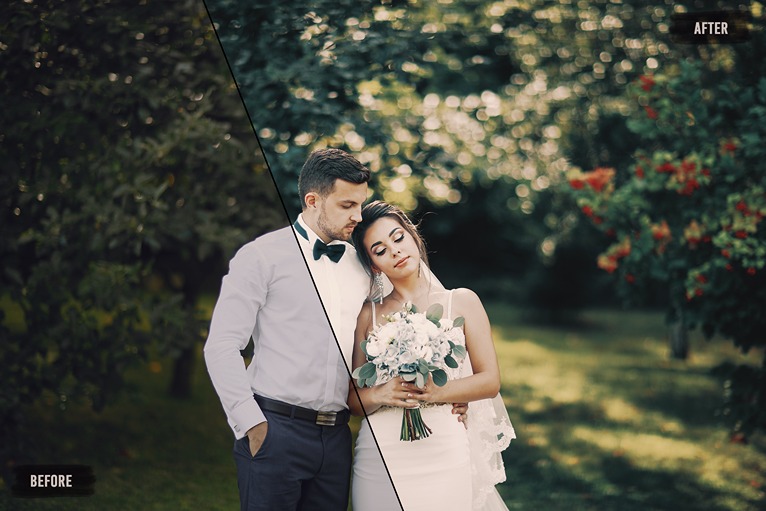
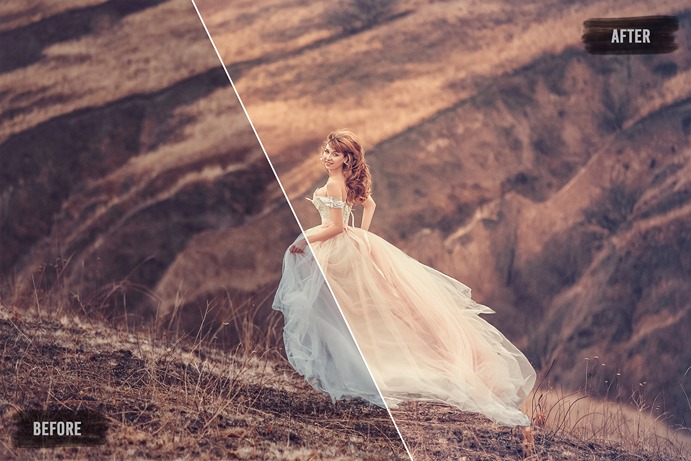
Preview Of These Wedding LR Presets Bundle:

FAQs:

How to install these lightroom presets in your windows PC?

  • Open Lightroom
  • Go to: Edit • Preferences • Presets
  • Click on the box titled: Show Lightroom Presets Folder
  • Double click on Lightroom
  • Double click on Develop Presets
  • Copy the folder(s) of your presets into the Develop Presets folder
  • Restart Lightroom

How to install these lightroom presets in your Mac device?

  • Open Lightroom
  • Go to: Lightroom (Dialogue) • Preferences • Presets
  • Click on the box titled: Show Lightroom Presets Folder
  • Double click on Lightroom
  • Double click on Develop Presets
  • Copy the folder(s) of your presets into Develop Presets folder
  • Restart Lightroom

Deal Terms:

How to activate/download this bundle?
This bundle is delivered as an instant download after completing your purchase.

Which license do you get access to with this deal?
This bundle comes with an Extended Commercial License. 

What are the terms of usage for this bundle?
All these assets can be used for both personal and commercial projects, as mentioned below:

  • The end products must not be used or sold in a way that is directly competitive with the original item you have purchased.
  • These custom fonts cannot be sublicensed, resold, shared, transferred, or otherwise redistributed on its own.
  • You cannot share this bundle with others.

Is Lifetime Access available to this bundle?
Yes, you get lifetime access to these resources after downloading them on your device.

Is Support available for this bundle?
Yes, Support is available with this product.
For support, contact –[email protected].

Want to transform your wedding photos into timeless masterpieces?
Say ‘I do’ to our premium Wedding Lightroom Presets that are quick and easy to use!

1000+ Wedding Lightroom Presets Bundle

This lightroom presets bundle is a collection of a range of lightroom presets that will help you transform your wedding photos into magnificent art.

This presets bundle helps you edit your photos in a way that will look professional & classic.

With unique effects and vibrant color combinations, each preset is crafted to enhance every masterpiece.

It is perfect for all your photos, especially designed to amplify the magic in your wedding moments making it the best lightroom presets collection.

Specifications of these Wedding Lightroom Presets:

  • 1000 Classic Lightroom Presets
  • Compatibility – Mac & PC
  • File Format – .XMP
  • File Size – 1.3 MB
  • Works on RAW and JPEG images
  • Adjustable to fit your images

This Wedding LR Presets Bundle Includes:

  • 50 Avantgarde Lightroom Presets

  • 50 Black and White Essential Lightroom Presets

  • 50 Black and White Lightroom Presets

  • 50 HDR Lightroom Presets

  • 50 Light Leaks Photography Presets

  • 50 Luxe Lightroom Presets

  • 50 Matte Effect Lightroom Presets

  • 50 Nostalgia Lightroom Presets

  • 50 Outdoor Lightroom Presets

  • 50 Pastel Lightroom Presets

  • 50 Premium Lightroom Presets

  • 50 Pro HDR Lightroom Presets

  • 50 Romantic Lightroom Presets

  • 50 Sepia Lightroom Presets

  • 50 Sweet Lightroom Presets

  • 50 Vintage Lightroom Presets

  • 50 Warm Lightroom Presets

  • 50 Wedding Portrait Lightroom Presets

  • 50 Wedding Skin Retouch Lightroom Presets

  • 50 Wonderland Lightroom Presets

Preview Of These Wedding LR Presets Bundle:

FAQs:

How to install these lightroom presets in your windows PC?

  • Open Lightroom
  • Go to: Edit • Preferences • Presets
  • Click on the box titled: Show Lightroom Presets Folder
  • Double click on Lightroom
  • Double click on Develop Presets
  • Copy the folder(s) of your presets into the Develop Presets folder
  • Restart Lightroom

How to install these lightroom presets in your Mac device?

  • Open Lightroom
  • Go to: Lightroom (Dialogue) • Preferences • Presets
  • Click on the box titled: Show Lightroom Presets Folder
  • Double click on Lightroom
  • Double click on Develop Presets
  • Copy the folder(s) of your presets into Develop Presets folder
  • Restart Lightroom

Deal Terms:

How to activate/download this bundle?
This bundle is delivered as an instant download after completing your purchase.

Which license do you get access to with this deal?
This bundle comes with an Extended Commercial License. 

What are the terms of usage for this bundle?
All these assets can be used for both personal and commercial projects, as mentioned below:

  • The end products must not be used or sold in a way that is directly competitive with the original item you have purchased.
  • These custom fonts cannot be sublicensed, resold, shared, transferred, or otherwise redistributed on its own.
  • You cannot share this bundle with others.

Is Lifetime Access available to this bundle?
Yes, you get lifetime access to these resources after downloading them on your device.

Is Support available for this bundle?
Yes, Support is available with this product.
For support, contact –[email protected].

Reviews

There are no reviews yet.

Only logged in customers who have purchased this product may leave a review.

$16.15$49.00
$19$49.00
Buy Now
30 Day Refund Policy
For support contact: [email protected] 

Want to save another 25% on this deal?

Join DealClub

No Q&A available yet.

No Reviews available.

Only logged in customers who have purchased this product may leave a review.

Related Products

Scroll to Top