Low-resolution photos & pixelated graphics shouldn’t hold your projects back. Transform blurry images into high-definition assets with –
Nero AI Image Upscaler 2026
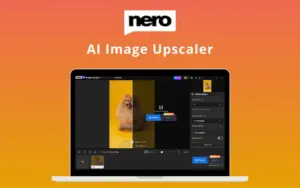
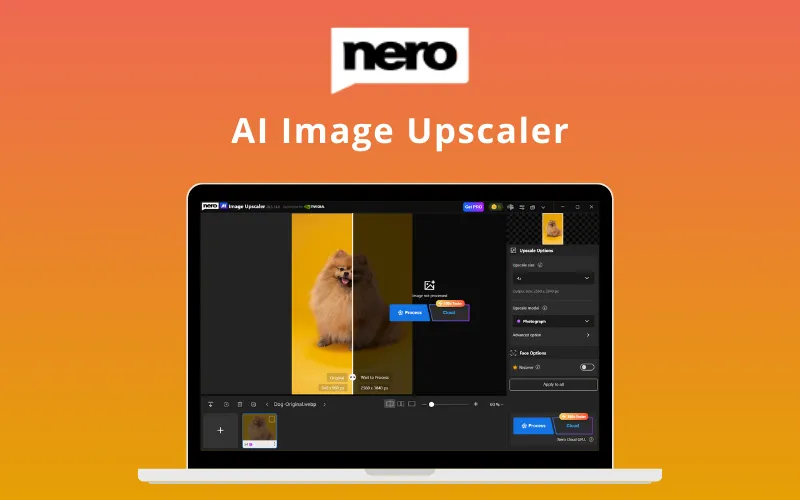
Nero AI Image Upscaler is a professional desktop enhancement tool that uses deep learning to enlarge images while removing noise & JPEG artifacts.
It provides the flexibility of choosing between your own PC’s hardware or high-speed cloud servers to get the job done.
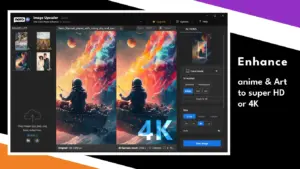
It automates the restoration of old photos, clarifies product images for e-commerce, & delivers 4K treatment to anime & digital art.
Introduction To AI Image Upscaler:

This AI Image Upscaler:
- ENLARGES images by 2x, 3x, or 4x up to 8K resolution.
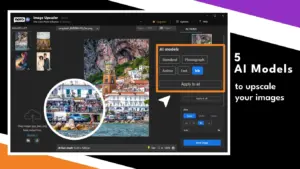
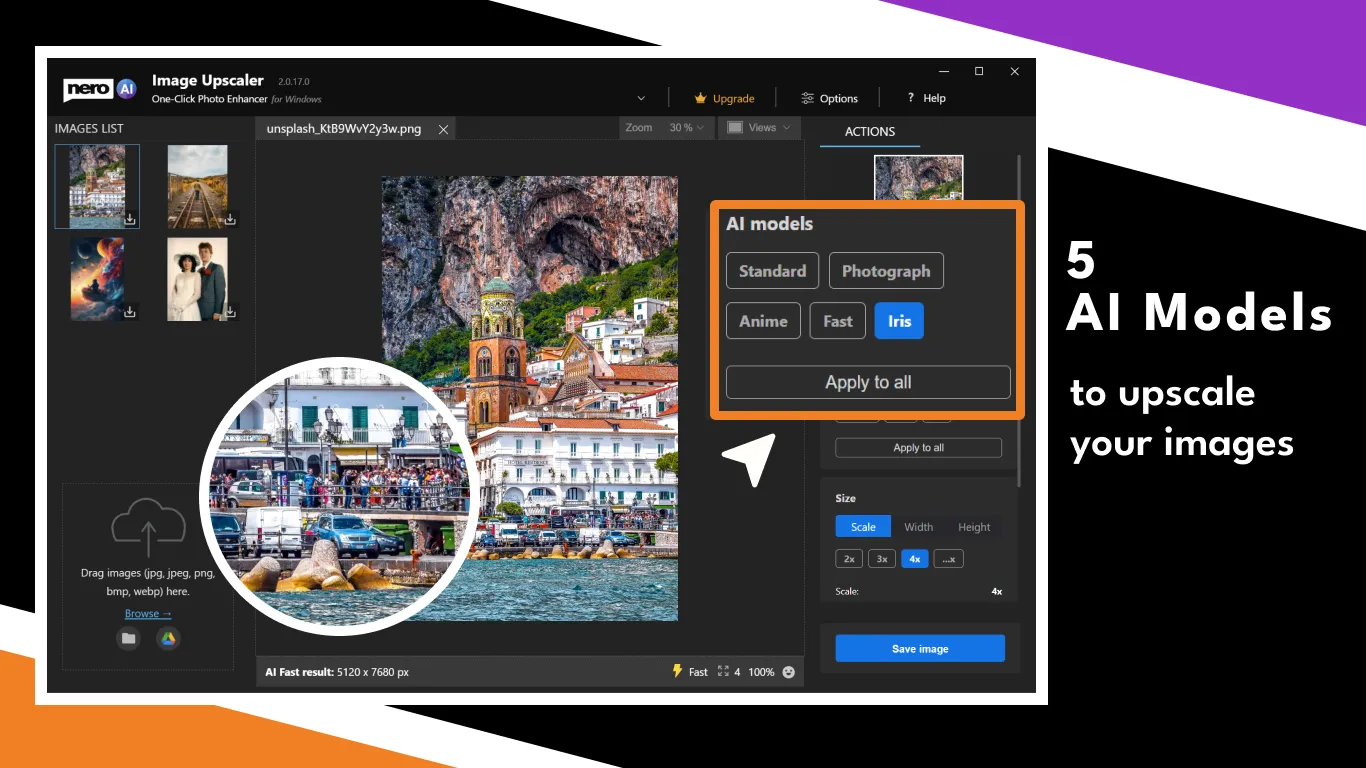
- OFFERS 5 specialized AI models (Standard, Anime, Photo, Iris, and Face Enhancement).
- ADDS professional clarity by eliminating camera noise and JPEG compression artifacts.
- PROVIDES both Online/Cloud mode and Local PC mode for a seamless experience.
- HELPS restore old photos, bringing them back to life with natural skin smoothing.
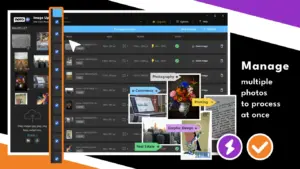
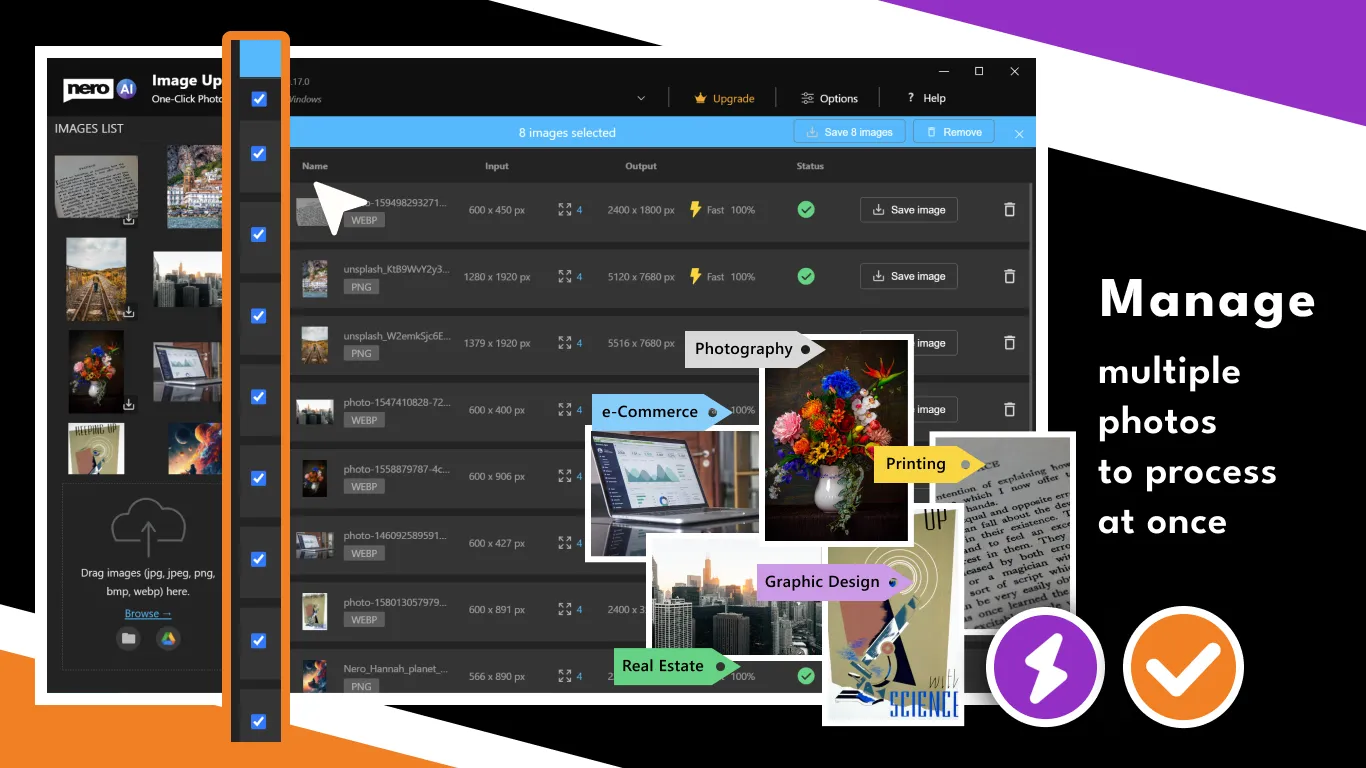
- ENABLES batch processing to enhance 20+ pictures at one time.
- WORKS with JPG, JPEG, PNG, BMP, WEBP, TIF, & TIFF formats.
Features of AI Image Upscaler:
Upscale Photos Up to 8K:
- Adds sharp definition to low-resolution images up to 1600 x 1600 pixels.
- Provides a solution for removing grainy camera noise & artifacts.
- Helps users bring old, blurry photos back to life with vivid clarity.
5 Models Powered by AI:
- Standard: Perfect for landscapes, cityscapes, & everyday snapshots.
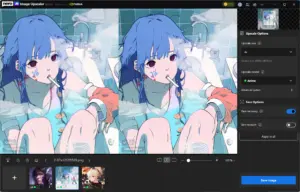
- Anime: Specialized for illustrations, paintings, & artistic works.
- Photo: Ideal for improving small, low-quality images across all categories.
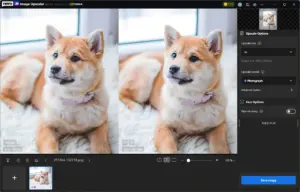
- Iris: Designed for intricate details like eyes, fur, & hair.
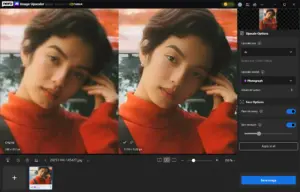
- Face Enhancement: Automatically restores faces & smooths skin naturally.
Simple, Speedy, and Powerful:
- Enables high-speed workflows with Batch Processing for 20+ images at once.
- Provides the choice between Online Cloud mode or Local PC hardware mode.
- Adds a significant speed boost, up to 100x faster than CPU processing in Cloud mode.
- Helps save time and money for e-commerce owners & content creators.
Who Is Nero - AI Image Upscaler For?
- Photographers: To enhance low-resolution shots, restore details, and create sharper images ready for professional use.
- E-commerce Sellers: To improve product image quality with clearer details and more polished visuals for online stores.
- Anime Fans: To upscale anime artwork, illustrations, and digital creations while preserving fine lines and artistic details.
- Old-Photo Restorers: To bring faded, blurry, and damaged photos back to life with AI-powered enhancement and face restoration.
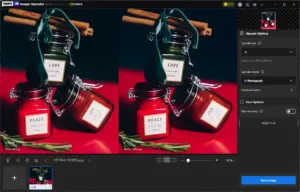
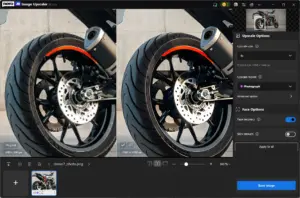
A Preview of Images Enchanced Using Nero – AI Image Upscaler:


Specifications:
- OS Support: Windows 10/11 (64-bit) required
- Processor: 6th Gen Intel Core/Xeon or later recommended
- Memory: 8GB RAM minimum
- Graphics: NVIDIA GTX 960+ with 4GB VRAM (for local acceleration)
- Storage: 20GB available hard drive space
- Resolution Limits: Up to 256MP input / 8K (16,000px) output
- Supported Formats: JPG, PNG, WEBP, BMP, TIFF
- Processing Modes: Local CPU/GPU & Nero Cloud GPU
- Connectivity: Internet required for license verification and Cloud mode
Customers Testimonials:
Frequently Asked Questions:
How does Nero AI Image Upscaler compare to Topaz Labs Gigapixel?
Nero AI Image Upscaler focuses on speed, simplicity, and ease of use, offering a more beginner-friendly experience with lower system requirements and an affordable alternative to Topaz Gigapixel.
What types of images can Nero AI Image Upscaler handle?
It supports JPG, PNG, BMP, and WEBP formats, making it suitable for portraits, landscapes, anime, cartoons, product images, and photo restoration projects.
Can Nero AI Image Upscaler restore old or blurry photos?
Yes. Its AI enhancement tools help improve image clarity, recover details, and restore faces in low-quality or aged photos.
Does Nero AI Image Upscaler support RAW image formats?
No. It works with standard image formats like JPG, PNG, BMP, and WEBP. RAW files need to be converted before using the upscaler.
Can Nero AI Image Upscaler enhance multiple faces in a group photo?
Yes. The AI face enhancement feature can detect and improve multiple faces in group photos while preserving natural details.
Are there any cloud mode limits in Nero AI Image Upscaler?
Cloud processing availability depends on your plan and usage limits. Users can also use local processing options for enhanced privacy and flexibility.
What are the file size and resolution limits?
Nero AI Image Upscaler supports high-resolution image processing, with limits that depend on the selected mode, device capabilities, and image specifications.
Deal Terms:
How to download/activate this product?
After completing your purchase, you will receive an instructions document. Follow the instructions in this document to redeem the coupon code and get access to this product.
What is the validity of the license key/coupon code? (Within how many days the coupon code must be redeemed?)
The coupon code must be redeemed within 30 days from the date of purchase.
Do you get Lifetime Access to this deal?
Yes, this deal gives you lifetime access to Nero.
Lifetime means the lifetime of the product.
We try to get great products with longevity for our customers, but products do get acquired, or sometimes the products go bankrupt. Many of these products are startup companies, giving us a great deal for our customers. But in case of an unfortunate situation where the product does not last long, there is not much DealFuel can do about it.
Are Lifetime Updates available for this product?
Yes, free Lifetime updates are available for this product.
Is support available for this product?
Yes, support is available for this product.
For support, contact – [email protected].
Is this deal for new users only?
No, this deal is available for both NEW & EXISTING users of Nero.
How many users can use the license key/coupon code?
1 coupon code can be used for 1 user/account.
Are the coupon codes stackable?
No, the coupon codes are NOT stackable.
Can this product be accessed on all devices?
No, this product is accessible only on a Windows Desktop, provided it has a good internet connection.


Reviews
There are no reviews yet.