



Are you looking for Graphic Design Software to enhance your creative workflow?
Then, we’ve got you covered!
Here’s a list of the 10 best graphic design software, with their features and plans mentioned for you to choose your software wisely.
Read further to get an introduction to each of these software and get to know its plans and features.
11 Best Graphic Design Software
1. VistaCreate
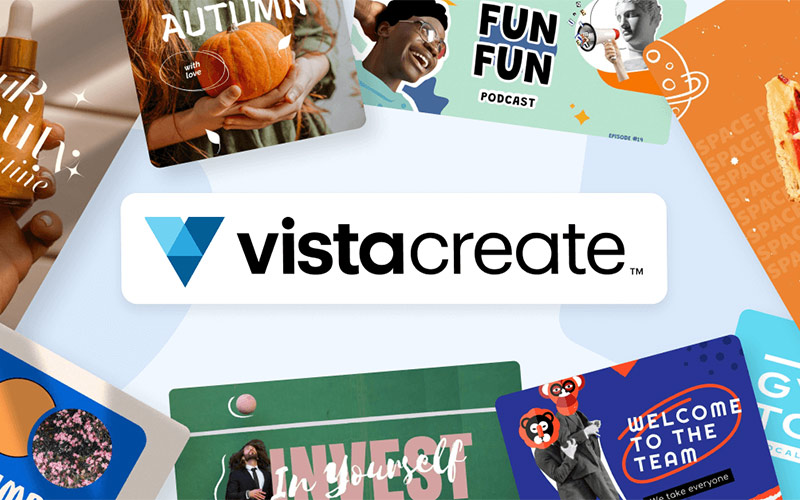
VistaCreate is an online graphic design tool. With the help of this tool, you can create eye-catching visual content for social media. VistaCreate offers a wide variety of templates, including social media story templates and logo templates.
You can choose a template and customize it with texts, and objects, change fonts, backgrounds, and much more. Free access is available with limited features. The Pro plan serves all the features like removing backgrounds from images, adding music to any project, outlining pictures, creating your own brand kits, and more.
Key Features-
- 200K+ premium design templates
- 170M+ photos, videos, vectors
- Remove Objects From Pictures With AI
- Remove Backgrounds From Pictures
- Outline Pictures
- Create Your Own Brand Kits
- Add Frames To Photo
- Add Text To Photo
- Rotate And Flip Images
- Blur Backgrounds
- Add Stickers
- Create Or Use Pre-Loaded Icons
- Create Animated Logos
- Unlimited storage
Free Trial- Free trial is available
Where To Buy- create.vista.com
Subscription Plans-
Starter- $0/month
Pro- $10/month
Support- [email protected]
Capterra Rating- 4.6 stars
TrustPilot Rating- 3.6 stars
2. Canva
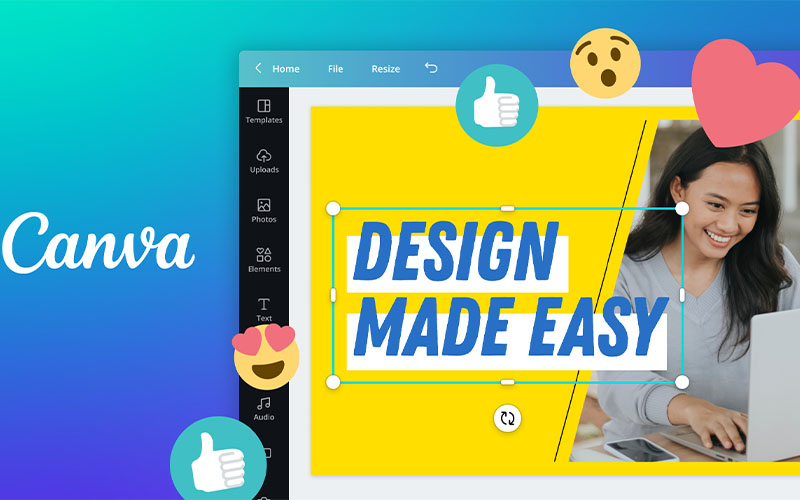
Canva is online graphic design software that a beginner and an experienced graphic designer can use with utmost ease. It allows swift and easy design creation. Canva consists of a huge number of templates, fonts, images, and more, out of which many are free to use for everybody. In Canva, you can simply click on your object, hold it, and drag & drop it to your work area to customize it. Canva is suitable for beginners, though it is not meant to solve your purpose regarding Photoshop.
Key Features-
-
- Generates designs with Canva Al
- Combine images using presets or templates
- Add text to your videos
- Enhance your video by adding music to it
- Turns text into professional voiceovers with AI
- Add text to your images
- Crop photos using the circle crop
- Enhance and brighten your images
- Mirror images to spruce up posters, banners, etc
- Use the black & white filter to enrich the images
- Use photo borders for attractive images
- Merge videos to create an epic story
Free Trial– Free trial is available
Where To Buy- canva.com
Subscription Plans-
Free- $0
Pro- $44.11/annually/person
Business- $71.67/annually/person
Support- [email protected]
Capterra Rating- 4.7 stars
TrustPilot Rating- 3.1 stars
3. CorelDRAW Go
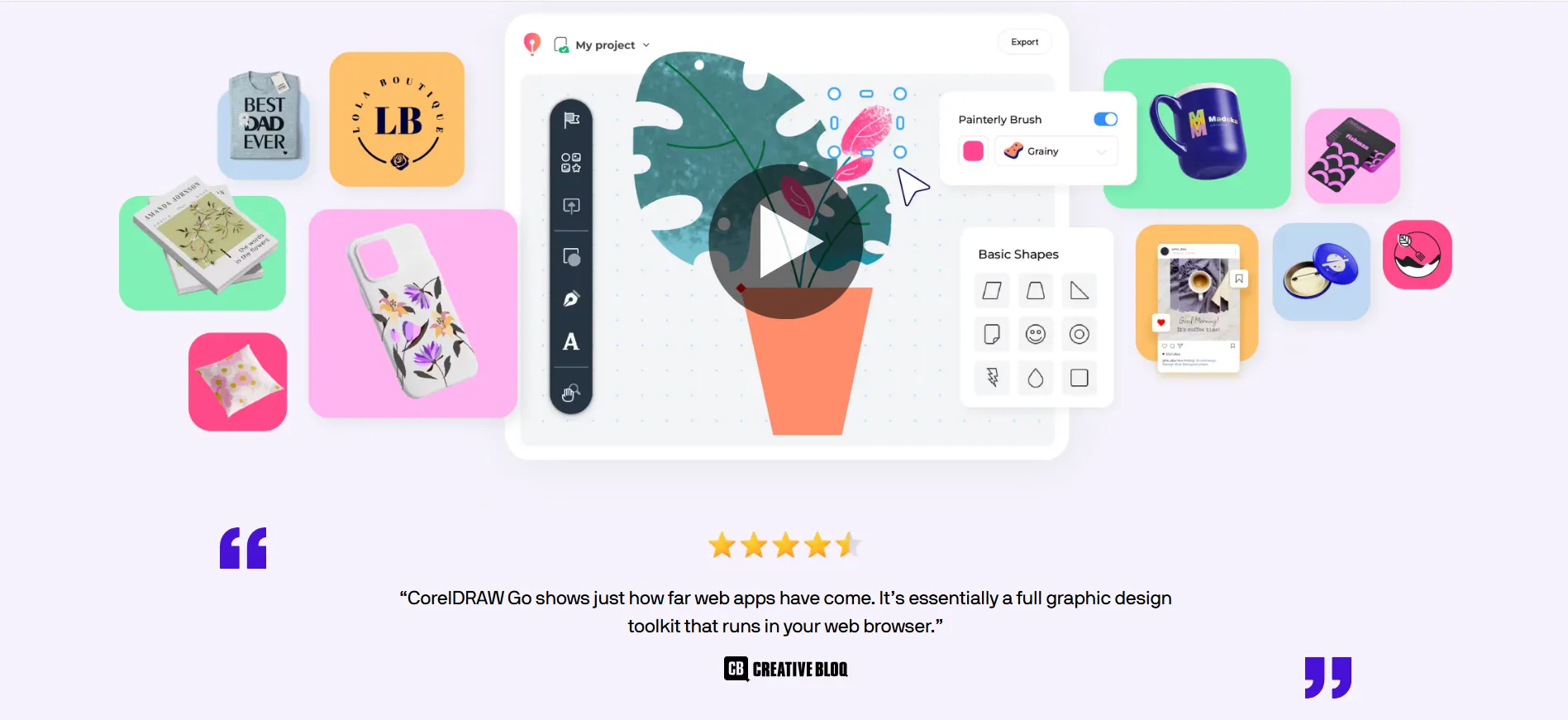
CorelDRAW Go is a professional graphic design software widely used for vector illustration, layout design, and typography. It is specially built to create precise vector-based graphics for print and digital projects. CorelDRAW is available as a downloadable desktop application, making it reliable for both online and offline work. Depending on the license, users can choose between a one-time purchase or a subscription plan.
CorelDRAW helps designers create logos, brochures, banners, illustrations, and marketing materials with ease. It offers powerful vector editing tools, advanced color management, and precise layout controls. The software supports full customization of designs, allowing users to import custom fonts, control typography in detail, and work with multiple color modes including RGB and CMYK. With cloud collaboration features, users can also access and share files efficiently across devices.
Key Features-
- Professional vector illustration and layout design tools
- Suitable for beginners and advanced designers
- Works offline with full desktop functionality
- Advanced typography and text control
- AI-powered photo editing
- Custom font upload and font management
- Precise object alignment and layout tools
- Non-destructive editing with powerful effects
- Support for RGB and CMYK color modes
- Seamless file compatibility with industry-standard formats
- Cloud-based file sharing and collaboration
Free Trial– Free trial is available
Where To Buy- coreldraw.com
Subscription Plans-
CorelDRAW Go- $4.3/monthly
CorelDRAW Go- $44.03/yearly
Support- [email protected]
Capterra Rating- 4.5 stars
TrustPilot Rating- 2.3 stars
4. Visme
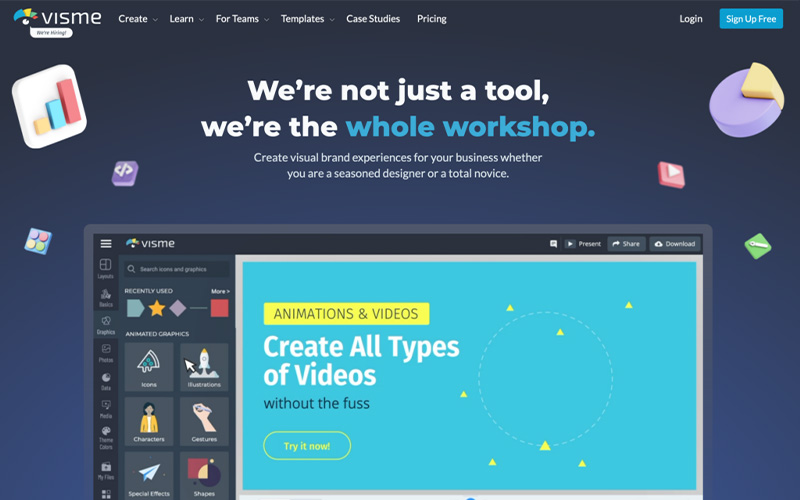
Visme is an online design tool that is used in creating eye-catching and interactive visual content. It can be used for both personal and commercial purposes. The software is ideal for novices and experts at the same time. It has the easy drag & drop feature, wherein you take the templates and objects and drop them in your workspace and get going customizing them. There are loads of templates to choose from in the 40+ categories. Visme’s unique feature is that you can bring the content to life using advanced animation and interactivity features. Now, create presentations, graphs and charts, professional branded documents, short videos and animations, and more effortlessly.
Key Features-
-
- Create custom colors, templates, and upload your own fonts
- Remove backgrounds from your images
- Create impactful presentations
- Animated icons to enhance your design
- Edit images and craft text with AI
- Make engaging charts and infographics
- Create stunning social posts
- Collaborate with teammatesShare folders with your team members
- Create your own default color palette
- Connect with third-party apps
Free Trial- Free trial is available
Where To Buy- visme.co
Subscription Plans-
Annual:
Basic- Free
Starter- $12.25/month per person
Pro- $24.75/user/month per person
Enterprise- Custom
Support- [email protected]
Capterra Rating- 4.5 stars
TrustPilot Rating- 3.4 stars
5. Colorcinch
Colorcinch is an online photo editor with the help of which you can quickly and easily edit photos using a plethora of tools. You can adjust exposure, contrast, color, and more and can also crop, resize, and rotate images. Cartoonizer is another tool in Colorcinch that can be used to convert any image into a cartoon. It consists of a huge library of filters, effects, overlays, graphics, icons, and more.
Key Features-
-
- AI-based background removal
- Text marking to fill your text with the preferred image
- Freehand drawing with brushes and other tools
- Custom crop and resizing of images
- Collage creation
- Sharpen or blur pictures accordingly
- Add scenes with overlays, flares, bokeh, and more
- Blend mode to enhance photos
- Control opacity and intensity
- Access online and offline
Free Trial- Free trial is available
Where To Buy- cartoonize.net
Subscription Plans-
Monthly:
$8.99
Annually:
$4.99
Billed annually- $59.88
Support- [email protected]
Capterra Rating- N/A
TrustPilot Rating- 4.7 stars
6. PixTeller
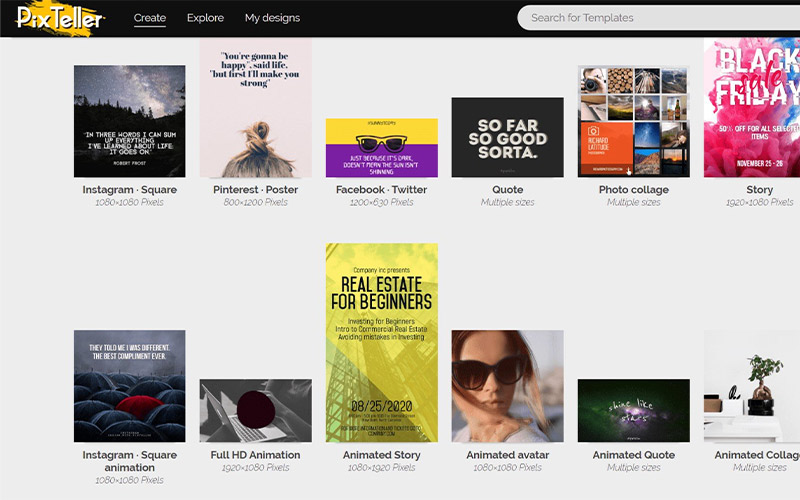
PixTeller is an online editor tool that can be used by beginners and professionals. It is used to create graphic images and animated videos. With the help of this software, you can create engaging images, social media covers, banners, graphics, flyers, posters, video thumbnails, and more. It’s design editor can replace images and shapes with text and colors effortlessly. With the help of this tool, anybody can make visuals from scratch or by customizing a pre-made template.
Key Features-
-
- Choose from 1,500,000+ pictures and illustrations or add yours
- Use custom resizing of the images
- Automatic image creation and video animation by PixBot
- Change and crop the picture’s clipping position
- Resizing or reposition the graphic elements
- Get pre-made templates and easy-to-use photo editor
- Use different photo effects for different pictures
- Download pictures in PNG, JPG, and PDF formats
- Make animated videos in cloud
- Download as MP4 video or GIF
- Professional Animated Layouts
- Choose from 100,000+ shapes for your animation
- Use different types of text properties for your animated text
Free Trial- Free trial is available
Where To Buy- pixteller.com
Subscription Plans-
Pro:
$7/month
$84 billed annually
Diamond:
$12/month
$144 billed annually
Support- [email protected]
Capterra Rating- 4.5 stars
TrustPilot Rating- 3.7 stars
7. Pixelixe
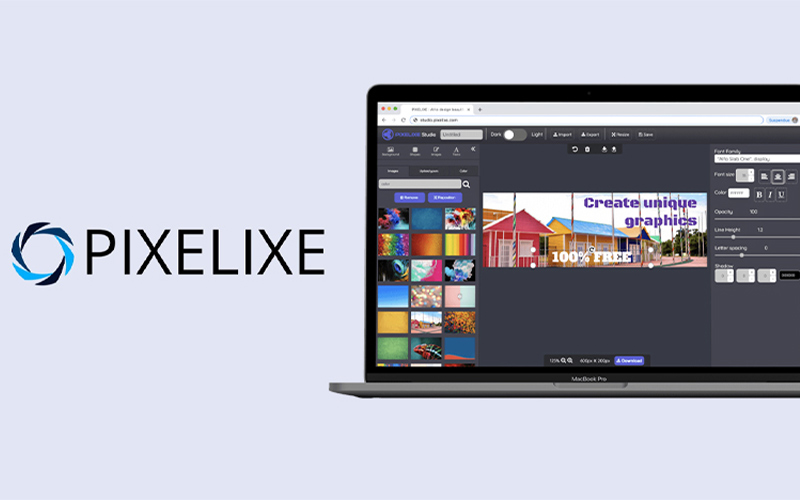
Pixelixe is an image and graphic design maker that lets everyone design graphics easily and quickly. It is specially designed for small businesses, marketers, startups, bloggers, and more. Add text, resize, crop, blur, and mirror images easily with the help of this tool. You can add a variety of filters to the images and even design interactive social media graphics.
Key Features-
-
- Add text to images
- Crop images by pixel size
- Easy resizing of the images
- Design interactive social media graphics
- Add effects and filters to images
- Design graphics with graphic and image editor
- Blur images with ease
- Flip and mirror images in no time
- Create frame-by-frame tailored animations
- Unique text properties for video animation
Free Trial- Free trial is available
Where To Buy- pixelixe.com
Subscription Plans-
Monthly:
Create- $9
Automate- $49
Scale- $99
Enterprise- $249
Support- [email protected]
Capterra Rating- N/A
TrustPilot Rating- N/A
8. DesignCap
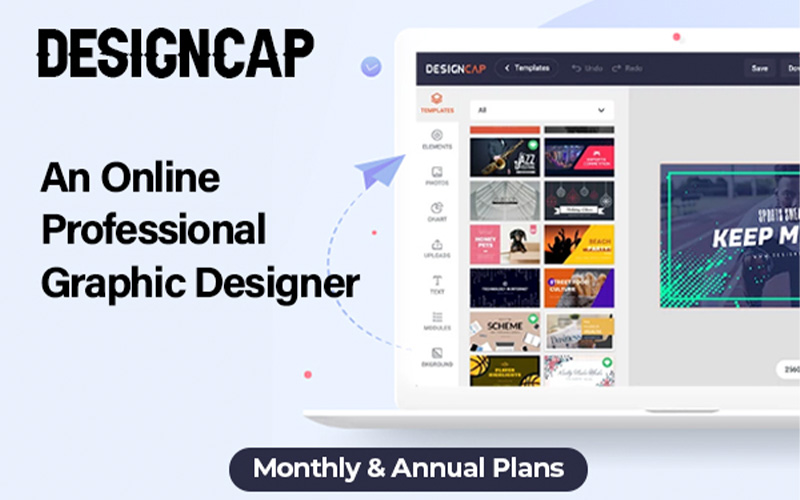
DesignCap is a free online graphic design software that can be used to create stunning graphics for your business, event, social media, and more. It is used in making posters, flyers, banners, infographics, invitations, Facebook & Instagram posts, and more. DesignCap is very easy to use and doesn’t require expertise in the field of designing. Even a beginner can create a poster in no time. Since it is an online tool, so there is no need to install the software on your device. DesignCap has pre-loaded templates, charts, modules, and icons to use in your designs.
Key Features-
-
- Pre-loaded templates to use in your design
- Pre-loaded icons to use in your design
- Pre-loaded modules
- Edit and design image files
- Transparency tool to use fonts in images
- Allow authorized users to access files
Free Trial- Free trial is available
Where To Buy- designcap.com
Subscription Plans-
Basic plan:
$4.99/month = $59.88/year
Plus plan:
$5.99/month = $71.88/year
Support- [email protected]
Capterra Rating- N/A
TrustPilot Rating- 1.3 stars
9. Youzign
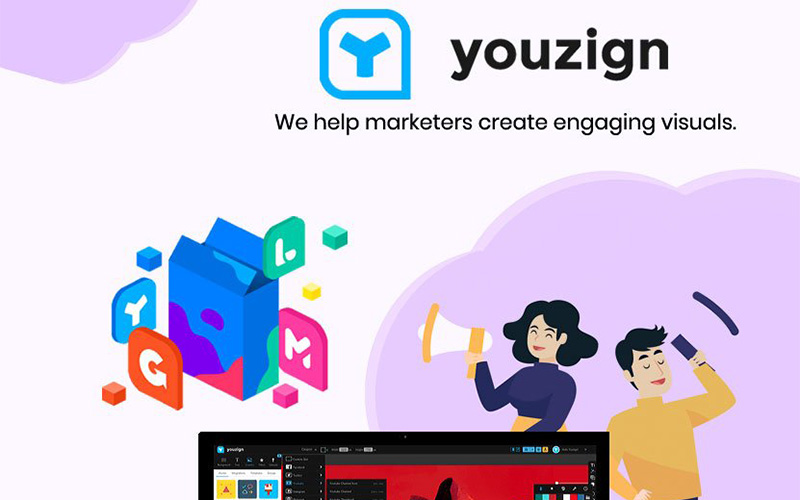
Youzign is a graphic design software providing an all-in-one solution where all the design tools you need are in one place. It helps individuals to create visuals and infographics for social media, blogs, posts, and more. Using Youzign is much simple when compared to other graphic design software. It comes loaded with a bunch of features, such as background removal, font management, brand asset management, and more. It consists of a template library with a wide variety of templates ready to use.
Key Features-
-
- 3D mockups available to use
- Easy background removal
- Wide variety of templates to choose from
- 3D preview with just a single click
- Manage fonts according to the need
- Brand asset management
Free Trial- Free trial is available
Where To Buy- youzign.com
Subscription Plans-
zSuite Business:
$30/month
$299 lifetime
zSuite Agency:
$60/month
$549 lifetime
Support- [email protected]
Capterra Rating- 3.5 stars
TrustPilot Rating- 4.7 stars
10. Genially

Genially is a tool with which you can create interactive and gamified designs. You get thousands of templates as an option to choose from, or you can even start from scratch by creating posters, social media content, infographics, interactive images, and more. The most special feature of Genially is that there is no limit to the number of projects a free user can create.
You can make any element interactive and add animation effects within seconds. Creating with Genially means making content that’s more alive than ever. One of its big advantages is its seamless integration with a multitude of platforms. This allows you to enrich a genially with images, video, audio, GIFs, and other elements. You can insert the genially designs in other platforms such as websites, articles, social media, and the most-used LMS.
Key Features-
-
- AI-Powered Audiovisual storytelling
- 1000+ templates to choose from
- Build stunning and original courses
- Make an unlimited number of projects even as a free user
- Add animation effects to make it alive
- Add buttons and interactivity effects such as tooltips, windows, go-to-page, etc to turn your content into a memorable experience.
- Easy third-party integrations
- Import and Export data with ease
Free Trial- Free trial is available
Where To Buy- genial.ly
Subscription Plans-
Free- $0
Pro- $10/month
billed annually
Master- $20/month
billed annually
Edu Pro- $7/month
billed annually
Expert – $9.99/month
billed annually
Support- [email protected]
Capterra Rating- 4.3 stars
TrustPilot Rating- 3.9 stars
11. CutOut 8 Pro
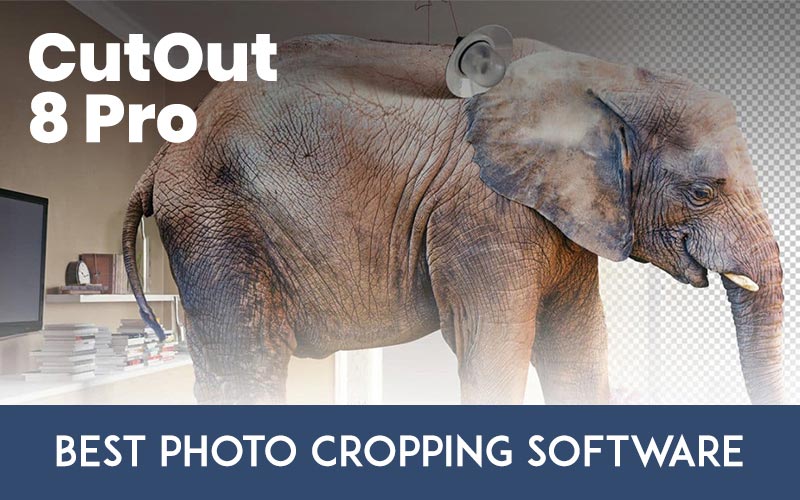
With CutOut Pro you can perfectly crop out image motifs, flawlessly position motifs in front of new backgrounds, or remove distracting objects with a single click. You can easily swap backgrounds and lend your portraits a completely new look, so realistic as if the photo was taken in front of the new background. CutOut Pro works like magic!
This user-friendly software has now become budget-friendly too, though not for long. Grab this deal for just $29 for a limited time only.
Wonderful Things You Can Do With This Photo Cropping Software:
-
- Cut Out Individual Objects Per Segment
- Inside/Outside Edge Matting
- Stroke Based Matting
- Mask Modification
- Lossless Scaling
- Professional Background Management
- Optimized Automatic Edge Recognition Algorithms
- Easily Layer And Swap Between Various Backgrounds
- Enhanced Preview Mode For Full Control
- Accelerated Computing Speed
- Three Power-Cropping Methods For A Wide Range Of Different Types Of Motifs
- One-click Image Cropping With Chromakey Technology
- Effortless Creation Of Perfect Montages
- Edit Directly In Photoshop
- Compatibility With Windows
- Comprehensive Image Editing
- File Manager
- Tutorials And Quick Tips
Support: [email protected]
Conclusion
These short-listed graphic design software have been put to use, and noted that they could help you flex your creative muscles. If you are in a creative slump, then take inspiration and enhance your creative flow. You can choose the software as per your needs. Make good use of it and end up with a stunning creation. If we have missed any software of your choice, kindly mention it in the comments.


