




In the modern professional world, you are constantly hit with a flood of information. This includes daily emails, client meetings, project updates, and research papers. Taking simple notes with a basic app just doesn’t work anymore.
The real challenge today is not just simple note-taking. It is knowledge management & decision synthesis, requiring you to quickly make sense of huge piles of information to act fast.
The choice of a note-taking app is completely different in 2026 because of the AI revolution. Artificial Intelligence now does the hard work for you as it:
- Automatically summarizes long meetings.
- Identifies & extracts key action items from long documents.
This immediate synthesis demands modern tools to provide deep team features, strong cross-platform reliability, and top-level security. The right app must turn raw data into a powerful, connected asset.
In this blog, we will explore the top-tier apps designed for this modern work reality.
Essential Features Of A Professional Note-Taking App:
A truly effective note-taking app today needs more than just a blank page. It must work as a digital brain & integrate smoothly into your workday. Here are the crucial features for high-level productivity:
1. AI Synthesis & Summarization:
- The AI feature instantly synthesises long calls & reports that convert hours of dialogue into actionable bullet points.
- This saves significant time otherwise spent on manual review.
2. Team Collaboration & Sharing:
- Notes often drive shared projects forward efficiently, using a real-time concurrent editing feature for all teams.
- Strong permission controls protect sensitive information access.
- Whereas seamless integration with Slack or Asana helps boost the entire workflow.
3. Data Security & Offline Access:
- Professionals handle private & confidential data daily, making robust data encryption & secure storage mandatory features.
- The ability to work offline is a necessity for field mobility & functionality that guarantees continuous project work completion.
4. Advanced Organisation & Search:
- Modern note-taking apps allow users to employ nested pages & bi-directional linking for context.
- This method creates a powerful, connected knowledge map quickly, boosts search capabilities, scans text, PDFs, & all images for keywords.
5. Automation & Templates:
- Templates structure meeting agendas and client checklists immediately.
- Automation ensures every document is fully consistent and professional, speeding up all repetitive administrative tasks successfully.
6. Cost/Subscription Value:
- A business tier centralizes knowledge and guarantees enhanced security.
- The efficiency gained by a paid note-taking app justifies the subscription cost. It is an investment in overall team productivity.
Best Note-Taking Apps for Professionals
Choosing the right tool depends on your main focus: team, knowledge graph, or security. Here are the top contenders in the 2026 landscape available on DealFuel:
1. Weavernote – AI Notes Take
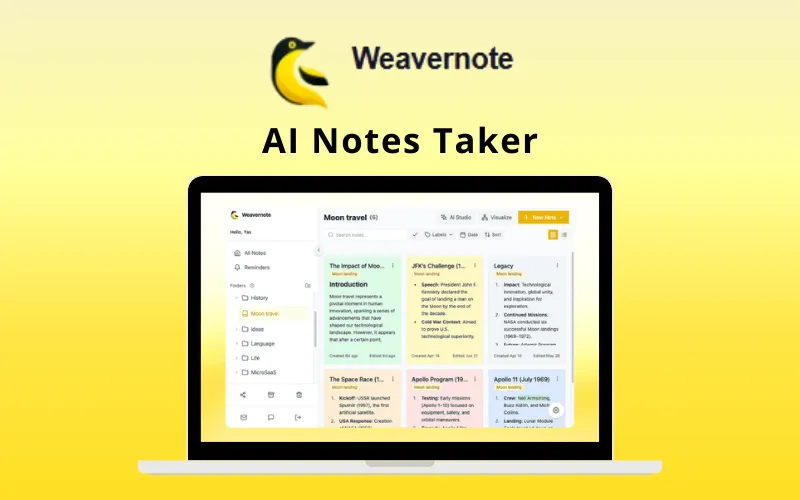
Weavernote is an AI-powered notes workspace that turns scattered notes into a connected knowledge graph. It uses AI to boost learning and organization.
Key Features of Weavernote:
- AI-assisted flashcards, summaries, and outlines.
- Connected notes with graph visualisation.
- Kanban boards and task tracking.
- Cross-platform access.
DealFuel Price: $49 – $149
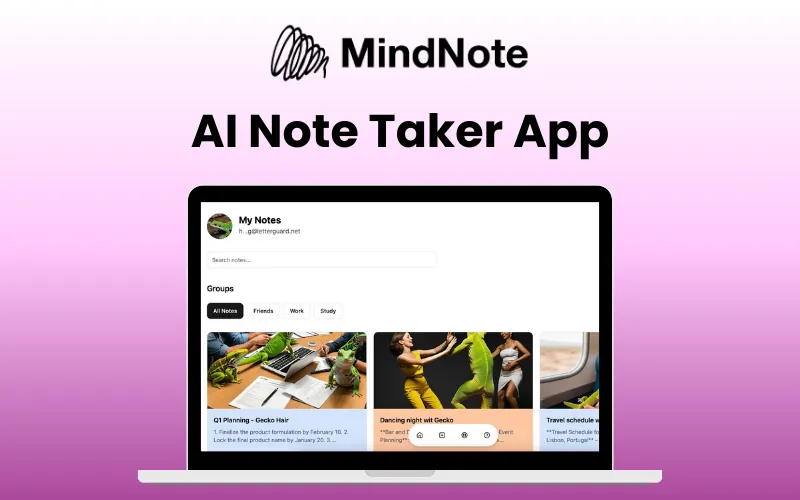
MindNote is an AI-powered notetaker designed for quick capture & smart editing. It’s built for speed and effortless organisation, supporting multiple languages & various content formats.
Key Features of MindNote:
- AI writing assistance.
- Speech-to-Text and Text-to-Voice features.
- Organise notes by custom groups.
- Formula support for complex calculations.
DealFuel Price: $80 – $199

MadNotes PRO is a minimalistic Markdown notepad, designed for privacy and speed. It often works as a browser extension, making it the fastest way to capture a thought.
Key Features of MadNotes PRO:
- Delightful writing experience with intuitive Markdown.
- Security by default with local storage or encrypted cloud sync.
- Privacy Settings that blur notes when sharing the screen.
- Unlimited documents
DealFuel Price: $49
4. Evernote
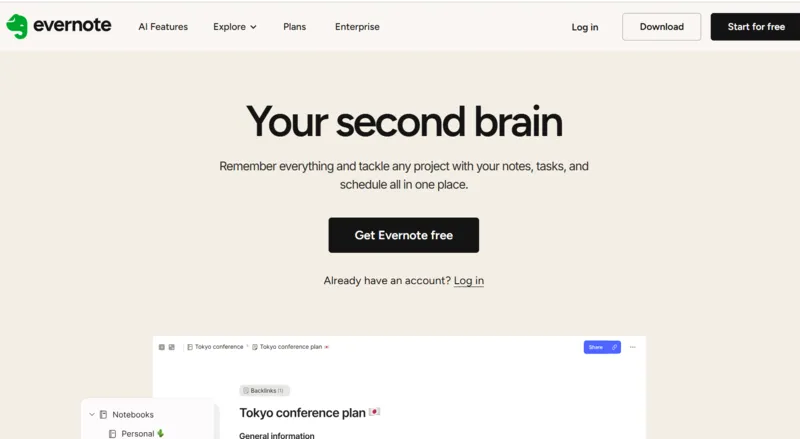
Evernote is the veteran archival powerhouse. It is famous for its robust search and the ability to capture nearly any type of content via its legendary Web Clipper. Recent updates have added powerful AI.
Key Features of Evernote:
- Best-in-class Web Clipper for saving articles and PDFs.
- AI Edit for summarising, writing, and tidying notes.
- Advanced Search (Boolean, geographic, filtered).
- Integration with Calendar, Tasks, and Google/Microsoft ecosystems.
Prices: $33.81 – 86.80 / Year
5. Obsidian

Obsidian is the tool for building a true “Second Brain.” It is free, flexible, and stores your notes locally as Markdown files. Its core strength is creating deep, complex connections between your ideas.
Key Features of Obsidian:
- Bi-directional linking to connect notes and visualise relationships.
- Local file storage (Markdown) for ultimate data ownership.
- Community plugins for customisation.
- Interactive Knowledge Graph visualisation.
Prices: $25 – $50 / Year
With so many features & options to compare, choosing the right tool for your specific needs is important. So let’s compare the key strengths & features of these top note-taking applications.
Comparing the Top Note-Taking Platforms
| Feature | Weavernote AI | MindNote | MadNotes PRO | Evernote | Obsidian |
|---|---|---|---|---|---|
|
Advanced AI Synthesis & Learning Tools
|
Quizzes, Outlines, OCR, Flashcards |
Translation, Speech-to-Text, Table Creation
|
AI Edit, Summaries |
AI Edit, Summaries |
❌ |
|
Connected Knowledge Graph (Bi-directional Link)
|
Visual Concept Maps, Backlinks |
❌ |
❌ |
❌ |
✅ |
|
High-Speed Capture & Privacy |
PWA/Mobile Sync |
Quick Capture, Smart Editing |
New Tab Access, Privacy Screen Blur |
Web Clipper |
❌ |
|
Structured Project Management |
Kanban Boards, Tasks, Folders |
Mind Maps, Visual Tags |
To-Do Lists, Unlimited Docs |
Tasks, Calendar Integration |
Canvas, Community Plugins |
|
Cost/Subscription Model |
LIFETIME PLAN |
LIFETIME PLAN |
LIFETIME PLAN |
Yearly Subscription
|
Monthly & Yearly Subscription |
|
Price
|
$49 - $149 |
$80 - $199 |
$49 |
$33.81 - $86.80 / Yearly |
$25 - $50 / Year (Paid Addons) |
Final Thoughts
The decision about a professional note-taking app in 2026 is rarely a simple choice. Some tools are hyper-focused on AI summarization, others specialise purely in markdown speed, handling complex knowledge graphs, or just plain archiving documents. Finding the perfect product means finding a tool that truly integrates with your unique professional mindset & workflow.
While all the tools discussed excel in their specific domain, with Evernote offering comprehensive web clipping & Obsidian being peerless for complex bi-directional linking, the fundamental strategic takeaway is the necessity of securing a long-term knowledge asset.
Similarly, Weavernote is the top AI workbench for visual knowledge; MindNote is the champion of speed with AI transcription; & MadNotes PRO offers the most secure and minimalistic capture experience.
While advanced features are important, the long-term strategic value lies in eliminating recurring costs. Tools that offer long-term value allow note-taking to transform raw data into powerful, meaningful information, driving professional success without becoming an endless expense.


