



AI audio in 2026 has matured. Today, almost every platform is able to generate natural human voices. Natural speech pauses, correct pronunciation, and multiple accents have now become standard features and not premium add-ons like before.
This has hugely affected the buying decisions of people. It’s no longer just about realism. It’s about how efficient the tool is. How well does it fit into your needs? Does it simplify the process? Does it enhance your output?
When comparing RecCloud AI and Murf AI, you’re essentially choosing between a refined studio experience and a multi-tool production engine.
The real distinction lies in how each platform defines efficiency.
Murf AI VS RecCloud AI
Murf.ai works like a professional recording studio in the cloud. It focuses on high-quality AI voices with strong control over delivery. You can adjust pitch, speed, pauses, emphasis, and pronunciation to get the exact tone you want. It also offers voice cloning, dubbing, and team collaboration tools.
It is built for marketers, corporate teams, trainers, audiobook creators, and other professionals who need polished narration.
It helps you skip hiring voice actors or renting studio space. If voice quality is critical to your brand, this tool is designed to meet that need.
On the other hand, RecCloud takes a wider approach. It offers AI voice generation, video translation, speech-to-text transcription, subtitle creation, video summarization, and screen recording, all in a single platform.
Instead of focusing only on voice control, RecCloud helps creators manage multiple content tasks in one place.
It is built for speed and scale. If you regularly create videos, translate content, generate subtitles, and repurpose long recordings, this reduces the need to switch between different apps.
The difference is clear:
- Murf AI replaces a professional voice actor.
- RecCloud AI offers various content creation tools in a single platform.
Let’s dive deeper and take a look at each of the platforms and see which one will meet your needs perfectly.
Murf AI: The Master of Expression
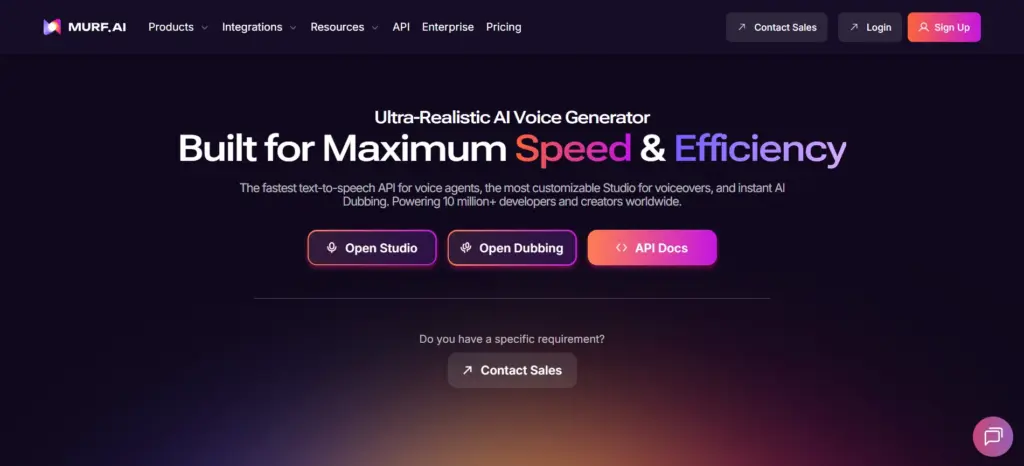
Murf AI is a platform designed that provides various tools that help shape the delivery of the voice.
At its core, there is Murf Speech Gen 2, its most advanced and realistic speech model. It evaluates millions of possible ways a sentence can be spoken and selects the most natural options.
It supports sentence-level Variability, which lets you create different versions of the same sentence. For finer control, its Word-level Emphasis allows you to highlight specific words for a stronger impact.
And finally, “Say It My Way” – one of its unique features. It allows you to record your own version of a sentence. Then its AI replicates your tone, emotion, and pace. And with emphasis controls and adjustable pitch and speed, a highly customizable narration process is created.
Murf AI also offers voice cloning, multilingual dubbing in 40+ languages, and enterprise-grade APIs for building real-time voice agents. However, its biggest strength remains its studio-style workflow.
The timeline-based Murf Studio editor lets you:
- Break scripts into sections
- Adjust timing and pauses
- Sync voice with slides or video
- Integrate with Canva and PowerPoint
- Collaborate with team members
The experience feels structured and professional, closer to a DAW (Digital Audio Workstation) than a basic AI generator.
What can you use Murf AI for:
Murf AI is a strong choice for investor presentations and corporate training. In these cases, the tone directly affects how credible and trustworthy you look.
With its features like video-sync and integration capabilities with tools like Microsoft PowerPoint, Canva, and Google Slides, you can perfectly match your narration with the slides and all your visuals.
This adds structure and confidence to your message, resulting in a professional delivery of your project, rather than a rushed or robotic one.
It is also best for launching a product globally or training teams in different regions. In such cases, language and clarity of a project are very important. If the voice used sounds unnatural or poorly translated, it can reduce trust and create confusion.
But with Murf AI’s support for 35+ languages and its MultiNative technology, you can easily create the same content in different languages, which sounds natural and regionally accurate.
Instead of hiring multiple voice artists for each country, you can produce consistent, high-quality narration at scale, while keeping your brand voice strong and uniform across markets.
RecCloud AI: The Multimedia Powerhouse
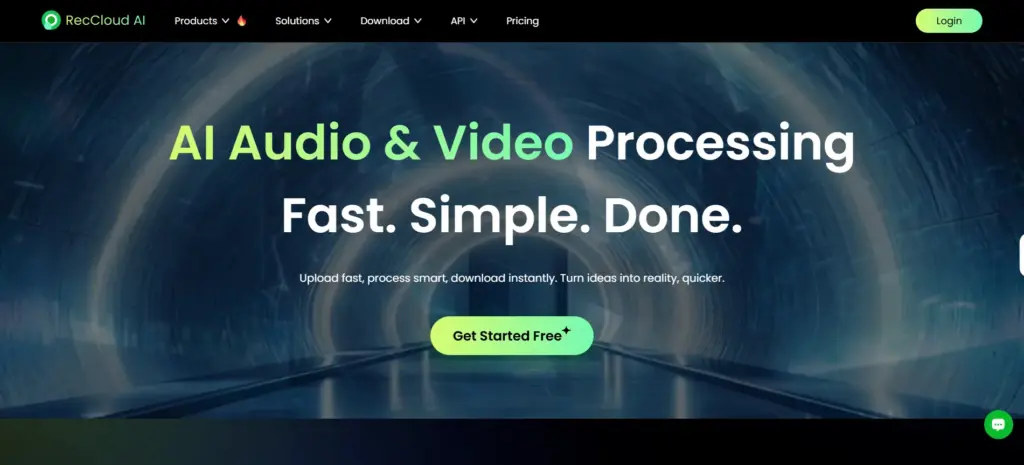
While many platforms focus only on voice, RecCloud AI takes a broader approach. It combines AI-powered audio and video tools into a single integrated system.
It lets you transcribe meetings, generate subtitles, translate videos, summarize webinars, create short clips, and even generate AI videos from text, all from a single platform.
One of its strongest features is the AI Video Translator. It supports over 70 languages, allowing you to localize videos with AI voiceovers and subtitles. It automatically handles translation, voice generation, and syncing.
Another one of its standout features is the AI Video and Audio Summarizer. Instead of manually reviewing hours of footage, it lets you generate summaries, extract highlights, and ask questions directly about the content.
Beyond all that, it also includes practical utilities like:
- AI subtitle generator (100+ languages, customizable styles)
- AI clip maker for auto-cut social media highlights
- Online screen recorder (screen, webcam, system sound)
- AI vocal remover
- Video trimmer, cropper, and merger
RecCloud’s overall experience feels like an engine built for efficiency. Instead of switching between five different tools, everything runs inside a single system.
What can you use RecCloud AI for:
Projects such as a corporate training video, a YouTube ad, a product walkthrough, and a social media promo shouldn’t all be the same.
RecCloud AI helps you create different types of content for different audiences. With its 500+ AI voices, you can choose a specific voice that fits specifically for that use case. You can select a calm, authoritative voice for compliance training, or a confident and polished voice for investor updates, or even a more energetic and conversational style for marketing campaigns.
This results in a more impactful communication, a stronger connection with the audience, and the ability to scale your content without increasing the costs or complexities.
RecCloud AI also lets you turn a simple text prompt into a structured, ready-to-publish video. Its AI Video Generator automatically builds scenes, generates stunning visuals, adds AI voice narration, and organizes the flow of the content.
You can even test different hooks, offers, or messaging variations without rebuilding everything from scratch.
You can easily create product explainers, social media videos, onboarding tutorials, or promotional clips in minutes rather than days.
Pros and Cons:
Murf AI –
Pros:
- Provides studio-level voice quality with emotional depth.
- Offers reliability for brand-sensitive voice projects.
- Includes strong team collaboration features.
- Supports seamless integrations.
Cons:
- Primarily focussed on voice.
- Not the best choice if you need video editing or localization tools.
- Highly priced, especially for individual users.
RecCloud AI –
Pros:
- Replaces multiple content tools with a single dashboard.
- Includes powerful transcription, translation, and subtitle capabilities.
- Perfectly designed for speed, scale, and versatility.
Cons:
- Voice output prioritizes clarity over performance.
- The interface can feel crowded due to the number of tools.
Direct Feature Showdown:
| Category | Murf AI | RecCloud AI |
|---|---|---|
|
Primary Identity |
Professional Text-to-Speech & Voice Studio |
All-in-One AI Video/Audio Processing Suite |
|
Voice Library |
200+ High-quality voices |
500+ (some sources say 580+) voices |
|
Language Support |
35+ Languages (with "MultiNative" tech) |
100+ Languages (transcription/translation) |
|
Best Feature |
'Say it My Way': Record a line to direct the AI's exact tone and inflection. |
AI Video Generator: Create structured, ready-to-publish videos from text prompts. |
|
API Latency |
Ultra-low (55ms) via Murf Falcon |
Standard API for broad media tools |
|
Transcription |
Secondary (Available in Business plans) |
Primary: AI Speech-to-Text with 98% accuracy & speaker labeling. |
|
Video Tools |
Video-sync for slides & background music |
Full suite: Crop, Merge, Watermark Remover, Subtitle Generator, Clip Maker. |
|
Integrations |
Canva, PowerPoint, Google Slides, Adobe |
Web browser, Desktop App, Mobile (iOS/Android) |
|
Pricing |
|
|
Conclusion:
Both of these tools are strong and powerful, but they’re both built for different needs.
Choose Murf AI if tone and emotions matter more to your work. It is definitely a better option for projects like corporate training, investor presentations, brand campaigns, or audiobooks.
But if you’re creating content regularly across platforms and languages, choose RecCloud AI. It is a better fit for projects that need transcripts, subtitles, translations, summaries, and short clips every week.


