



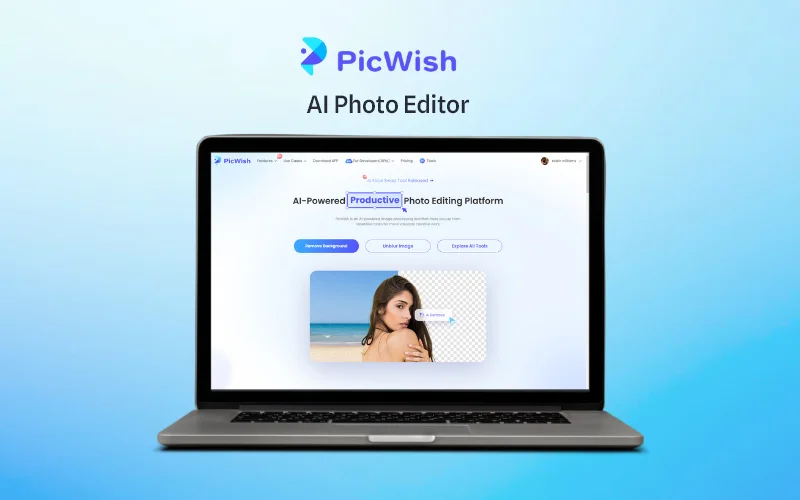
Welcome to a comprehensive Picwish review, your go-to AI-powered photo editor that’s revolutionizing how images are enhanced and perfected.
In today’s digital age, where visual content reigns supreme, Picwish stands out as a beacon of innovation. By harnessing advanced AI technology, Picwish empowers users with sophisticated yet easy-to-use features.
From automating tasks such as background removal and photo restoration to excelling in high-resolution upscaling, Picwish caters to beginners and seasoned professionals alike.
Its intuitive interface ensures that even those new to photo editing can achieve impressive results. It offers robust tools that satisfy the demands of photographers and designers seeking to create impactful visuals.
Join us as we delve deep into the capabilities of Picwish, exploring how this AI Photo Editor preserves and enhances image quality with unparalleled clarity and detail.
Table of Contents
What is Picwish?
PicWish is an AI Photo editor that helps you edit and enhance your photos with professional-quality results.
This AI Photo Editor offers a comprehensive suite of tools to meet all your editing needs like –
- Background Removal
- Image Retouching
- Colorizing Black & White Photos
- Converting File Formats and more.
PicWish uses artificial intelligence to automate complex editing tasks, saving you valuable time and effort.
Why Use Picwish?
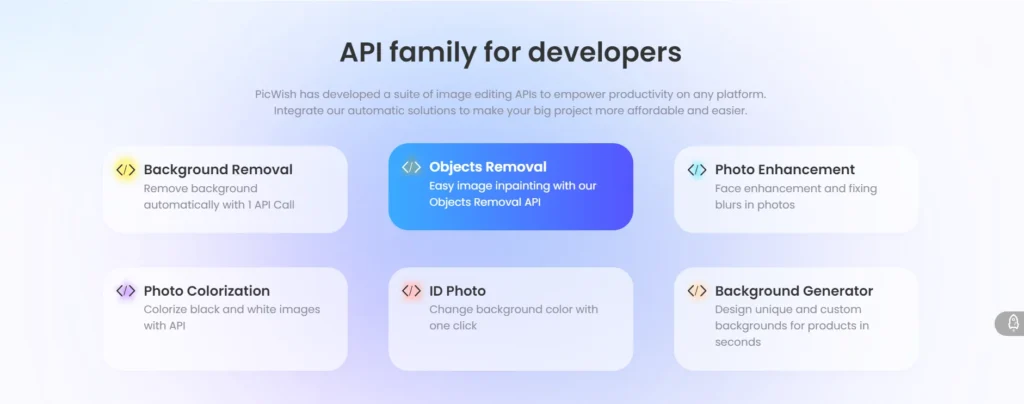
AI-Powered Photo Editor:
Picwish uses sophisticated AI algorithms to automate complex editing tasks, making the process faster and more efficient. This feature mainly benefits users who want high-quality results without investing significant time and effort.
Background Removal Tool:
Picwish’s background removal tool ensures precise and clean cuts, allowing users to create professional-looking images effortlessly. This is ideal for creating transparent backgrounds or customizing backgrounds to suit specific needs.
High-Resolution Upscaling:
Picwish excels in enhancing image resolution without compromising quality. This feature is essential for photographers and designers who must maintain clarity and detail in high-resolution images.
User-Friendly Interface:
Picwish’s intuitive and streamlined design makes it accessible to users of all skill levels. Whether you’re new to photo editing or a seasoned pro, the interface is easy to navigate and use.
Comprehensive Image Enhancement:
From color correction to detail sharpening, Picwish offers a wide range of enhancement tools that can transform ordinary photos into stunning visuals.
Supported AI Models:
It is powered by a multi-model architecture that includes Nano Banana Pro, Nano Banana, Seadream 4.5, Seadream 4.0, GPT Image-1.5, and Flux Kontext. This integration allows the platform to switch between specialized engines for photorealism, visual consistency, and complex image editing tasks.
User Experience:
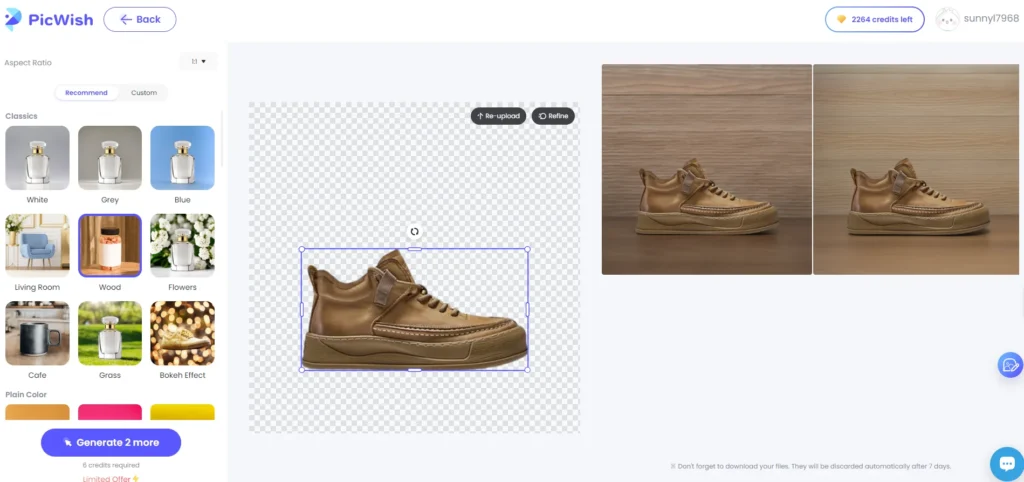
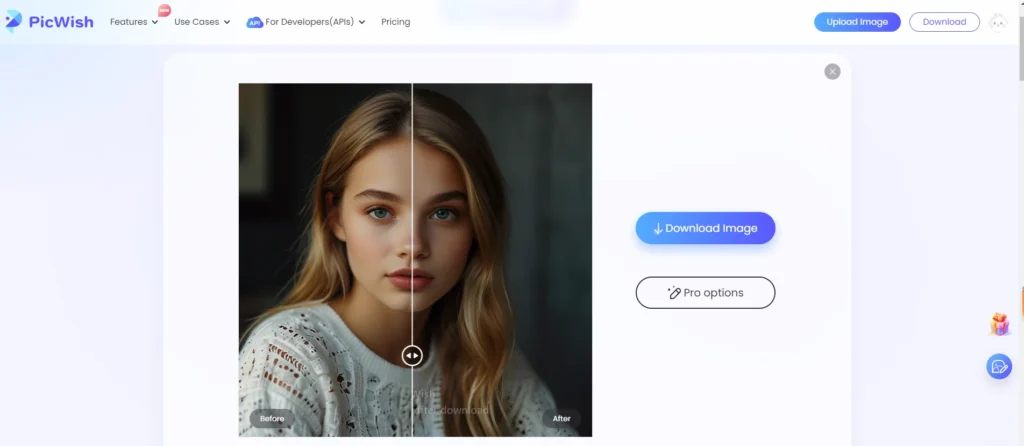
Picwish is designed with user experience in mind. The clean and uncluttered interface minimizes distractions, allowing users to focus on their creative process. The platform provides helpful tutorials and tips for new users, ensuring a smooth onboarding process. Customization options are plentiful, enabling users to tailor the editing environment to their preferences.
How to Use Picwish Effectively?
Using Picwish is straightforward:
- Upload Your Image: Start by uploading your photo to the Picwish platform.
- Select Enhancement Options: Choose from various enhancement tools to improve your image.
- Apply Changes: Let the AI work magic and apply the selected enhancements.
- Download the Enhanced Image: Once complete, download your improved photo.
For advanced users, Picwish offers layer adjustments, selective editing, and batch processing to streamline editing workflows and ensure consistency across multiple images.
Picwish vs. Competitors
Compared to other image enhancement tools like Let’s Enhance, Fotor, and Cutout.pro, Picwish stands out in several areas:
AI-Powered Background Removal:
- Picwish excels in providing precise and quick background removal, surpassing Fotor in efficiency and effectiveness.
High-Resolution Upscaling:
- While Cutout.pro is known for its quality preservation during upscaling, Picwish matches this with additional creative editing tools.
User Experience:
- Picwish offers a more intuitive interface than Let’s Enhance, making it easier for users to achieve professional-quality edits.
Use Cases for PicWish
PicWish is an excellent tool for a variety of users and industries:
- E-commerce: Enhance product images, remove backgrounds, and add white backgrounds to boost sales and improve the shopping experience.
- Social Media Influencers: Create stunning visuals for social media posts, stories, and ads easily.
- Journalists: Great for editing editorial news or sports photos for publications.
- Photographers: Quickly retouch and enhance photos, saving time on post-processing.
- Marketing Professionals: Generate unique and eye-catching visuals for marketing campaigns.
- Casual Users: Improve personal photos and create fun, edited images for personal use.
Conclusion:
Picwish is a dynamic and powerful tool for anyone looking to enhance their photos with minimal effort and maximum quality. Its AI-driven features, user-friendly interface, and comprehensive suite of editing tools make it a top choice for photographers, designers, and casual users. Whether you want to remove backgrounds, upscale images, or improve overall photo quality, Picwish delivers impressive results quickly.
We hope this comprehensive Picwish review was helpful. If you have any questions, please let us know in the comments.
For more information, visit: PicWish Lifetime Deal


