



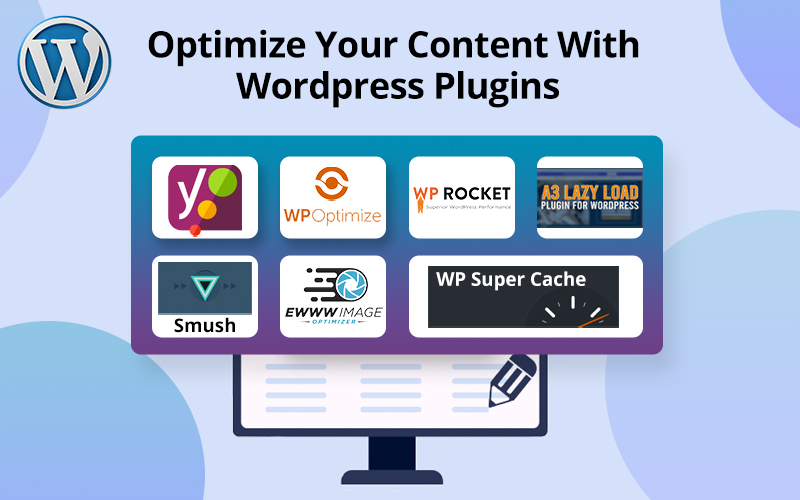
WordPress does a great job of allowing its users to display, promote, and organize content. Sometimes, keeping your website up to date and fully optimized can sound like a real struggle. Well, it is if you prefer managing your website manually with no optimization plugins engaged.
Keep reading to discover the most effective content optimization plugins on the market and how they can take some weight off managing a website off your shoulders. Keep in mind that optimizing your content should be viewed as a process rather than the end result. So, try out and combine different plugins to figure out which ones work best for your needs.
Why optimize your content in the first place?
There are a number of factors influencing WordPress performance. Optimizing content helps make a website run faster and more efficiently. Besides improved productivity, you’ll get better search engine rankings, further content reach, and an expanded audience. Content optimization can also improve your website’s speed and improve conversion rates. Search engines prefer websites that run fast and don’t have any performance flaws. And so do the website users.
How exactly can WordPress plugins help your content optimization?
You can build your website blog with WordPress and optimize your content using WordPress plugins. You can hire a Wordpress developer if you plan to build a customized plugin based on your budget.
Content optimization includes working with images, large-sized files, databases, and SEO. Moreover, SEO optimize it.
Here is a list of content optimization techniques that can be managed by plugins.
Image Compression:
Large images considerably affect your site’s loading time, making it run slower. Content optimization plugins use different compression techniques to convert large images into smaller compressed files. Smaller in size, yet high-quality images can speed up your site’s loading time and save a lot of server space. Also, compressed visuals increase your search engine ranking. Setting image automatization on autopilot, with the help of plugins, can save you a lot of time and effort compressing and resizing visuals.
Database Cleanup:
When you edit your website, WordPress creates a revision of that page or post. When you edit a page multiple times, you’ll have multiple copies of that page as revisions, without even knowing about that. It’s important to clean up rarely used data because it clutters your database and slows loading times. Content optimization plugins solve this problem by removing all unnecessary data, cleaning, and optimizing your database.
File Resizing:
Content optimization also includes reducing the number of files required to display the average page on your website. Sometimes, multiple files need to be organized into a single optimized file. That’s where optimization plugins come in handy. Some plugins can also set max height and width so that large files can scale down as they’re being compressed.
Caching Pages:
Page caching makes a tremendous difference to the website’s performance. Caching plugins store dynamic data in a temporary storage area for instant retrieval when needed. This caching technology allows your website to run faster and more efficiently. Caching is one of the most effective technologies available. Since it improves website speed, caching can also lead to better conversions and increased user satisfaction.
Lazy Loading:
Everyone knows how frustrating it can be when a webpage or its elements take a long time to load. Loading all elements on a page at once slows the load time. Lazy loading is a content optimization technology that significantly improves the page loading time. It works by displaying the webpage’s content (like images) only when it’s visible to the viewer. This method reduces the HTTP request mechanism, thereby speeding up loading time. Some image optimization plugins employ lazy loading for increased website productivity.
Search Engine Optimization:
Targeting the right keywords is crucial for securing top-ranking positions in search engines, thereby improving the site’s visibility and attracting more website users. Optimize keywords and keyphrases throughout all your content for better branding and consistent snippets in the search results. WordPress plugins offer crucial built-in features necessary for automated SEO. These plugins allow you to change each post’s title and meta description, conduct focus keyword testing, suggest internal linking options, and much more.
Best WordPress Plugins to Optimize Your Content
There are a lot of WordPress plugins that make content optimization easier. Here are some of the most popular automated plugins that’ll keep your content well-organized. These plugins don’t fall under a single category, have different functions, and can be combined together depending on what exactly needs to be optimized. So, let’s take a look at our list of WordPress plugins for content optimization.
1. Yoast SEO:
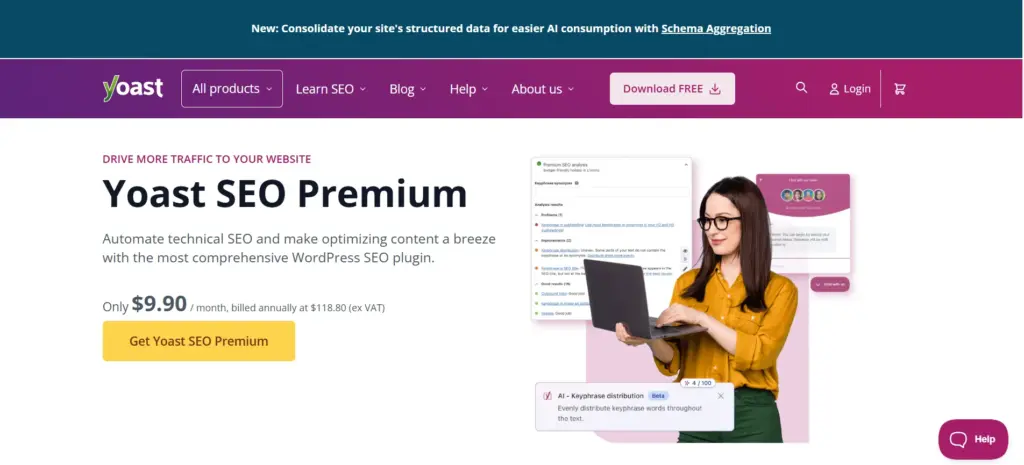
Yoast SEO is a WordPress SEO plugin that offers complete website optimization. When you enter a keyword, Yoast checks whether you’re using the right amount of keywords in your text. Additionally, the plugin checks the article’s readability. It automatically creates a sitemap of all your content, making it easier for search engines to find your website.
If you struggle with creating SEO-friendly content for your website, make sure to use grammar checking and writing services like Grammarly and Pro essay writer.
Besides generating a sitemap, the plugin manages SEO, redirects, and controls index settings. The premium version comes with a bunch of extra useful features. For instance, the plugin helps you improve your linking structure with an internal linking suggestion tool that finds related posts you can link to.
2. WP-Optimize:
WP-Optimize is an all-in-one site optimization plugin developed for cleaning up your database, compressing images, and caching pages.
This plugin allows content optimization with no manual configuration.
It ensures that all expired transient options, trackbacks, spam, trashed comments, pingbacks, and irrelevant data are removed immediately. You can also set up automatic scheduled database cleanups.
The free version provides basic database cleaning, site caching, and image compression.
3. WP Rocket:
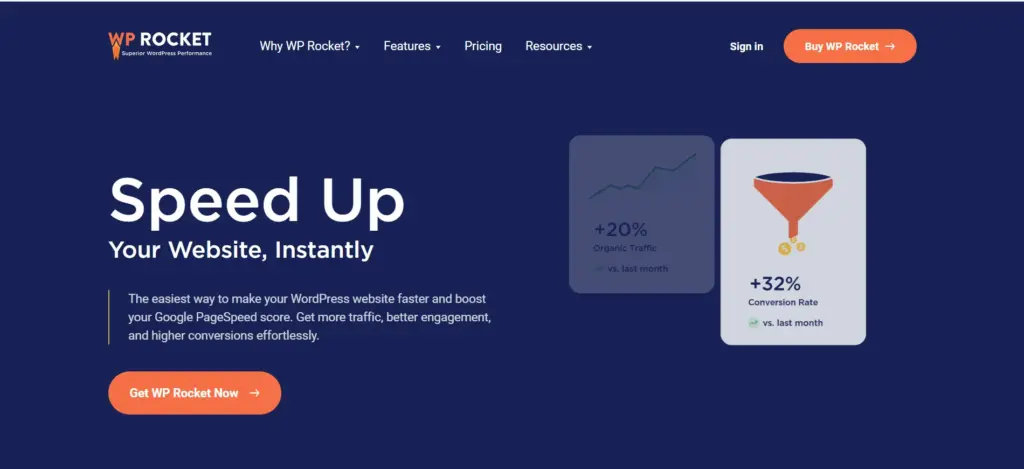
WP Rocket is a WordPress plugin that manages instant automatic caching. Besides speed optimization, it also optimizes the database and gets rid of unwanted CSS and JavaScript codes. Image lazy load, cache preload, and GZIP compression are the other useful features you’ll get when you install WP Rocket. It’s a great plugin if you’re looking to optimize your site, increase its speed, and page load time.
4. WP Super Cache:
WP Super Cache is a popular free caching plugin. The main features of this plugin are advanced pre-load, GZIP compression, page caching, and CDN support. Also, WP Super Cache optimizes your website and makes it run faster by cleaning up outdated cache files.
5. a3 Lazy Load:
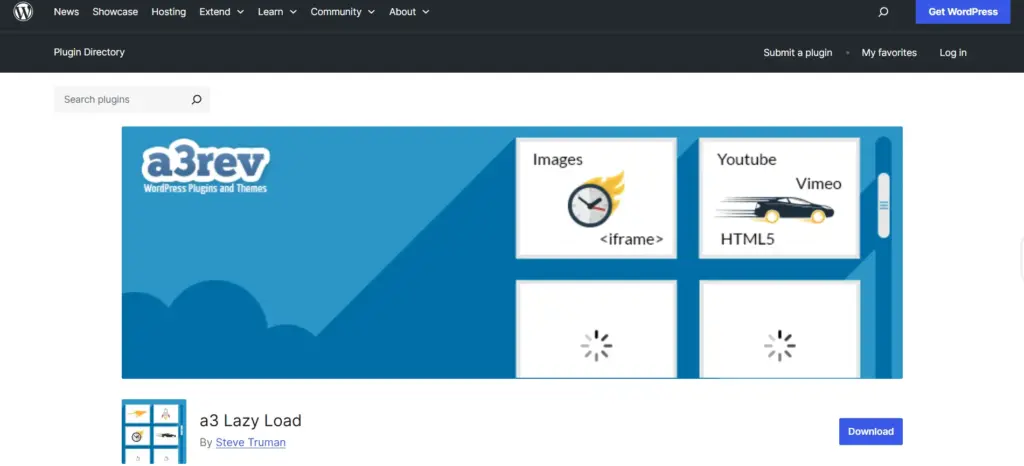
a3 Lazy Load is another plugin aimed at speeding up page load time by lazy loading images, videos, and iframes. This plugin is great because it allows you to fully customize settings depending on how you want the elements of your website to be loaded. You can decide which elements of your page are loaded when they become visible to the viewer.
6. Smush:
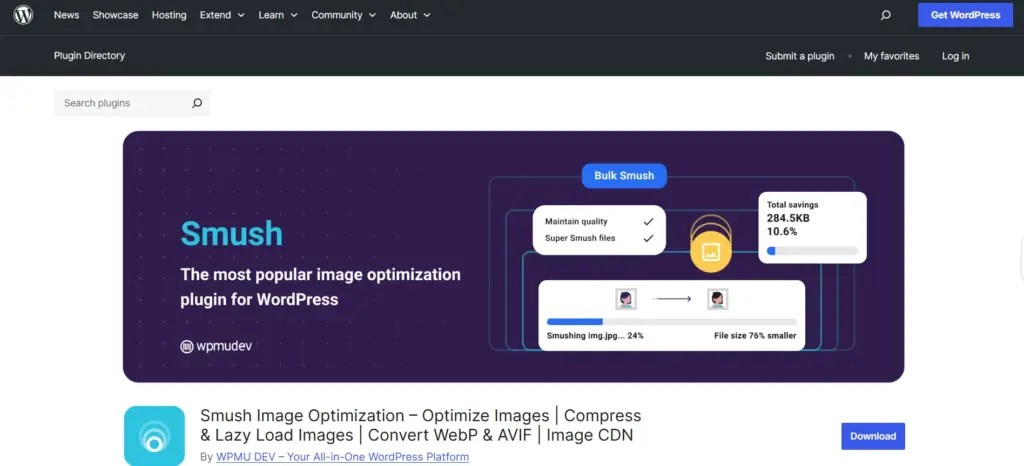
Smush is another WordPress plugin for content optimization. Smush generally optimizes graphics, specifically resizes and compresses images without sacrificing quality. It does a great job of lazy loading by hiding off-screen images away. Another great feature, called Incorrect Size Image Detection, quickly locates images that are slowing your page load times.
7. EWWW Image Optimizer:
EWWW Image Optimizer is a WordPress plugin that offers JPG, PNG, GIF, and PDF optimization. It works by automatically converting newly uploaded images, as well as those already uploaded, to the best file format without losing initial quality. Another great feature is the ability to scale to fit the page and device. There is also a lazy load option available.
8. DefiniteSEO:
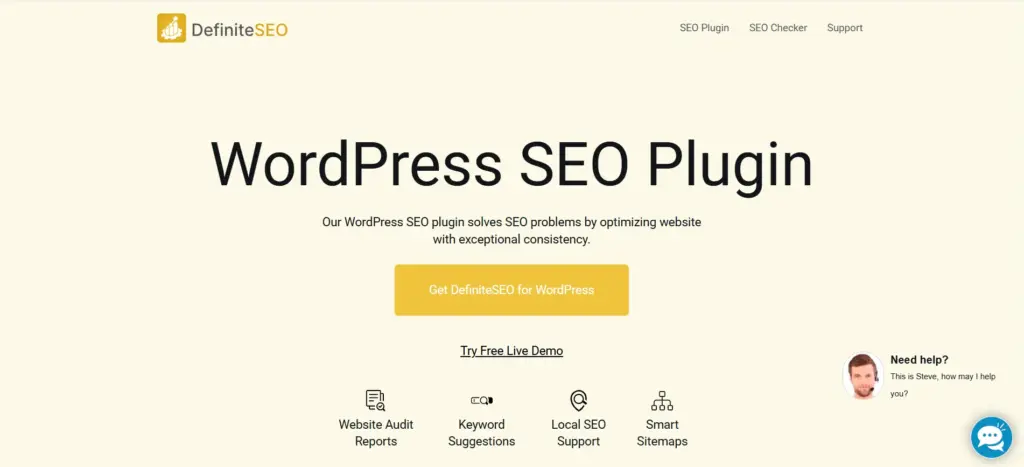
DefiniteSEO is a robust WordPress SEO plugin designed to streamline and enhance your website’s search engine optimization efforts. Whether you’re a beginner or an experienced webmaster, DefiniteSEO offers a suite of features for all levels of expertise.
Key Features:
-
Setup Wizard: An intuitive setup wizard guides you through the initial configuration, ensuring your website is optimized from the start.
-
Website Audit Reports: Receive regular audit reports highlighting SEO issues and opportunities for improvement to help maintain optimal website health.
-
Keyword Density Optimization: Automatically analyzes your content to suggest optimal keywords, providing metrics like word count, sentence count, and readability score.
-
Search Engine View: Visualize how your pages appear in search engine results, allowing you to fine-tune titles and meta descriptions for better click-through rates.
-
Social Media Optimization: Customize how your content appears when shared on social platforms, with responsive previews for both desktop and mobile.
-
Structured Data – Schema: Implement structured data markup to enhance search engine understanding of your content, potentially leading to rich snippets.
-
External Link Management: Control the SEO impact of outbound links by managing ‘nofollow’ and ‘follow’ attributes, with options to exclude specific domains.
-
Content Performance Score: Evaluate your content’s SEO effectiveness with a scoring system that highlights strengths and areas for improvement.
-
Spelling and Grammar Audit: Identify and correct spelling errors and grammatical mistakes to ensure professional and error-free content.
Final Thoughts:
Sometimes, content optimization can seem like rocket science. Now, when search engines place so much significance on the speed of the loading time, it’s crucial to have your website run faster. You can make the content optimization process easier and more productive using WordPress plugins. Test and combine different plugins to find out which ones work best for you and meet your requirements. Always make sure to download legitimate plugins from credible sources to reduce the chances of getting viruses and malware. Never stop optimizing your site!


