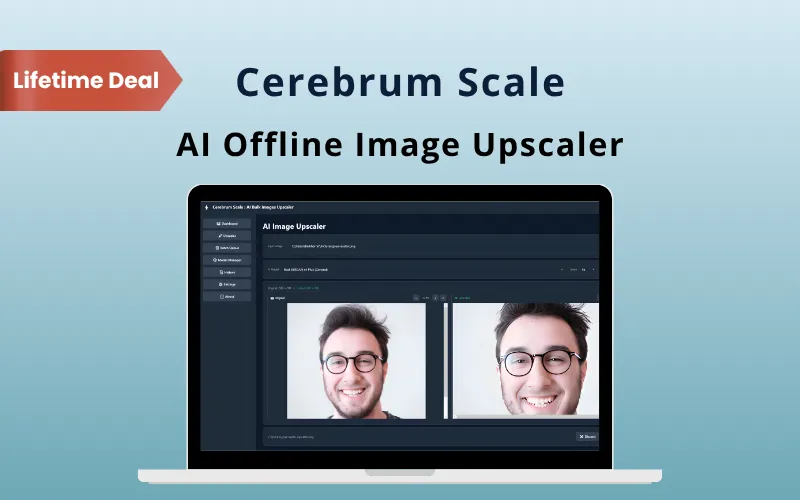
Cerebrum Scale – 4x Upscale Your Images Offline

TL;DR

  • Upscale images in 2x or 4x without uploading them online.
  • Process entire folders with unlimited batch upscaling.
  • Choose AI models for photos, anime, or general images.
  • Use your Windows GPU to speed up large image jobs.
  • Preview results before saving them.

Quick Overview

Alternative to:

  • Adobe Photoshop
  • Canva
  • Picsart AI
  • Topaz Photo AI

Best for:

  • Content Creators
  • Freelancers
  • Graphic Designers
  • Photographers
  • Print Designers

Compatibility:

  • Browser Support:
    Brave, Chrome, Edge, Firefox
  • Operating Systems:
    Windows

Blurry visuals, large image files & expensive online tools can quickly slow down your workflow.

That’s why DealFuel brings you Cerebrum Scale – AI Offline Image Upscaler.


What is Cerebrum Scale?

Cerebrum Scale is an offline AI desktop application. It upscales images directly on your Windows computer.

It lets you increase image resolution by 2x or 4x. You can choose from any AI model designed for:

  • Photos
  • Anime
  • General images

It also supports batch processing instead of processing images one at a time.

Your images stay on your computer without cloud uploads or API requirements.

It is perfect for improving –

  • Product images
  • Photography
  • Artwork
  • Social media graphics

& other visual assets while saving time.

Introduction to Cerebrum Scale:

Youtube video

Cerebrum Scale Features:

upscale-images-privately-with-ai

Upscale Images Privately With AI:

  • Process images 100% offline on your Windows PC
  • No APIs, subscriptions, or usage limits
  • Use ONNX Runtime for local AI processing
  • Upscale images by 2x or 4x
  • Keep sensitive images on your own device
process-and-manage-multiple-images

Process & Manage Multiple Images Easily:

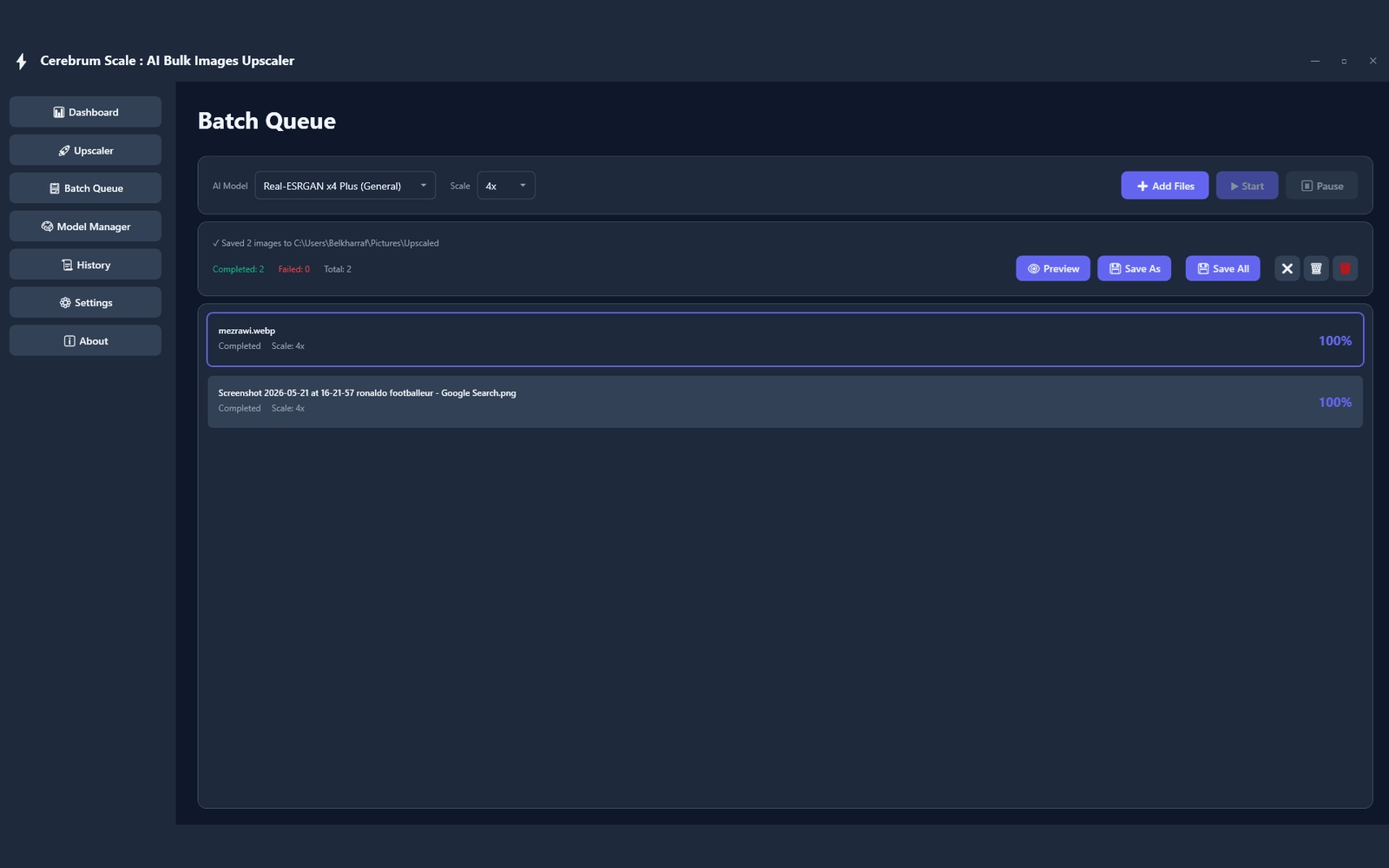
  • Add entire folders to the batch queue
  • Process multiple images automatically
  • Start, pause, and resume processing tasks
  • Save individual images or all completed images together
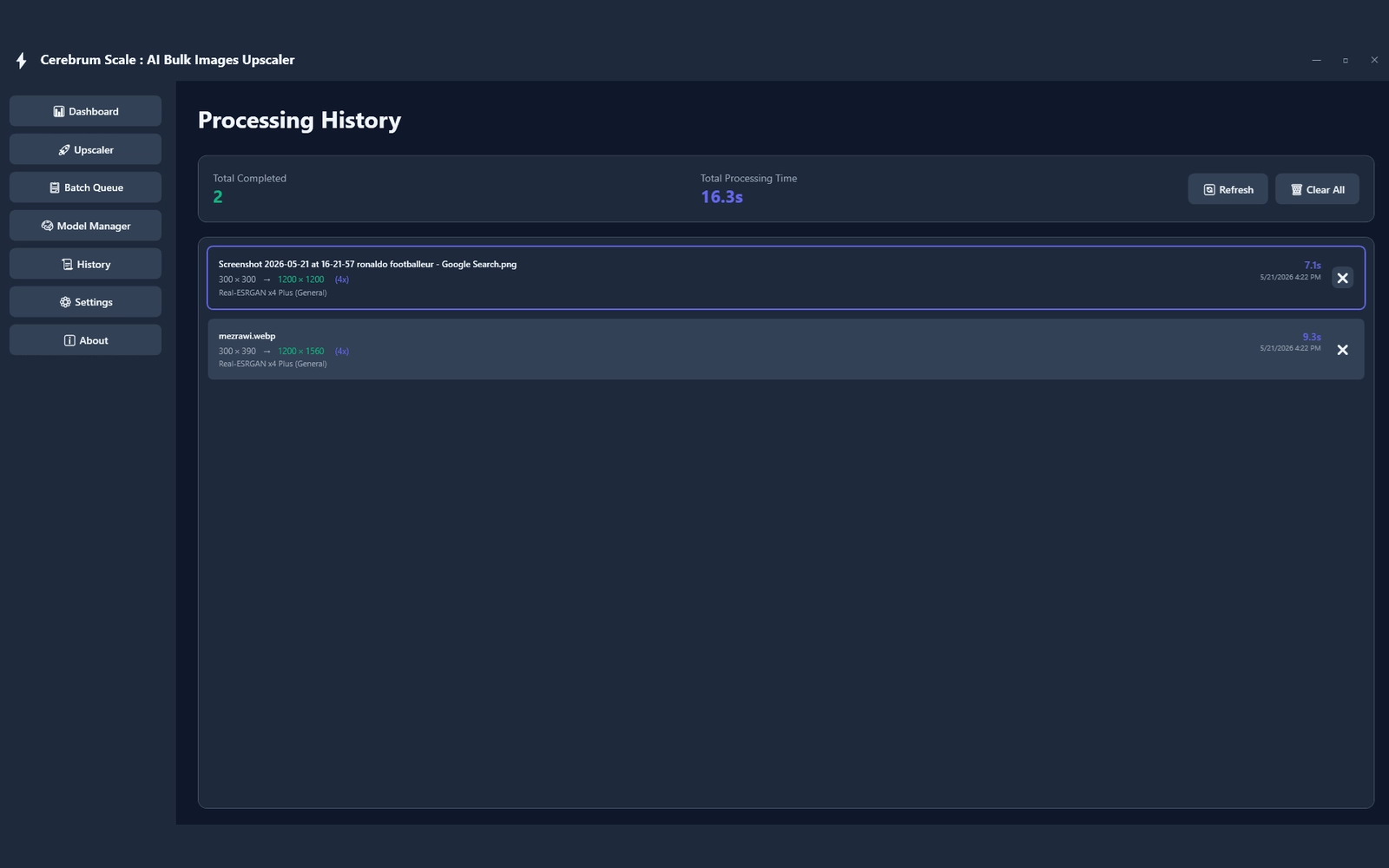
  • View processing history and statistics
  • Track completed and processed image jobs
choose-the-right-ai-model

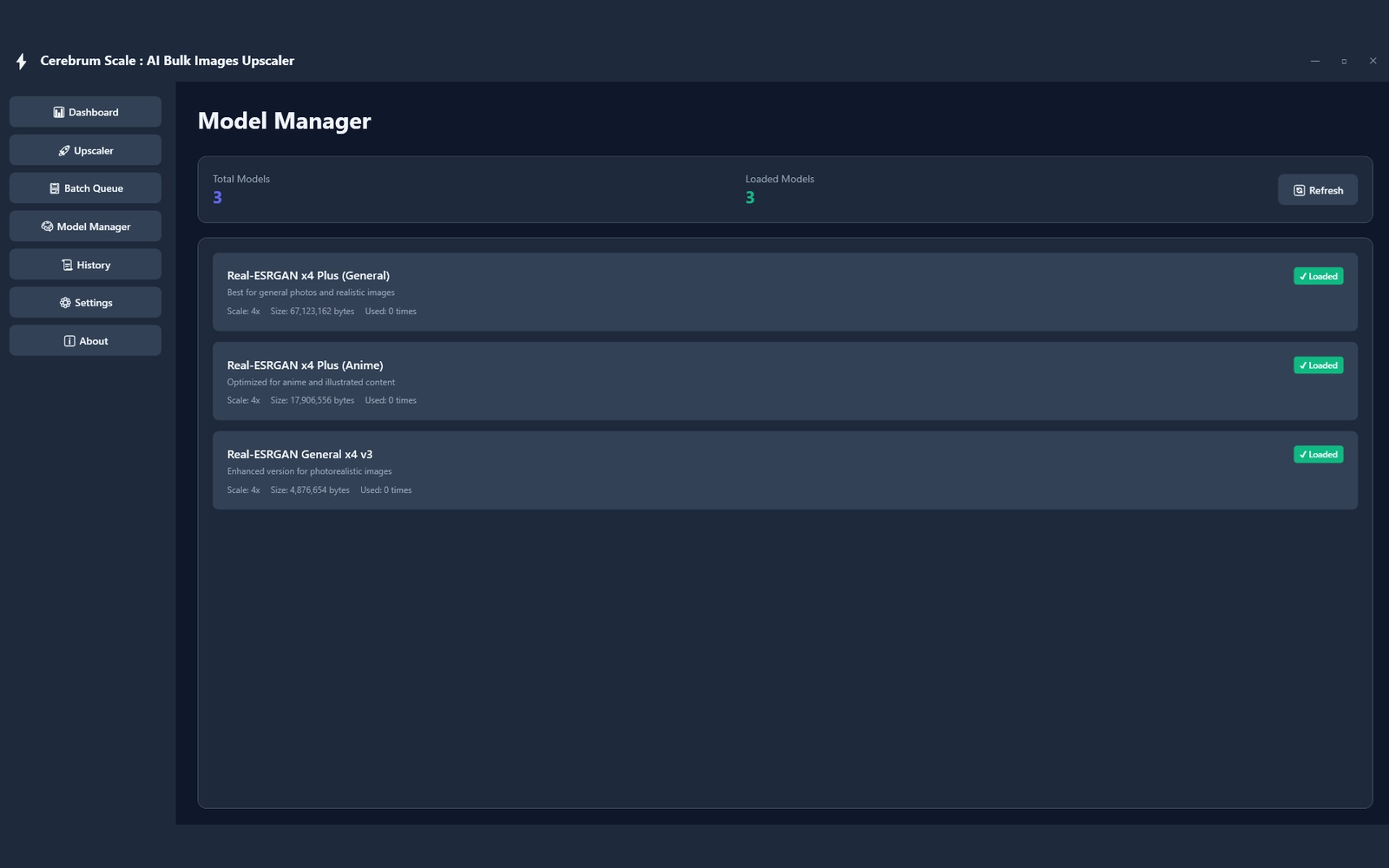
Choose the Right AI Model:

  • Select from 3 built-in AI models
  • General for realistic images
  • Anime for anime and illustrated content
  • Photo for photographic images
  • Switch models based on your image type
speed-up-large-image-processing

Speed Up Large Image Processing:

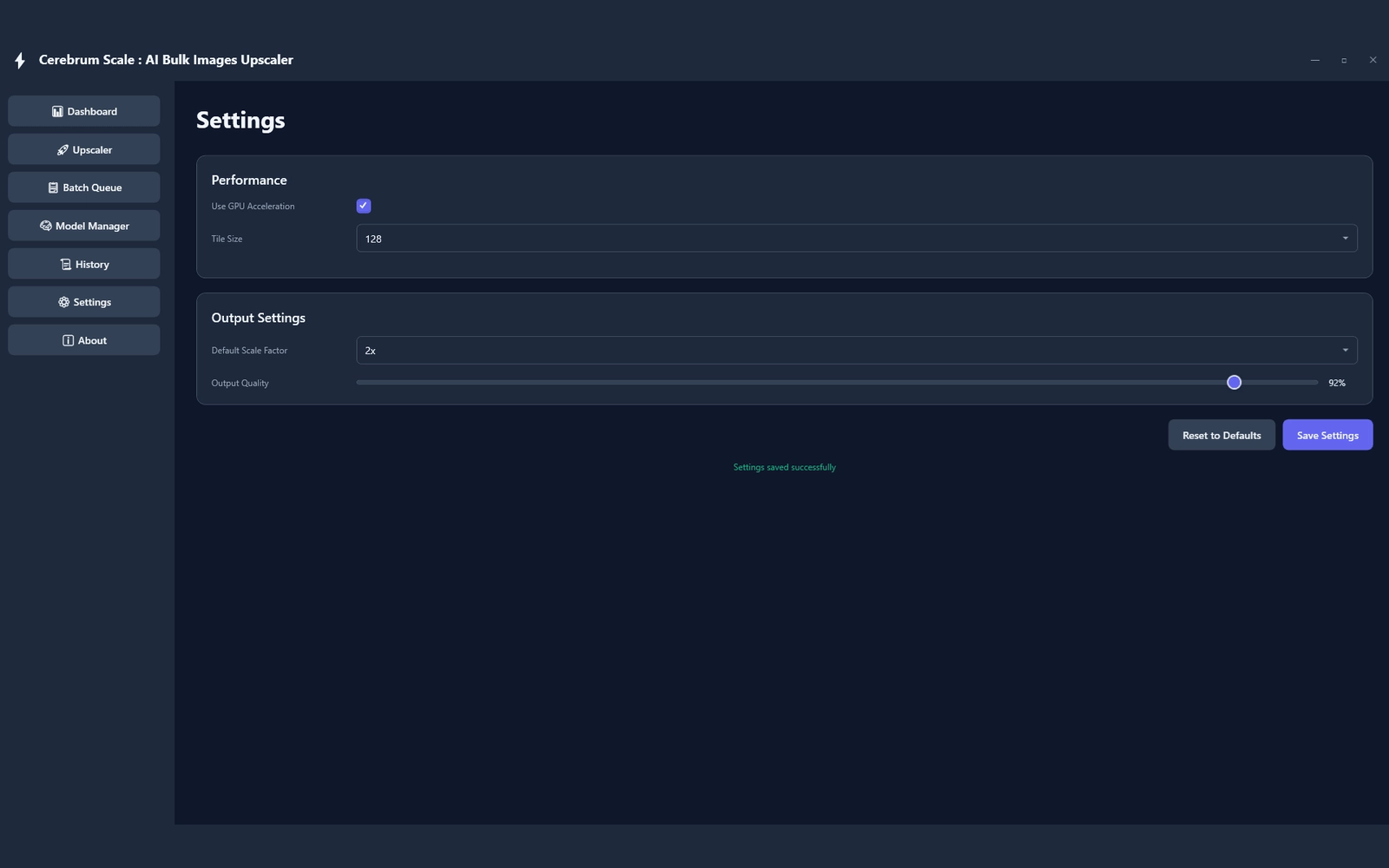
  • Use GPU acceleration with DirectML
  • Make better use of your Windows GPU
  • Process large image batches faster
  • Use tile-based rendering for large images
  • Adjust tile size for more reliable processing
  • Control output scale and image quality
preview-images-before-saving

Preview Images Before Saving:

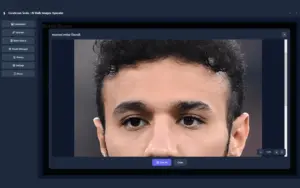
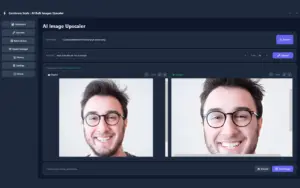
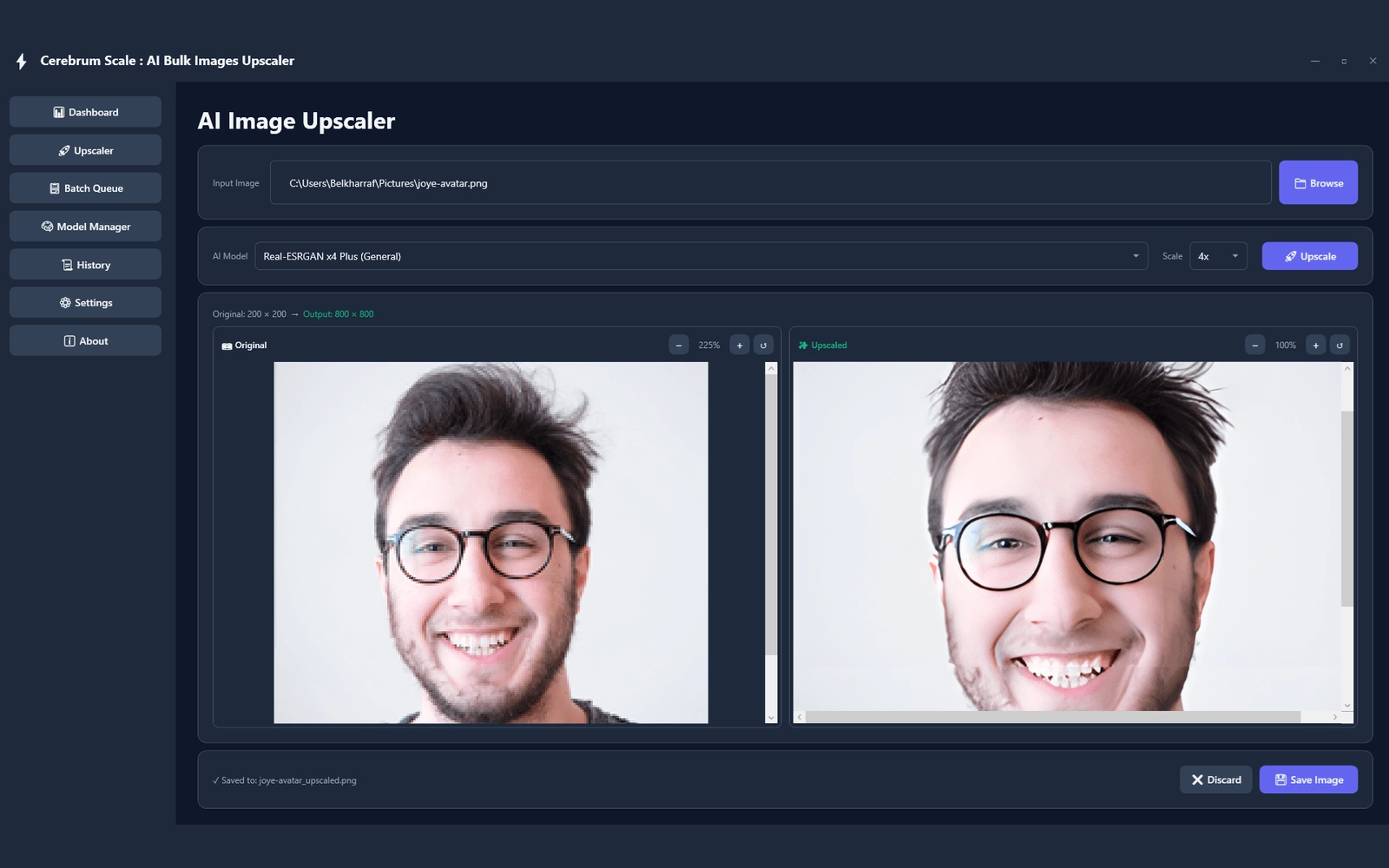
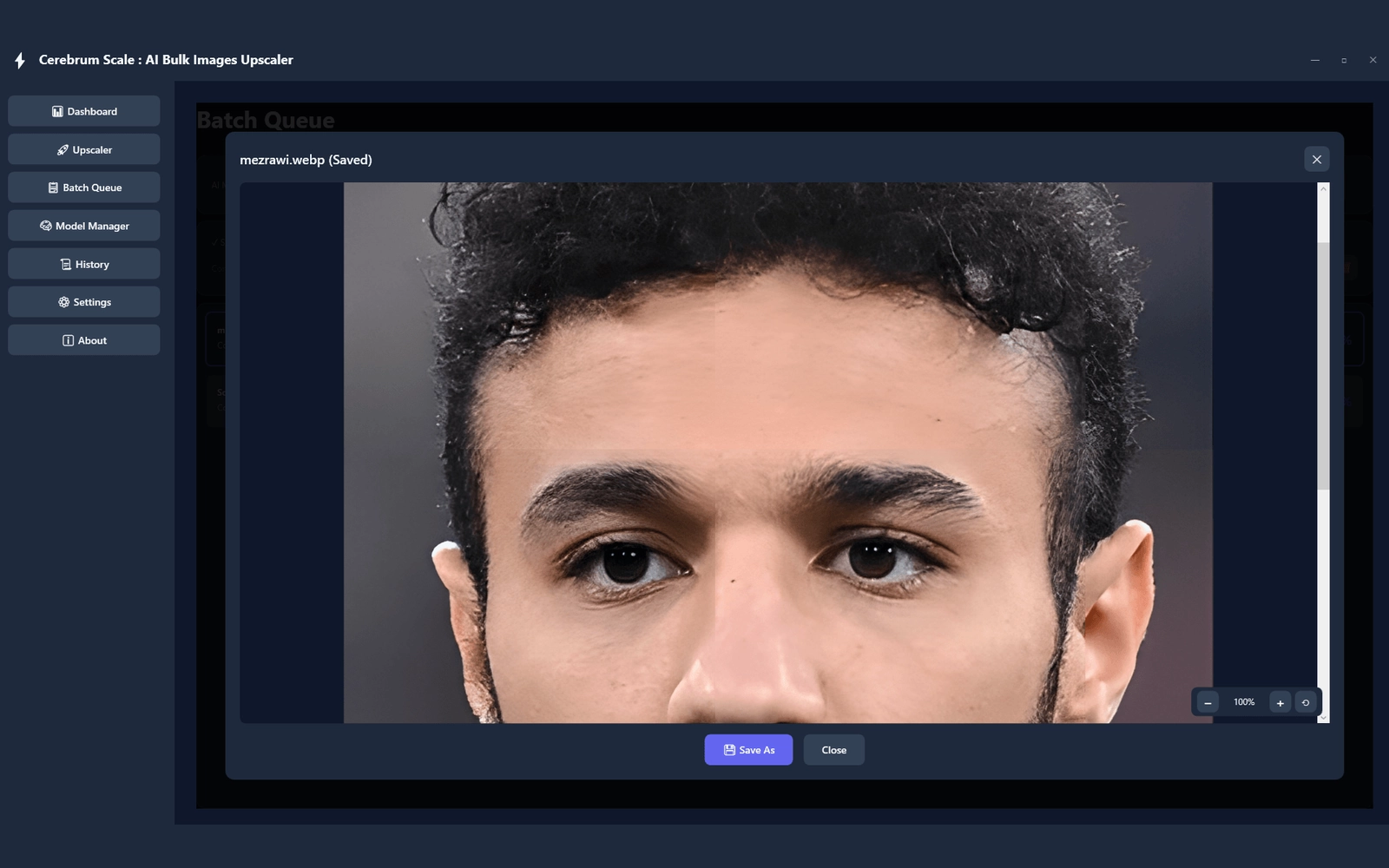
  • Compare original and upscaled images
  • Zoom in to inspect fine details
  • Review enhanced results before exporting
  • Save only the images you’re satisfied with
  • Work comfortably with the modern dark interface
  • Enjoy a clean, native Windows WPF experience
support-popular-image-formats

Support Popular Image Formats:

  • Import PNG, JPG, JPEG, BMP, and WebP
  • Export enhanced images as PNG, JPG, or WebP
  • Move images between common formats easily
  • Prepare files for different projects and platforms

Why Choose Cerebrum Scale?

  • Upscale entire folders in one go.
  • Process images completely offline.
  • Pay once for unlimited use.
  • Choose the right AI model for each image.
  • Use GPU acceleration and tile rendering.
  • Preview, manage, and save images from one simple app.
 

Specifications:

  • Upscaling: 2x & 4x
  • Processing: 100% Offline
  • AI Runtime: ONNX Runtime
  • GPU Acceleration: DirectML
  • AI Models: General, Anime & Photo
  • Processing: Batch Queue
  • Rendering: Tile-Based
  • Preview: Zoom Controls
  • History: Processing History & Statistics
  • Input Formats: PNG, JPG, JPEG, BMP, WebP
  • Output Formats: PNG, JPG, WebP
  • Operating System: Windows 10/11

Cerebrum Scale is Best For:

  • Content Creators
  • Freelancers
  • Graphic Designers
  • Photographers
  • Print Designers

Choose Your Plan

With DealClub
$9.35
$69.00
Without DealClub
$11.00
$69.00
Buy Now
Limited Time Deal

Deal Terms

  • Access via redemption of coupon code
  • 30-Day Coupon Code Validity
  • One Coupon Code for one user/account
  • Coupon Codes are not stackable
  • For New Users Only
  • Free Updates
  • Free Support
  • Accessible only on Windows - Desktops and Laptops

Plans & Features

Choose the perfect plan for your needs.

Plans & Features
Standard
$69 $11
Buy Now
Personal license

2 PCs

Upgrades

Free

Updates

Free

Free customer support

Email & Chat

Usage rights

Commercial

Instant download access
Ready-to-sell setup

Included

Works on

Windows 10/11

Detailed video tutorials
Verified & malware-free

Standard

$69.00 $11.00
Buy Now
30-Day Refund | Lifetime Access | One-time Payment
  • Personal license: 2 PCs
  • Upgrades: Free
  • Updates: Free
  • Free customer support : Email & Chat
  • Usage rights: Commercial
  • Instant download access
  • Ready-to-sell setup : Included
  • Works on : Windows 10/11
  • Detailed video tutorials
  • Verified & malware-free

Frequently Asked Questions

Find Answers to common questions about Cerebrum Scale

Is Cerebrum Scale fully offline?

Yes. Image processing runs locally on your Windows computer without requiring online APIs.

Can I upscale multiple images at once?

Yes. You can add multiple images or entire folders to the batch queue.

Which AI models are included?

Cerebrum Scale includes General, Anime, and Photo AI models.

Does it use GPU acceleration?

Yes. It supports GPU acceleration through DirectML on supported Windows hardware.

Which image formats are supported?

It supports PNG, JPG, JPEG, BMP, and WebP files for input.

Which formats can I export?

You can export processed images as PNG, JPG, or WebP.

Customer Feedback

Customer Reviews (0) Customer Q&A (0)

No Reviews Yet

Be the first to try this deal and share your experience.

You must purchase this product to leave a review.

Be The First To Ask

Get clarity before you buy—your question might help others too.

×

You Might Also Like

ComSlider - Online Slideshow Maker | Annual & Lifetime Access

ComSlider - Online Slideshow Maker | Annual & Lifetime Access

, , , , , , , ,

Streamr - Translate Videos Into Any Language
5.0 (1)
InkSprout - AI Text To Video Generator
Creatrio - Graphic Creator Tool | Lifetime Access

Creatrio - Graphic Creator Tool | Lifetime Access

, , , , , , , ,

Buy with DealClub
$9.35 $69.00
Buy without DealClub
$11.00 $69.00

Deal Terms

  • Access via redemption of coupon code
  • 30-Day Coupon Code Validity
  • One Coupon Code for one user/account
  • Coupon Codes are not stackable
  • For New Users Only
  • Free Updates
  • Free Support
  • Accessible only on Windows - Desktops and Laptops
Scroll to Top