Glooin – Record, Edit & Share Your Screen Instantly

TL;DR

  • Record, edit & share your screen in seconds with Chrome
  • Capture screenshots with built-in annotation & blur tools
  • Trim recordings, add timestamp comments & generate transcripts
  • Share videos instantly without requiring viewer downloads
  • Lifetime storage with unlimited videos & screenshots
  • Pay once and enjoy lifetime access with future updates

Quick Overview

Alternative to:

  • Loom
  • ScreenPal
  • Snagit
  • Zight

Best for:

  • Content Creators
  • Developers
  • Freelancers
  • Small Business Owners
  • Streamers
  • YouTubers

Compatibility:

  • Browser Support:
    Chrome
  • Operating Systems:
    Browser Based

Explaining bugs, sharing design feedback, onboarding teammates, or sending product demos often takes longer than it should.


Most screen recording tools require multiple apps to record, edit, upload, and share your videos, slowing down your workflow.


Glooin simplifies everything into one Chrome extension.


What is Glooin?

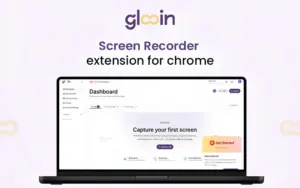
Glooin is a Chrome screen recording & screenshot extension that helps you record, edit, annotate, and share videos or screenshots instantly without switching between multiple tools.


Instead of writing long explanations or scheduling unnecessary meetings, Glooin helps you communicate visually with screen recordings and annotated screenshots.


With Glooin, you can:

  • RECORD your screen with a single click and automatically save every recording.
  • CAPTURE full-screen or selected-area screenshots with built-in annotation tools.
  • EDIT screenshots by trimming, highlighting, blurring sensitive information, & adding timestamped comments.
  • SHARE recordings and screenshots instantly through public links or private email

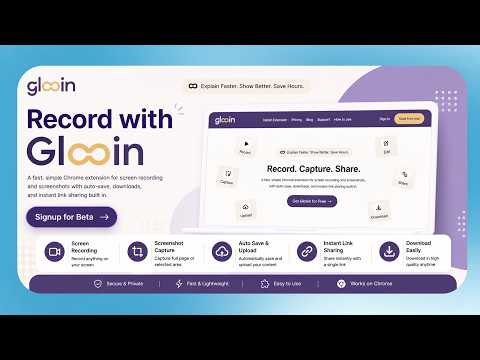
Introduction To Glooin

Youtube video

Glooin Features

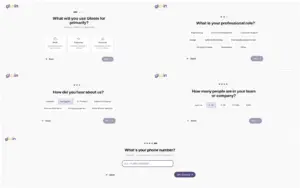
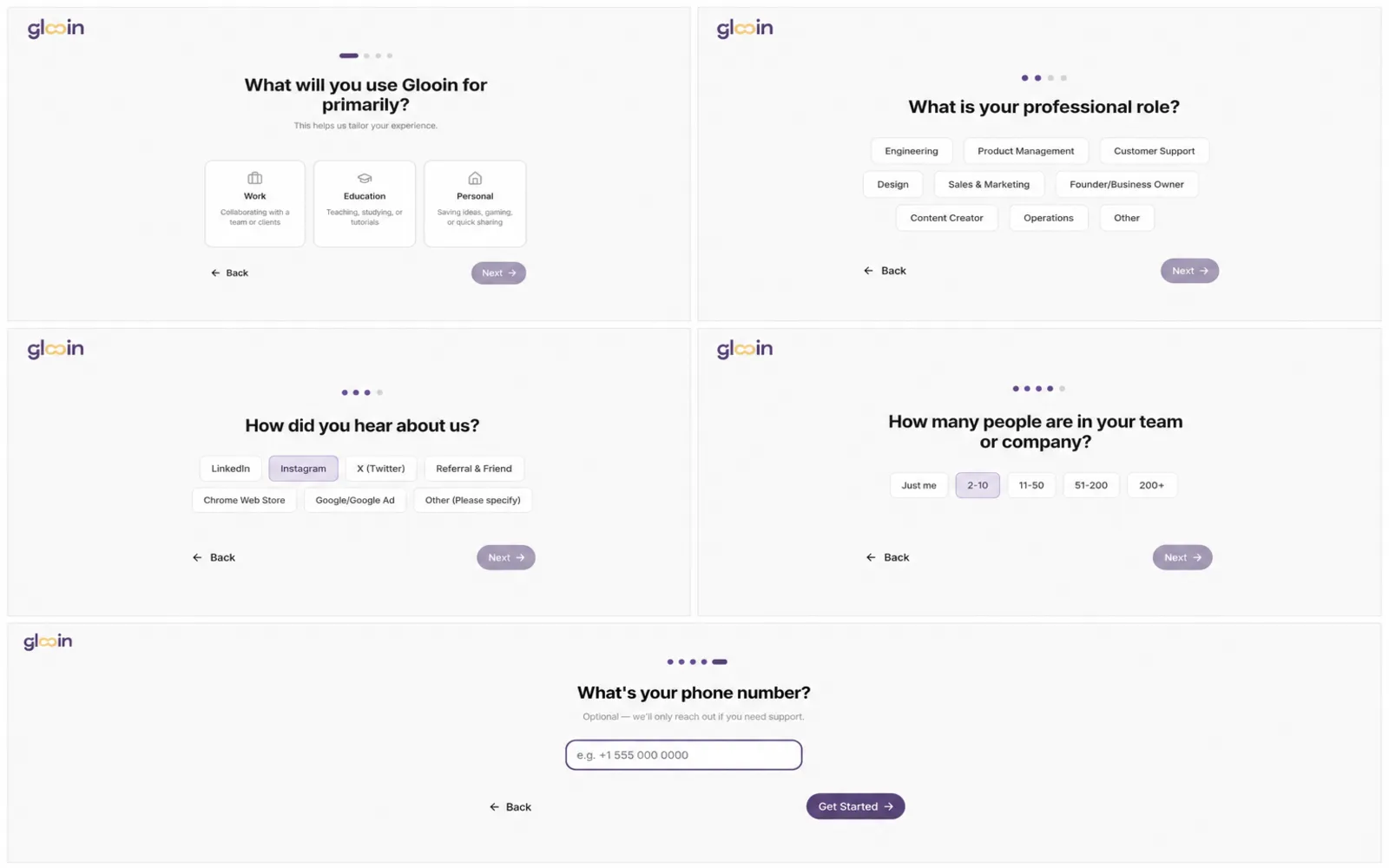
Welcome Onboarding Flow
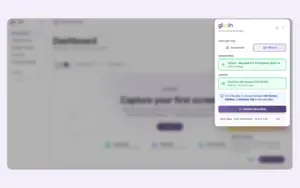
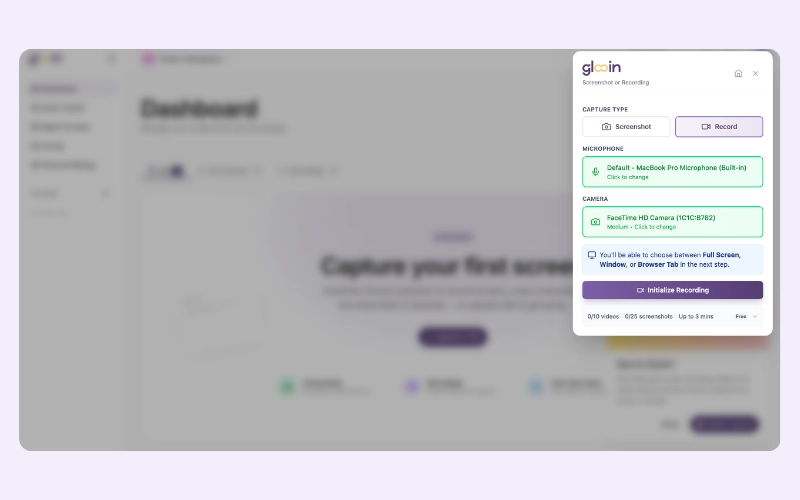
Glooin's Recording Setup Panel

Record & Share Professional Screen Videos Faster:

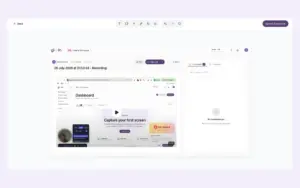
  • Start recording instantly with one click.
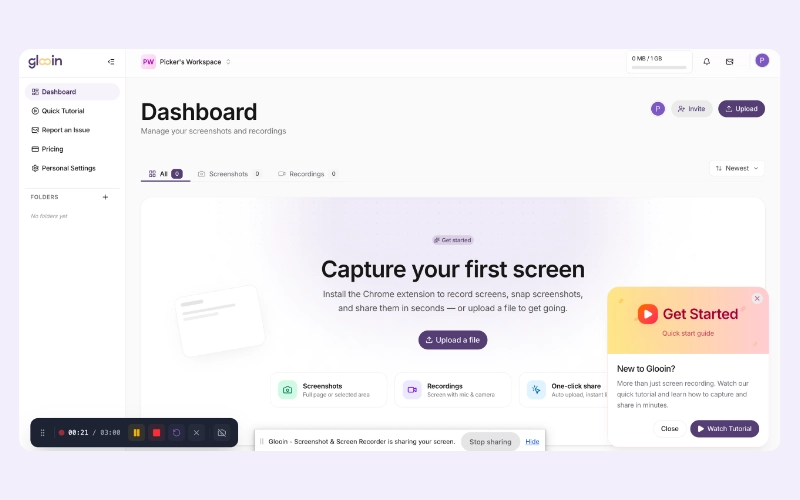
  • Pause, resume, or restart recordings anytime.
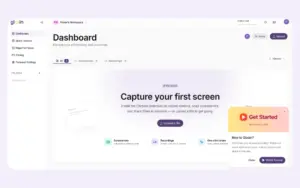
  • Automatically save every recording to your dashboard.
  • Share videos instantly with secure links or email.
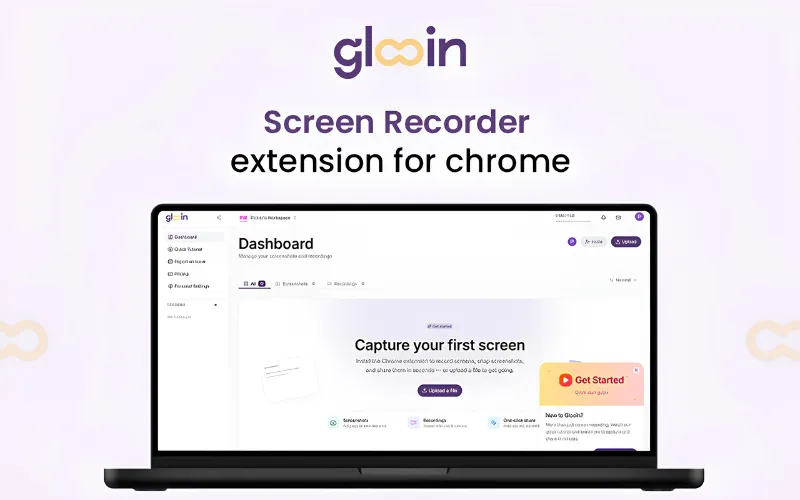
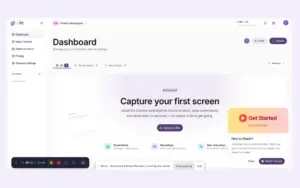
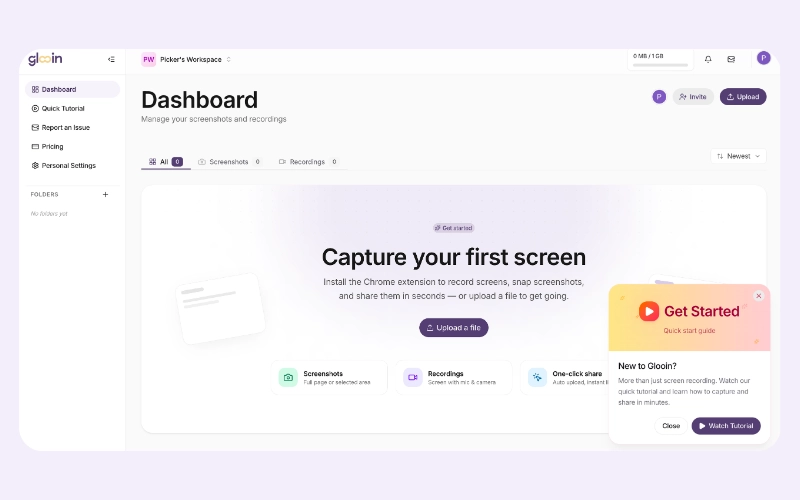
Glooin's Capture First Screen
Live Recording Controls

Capture & Annotate Screenshots Effortlessly:

  • Capture full-screen or selected areas.
  • Highlight important details with drawing tools.
  • Blur confidential information before sharing.
  • Crop screenshots for cleaner communication.
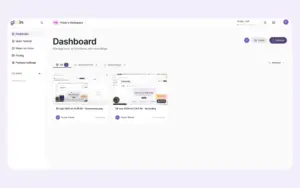
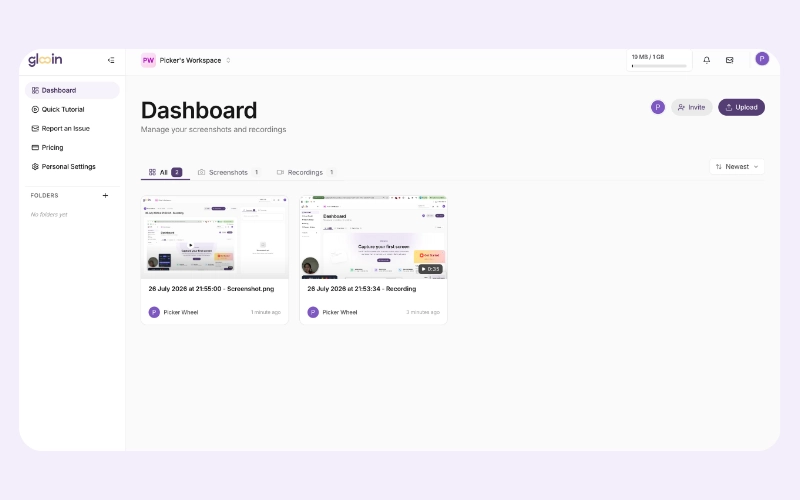
Workspace Media Dashboard
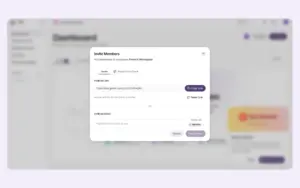
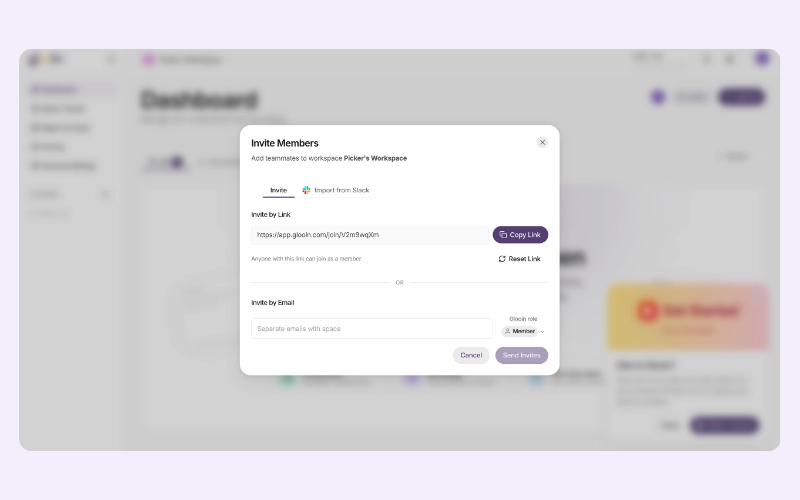
Team Invite Dialog

Edit Videos Without Extra Software:

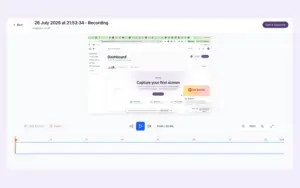
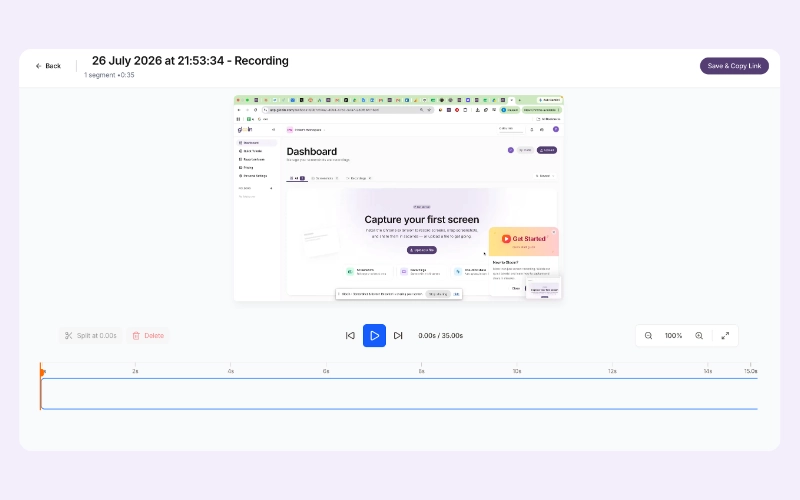
  • Trim unnecessary video sections.
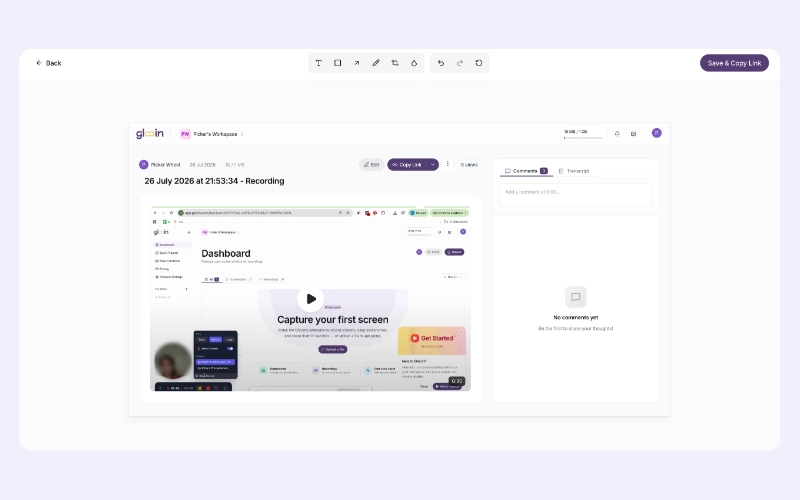
  • Add comments at precise timestamps.
  • Generate transcripts automatically.
  • Organize every recording in one dashboard.
Timeline Video Editor
Annotation Editing Tools

Collaborate Clearly Without Extra Meetings:

  • Share recordings through public links.
  • Send private recordings via email.
  • Let viewers watch without creating accounts.
  • Speed up feedback, onboarding, and bug reporting.
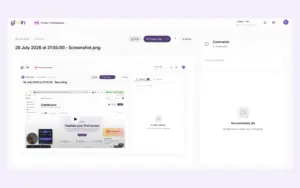
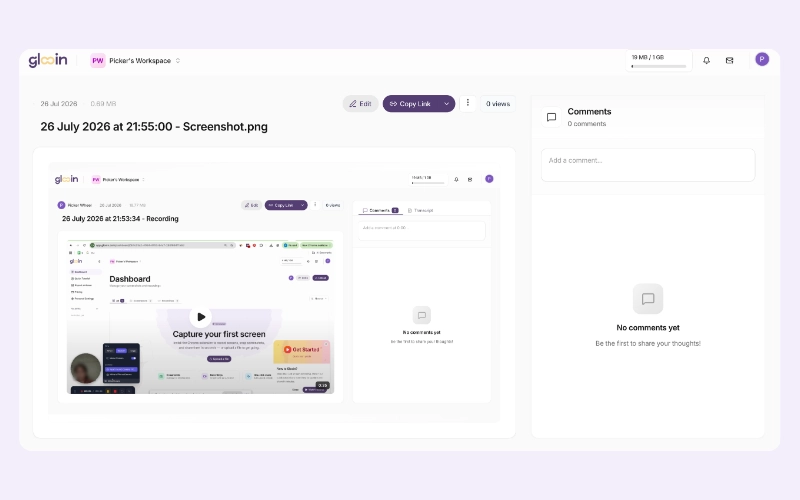
Screenshot Preview Page
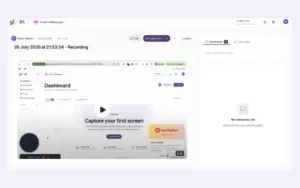
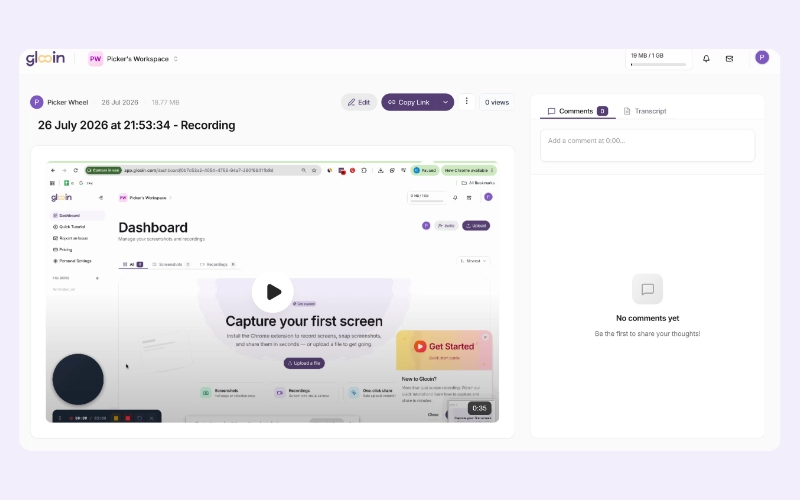
Recording Review Page

Manage Unlimited Content With Lifetime Access:

  • Store unlimited recordings and screenshots.
  • Access lifetime cloud storage.
  • Track engagement using full analytics.
  • Receive future updates with a one-time payment.

Why Choose Glooin?

  • Record, edit, annotate, and share without leaving Chrome.
  • Eliminate unnecessary meetings with visual communication.
  • Improve bug reporting, customer support, and product feedback.
  • Share recordings instantly without requiring viewer installations.
  • Replace multiple productivity tools with one lightweight extension.
  • Save money with one-time lifetime pricing instead of recurring subscriptions.

Glooin is Best For:

  • Content Creators
  • Developers
  • Freelancers
  • Small Business Owners
  • Streamers
  • YouTubers

Choose Your Plan

Starter LTD
Starter LTD
Original price was: $99.00.Current price is: $26.00.
Pro LTD
Original price was: $249.00.Current price is: $52.00.
Power LTD
Original price was: $499.00.Current price is: $78.00.
With DealClub
$22.10
$99.00
Without DealClub
$26.00
$99.00
Buy Now
Limited Time Deal

Deal Terms

  • Access via redemption of coupon code
  • 30 Day Coupon Code Validity
  • One Coupon Code for one user/account
  • Coupon Codes are stackable
  • For Both New & Existing Users
  • Free Updates
  • Free Support
  • Accessible on all devices - Desktop, Mobile and Tablet

Customer Testimonials

"I've been using the Screenshot Chrome Extension by Glooin for the last one month, and it has been really helpful. Capturing screenshots is quick and simple, and the tool works smoothly without slowing my browser. It's perfect for sharing visuals, explaining things, or saving important information. Definitely a useful extension to have in Chrome."

-Nirmal Kaushal

"Happy to share my review with everyone. The working and structure of this online screen recording extension is so simple and easy to use. Its quick access to upload file and capture feature is helpful and useful. It is one the best and most valuable record screen chrome extension I ever use. Thanks Glooin for the wonderful tool."

-Karan Sidhu

"Glooin Extension is a simple and reliable free tool for screenshots and screen recording. It's easy to use, works smoothly, and lets you capture or record your screen in seconds. Perfect for quick work and daily use."

-Thomas Reynolds

Plans & Features

Choose the perfect plan for your needs.

Plans & Features
Starter LTD
Pro LTD
Power LTD
$99 $26
Buy Now
$249 $52
Buy Now
$499 $78
Buy Now
Storage

25 GB

100 GB

250 GB

Max Recording

10 min

25 min

Unlimited

Videos & Screenshots

Unlimited

Unlimited

Unlimited

Analytics

Full Access

Full Access

Full Access

Plan 1 of 3

Starter LTD

$99.00 $26.00
Buy Now
30-Day Refund | Lifetime Access | One-time Payment
  • Storage : 25 GB
  • Max Recording : 10 min
  • Videos & Screenshots : Unlimited
  • Analytics : Full Access

Frequently Asked Questions

Find Answers to common questions about Glooin

Do viewers need to install Glooin to watch my recordings?

No. Anyone with your shared link can watch recordings without installing software or creating an account.

Can I edit my recordings after capturing them?

Yes. You can trim videos, add timestamp comments, generate transcripts, blur sensitive information, and annotate screenshots before sharing.

Can Glooin capture screenshots as well?

Yes. Glooin captures full-screen or selected-area screenshots with built-in cropping, highlighting, drawing, and blur tools.

Can I blur confidential information before sharing?

Yes. Glooin includes a blur tool that helps hide passwords, personal information, or other sensitive content.

Customer Feedback

Customer Reviews (0) Customer Q&A (0)

No Reviews Yet

Be the first to try this deal and share your experience.

You must purchase this product to leave a review.

Be The First To Ask

Get clarity before you buy—your question might help others too.

×

You Might Also Like

CourseFunnels Pro - Course, Funnels & Marketing | Lifetime License

CourseFunnels Pro - Course, Funnels & Marketing | Lifetime License

, , , , , , , , , ,

DealKeep – SaaS Management Tool For LTD Buyers

DealKeep – SaaS Management Tool For LTD Buyers

, , , , , , ,

Excel URL Validator & Extractor For Windows | Lifetime Access

Excel URL Validator & Extractor For Windows | Lifetime Access

, , , , , , ,

Checker - Email Spam Checker API | Lifetime Access

Checker - Email Spam Checker API | Lifetime Access

, , , , , , ,

Choose Plan
Starter LTD
Starter LTD
Original price was: $99.00.Current price is: $26.00.
Pro LTD
Original price was: $249.00.Current price is: $52.00.
Power LTD
Original price was: $499.00.Current price is: $78.00.
Buy with DealClub
$22.10 $99.00
Buy without DealClub
$26.00 $99.00

Deal Terms

  • ✓ Access via redemption of coupon code
  • ✓ 30 Day Coupon Code Validity
  • ✓ One Coupon Code for one user/account
  • ✓ Coupon Codes are stackable
  • ✓ For Both New & Existing Users
  • ✓ Free Updates
  • ✓ Free Support
  • ✓ Accessible on all devices - Desktop, Mobile and Tablet
Scroll to Top