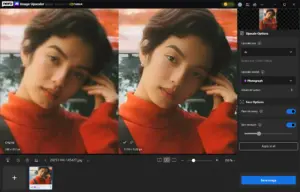
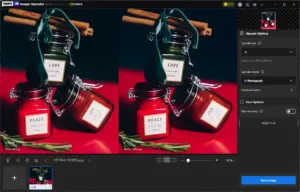
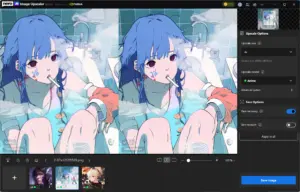
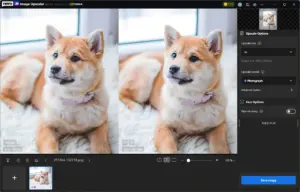
Upscale Photos Up to 8K:
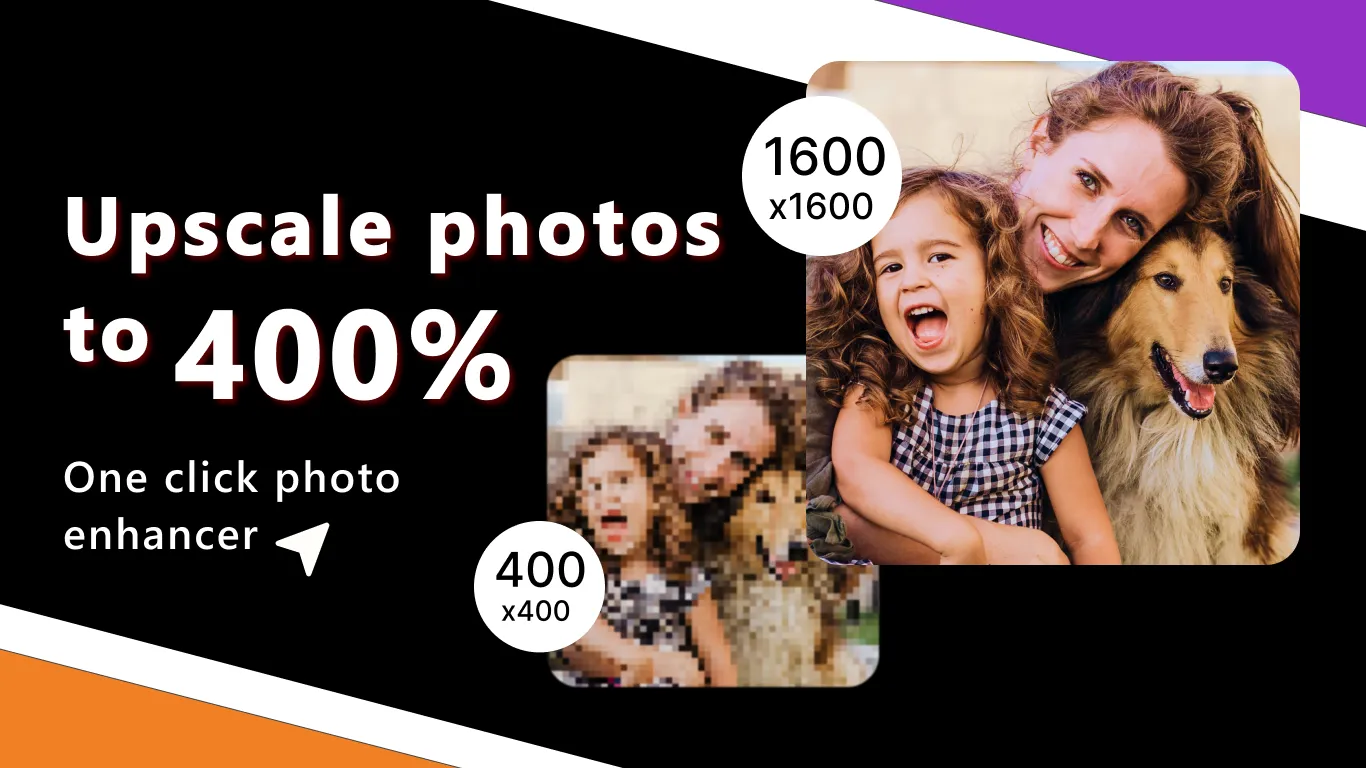
- Adds sharp definition to low-resolution images up to 1600 x 1600 pixels.
- Provides a solution for removing grainy camera noise & artifacts.
- Helps users bring old, blurry photos back to life with vivid clarity.
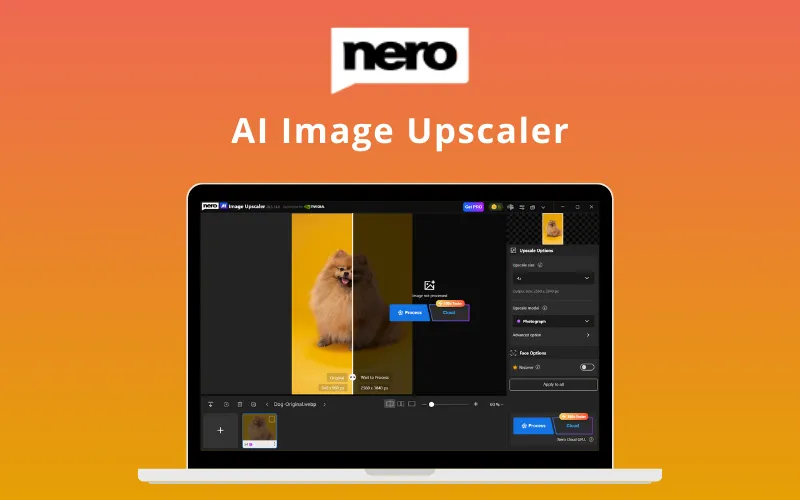
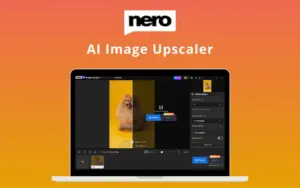
Low-resolution photos & pixelated graphics shouldn’t hold your projects back. Transform blurry images into high-definition assets with Nero AI Image Upscaler.
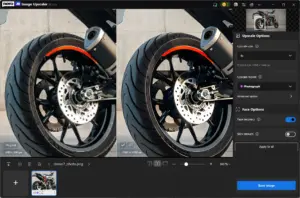
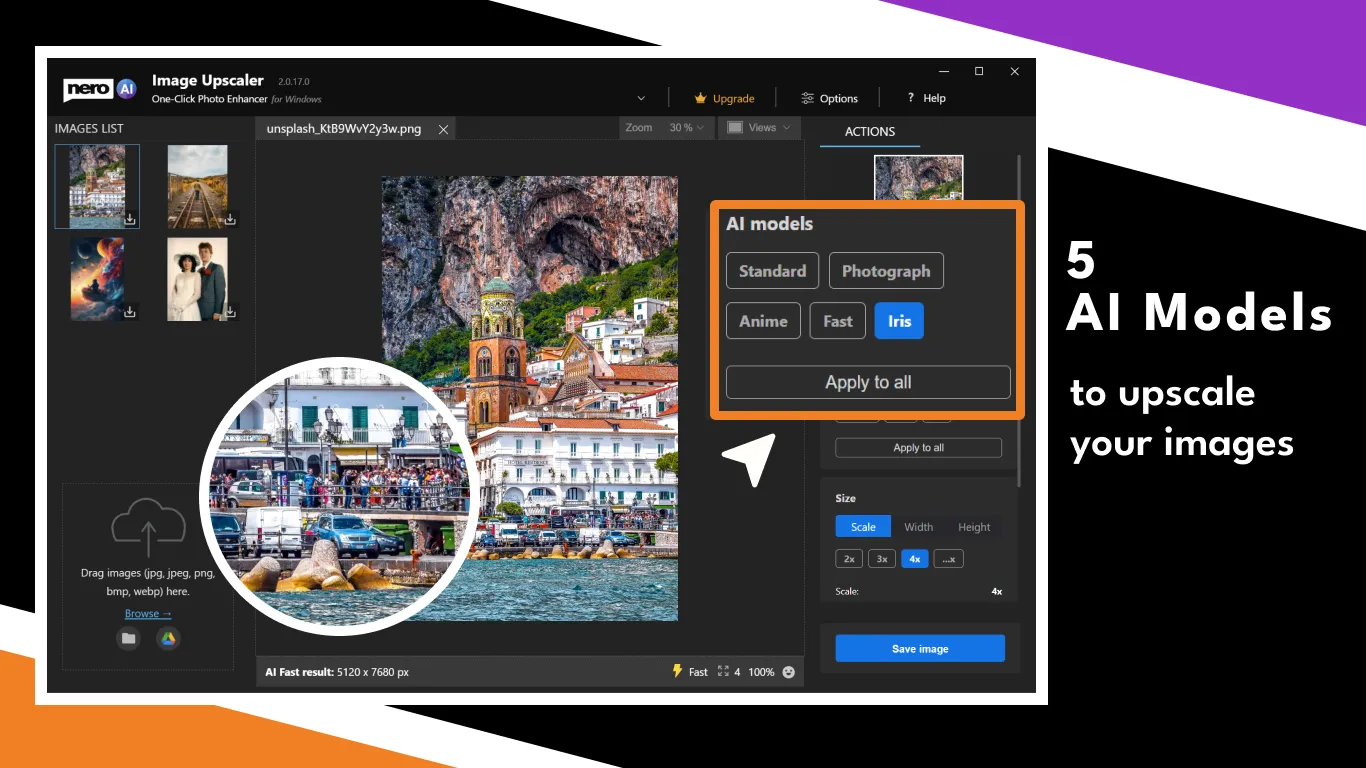
Nero AI Image Upscaler is a professional desktop enhancement tool that uses deep learning to enlarge images while removing noise & JPEG artifacts.
It provides the flexibility of choosing between your own PC’s hardware or high-speed cloud servers to get the job done.
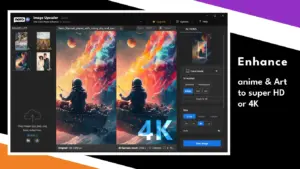
It automates the restoration of old photos, clarifies product images for e-commerce, & delivers 4K treatment to anime & digital art.

As a blogger, I often need high-quality images for my articles. Nero AI Image Upscaler helps me enlarge and enhance stock photos to suit my needs perfectly.
-ANITA PATEL
Product images are crucial for my online store. Nero AI Image Upscaler has saved me so much time and money by allowing me to enhance product photos right from my PC.
-JORDAN LEE
As a graphic designer, I often work with low-resolution images from clients. This product effortlessly upscales images without losing detail, making my design work look professional.
-ELENA MARTINEZ
Choose the perfect plan for your needs.
| Plans & Features |
Standard
|
|---|---|
|
$129
$89
Buy Now
|
|
| License |
1 PC |
| Upscaling Support |
8K |
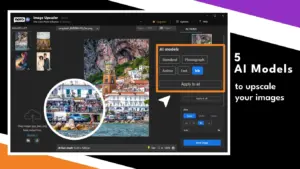
| Five AI Models | |
| Professional Face Recovery | |
| Unlimited Local Processing | |
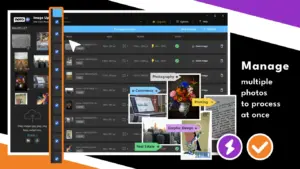
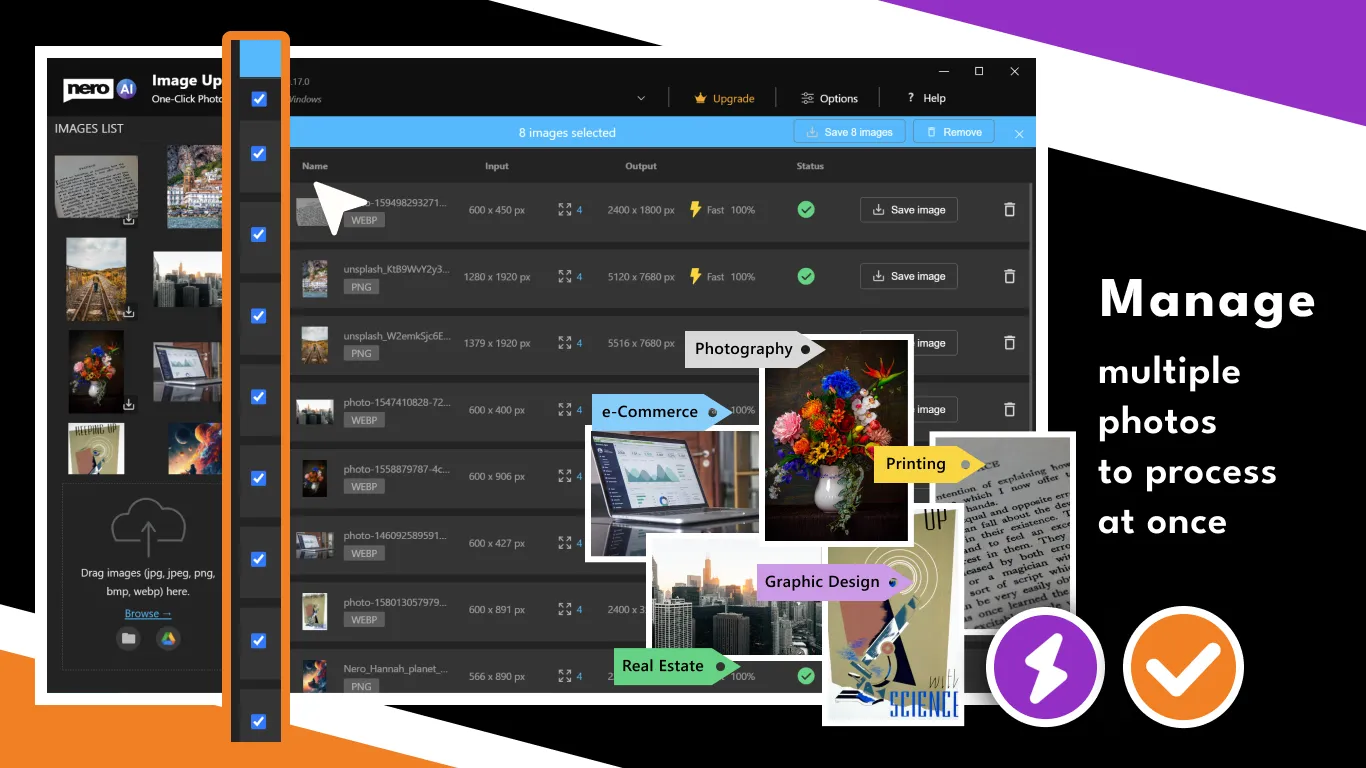
| Batch Image Enhancement | |
| Watermark-Free Exports | |
| Lifetime Version Updates | |
| Priority Customer Support |
Find Answers to common questions about Nero AI Image Upscaler
Nero AI Image Upscaler focuses on speed, simplicity, and ease of use, offering a more beginner-friendly experience with lower system requirements and an affordable alternative to Topaz Gigapixel.
It supports JPG, PNG, BMP, and WEBP formats, making it suitable for portraits, landscapes, anime, cartoons, product images, and photo restoration projects.
Yes. Its AI enhancement tools help improve image clarity, recover details, and restore faces in low-quality or aged photos.
No. It works with standard image formats like JPG, PNG, BMP, and WEBP. RAW files need to be converted before using the upscaler.
Yes. The AI face enhancement feature can detect and improve multiple faces in group photos while preserving natural details.
Cloud processing availability depends on your plan and usage limits. Users can also use local processing options for enhanced privacy and flexibility.
Nero AI Image Upscaler supports high-resolution image processing, with limits that depend on the selected mode, device capabilities, and image specifications.
Be the first to try this deal and share your experience.
You must purchase this product to leave a review.
Get clarity before you buy—your question might help others too.
All, Annual Subscription, Browser Based, Lifetime, Marketplace, Multimedia, Operating System, Subscription Type, Tools & Software
All, Lifetime, Multimedia, Operating System, Subscription Type, Tools & Software, Windows
All, Lifetime, Marketplace, Multimedia, Operating System, Subscription Type, Tools & Software, Windows
All, Lifetime, Multimedia, Operating System, Subscription Type, Tools & Software, Windows
Deal Terms