PDF Reader Pro – Powerful, & Fast PDF Manager

TL;DR

  • All-in-one PDF manager for Mac, Windows, iPad, and Android.
  • View, annotate, and convert PDFs.
  • Offers editing tools, form creation, OCR, and secure file management.
  • Trusted by 90 million users; recognized for customer satisfaction.

Quick Overview

Alternative to:

Best for:

  • Accountants
  • Authors
  • Consultants
  • Finance Startups
  • HR Teams
  • Lawyers
  • Legal Teams
  • Office Professionals
  • Recruiters
  • Researchers
  • Students

Compatibility:

  • Operating Systems:
    Android, iOS, MacOS, Windows
  • Integrations:
    Adobe Acrobat Pro, Foxit PDF Editor, Nitro PDF Pro, PDF Expert, PDF-XChange Editor, PDFgear, Smallpdf, Wondershare PDFelement

Tired of wrestling with multiple tools to manage your PDFs? Manage everything with just one PDF editor, PDF Reader Pro.


What is PDF Reader Pro?


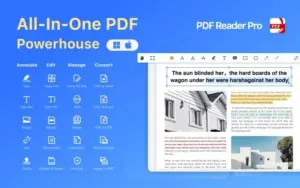
PDF Reader Pro is the go-to PDF Manager for Mac, iPad & iPhone, Android, and Windows. It is packed with the latest tools for viewing, annotating, signing, converting, scanning, and protecting your PDF files.


Loved and trusted by 90 million users, PDF Reader Pro was recognized by G2 as a “High Performer” in Customer Satisfaction for File Reader Software in spring 2022.


This PDF manager has also been proudly included in GetApp’s 2022 “Category Leaders” report for PDF Software.


Message From The Founder:


Dear users!


I am the Founder of the PDF Reader Pro Team. Hope you all are fantastic and doing well in 2024!


Good news to share with you in 2024: now the affordable PDF Reader Pro for Teams is available (Volume Licensing) and is intended for business use. Using the Admin Console, our team users can easily assign and manage Licenses in the office.


Click here to learn more: https://www.pdfreaderpro.com/vpp-purchase-program

Introduction To PDF Reader Pro For Windows And Mac

Youtube video

Features of PDF Reader Pro:

Read & Annotate (Windows)
Read & Annotate (Mac)

Multiple Reading Modes:

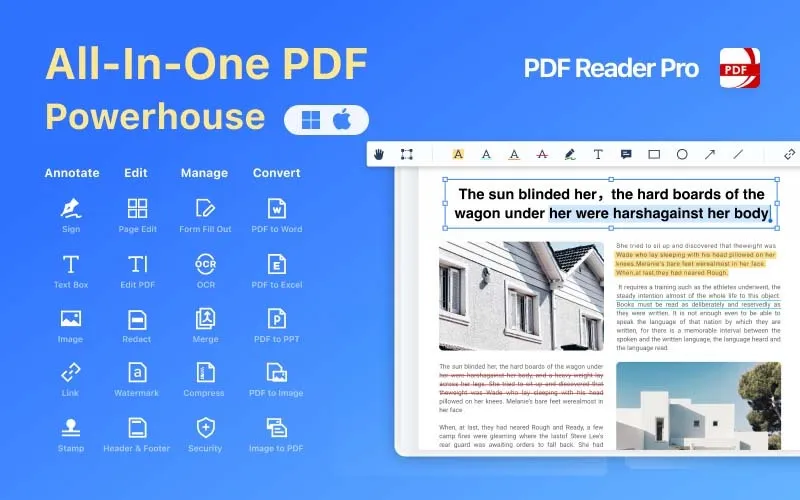
  • It provides you with multiple reading modes, including multi-tab viewing, full-screen, page-fit, and horizontal or vertical orientation.
Edit PDF (Windows)
Edit PDF (Mac)

PDF Presentation:

  • It allows you to present your PDF as a PPT in slideshow mode; you can create, edit, and search outlines to navigate easily.
Read & Annotate (Mac)
Read & Annotate (Windows)

PDF Annotation Tools:

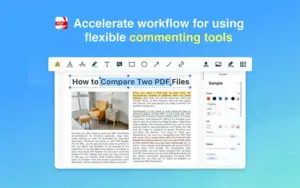
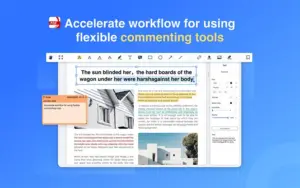
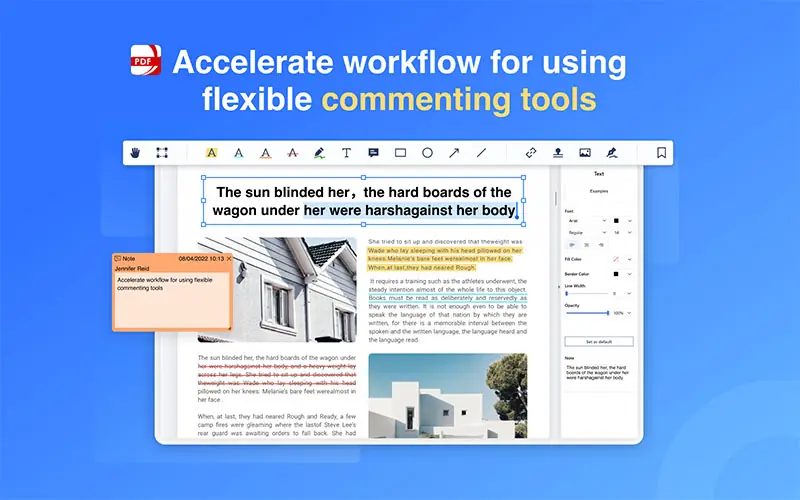
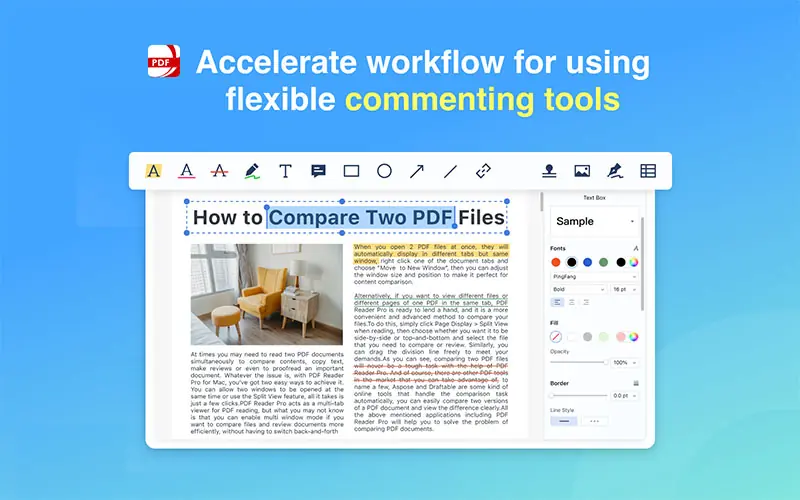
  • It allows you to annotate and mark up a PDF with highlights, underlines, strikethrough, freehand, text boxes, anchored notes, shapes, etc.
  • It allows you to add comments continuously.
  • It allows you to create multiple signatures for any situation with a trackpad, keyboard, or images.
  • It provides dynamic stamps to customize your PDF.
  • It allows you to add hyperlinks.
Edit PDF (Windows)
Edit PDF (Mac)

PDF Editor:

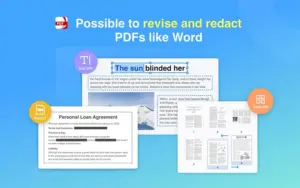
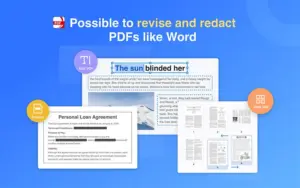
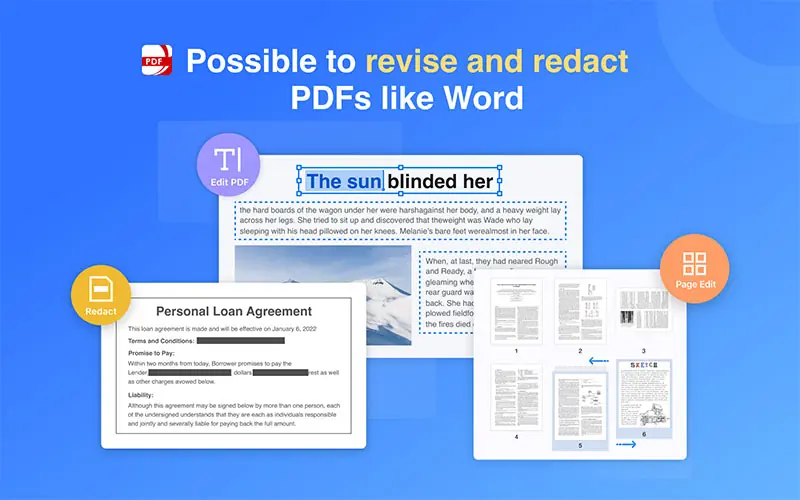
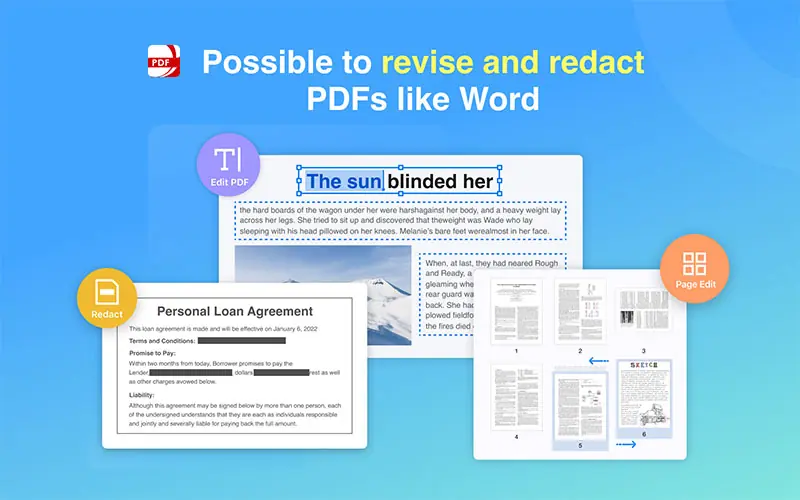
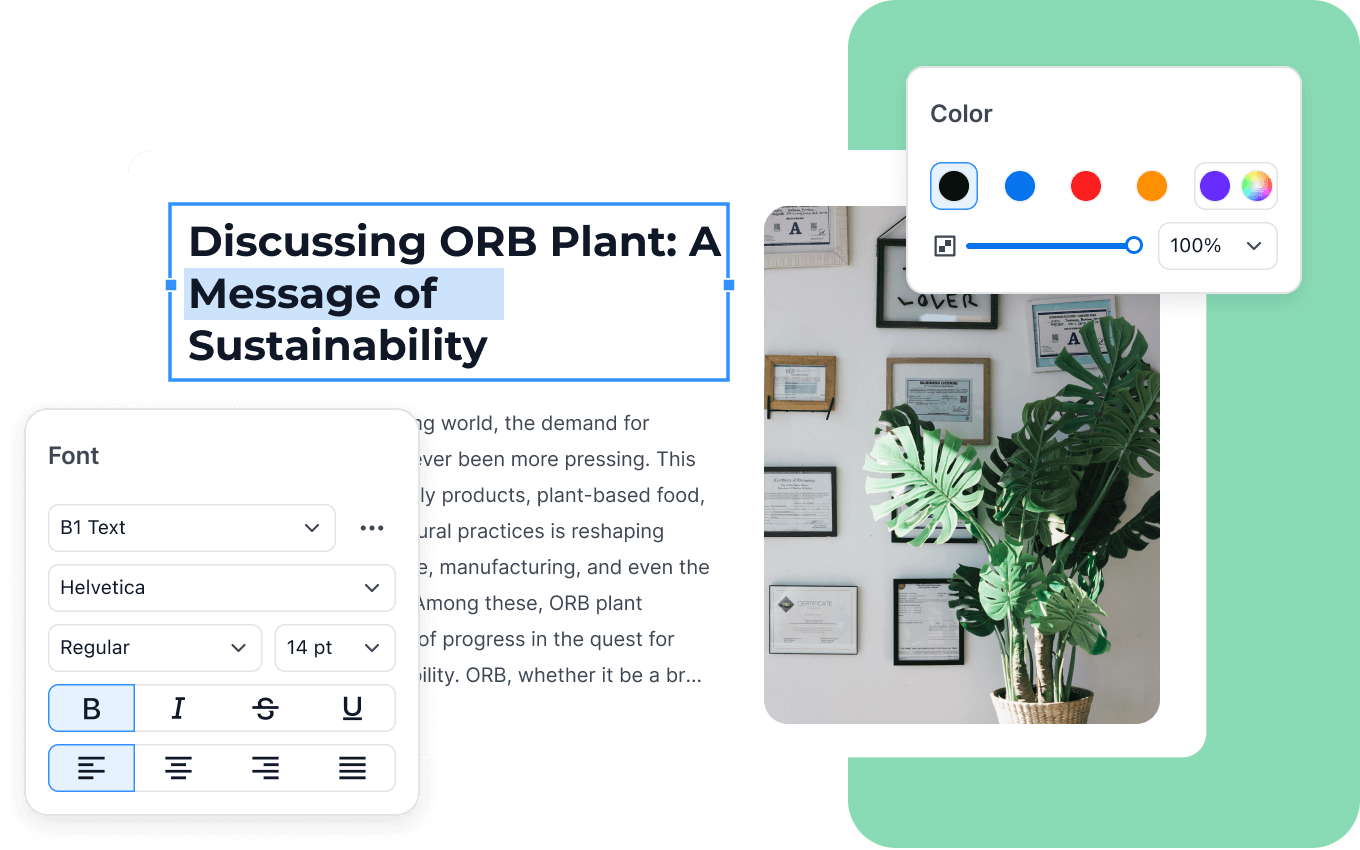
  • It allows you to edit PDF files, including adding, deleting, moving, or modifying text. Change font attributes (size and style).
pdf-reader-pro-redact-pdf

Redact PDF:

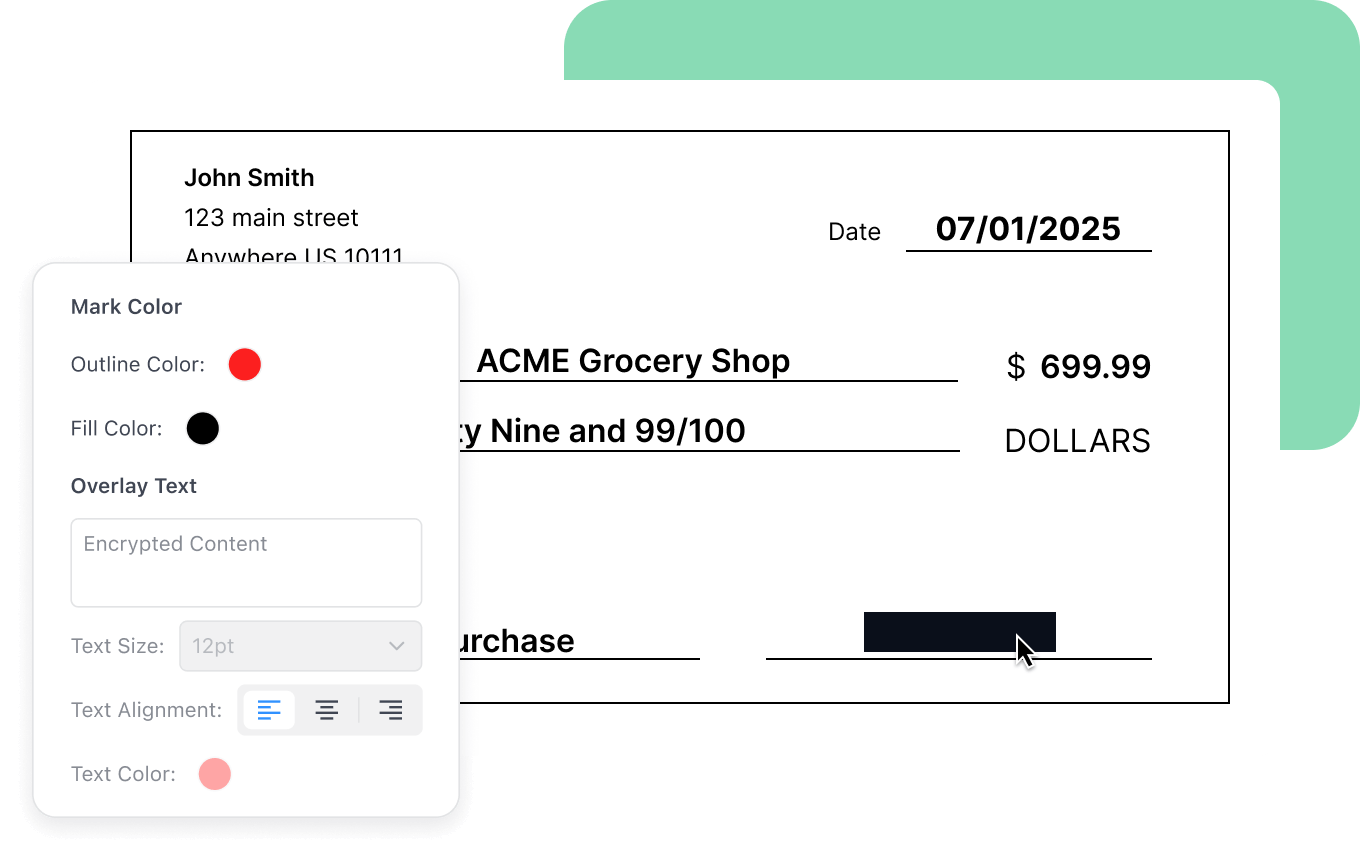
  • It allows you to permanently remove or black out private and sensitive information using the redaction feature.
Fill Form (Mac)
Fill Form (Windows)

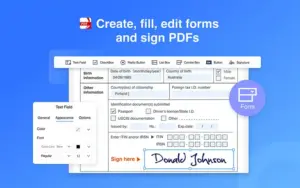
Create Fillable PDF Forms:

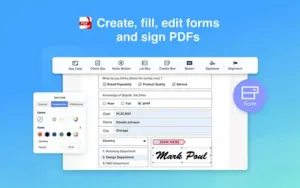
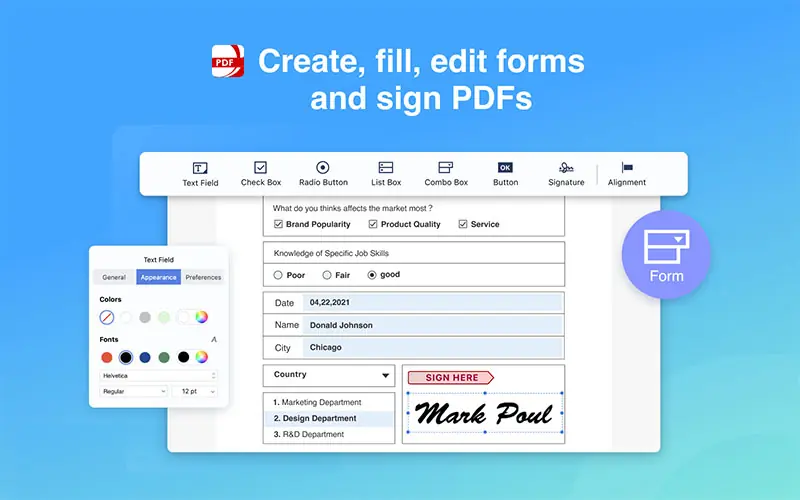
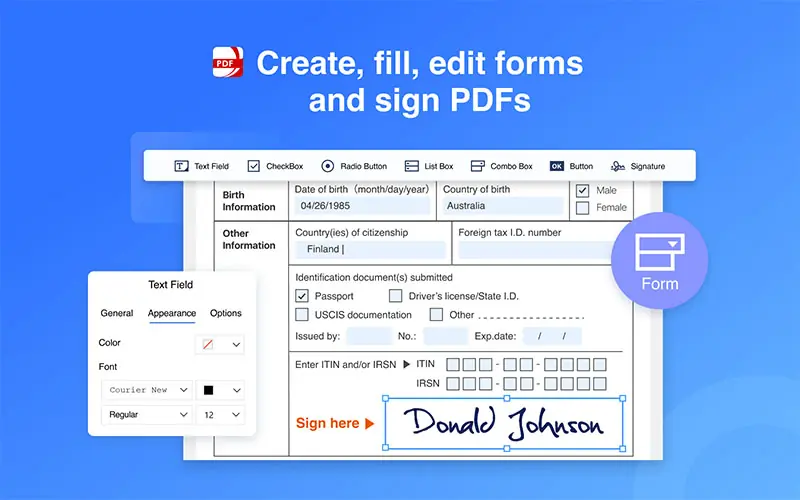
  • It allows you to create & edit forms. Create fillable PDF Forms from interactive field objects, such as buttons, check boxes, and list boxes. Support for aligning and distributing form objects.
  • Fill out any PDF forms. Work with static PDF forms created in Adobe Acrobat.
pdf-reader-pro-pdf-converter

PDF Converter Pro:

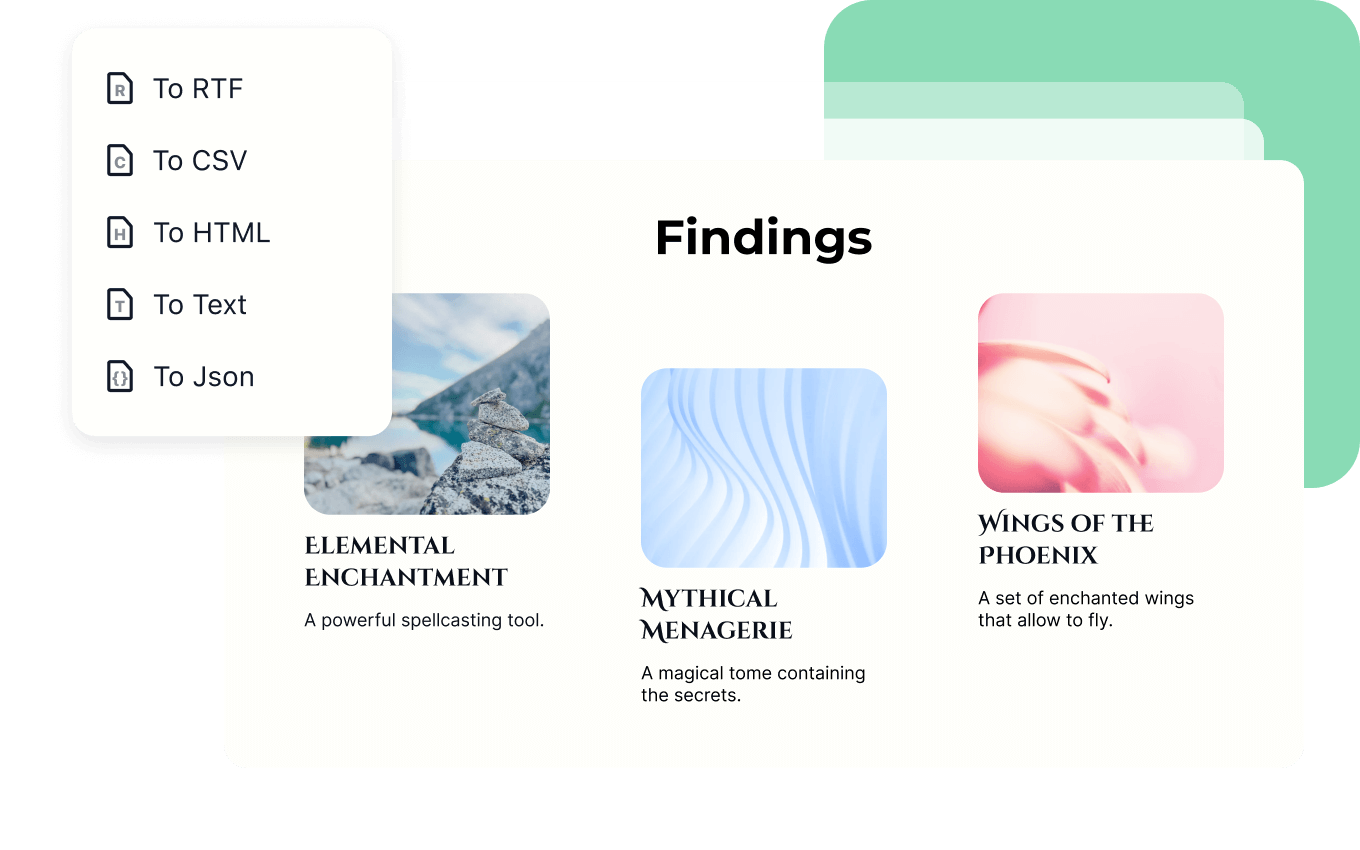
  • It allows you to export from PDF to Microsoft Word (.docx), PowerPoint (.pptx), Excel (.xlsx), RTF, Text, HTML, Image, CSV, and more, offline (Permanent License).
  • Convert from images imported from a scanner and TXT files.
  • Extract images in PDF documents with one click.
pdf-reader-pro-page-reader

PDF Page Editor:

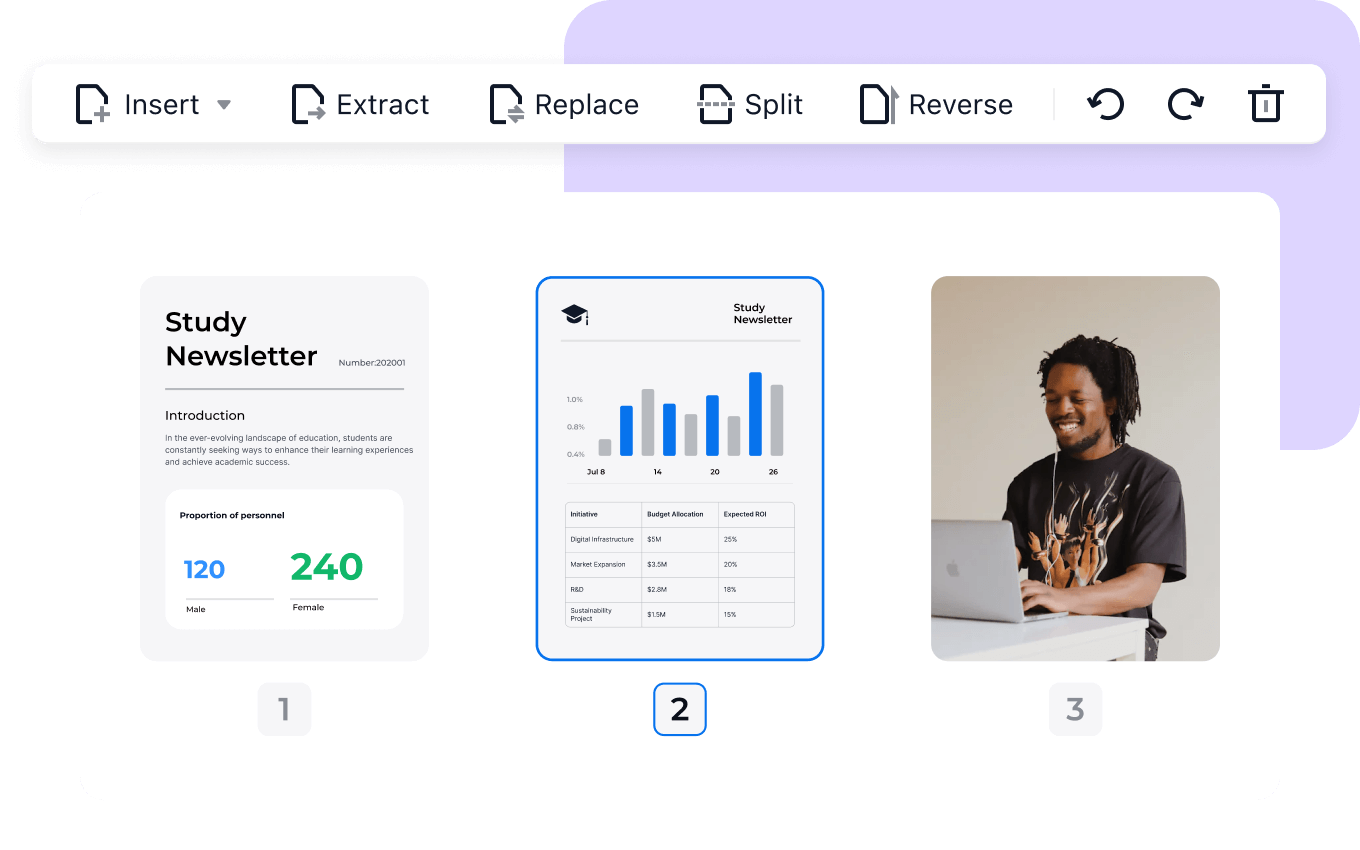
  • It allows you to merge and split documents, extract desired pages to create a new PDF or insert another file into an existing file.
pdf-reader-pro-editor

PDF Editing Tools:

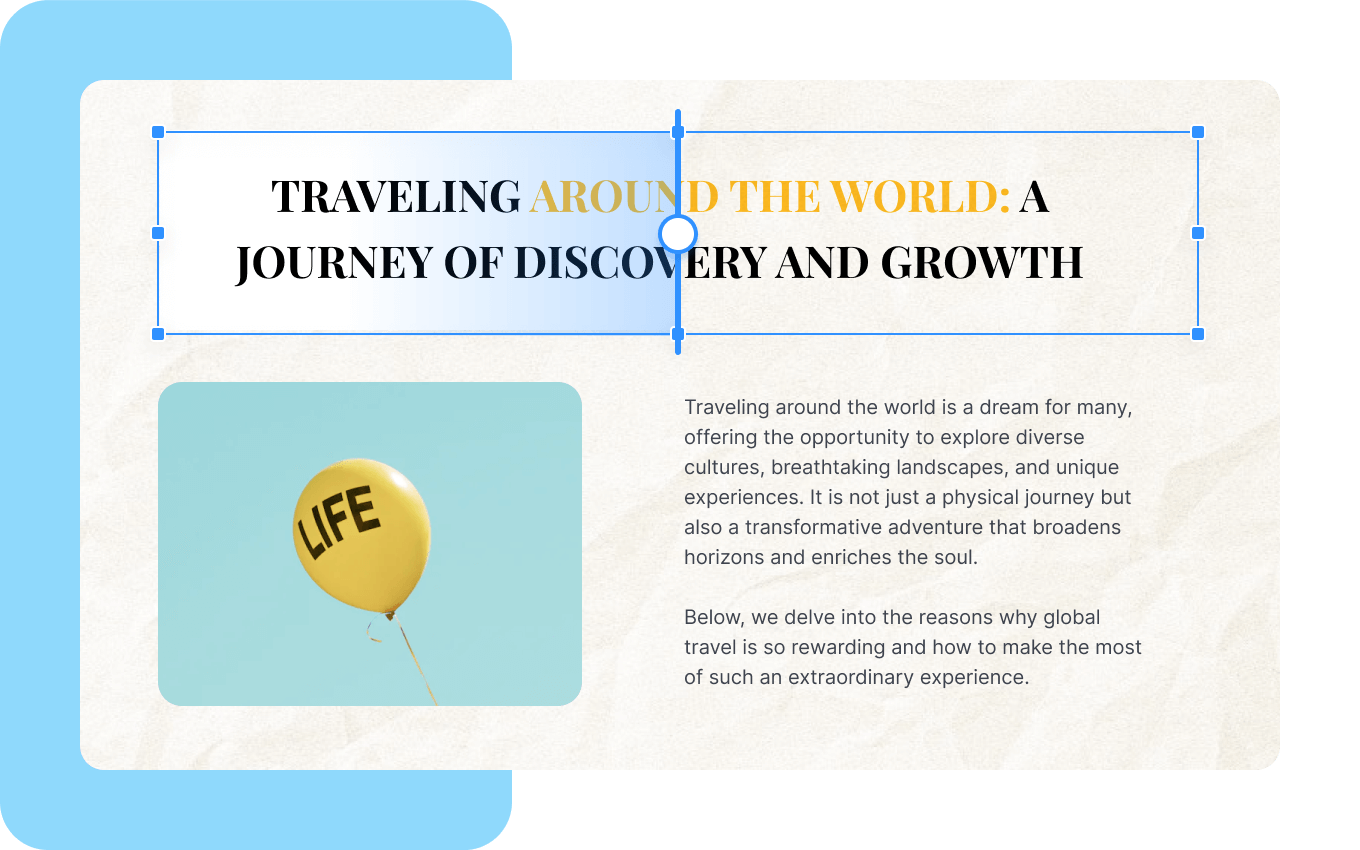
  • It allows you to add watermarks to keep your documents safe and professional.
  • It allows you to add a unique prefix or suffix, such as a set number, case number, firm name, or date.
  • It lets you change the background color of PDFs.
  • It allows you to flatten the PDF, making the content static.
  • It provides a booklet to put your pages side by side, sorted for booklet printing.
  • It provides you with a poster that divides large PDF pages into smaller ones.
pdf-reader-pro-ocr

PDF OCR:

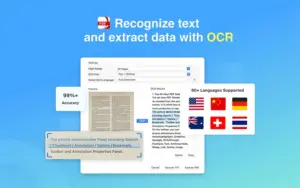
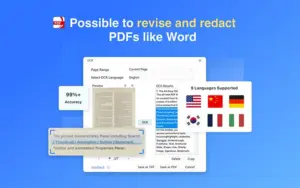
  • It allows you to convert scanned PDF forms or images into editable, searchable PDFs or TXT files.
pdf-reader-pro-secure-files

Secure Files:

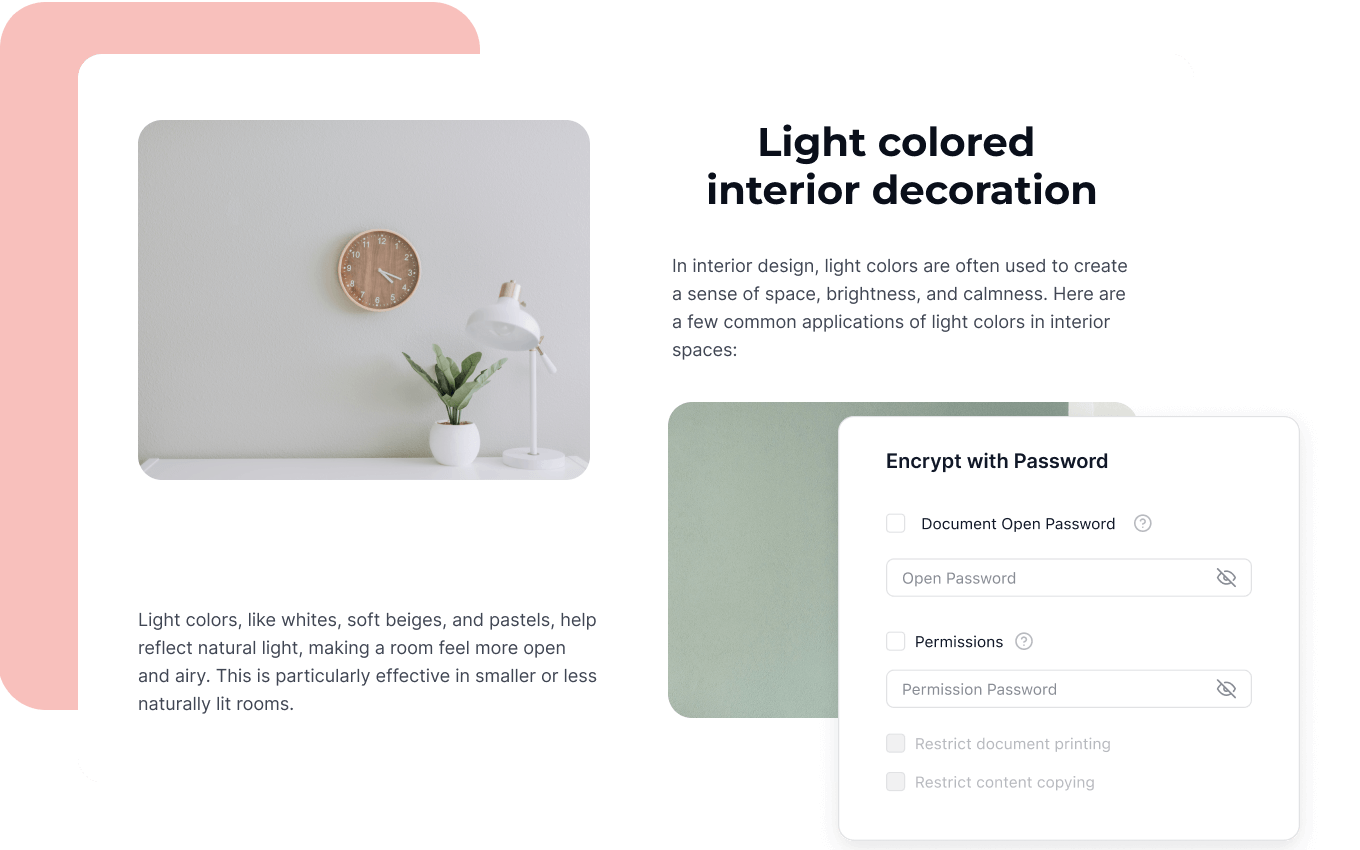
  • It allows you to keep your sensitive documents password-protected.
pdf-reader-pro-compressor

PDF Compressor:

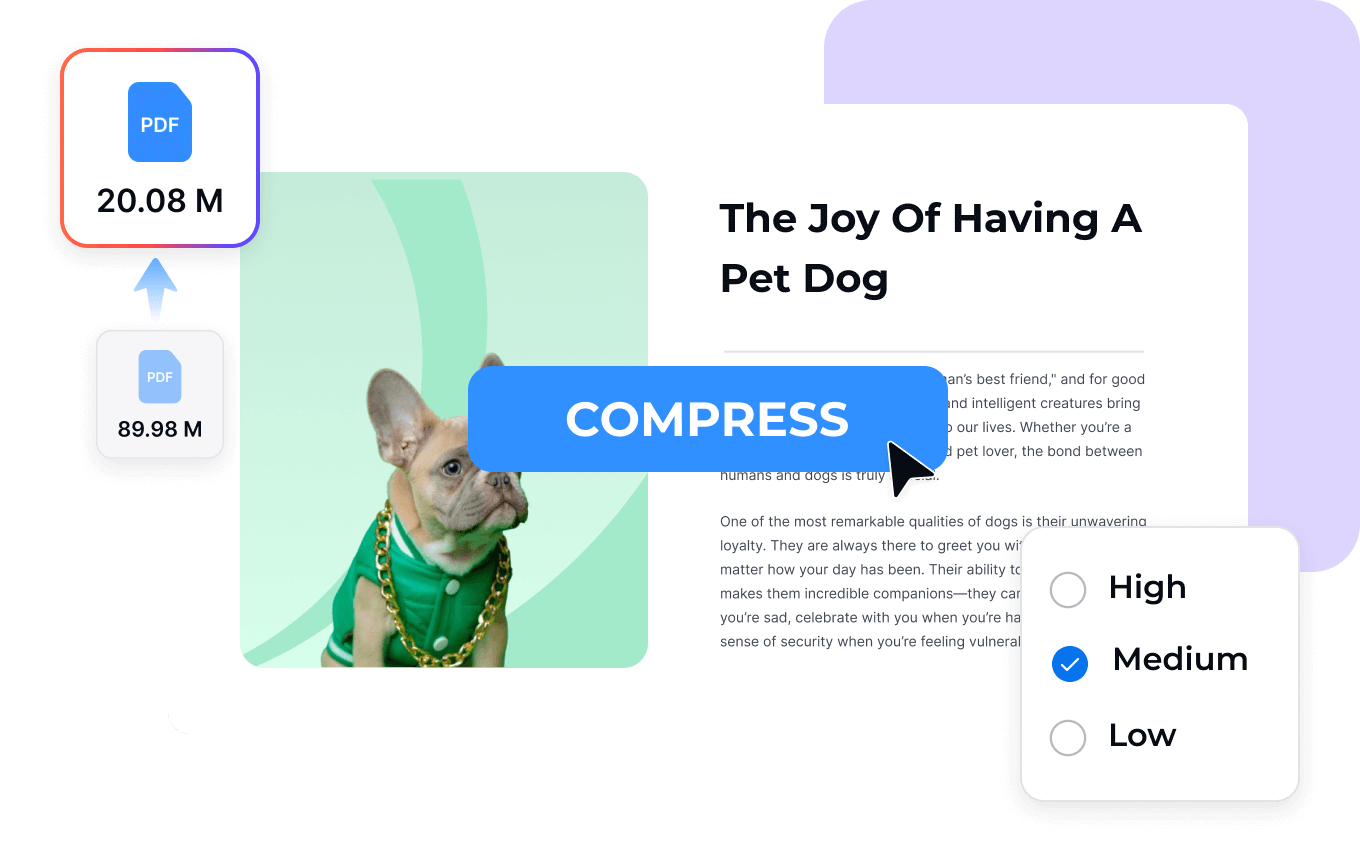
  • It allows you to compress your PDF files to make your document much lighter.

AI-Powered Features:

  • AI Summarize: Quickly extracts core insights and creates multi-language summaries from any long text.
  • AI Rewrite: Automatically transforms text into grammatically flawless, semantically rich, and ready-to-use content.
  • AI Proofread: Identifies and corrects grammar, spelling, and punctuation errors with smart suggestions.
  • AI Translation: Instantly translates entire documents and files into multiple languages.
 

Why Choose PDF Reader Pro?

  • Edit PDFs like Word documents by modifying text, images, fonts, backgrounds, and page layouts without having to recreate the files.
  • Convert PDFs to and from Office formats (Word, Excel, PowerPoint, TXT, images, and more) while preserving the original formatting.
  • Turn scanned documents into editable, searchable files using built-in OCR with support for multiple languages.
  • Review and collaborate efficiently with highlighting, comments, stamps, freehand drawing, hyperlinks, and advanced annotation tools.
  • Fill, create, and sign PDF forms digitally to complete contracts, applications, and business documents faster.
  • Organize PDFs with ease by merging, splitting, extracting, rotating, reordering pages, and adding watermarks or page numbers.
  • Protect confidential documents with password encryption, permissions, and redaction to keep sensitive information secure.
  • Boost productivity with AI tools that summarize lengthy PDFs, rewrite content, proofread text, and instantly improve writing quality.
  • Reduce file sizes without sacrificing quality to make sharing, emailing, and cloud storage more efficient.
  • Manage every PDF task in one application across Windows, Mac, and other supported platforms, eliminating the need for multiple PDF tools.

Best For:

  • Accountants
  • Authors
  • Consultants
  • Finance Startups
  • HR Teams
  • Lawyers
  • Legal Teams
  • Office Professionals
  • Recruiters
  • Researchers
  • Students

Choose Your Plan

For Windows Most Popular
For Mac
Original price was: $79.99.Current price is: $31.99.
For Windows
Most Popular Original price was: $79.99.Current price is: $31.99.
With DealClub
$23.99
$79.99
Without DealClub
$31.99
$79.99
Buy Now
Limited Time Deal

Deal Terms

  • Access via redemption of coupon code
  • 30 Day Coupon Code Validity
  • One Coupon Code for one user/account
  • Coupon Codes are not stackable
  • For both - New & Existing Users
  • Free Updates
  • Free Support
  • Accessible only on all Mac and Windows devices

Customer Testimonials

Feels good, simple and practical. I like the ease of use. What a handy app to have when you're trying to open PDF files off the web or anywhere. Like it's name it works like a pro.

-Bill, Cartoonist

The program does everything I want in making various notes on the PDF file with highlights, text notes, etc. I grade my students' papers with this app. It's much cleaner than simply scribbling on the paper. Now my students will actually read my feedback for them.

-Henderson, Teacher

It is intuitive and easy to use. Best application for merging, splitting, shrinking, manipulating, adding and taking away pages with ease. I don't know how I would cope without it. Oh, the free version gets some or most of the simple jobs done.

-Charles, Doctor

Sure, it's not Adobe Acrobat Pro or PDFpenPro, but super easy and light and more convenient than adobe reader or anything. love it! It's a very good and valued substitute for some applications. Well done!

-Joy, HR Manager

All the different PDF management tools-conversion, annotation,form filling etc-are as good as advertised and may be even better for how I had hoped. The presentation mode works especially well for me as PDF is the main working format in what I do.

-Walter, Mentle Professor

This software in any other way is very good, comments are very convenient. The app covers all the essential features I need in a pdf software. A must have app.

-Yohan, Louis Student

Plans & Features

Choose the perfect plan for your needs.

Plans & Features
For Mac
For Windows
$79.99 $31.99
Buy Now
$79.99 $31.99
Buy Now
Multiple reading modes
PDF presentation & outline navigation
Annotate: highlight, underline, comments, stamps
Create/edit signatures, add hyperlinks
Edit text, change fonts
Redact info
Create/edit fillable forms
Convert PDFs to Word, PPT, Excel, etc.
Convert images/TXT to PDF
Extract images from PDFs
Merge, split, extract PDF pages
Add watermarks, prefixes, change backgrounds
Flatten PDFs, booklet printing
OCR for editable/searchable PDFs
Secure PDFs with passwords
Compress PDFs
Plan 1 of 2

For Mac

$79.99 $31.99
Buy Now
30-Day Refund | Lifetime Access | One-time Payment
  • Multiple reading modes
  • PDF presentation & outline navigation
  • Annotate: highlight, underline, comments, stamps
  • Create/edit signatures, add hyperlinks
  • Edit text, change fonts
  • Redact info
  • Create/edit fillable forms
  • Convert PDFs to Word, PPT, Excel, etc.
  • Convert images/TXT to PDF
  • Extract images from PDFs
  • Merge, split, extract PDF pages
  • Add watermarks, prefixes, change backgrounds
  • Flatten PDFs, booklet printing
  • OCR for editable/searchable PDFs
  • Secure PDFs with passwords
  • Compress PDFs

Frequently Asked Questions

Find answers to common questions about PDF Reader Pro

Can I make scanned PDFs editable?

Yes. Built-in OCR converts scanned documents into searchable and editable files.

Is it suitable for signing contracts?

Yes. Create, save, and apply digital signatures in just a few clicks.

Can I protect confidential PDFs?

Definitely. Encrypt files with passwords and redact sensitive information securely.

Does it work offline?

Yes. Most core editing, conversion, OCR, and management features work without an internet connection.

Customer Feedback

Customer Reviews (0) Customer Q&A (0)

No Reviews Yet

Be the first to try this deal and share your experience.

You must purchase this product to leave a review.

Be The First To Ask

Get clarity before you buy—your question might help others too.

×

You Might Also Like

Doctranslate - AI Document Translator | Annual Access
EaseUS RecExperts - Windows Screen Recorder | Annual & Lifetime Access

EaseUS RecExperts - Windows Screen Recorder | Annual & Lifetime Access

, , , , , , , ,

Scramble Cloud - Secure Cloud Storage | Lifetime Access

Scramble Cloud - Secure Cloud Storage | Lifetime Access

, , , , , , ,

Monitorly - SSL Certificates Alerts | Lifetime Access

Monitorly - SSL Certificates Alerts | Lifetime Access

, , , , , , ,

Choose Plan
For Windows Most Popular
For Mac
Original price was: $79.99.Current price is: $31.99.
For Windows
Most Popular Original price was: $79.99.Current price is: $31.99.
Buy with DealClub
$23.99 $79.99
Buy without DealClub
$31.99 $79.99

Deal Terms

  • Access via redemption of coupon code
  • 30 Day Coupon Code Validity
  • One Coupon Code for one user/account
  • Coupon Codes are not stackable
  • For both - New & Existing Users
  • Free Updates
  • Free Support
  • Accessible only on all Mac and Windows devices
Scroll to Top