Home > All > Operating System > Mac-OS > Screen Bolt – Mac Screen Recorder with Audio | Lifetime Access

Screen Bolt – Mac Screen Recorder with Audio | Lifetime Access

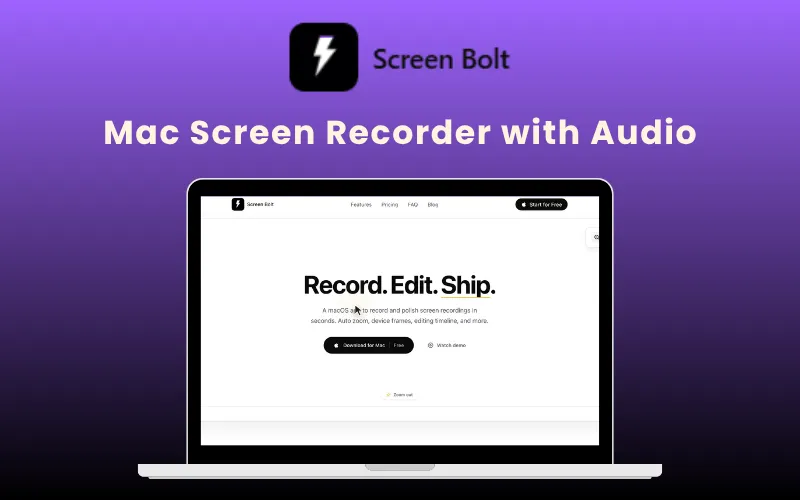
Screen Bolt Feature Image

TL;DR

  • Record, edit, and polish Mac screen videos from one app.
  • Capture screen, webcam, microphone, and system audio together.
  • Add auto zooms, cursor effects, blur tools, and annotations instantly.
  • Improve voice quality with built-in noise reduction and audio enhancement.
  • Export in MP4, MOV, GIF, and up to 4K quality.
  • No watermark on exported videos.
  • Works natively on Apple Silicon and Intel Macs.
  • Includes lifetime access with no recurring subscription fees.

Are you still using clunky screen recording tools on your Mac just to create one screen recording?

Recording in one tool, editing in another, and fixing audio separately wastes more time than the recording itself.

But now you can do all that and a lot more in just one place with Screen Bolt.

What Is Screen Bolt?

Screen Bolt is a macOS screen recording app that helps you record, edit, and polish videos in one place.

It allows you to –

  • Capture your screen with audio
  • Add smart zoom effects
  • Clean up your visuals
  • Improve voice quality
  • Export ready-to-share videos

It also helps you polish the recording with smart zooms, cursor effects, blur tools, annotations, timelines, and studio-style editing tools.

To create polished videos with Screen Bolt, all you have to do is –

  1. Record your screen, webcam, microphone, and system audio in one place.
  2. Add auto zooms, cursor effects, annotations, backgrounds, and blur tools to make your videos easier to follow.
  3. Trim clips, retake scenes, reorder recordings, and fine-tune everything inside the built-in timeline editor.
  4. Export your videos in MP4, MOV, or GIF formats up to 4K quality and publish them wherever you want.
Screen Bolt helps freelancers, marketers, developers, SEOs, and product teams spend less time editing and more time shipping videos.

Introduction To Screen Bolt:

Features Of Screen Bolt:

Capture screen, window, or selected areas with webcam, microphone, and system audio:

Create walkthroughs and demos that are easier to follow and more professional.
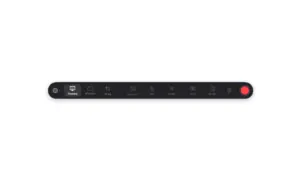
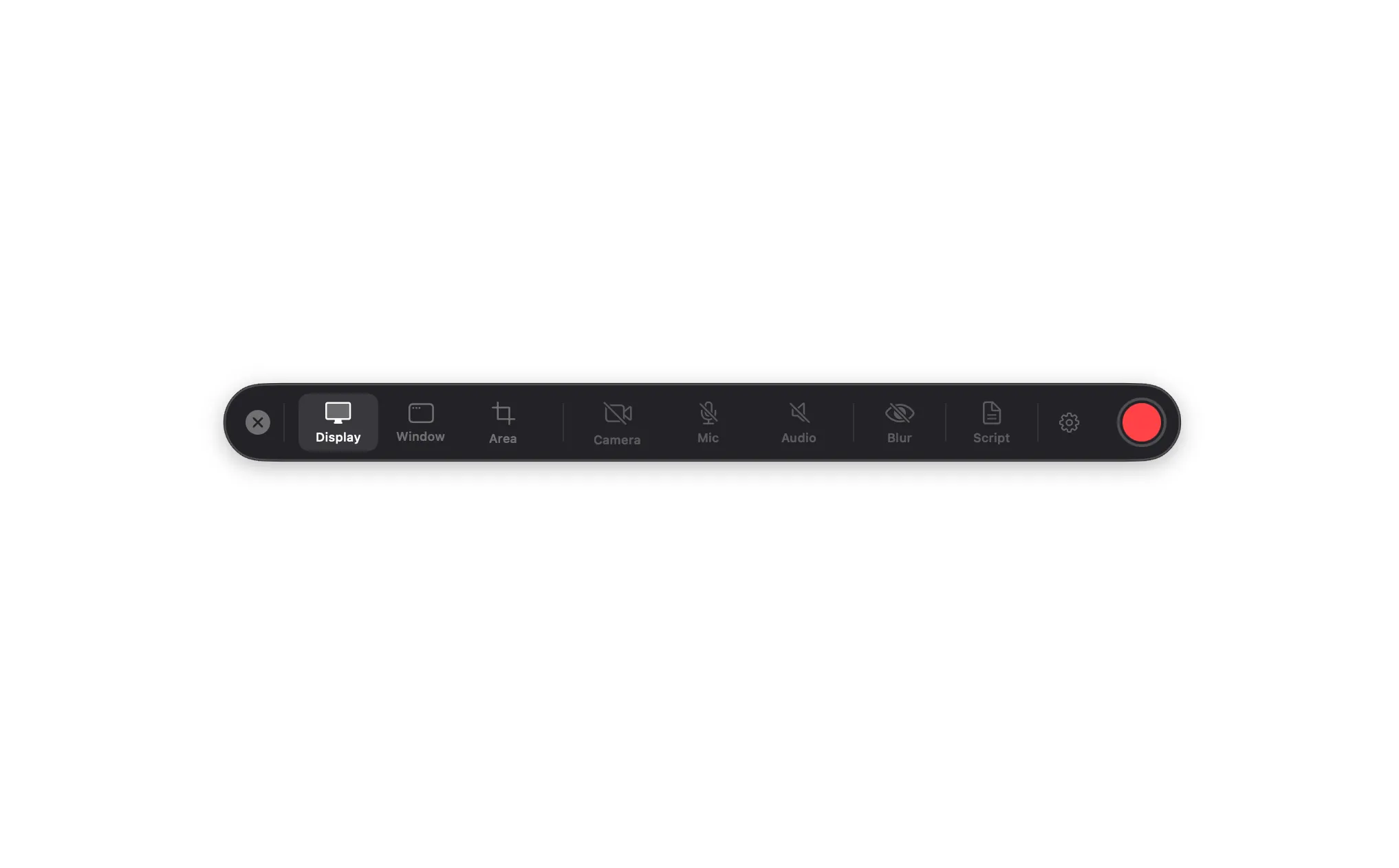
Screen Bolt control panel for selecting display, window, camera, and mic inputs.

Automatically zoom into clicks, cursor movements, and key actions:

Help viewers focus on what matters without manual editing.
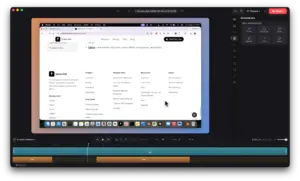
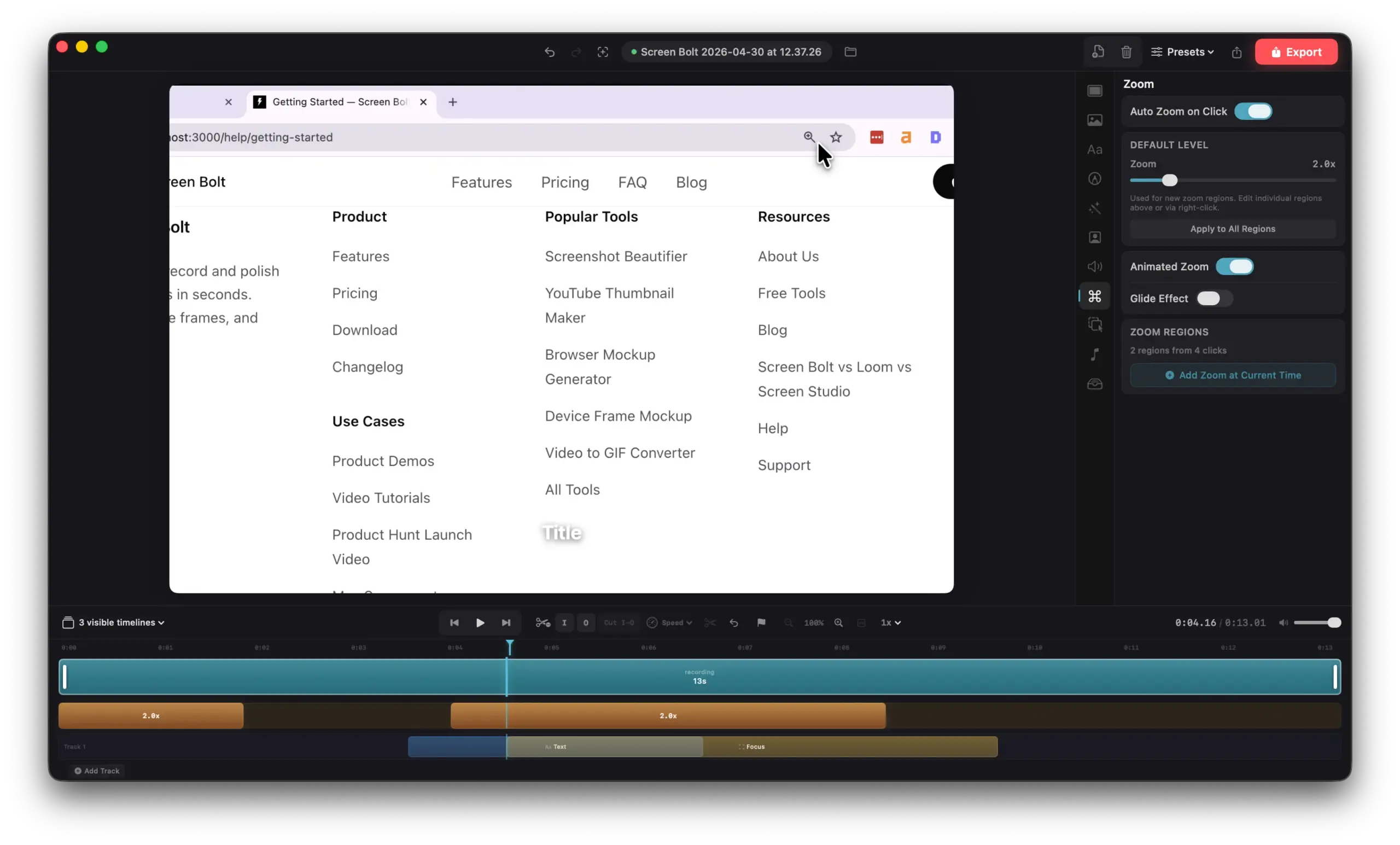
Configuring auto-zoom-on-click levels and animated zoom region timelines within the mac screen recording app.

Blur passwords, emails, and private areas in real time:

Protect sensitive data while recording demos or presentations.
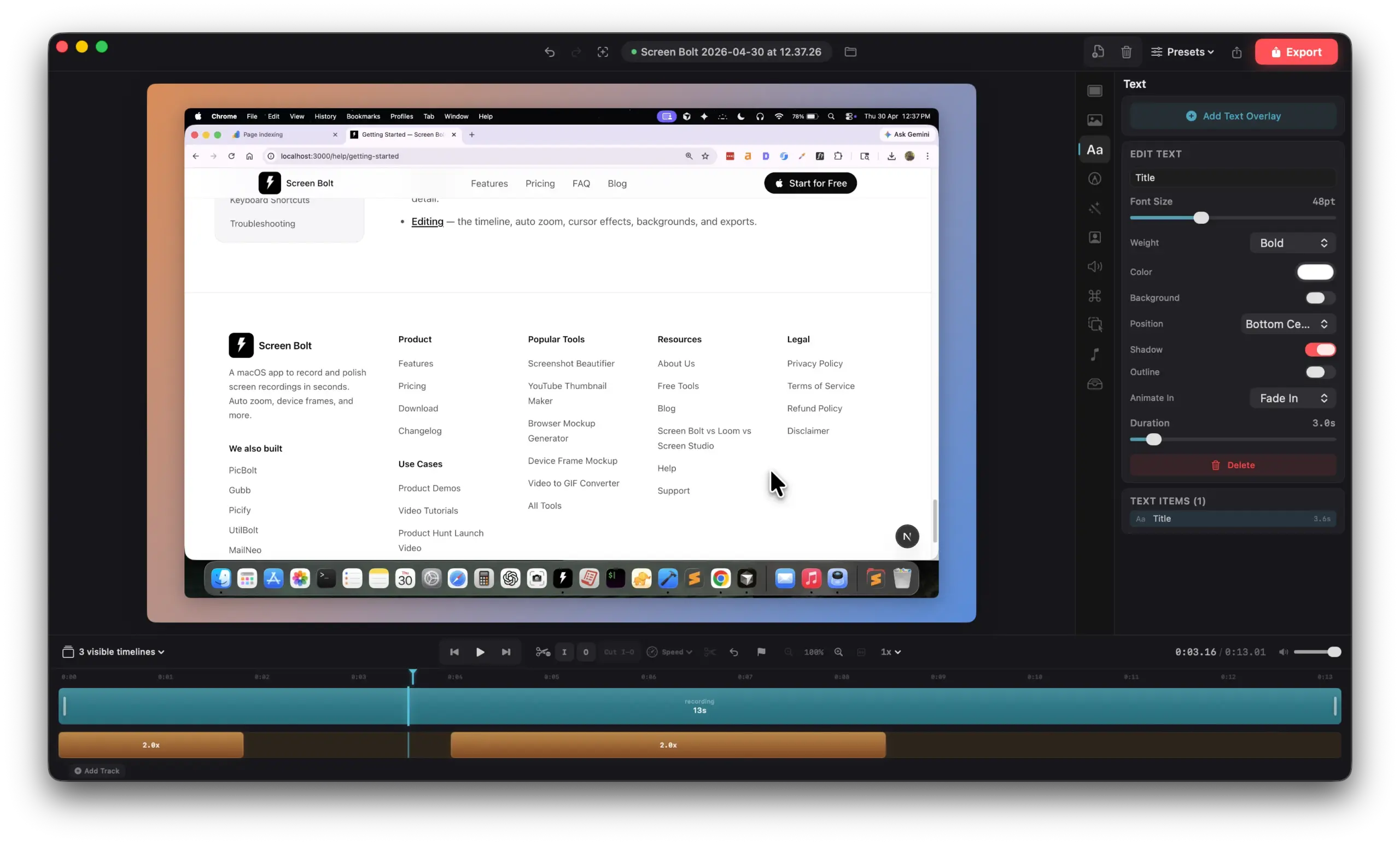
Adding animated titles, font adjustments, and text overlays in the mac screen recorder with audio.

Highlight important sections on screen while dimming distractions:

Make tutorials clearer and easier to understand.
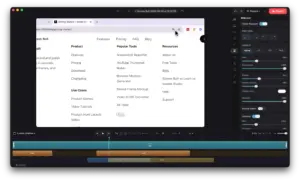
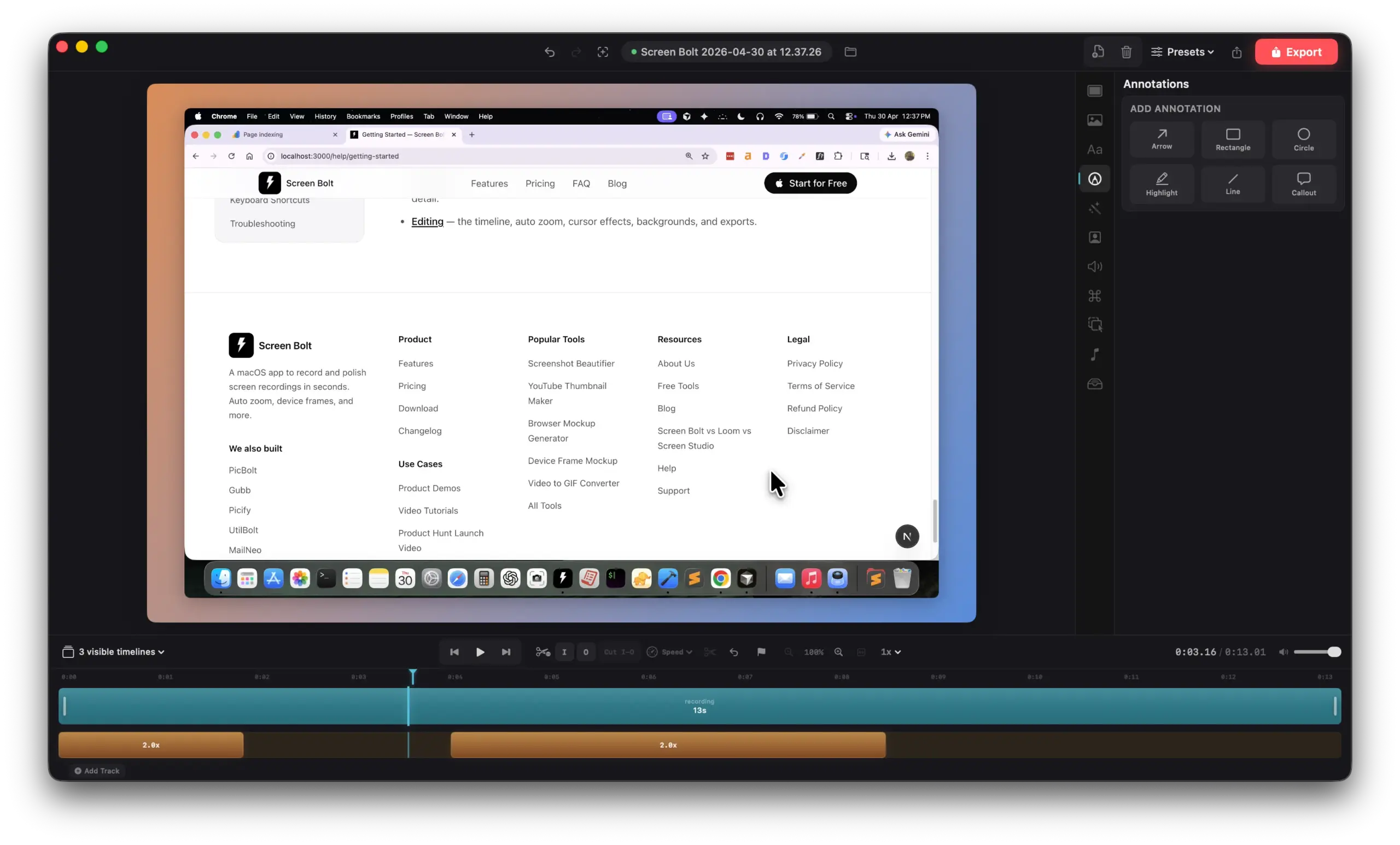
Mac screen recorder interface showing vector annotation tools including arrows, rectangles, highlights, and callouts.

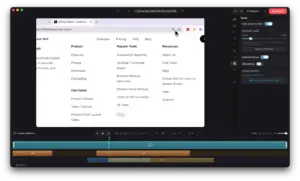
Trim clips, reorder scenes, cut mistakes, and adjust pacing directly inside the timeline editor:

Spend less time switching between apps.
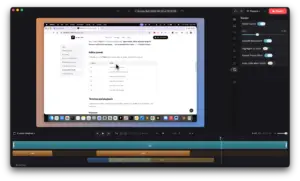
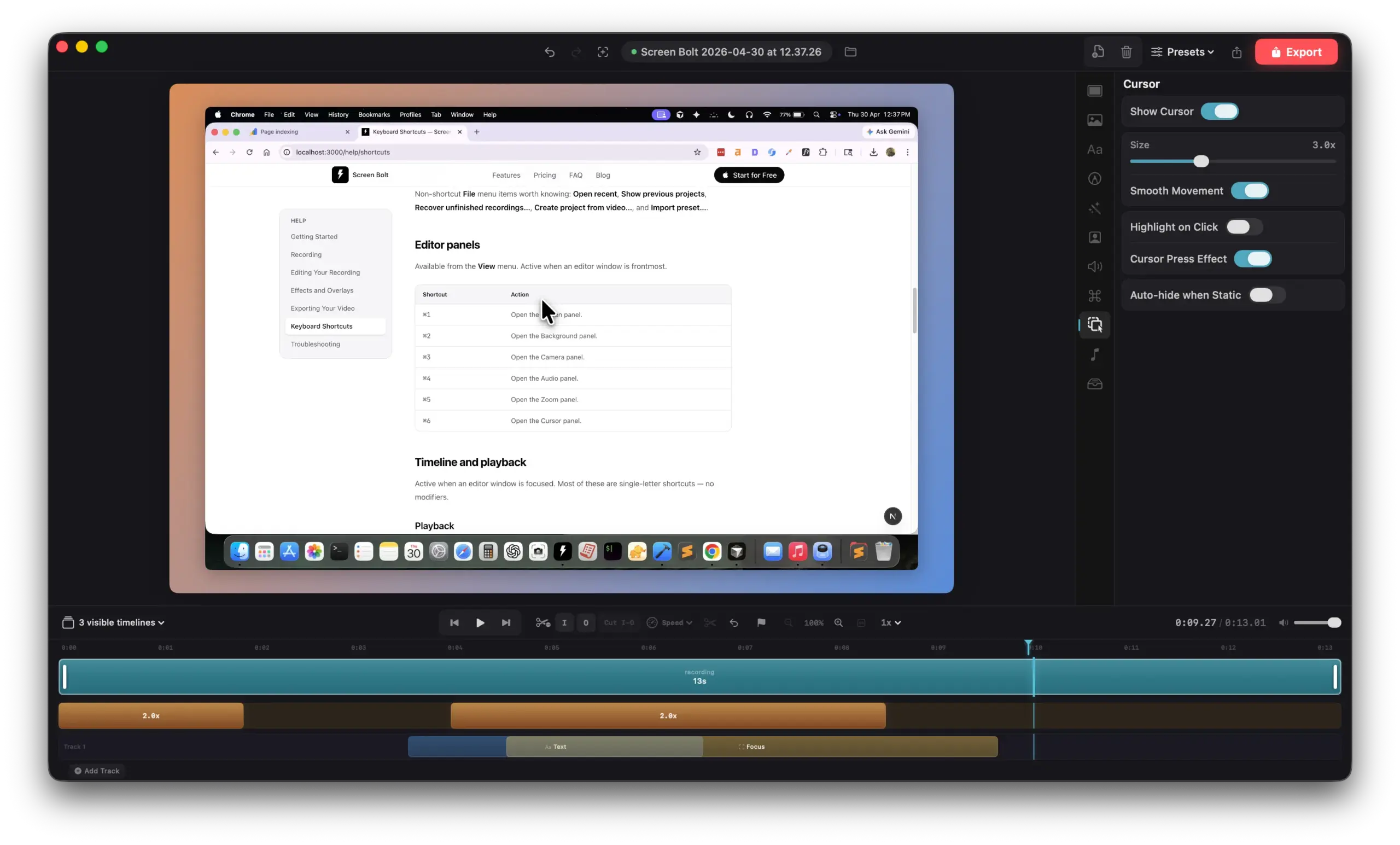
Editing cursor size, smooth movement, and click animation effects inside the mac screen recording app.

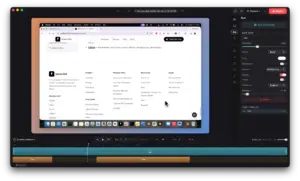
Use device frames, custom backgrounds, gradients, padding, and overlays:

Turn raw recordings into polished marketing assets.
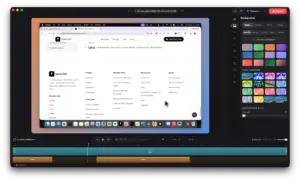
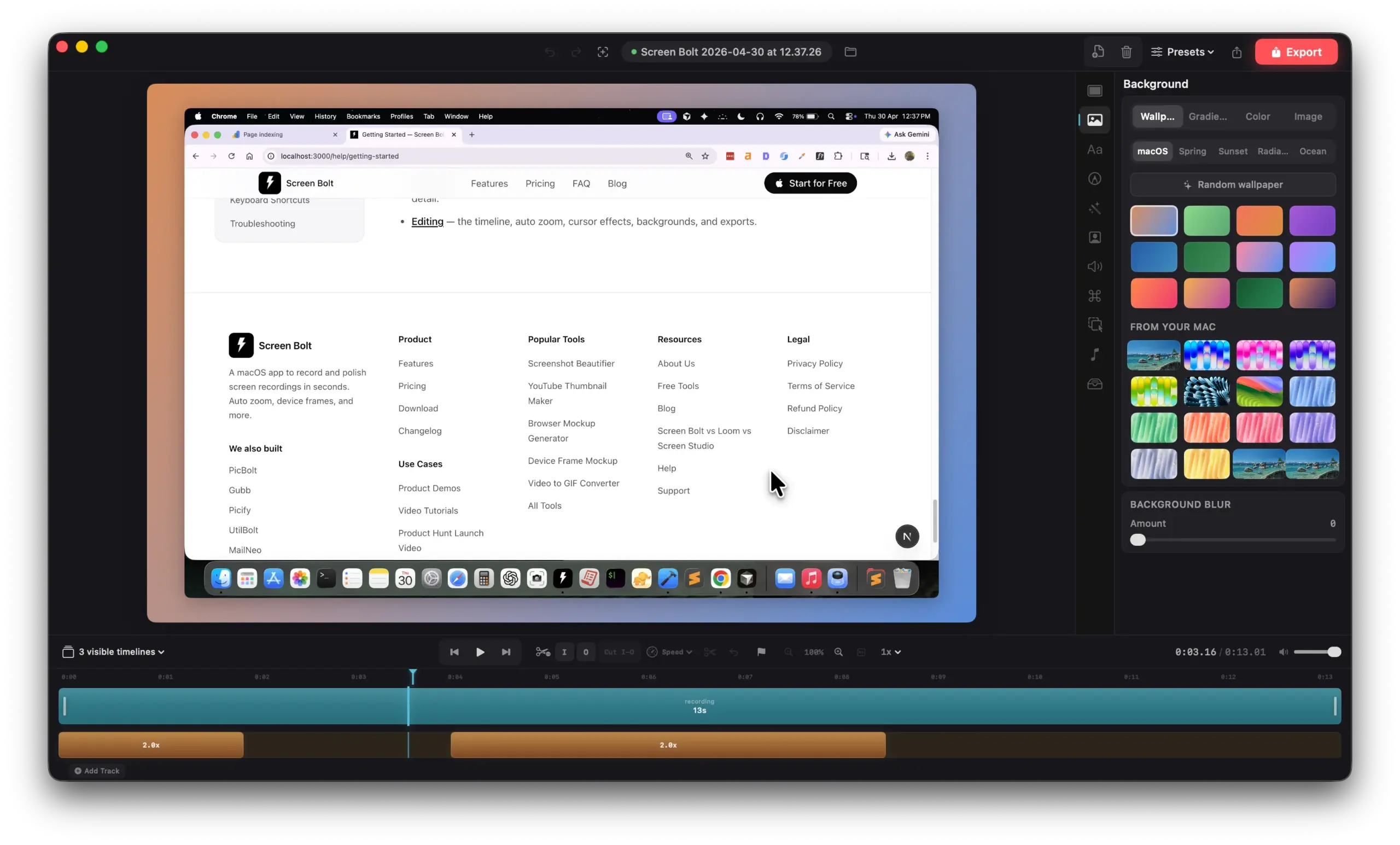
Customizing gradients, wallpapers, and background blur settings in the Screen Bolt mac screen recorder.

Add webcam overlays, remove webcam backgrounds, and even use your iPhone as a second camera.

Build more engaging videos without extra equipment.

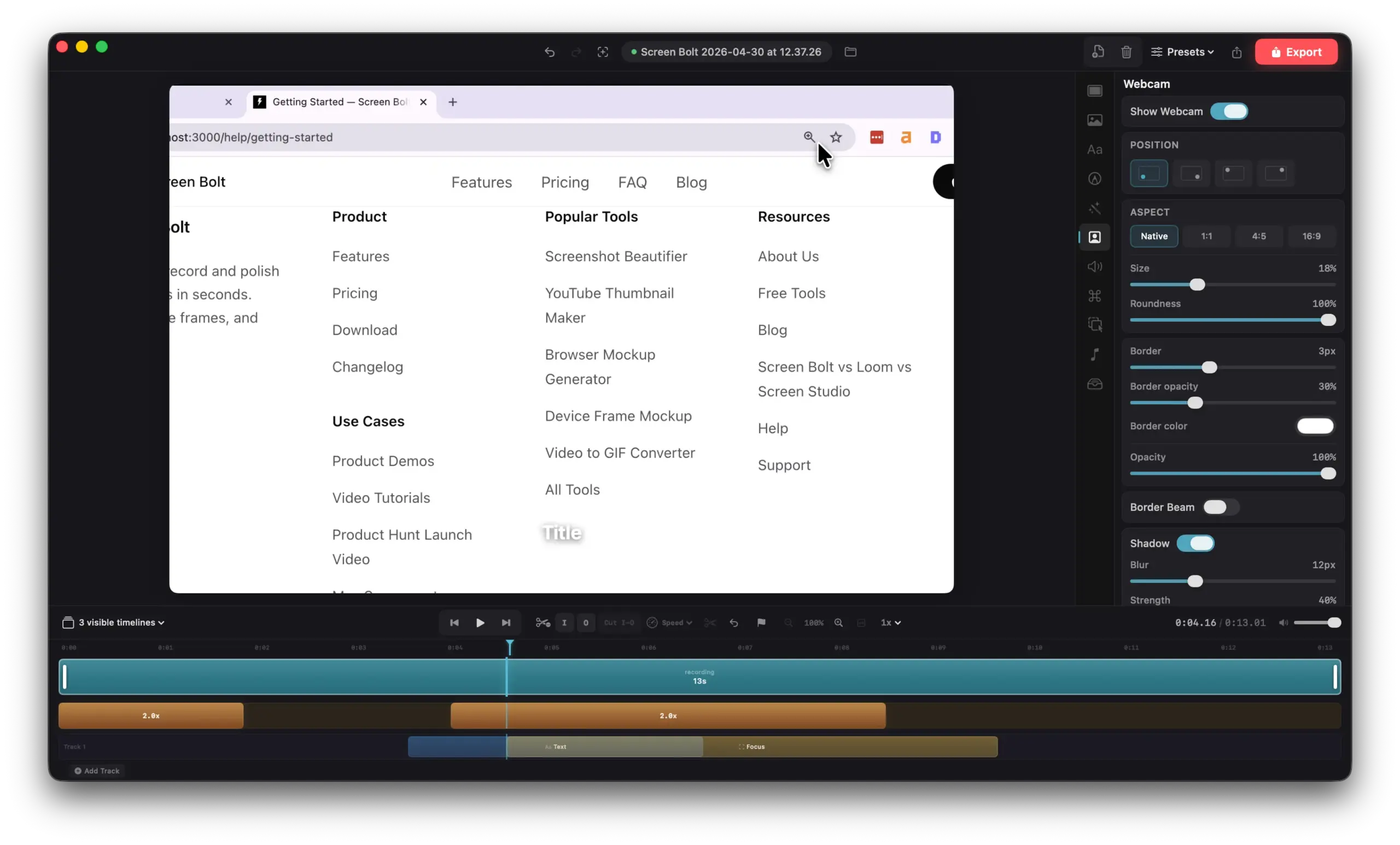
Setting up picture-in-picture webcam layouts, aspect ratios, and borders using the Screen Bolt mac screen recorder.

Reduce background noise and enhance voice clarity instantly:

Record cleaner audio even in non-studio environments.

Use the built-in teleprompter to follow scripts smoothly during recording:

Create more confident and structured presentations.

Record videos in separate scenes and retake individual clips anytime:

Fix mistakes without restarting the entire recording.

Export recordings in MP4, MOV, or GIF formats up to 4K resolution:

Share videos across social media, websites, products, and presentations.

Who Is Screen Bolt For?

  • Freelancers: To create polished client walkthroughs and project updates faster.
  • Digital Marketers: To record better demos, social clips, tutorials, and product explainers.
  • Developers: To share bug reports, feature demos, and onboarding videos clearly.
  • SEO Professionals: To create easy-to-follow audits, reports, and training videos.
  • Product Managers: To record feature walkthroughs, product updates, and internal demos quickly.
  • Content Creators: To produce cleaner videos without spending hours editing.

Testimonials:

Frequently Asked Questions:

What macOS version do I need?

Screen Bolt requires macOS 14.0 (Sonoma) or later on Apple Silicon and Intel Macs.

Can I record system audio?

Yes. Screen Bolt supports system audio, microphone input, or both.

Does it work on Apple Silicon?

Yes. Screen Bolt runs natively on Apple Silicon.

What formats can I export?

MP4, MOV, and GIF formats up to 4K quality.

Is data processed locally?

Yes, recordings and data stay on your Mac.

Deal Terms:

How to download/activate this product?
After completing your purchase, you will receive an instructions document. Follow the instructions in this document to redeem the coupon code and activate your subscription.

What is the validity of the license key/coupon code? (Within how many days the coupon code must be redeemed?)
The coupon code must be redeemed within 30 days from the date of purchase.

Do you get Lifetime Access to this deal?
Yes, this deal gives you lifetime access to Screen Bolt.
Lifetime means the lifetime of the product. 
We try to get great products with longevity for our customers, but products do get acquired, or sometimes the products go bankrupt. Many of these products are startup companies, giving us a great deal for our customers. But in case of an unfortunate situation where the product does not last long, there is not much DealFuel can do about it.

Are Lifetime Updates available for this product?
Yes, Free Lifetime Updates are available for this product.

Is lifetime support available for this product?
Yes, free support is available for this product.

Is this deal for new users only?
Yes, this deal is only for NEW USERS of Screen Bolt.

How many users can use the license key/coupon code?
1 coupon code can be used for 1 user/account.

Are the coupon codes stackable?
No, the coupon codes are not stackable.

Can this product be accessed on all devices?
No,Screen Bolt can only be accessed on macOS 14+ devices.

Reviews

There are no reviews yet.

Only logged in customers who have purchased this product may leave a review.

$24.65$39.00
$29$39.00
Buy Now
30 Day Refund Policy
For support contact: [email protected] 

Want to save another 25% on this deal?

Join DealClub

Plans & Features

PRO Plan
$29 $39
  • Screen, window & area capture
  • Webcam + system audio + mic
  • Timeline editor
  • Auto zoom & cursor effects
  • Device frames & overlays
  • Teleprompter, annotations, blur
  • Backgrounds & presets
  • Unlimited length
  • No watermark
  • 1080p, 4K & Original
  • GIF export
Buy Now

    No Q&A available yet.

    No Reviews available.

    Only logged in customers who have purchased this product may leave a review.

Scroll to Top