SurFlex Screen Recorder For Windows & Mac – Record, Capture & Share Your Screen in 4K

TL;DR

  • Record your screen, webcam, and audio in one go — no watermarks.
  • Export in 10+ formats at up to native 4K quality.
  • Auto-stop by time or file size, plus built-in screenshots for quick edits.
  • One-time payment for lifetime access + free updates on Windows or Mac.

Quick Overview

Alternative to:

  • Bandicam
  • Camtasia
  • Loom
  • OBS Studio
  • Snagit

Best for:

  • Agencies
  • Content Creators
  • Digital Marketers
  • E-commerce Brands
  • Educational Trainers
  • Filmmakers
  • Freelancers
  • Movie & Video Enthusiasts
  • Online Course Creators
  • Podcasters
  • Video Editors
  • Webinar Hosts

Compatibility:

  • Browser Support:
    Brave, Chrome, Edge, Firefox, Safari
  • Operating Systems:
    Browser Based

Are you ready for a versatile screen recording experience beyond the basics? Introducing SurFlex Screen Recorder.


What is SurFlex Screen Recorder?


SurFlex Screen Recorder is a user-friendly and robust screen recording software for Windows and Mac operating systems.


This easy-to-use screen recorder helps you capture video and audio from your screen, applications, windows, webcam, and microphone, all without the inconvenience of watermarks.


Moreover, you can choose from various recording modes, ensuring you don’t miss any part of the action. Be it an entire screen, a selected portion, a specific app window, or even your favorite game.


SurFlex Screen Recorder helps you:

  • Create tutorial videos
  • Record online meetings/video calls
  • Record videos or live streams
  • Showcase gameplay
  • Create presentation videos
  • Provide troubleshooting assistance
  • Compile bug reports

Introduction To SurFlex Screen Recorder:

Youtube video

Features Of SurFlex Screen Recorder:

<b>General Settings</b>

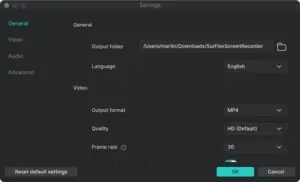
General Recording Controls:

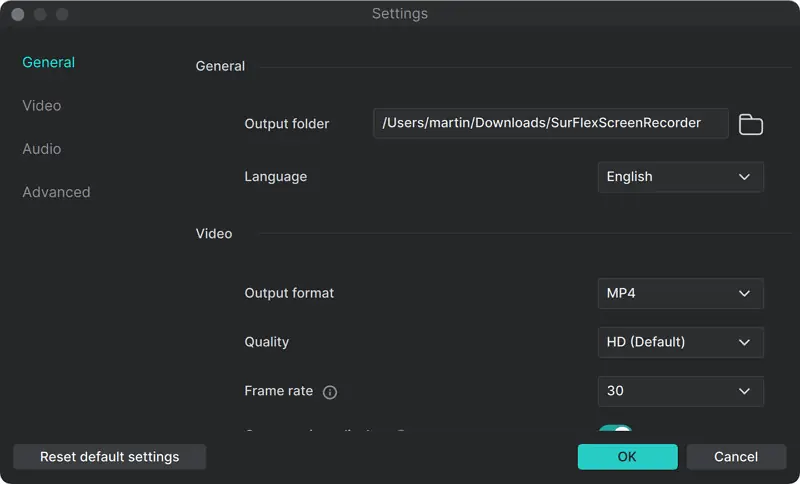
  • Choose how you want to record your screen based on your workflow.
  • Record in original quality, including resolutions up to 4K.
  • Use GPU acceleration to speed up recording while making efficient use of system resources.
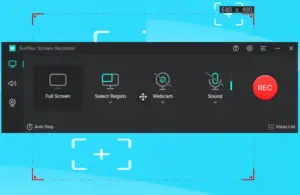
<b>Record Selected Screen</b>

Flexible Screen Recording:

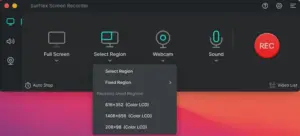
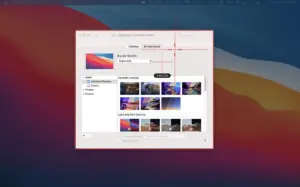
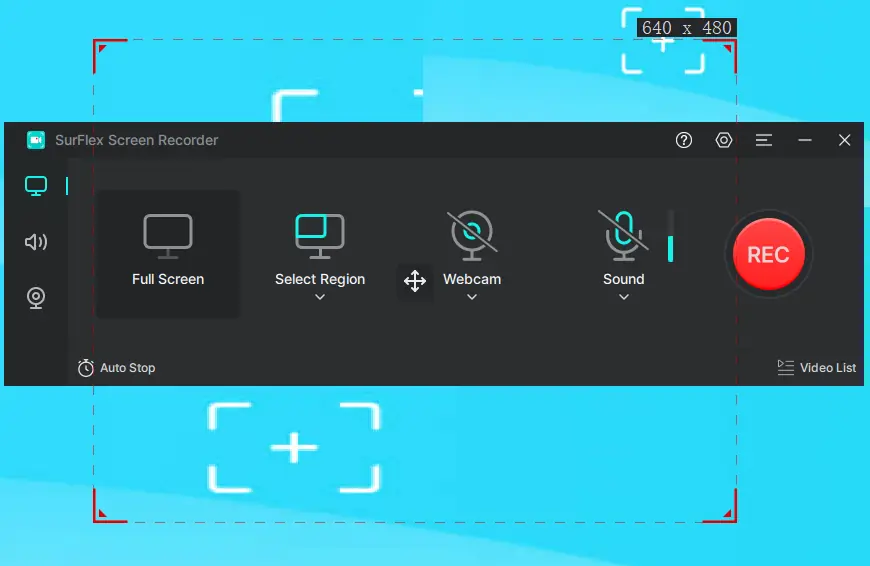
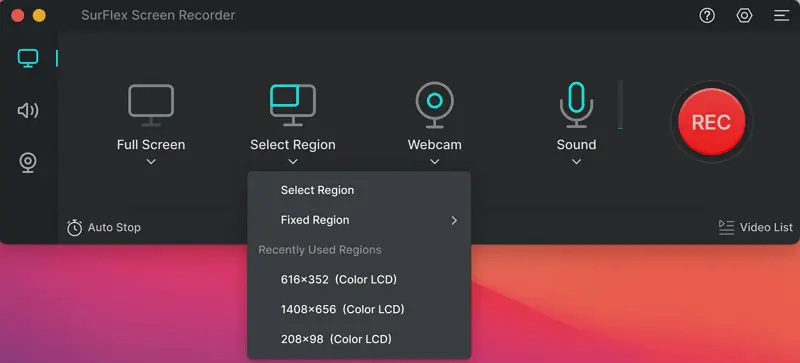
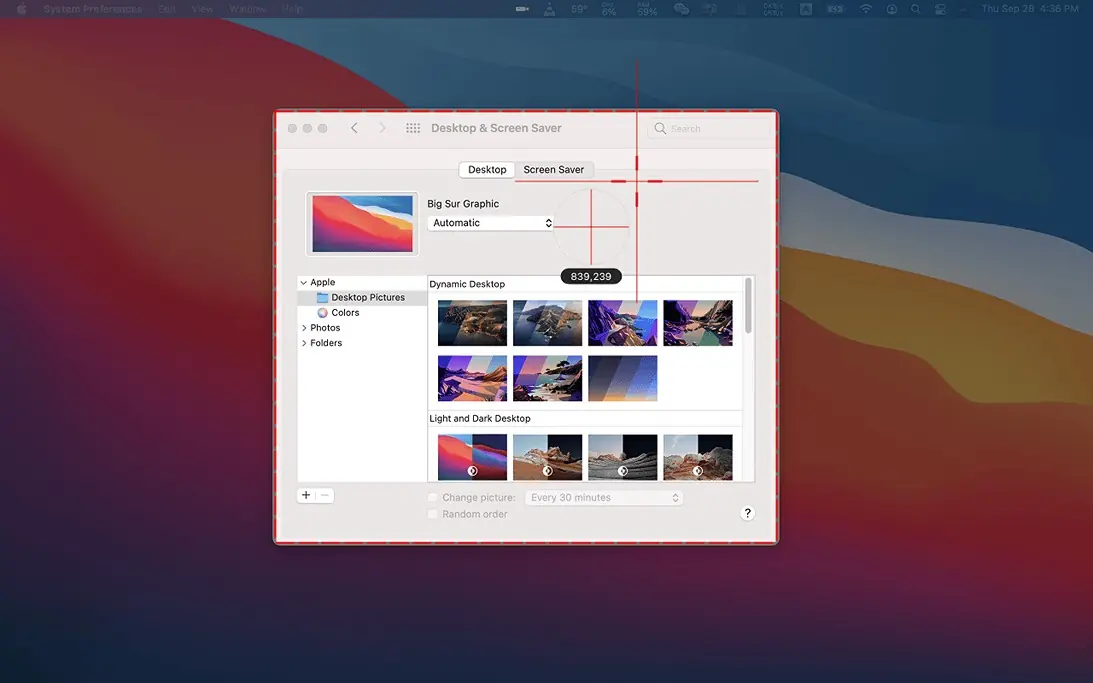
  • Capture your entire screen, a selected region, a specific app window, or File Explorer.
  • Record exactly the part of your screen you need without capturing unnecessary content.
<b>Web Cam Recording</b>

Webcam & Screen Recording:

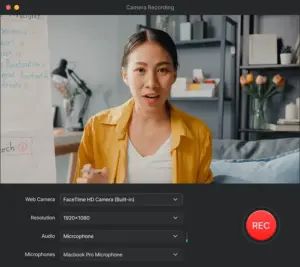
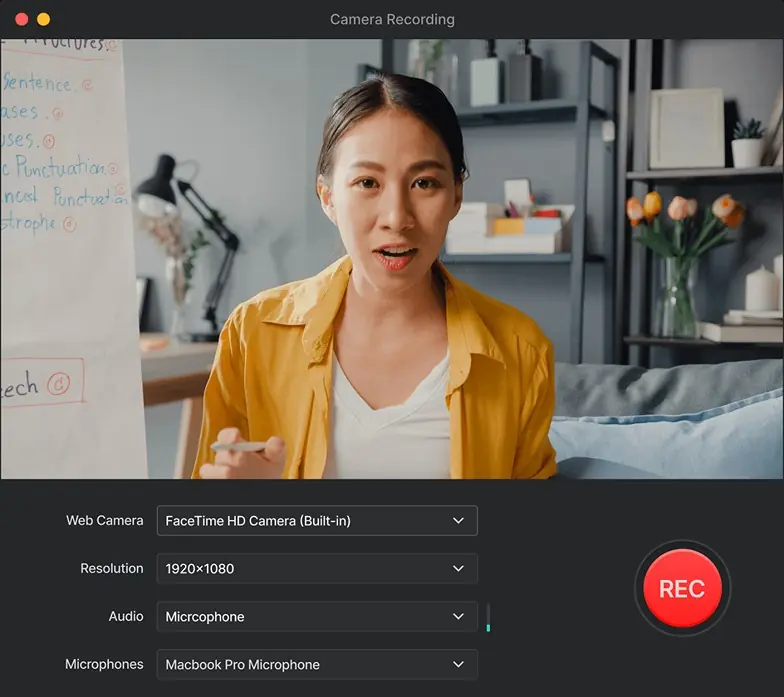
  • Record your webcam alongside your screen to create more engaging tutorials, presentations, and demos.
  • Record your camera alone when you only need a webcam recording.
<b>SurFlex Screen Recorder UI</b>

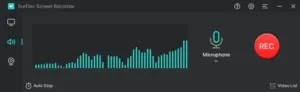
Audio & Voice Recording:

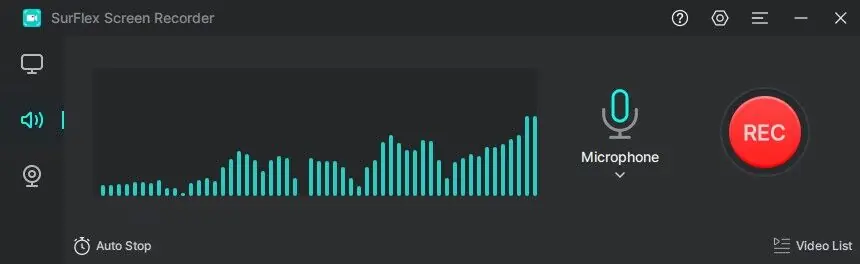
  • Choose from four audio recording modes: system audio, microphone, both system audio and microphone, or no sound.
  • Create professional-grade audio recordings for podcasts, voice-overs, and other audio projects.
<b>Auto Stop Option</b>

Automated Recording & Quick Captures:

  • Automatically stop recordings when they reach a specified file size or recording time.
  • Take screenshots while recording to capture important moments instantly.
<b>Record Selected Screen</b>

Export & File Formats:

  • Export recordings in 10+ video and audio formats.
  • Save recorded video and audio files in multiple supported formats for easier playback, editing, and sharing.

Why Choose SurFlex Screen Recorder?

  • Record your screen in high quality to create tutorials, presentations, demos, and workflow videos.
  • Add your webcam to screen recordings to make lessons, walkthroughs, and presentations more engaging.
  • Capture system audio and microphone input to create complete, easy-to-follow recordings.
  • Turn complex processes into simple visual tutorials that anyone can follow.
  • Record gameplay and create engaging gaming content without complicated setups.
  • Create professional product demos to showcase software, websites, and digital products.
  • Record meetings and presentations so you can review, share, or repurpose them later.
  • Capture bugs and technical issues on video to make troubleshooting and support easier.
  • Create screen-based content faster without switching between multiple recording tools.
  • Record once and reuse your videos for training, onboarding, customer support, courses, or social content.
 

Specifications:


Supported OS:

  • Windows 7, Windows 8, Windows 8.1, Windows 10, and Windows 11
  • macOS 10.15 and later
 

Supported languages:

  • EN, DE, ES, FR, IT, JA, KO, NL, PT, ZH-TW, ZH-CN
 

Latest version:

  • Mac: 2.0.2
  • Windows: 2.0.2

Best For:

  • Agencies
  • Content Creators
  • Digital Marketers
  • E-commerce Brands
  • Educational Trainers
  • Filmmakers
  • Freelancers
  • Movie & Video Enthusiasts
  • Online Course Creators
  • Podcasters
  • Video Editors
  • Webinar Hosts

Choose Your Plan

Windows Most Popular
Windows
Most Popular Original price was: $65.95.Current price is: $24.99.
Mac
Original price was: $69.95.Current price is: $29.99.
With DealClub
$21.24
$65.95
Without DealClub
$24.99
$65.95
Buy Now
Limited Time Deal

Deal Terms

  • Access via redemption of coupon code
  • 30-Day Coupon Code Validity
  • One Coupon Code for one user/account
  • Coupon Codes are not stackable
  • For both - New & Existing Users
  • Free Updates
  • Free Support
  • Accessible on Mac & Windows devices - as per the purchased plan

Plans & Features

Choose the perfect plan for your needs.

Plans & Features
Windows
Mac
$65.95 $24.99
Buy Now
$69.95 $29.99
Buy Now
One-time Fee
Lifetime free upgrades
Price does not include TAX
Plan 1 of 2

Windows

$65.95 $24.99
Buy Now
30-Day Refund | Lifetime Access | One-Time Payment
  • One-time Fee
  • Lifetime free upgrades
  • Price does not include TAX

Frequently Asked Questions

Find answers to common questions about SurFlex Screen Recorder

Does SurFlex support 4K recording?

Yes. You can record your screen in original quality, including up to 4K.

Can I record a specific part of my screen?

Yes. Capture your full screen, a selected region, app window, or File Explorer.

Can I record system audio and my microphone?

Yes. Choose system audio, microphone, both, or record without sound.

Can I take screenshots during a recording?

Yes. Capture important moments as screenshots while recording.

Can recordings stop automatically?

es. Set recordings to stop automatically based on time or file size.

How many export formats are supported?

You can export your video and audio recordings in 10+ formats.

Does it use GPU acceleration?

Yes. GPU acceleration helps speed up recording while using system resources efficiently.

Customer Feedback

Customer Reviews (0) Customer Q&A (0)

No Reviews Yet

Be the first to try this deal and share your experience.

You must purchase this product to leave a review.

Be The First To Ask

Get clarity before you buy—your question might help others too.

×

You Might Also Like

Floweb - Floating Browser For Mac & Windows | Lifetime Access

Floweb - Floating Browser For Mac & Windows | Lifetime Access

, , , , , , , ,

BLAZE Quantum - File Sharing Software | Annual Subscription

BLAZE Quantum - File Sharing Software | Annual Subscription

, , , , , , ,

QuitURL - Bitly Alternative For All-In-One Link Management | Lifetime Access

QuitURL - Bitly Alternative For All-In-One Link Management | Lifetime Access

, , , , , , , ,

CactusVPN - Best Secure VPN & Smart DNS | Annual Access

CactusVPN - Best Secure VPN & Smart DNS | Annual Access

, , , , , , ,

Choose Plan
Windows Most Popular
Windows
Most Popular Original price was: $65.95.Current price is: $24.99.
Mac
Original price was: $69.95.Current price is: $29.99.
Buy with DealClub
$21.24 $65.95
Buy without DealClub
$24.99 $65.95

Deal Terms

  • ✓ Access via redemption of coupon code
  • ✓ 30-Day Coupon Code Validity
  • ✓ One Coupon Code for one user/account
  • ✓ Coupon Codes are not stackable
  • ✓ For both - New & Existing Users
  • ✓ Free Updates
  • ✓ Free Support
  • ✓ Accessible on Mac & Windows devices - as per the purchased plan
Scroll to Top