Keep Your Passwords Completely Offline:
- Store your entire vault locally.
- Keep credentials off cloud servers.
- Use SwiftPasswords without an account.
- Avoid recurring subscriptions.
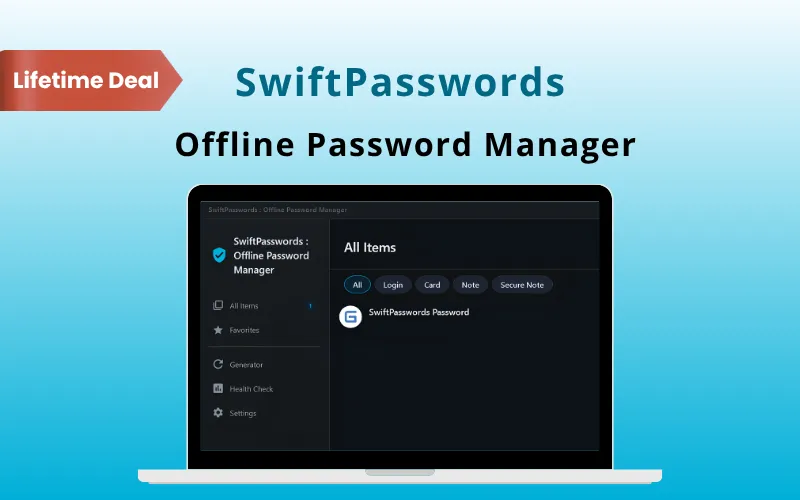
Keeping track of dozens of passwords can be frustrating.
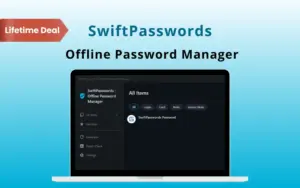
That’s why DealFuel brings you SwiftPasswords – Offline Password Manager.
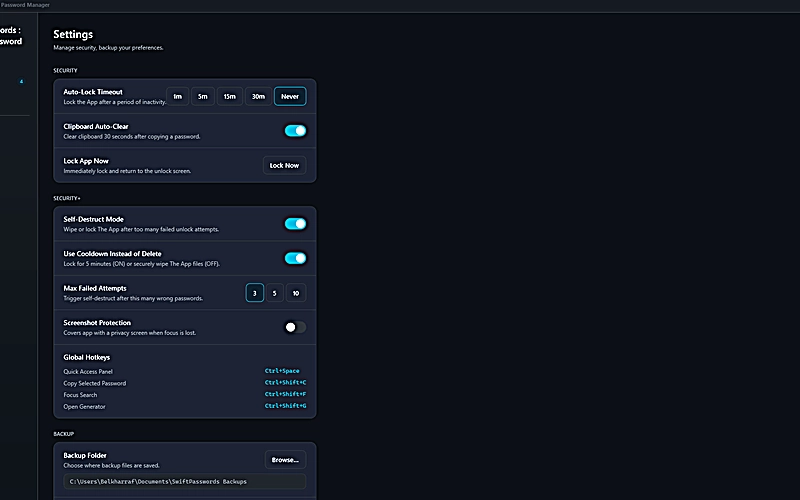
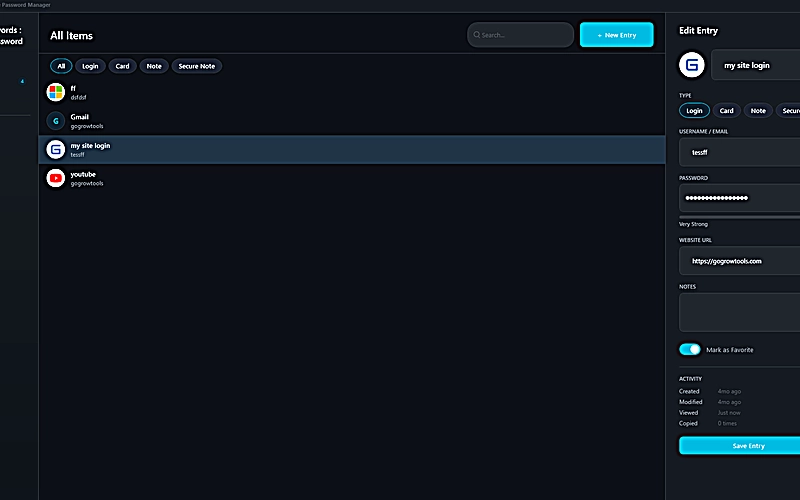
SwiftPasswords stores your entire password vault directly on your Windows computer.
Your credentials stay offline instead of being sent to cloud servers.
With the help of –
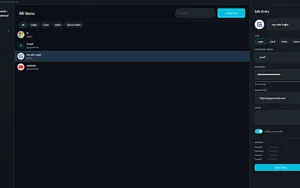
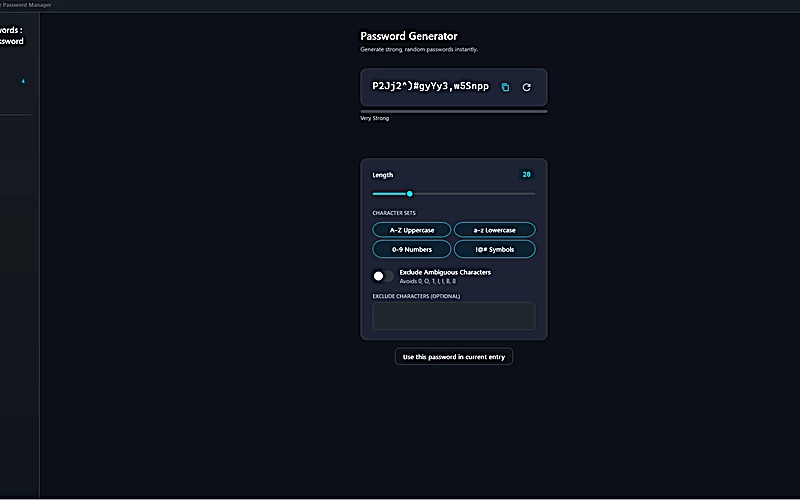
You can protect and access your logins from one simple vault.
Whether you’re –
SwiftPasswords helps you stay organized without monthly fees.

Choose the perfect plan for your needs.
| Plans & Features |
Standard
|
|---|---|
|
$69
$17
Buy Now
|
|
| Personal license |
2 PCs |
| Upgrades |
Free |
| Updates |
Free |
| Free customer support |
Email & Chat |
| Usage rights |
Commercial |
| Access |
Instant download |
| Ready-to-sell setup |
Included |
| Works on |
Windows 10/11 |
| Detailed video tutorials | |
| Verified & malware-free |
Find Answers to common questions about SwiftPasswords
No. SwiftPasswords stores your password vault locally on your Windows computer.
Your vault is protected with AES-256 encryption.
Yes. You can import passwords using CSV or JSON files.
Yes. You can use instant search and fuzzy matching to find entries.
Be the first to try this deal and share your experience.
You must purchase this product to leave a review.
Get clarity before you buy—your question might help others too.
All, Human Assistance, Lifetime, Marketplace, Operating System, Subscription Type, Tools & Software, Utility, Windows
All, Lifetime, Marketplace, Operating System, Subscription Type, Tools & Software, Utility, Windows
All, Human Assistance, Lifetime, Mac-OS, Marketplace, Operating System, Subscription Type, Tools & Software, Utility, Windows
All, Human Assistance, Lifetime, Mac-OS, Operating System, Subscription Type, Tools & Software, Utility, Windows
Deal Terms