Total Video Converter For Mac Pro & Windows | Lifetime Access

TL;DR

  • Convert any video for any device or platform, over 250 formats supported, so playback issues stop being a problem.
  • Get files ready 30x faster with zero quality loss, cutting long render waits out of your workflow.
  • Burn DVDs, merge clips, trim footage, and extract audio in one tool, skipping the need for separate apps.
  • Prep content for YouTube, Instagram, or Apple devices with built-in presets, so exports are ready to upload immediately.

Quick Overview

Alternative to:

  • Any Video Converter
  • Movavi Video Converter

Best for:

  • Agencies
  • Content Creators
  • Freelancers
  • Graphic Designers
  • Video Editors

Compatibility:

  • Browser Support:
    Brave, Chrome, Edge, Firefox, Safari
  • Operating Systems:
    MacOS, Windows

Are you having problems with slow video conversions, managing multiple video formats, or burning DVDs on your Mac? DealFuel has a perfect solution for you –

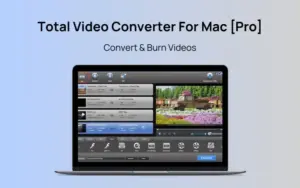
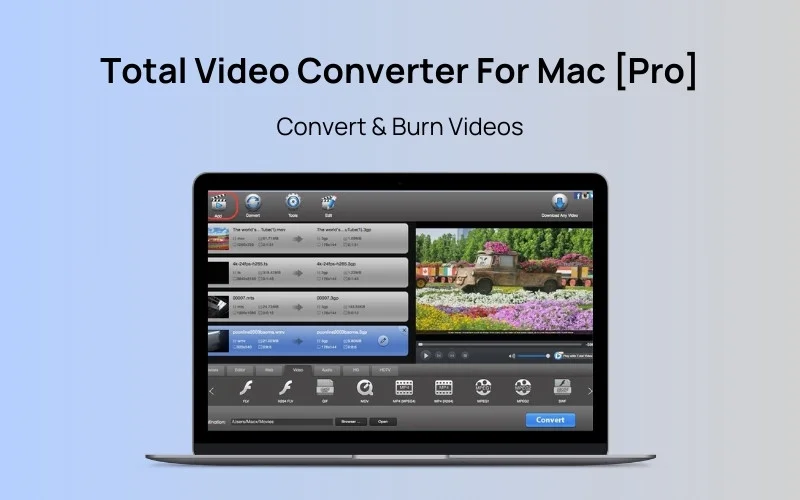
Total Video Converter For Mac Pro & Windows– Convert & Burn Videos.


Total Video Converter is an all-in-one video toolbox designed for both Mac & Windows users to convert and edit videos and burn DVDs at unparalleled speeds. It supports over 250 formats with zero quality loss.


This intuitive and powerful software offers 30x faster conversion speeds. It ensures zero quality loss, allowing users to –

  • Convert videos
  • Edit videos
  • Extract audio
  • Burn DVDs and more.


Whether you need to convert videos to fit specific devices or combine multiple videos into one file, Total Video Converter does it all.

Total Video Converter Features:

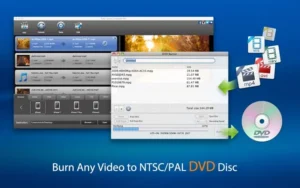
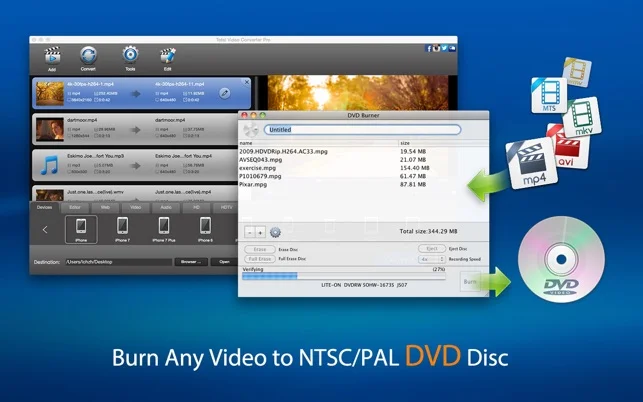
burn-video

Burn Straight to DVD:

  • Burn SD and HD video to NTSC/PAL DVD at top speed
  • Skip third-party burning software entirely
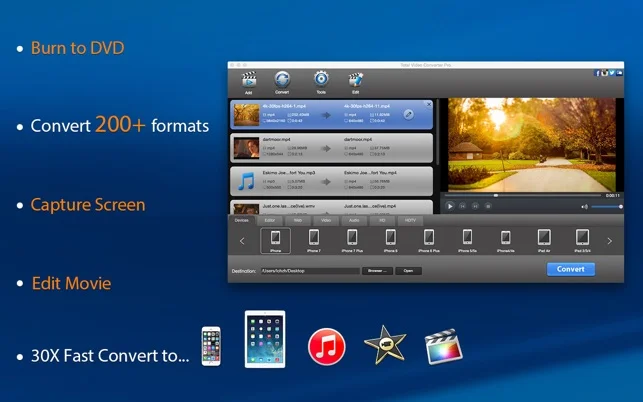
Total-video-converter-pro-features

Convert Any Format, Instantly, Without Losing Quality:

  • Convert videos 30x faster, in batches, with zero quality loss
  • Supports 250+ formats — MOV, MP4, AVI, MKV, FLV & more
  • Ready-made presets for iPhone, iPad, Apple TV, Xbox, Samsung & more
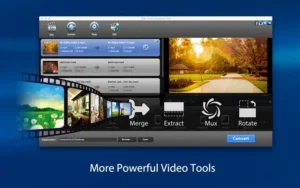
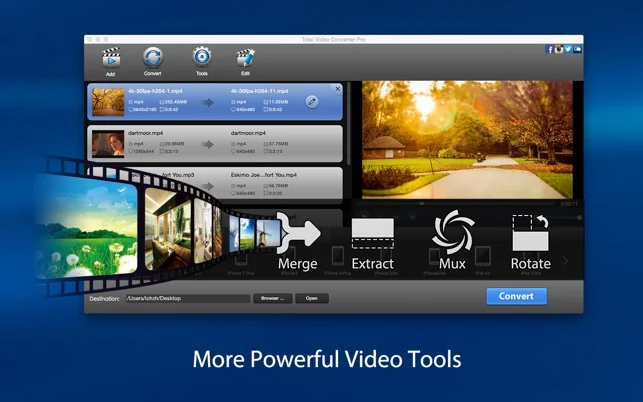
powerful-video-tools

Combine, Trim & Extract Like a Pro:

  • Merge multiple clips into one seamless file
  • Combine separate video and audio into one output
  • Extract lossless audio, or turn any clip into a shareable GIF
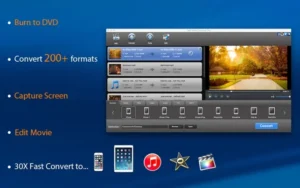
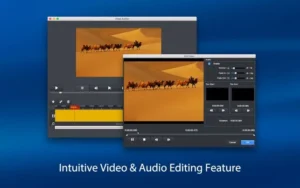
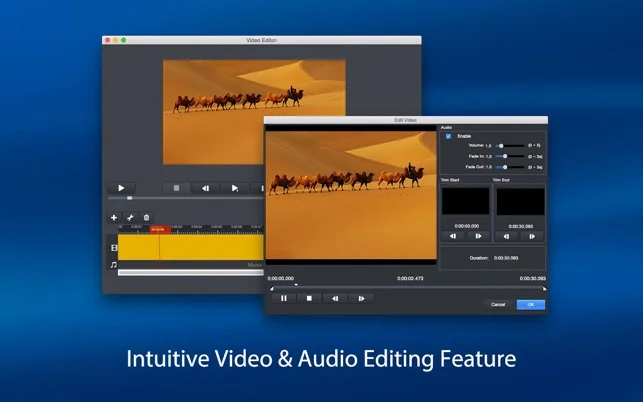
video-and-audio-editing

Edit & Polish, No Experience Needed:

  • Trim, crop & fade in/out with a few clicks
  • Set your exact output resolution (1080p, 720p & more)
  • Add subtitles and effects — no editing skills required

Specifications of Total Video Converter For Mac:

  • Supports – Mac OS X 10.9+
  • Processor: 1G Hz Intel processor
  • RAM: At least 512M physical RAM
  • 5X faster than before on Mac OS 10.9 or later.
  • Support output formats: H265, Apple ProRes.
  • Supports VoiceOver.
  • Support 4K HD video output format.
  • Supports more web formats including YouTube, Instagram, Facebook, Twitter, and Vimeo.

Total Video Converter For Mac Pro & Windows is best for:

  • Agencies
  • Content Creators
  • Freelancers
  • Graphic Designers
  • Video Editors

Choose Your Plan

Mac Most Popular
Windows
Original price was: $60.00.Current price is: $15.00.
Mac
Most Popular Original price was: $30.00.Current price is: $10.00.
With DealClub
$8.50
$30.00
Without DealClub
$10.00
$30.00
Buy Now
Limited Time Deal

Deal Terms

  • Access via redemption of coupon code
  • 30-Day Coupon Code Validity
  • One Coupon Code for one user/account
  • Coupon Codes are not stackable
  • For New Users Only
  • Free Updates
  • Free Support
  • Accessible only on Windows & Mac - Desktop & Laptop

Customer Testimonials

"This program just does what it promises: convert video/audio, edit video, combine videos, extract video and audio, and even multiplex video and audio. It’s a must for Mac users."

-Precious Alisia

"Now that I have this program, everyone in my family comes to me to put their converted camcorder and iPhone movies YouTube. Because the function is so easy, I really don’t mind - it's even kind of fun!"

-Samara Deidra

Plans & Features

Choose the perfect plan for your needs.

Plans & Features
Windows
Mac
$60 $15
Buy Now
$30 $10
Buy Now
Convert to 250+ Formats
Video Combiner
Video Extractor & Editor
Plan 1 of 2

Windows

$60.00 $15.00
Buy Now
30-Day Refund | Lifetime Access | One-Time Payment
  • Convert to 250+ Formats
  • Video Combiner
  • Video Extractor & Editor

Frequently Asked Questions

Find Answers to common questions about Total Video Converter For Mac

How many formats does it support?

It supports more than 250 video and audio formats.

Can I convert videos in batches?

Yes. Total Video Converter supports batch video conversion.

Can I convert videos to MP4?

Yes. It supports MP4 conversion from many supported input formats.

Does it support YouTube and Facebook videos?

Yes. It supports formats and output options for platforms including YouTube, Facebook, and Vimeo.

Customer Feedback

Customer Reviews (0) Customer Q&A (0)

No Reviews Yet

Be the first to try this deal and share your experience.

You must purchase this product to leave a review.

Be The First To Ask

Get clarity before you buy—your question might help others too.

×

You Might Also Like

ImageMagik - AI Picture Enhancer | Lifetime Access

ImageMagik - AI Picture Enhancer | Lifetime Access

, , , , , , ,

Projects Complete Edition - Transform Your Photos With Powerful Editing Tools

Projects Complete Edition - Transform Your Photos With Powerful Editing Tools

, , , , , , , , ,

1.0 (1)
Analog Projects 4 Pro - Digital To Analog Photo Editing Tool | Lifetime Access

Analog Projects 4 Pro - Digital To Analog Photo Editing Tool | Lifetime Access

, , , , , , ,

VideoProc Converter AI - Tool To Enhance Media | Lifetime Access

VideoProc Converter AI - Tool To Enhance Media | Lifetime Access

, , , , , , , ,

Choose Plan
Mac Most Popular
Windows
Original price was: $60.00.Current price is: $15.00.
Mac
Most Popular Original price was: $30.00.Current price is: $10.00.
Buy with DealClub
$8.50 $30.00
Buy without DealClub
$10.00 $30.00

Deal Terms

  • ✓ Access via redemption of coupon code
  • ✓ 30-Day Coupon Code Validity
  • ✓ One Coupon Code for one user/account
  • ✓ Coupon Codes are not stackable
  • ✓ For New Users Only
  • ✓ Free Updates
  • ✓ Free Support
  • ✓ Accessible only on Windows & Mac - Desktop & Laptop
Scroll to Top