Have a file that won’t open, shows errors, or has suddenly become corrupted? Recovering such files manually can be frustrating and time-consuming.
Fortunately, you don’t have to start from scratch. Kernel Document Repair Bundle for Windows helps you quickly recover damaged PDF, Excel, Word, and PowerPoint files.
What Is Kernel Document Repair Bundle?
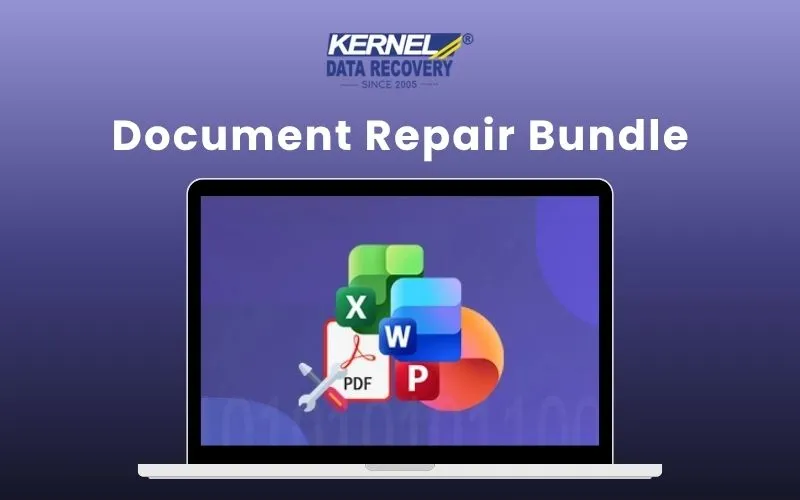
Kernel Document Repair Bundle for Windows is a complete file repair toolkit.
It helps you repair corrupted PDF, Excel, Word, and PowerPoint files, all from a single trusted suite.
This bundle includes:
- Kernel for PDF Repair – Repair damaged, broken, and inaccessible PDF files.
- Kernel for Excel Repair – Recover corrupted Excel workbooks, worksheets, and spreadsheets.
- Kernel for Word Repair – Restore damaged Word documents while preserving important content.
- Kernel for PowerPoint Repair – Recover corrupted presentations, slides, images, and formatting.
Whether you’re restoring a single document or multiple files, these tools help you recover your data quickly while preserving as much of the original content and formatting as possible.
Here’s how you can recover your files in just 4 simple steps –
- INSTALL the appropriate Kernel repair tool for your file type.
- ADD the corrupted file(s) you want to repair.
- START THE REPAIR process and let the software recover your data.
- PREVIEW (where supported) and save the repaired file to your preferred location.
These file repair tools help you recover important documents rather than recreate them.
This saves you hours of manual work and helps you get back to work faster with an easy repair process.