



Freelancers face a unique challenge in managing time across multiple projects and clients.
Effective time tracking is essential to boost productivity, accurately bill clients, and organize projects.
With a reliable time-tracking tool, freelancers can better focus, avoid burnout, and gain insights into their working patterns.
Here’s a rundown of the best time tracking software for freelancers in 2026, with top features, pricing, and key benefits.
Importance of Time Tracking for Freelancers:
Time tracking is critical for freelancers for several reasons:
- Increased Productivity: Tracking time allows freelancers to identify distractions, prioritize work, and focus on what matters.
- Better Project Management: With time tracking, freelancers can keep their projects organized, ensuring that deadlines are met and workloads are balanced.
- Accurate Billing: Time tracking enables freelancers to precisely log hours for each client, leading to accurate invoicing and transparent billing.
- Improved Rate Setting: Tracking time helps freelancers assess the effort needed for different projects, allowing them to estimate more accurately and set competitive rates.
Now, let’s dive into five best time tracking software options tailored to the needs of freelancers.
Best Time Tracking Software
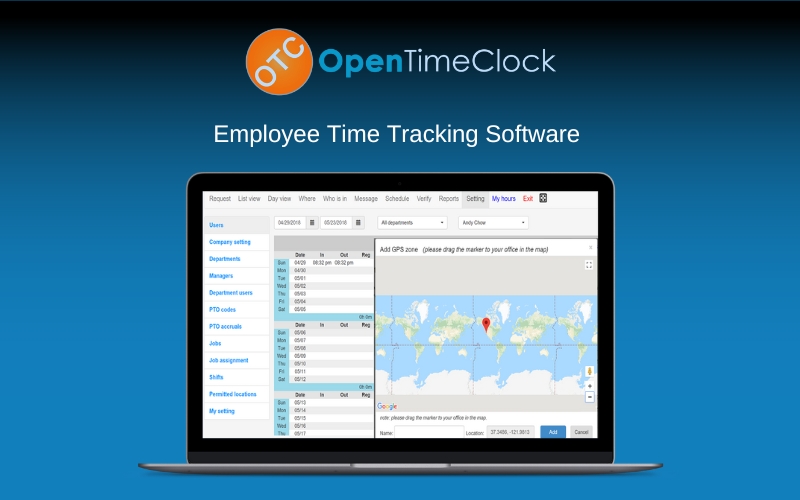
Open Time Clock is a straightforward, user-friendly time tracking tool designed to help freelancers and businesses track work hours and attendance.
Key Features Of Open Time Clock:
- Time and attendance tracking
- GPS location tagging for remote work verification
- Facial recognition & GPS tagging.
- Comprehensive PTO & absence management
- Seamless payroll & project tracking
Pros and Cons:
- Pros: Easy setup, good for remote teams, affordable pricing
- Cons: Limited integrations, no invoicing feature
Price : $319 | Annual Deal
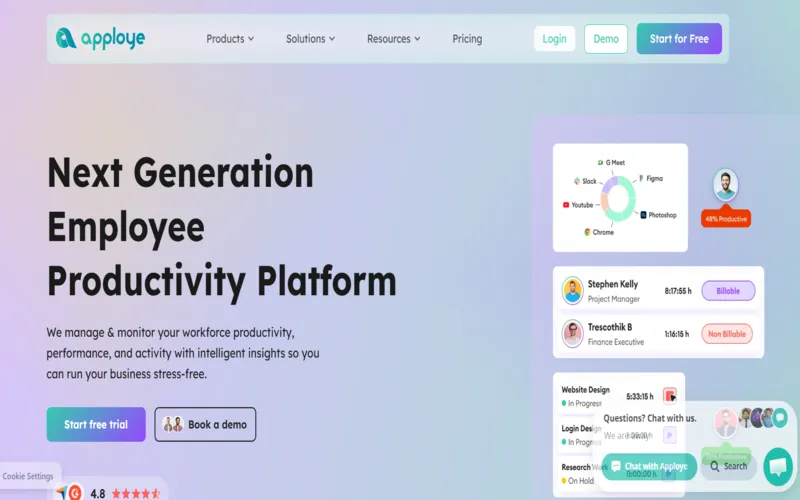
Apploye is a next-generation employee productivity and monitoring platform designed for remote, hybrid, and in-office teams.
It provides deep visibility into workforce activities through automated time tracking & screen monitoring.
Key Features Of Apploye:
- Precise work hours and employee attendance tracking.
- Random screenshots and video work session captures.
- Application and URL usage monitoring during work.
- Productivity measurements based on keyboard and mouse activity.
- Automated project budgets and client invoice management.
Pros and Cons:
- Pros: Accurate insights, affordable, offline tracking
- Cons: Rigid idle detection, limited integrations, steep learning curve
Price : $54 | Annual Deal
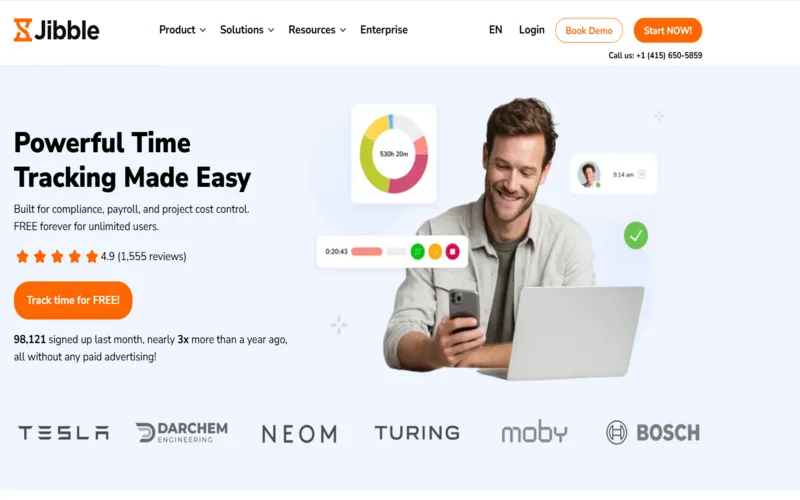
Jibble is a time & attendance tracking solution designed to automate work hour logging, prevent payroll fraud, & simplify project cost management.
It uses AI-powered features like face recognition and GPS geofencing to eliminate time fraud making it a reliable choice.
Key Features Of Jibble:
- AI-powered facial recognition for secure clock-ins.
- Real-time GPS tracking and geofenced work zones.
- Offline mode with automatic data synchronization.
- Instant, payroll-ready timesheet and report generation.
- Multi-device accessibility across mobile, desktop, and tablets.
Pros and Cons:
- Pros: Extremely user-friendly, robust free version, excellent support
- Cons: Limited advanced scheduling, notification delays, basic project reporting
Price : $239 | Annual Deal
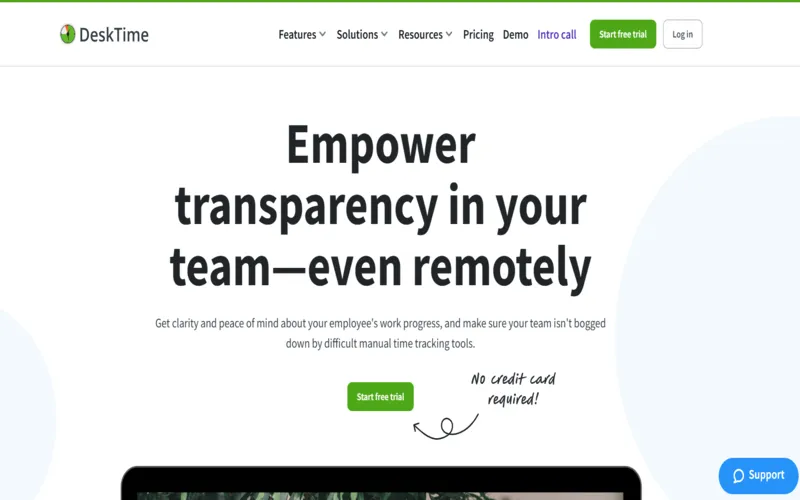
DeskTime is a fully automated time tracker & productivity management solution designed for transparency in remote, hybrid, & in-office teams.
It operates seamlessly in the background to log work hours, app usage, & document titles without manual intervention, helping optimize team efficiency.
Key Features Of DeskTime:
- Automatic start and end time logging.
- Productive versus unproductive activity categorization.
- Detailed URL and document title tracking.
- Periodic screenshots for proof of work.
- Integrated shift scheduling and absence calendars.
Pros and Cons:
- Pros: Effortless automation, Pomodoro reminders, robust reporting
- Cons: Intrusive monitoring, inaccurate idle detection
Price : $47 | Annual Deal
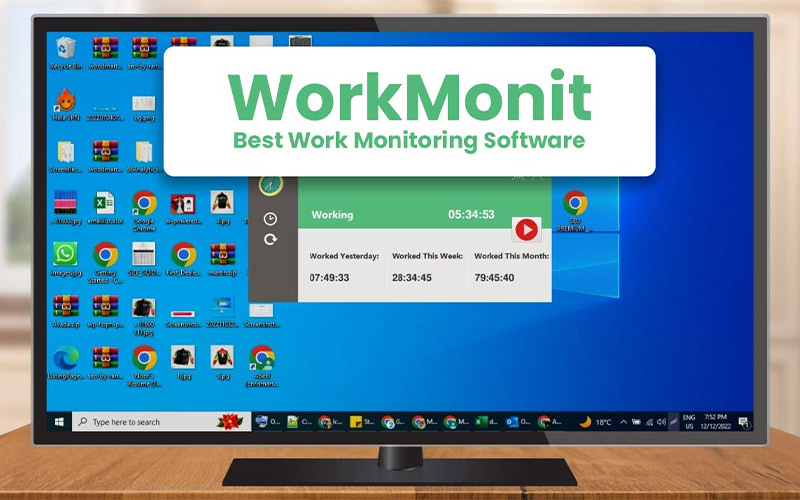
WorkMonit is primarily designed for employee monitoring, but freelancers can leverage its screen monitoring and time tracking features to stay productive.
Key Features Of WorkMonit:
- Real-time screen monitoring
- Activity logging and detailed reports
- Productivity assessment tools
- Real-time activity dashboards for remote oversight.
- Detailed reports on idle time and app usage.
Pros and Cons:
- Pros: Comprehensive activity monitoring, productivity-focused
- Cons: Screen monitoring may not suit freelancers focused on privacy
Pricing – $79 – $1799 | Lifetime Deal
Conclusion:
For freelancers, time tracking is indispensable for staying organized, boosting productivity, and ensuring accurate client billing.
Each of these five tools offers unique features, so consider your workflow and preferences when choosing the right one.
Try one or more of these tools, and start tracking your way to a more productive freelancing career.


