



With the explosion of video content on platforms such as Instagram, TikTok, YouTube, and even websites, people are seeking easier and smarter ways to create professional-looking videos.
We all know in this digital world, producing good-quality video on a consistent basis is so important for content creators to keep their game up. That’s why platforms like Instagram, Snapchat, Google Photos and many others are leveraging advancements in AI technology to transform video production. This enables the creators to focus on storytelling instead of getting caught up in technical challenges.
So, to help you choose the right tool in the sea of AI video editing software, we’ve created this article to explore the top AI tools available in 2026. We’ve highlighted their standout features and pricing options, making it easier for you to find the perfect solution for your video editing needs.
What Are AI Video Editing Tools?
AI video editing tools are software that use artificial intelligence to automate and enhance video editing tasks, such as cutting, color correction, and adding effects.
Having AI video editing tools by your side is like having a smart assistant that helps you edit faster with less effort. Tasks like cutting clips, adding transitions, and syncing audio can be easily automated by video editing software using artificial intelligence. These tools can recognize different scenes, make smooth cuts and transitions, and even improve the video quality with just a few clicks.
Think of it this way: In the traditional method, you’d have to go through each footage for hours, manually select the best parts, select suitable audio, and adjust everything frame by frame.
But with AI, the software does all the heavy lifting. For example, it can adjust colors to make the video vibrant, stabilize shaky footage, and even track moving objects in the video.
The best thing about AI video editing tools is that even beginners can produce professional videos using their user-friendly interfaces and smart features.
Why Should You Use AI Tools For Video Editing?
Using AI tools for video editing brings many advantages that can be a real game changer for you. Here’s why you should consider jumping on the AI bandwagon-
- Speed and Efficiency: Now, who doesn’t want to save time? One of the best things about AI is these tools can handle repetitive tasks like scene detection and syncing audio. This means you can finish your edits way faster than with traditional methods.
- Enhanced Creativity: One needs to be creative to produce quality videos. Another cool thing about AI is that it doesn’t just do the boring stuff. AI video editing tools can suggest effects, transitions, and even music that fits your vibe. This way, you can give your videos that professional touch without spending hours figuring things out.
- Precision: Now, when it comes to cutting and transitioning, AI does it with impressive accuracy. This means your final video will look smooth and well put together, helping you tell your story just the way you want.
- Accessibility: The best part? These tools are super user-friendly. You don’t need to be a pro editor to make amazing videos. Even if you’re just starting out, you can create content that looks polished and high-quality. For example, you can use Happy Scribe to add subtitles to video, making your content more accessible to global audiences without extra effort.
Factors to Consider When Choosing an Online Video Editing Tool
When selecting an AI video editing tool, it’s essential to keep the following factors in mind:
- Easy-to-understand features: Professional users may prefer complex video editing software with extensive customization options.
- AI Automation Features: Make a list of all the AI features you need, and then choose the tool accordingly. For example, tools with motion tracking, video stabilization, and AI-driven effects can save significant time and effort.
- Compatibility: Make sure the tool is compatible with your operating system (Windows, Mac, or both). If you need to edit videos on the go, you should consider mobile support.
- Pricing: Compare the prices and check whether the tool offers a free trial or a subscription model that fits your budget. Some tools have one-time purchase options, while others may require ongoing payments.
- Customer Support: Check the level of customer support available, especially if you’re relying on the tool for professional projects.
Top 14 AI Video Editing Tools in 2026
Now that we’ve covered the key factors to consider when buying an AI video editor, let’s explore seven of the best AI-powered video editing tools for 2026:
1. MovieMator Video Editor
2. Streamr – AI Video Transcription Software
3. Filmage Converter – Media Converter – Media Converter & Extractor
4. Beecut – Video Editor
5. InkSprout – AI Text to Video Generator
6. YouCamVideo – AI-Powered Video Face Editor
7. Veed – Video Editor
8. WonderFox HD Video Converter
9. Filmora Wondershare
10. Invideo
11. Animaker
12. VSDC Video Editor
13. CyberLink PowerDirector 365
14. VideoProc Converter AI

MovieMator Video Editor is a powerful tool designed for both Mac and Windows users. It offers a wide range of advanced video editing capabilities, with the added benefit of AI-powered features for scene detection and color correction.
Key Features:
- Supports 200+ media formats and all devices
- Includes 40+ stunning filter
- Helps you import music unlimited video and audio tracks
- Enables you to create amazing video transitions and effects
- Provides keyframes, animation, and more.
Pricing: $14.99 | Lifetime Access
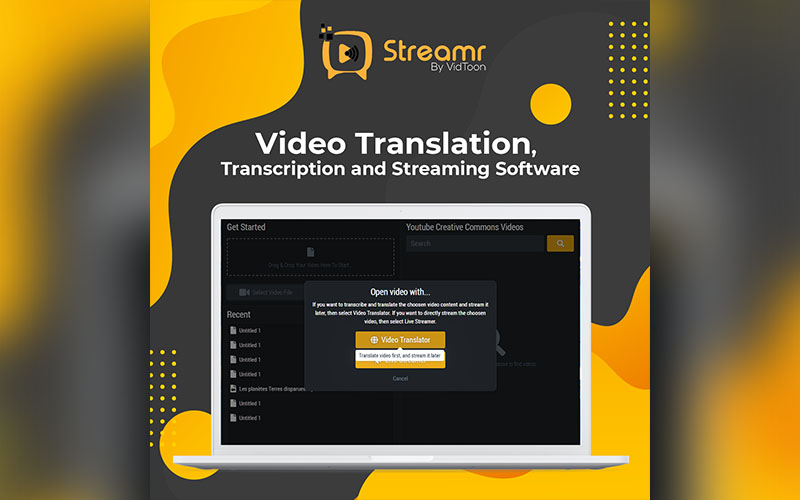
Streamr is an AI-powered tool for automatically transcribing video content. If you create content that requires subtitles and captions, this tool is perfect for you.
This tool is a jackpot as it has some amazing features like video transcription, video translation, caption generation, voiceover, and so much more.
Key Features:
- Provides live streaming
- Provides AI video transcription with real-time subtitle generation.
- Allows you to export and import SRT files
- Allows you to upload unlimited videos and audio
- Helps you customize the subtitle’s colors, shadow style, and more.
Pricing: $19.5 | Lifetime Access
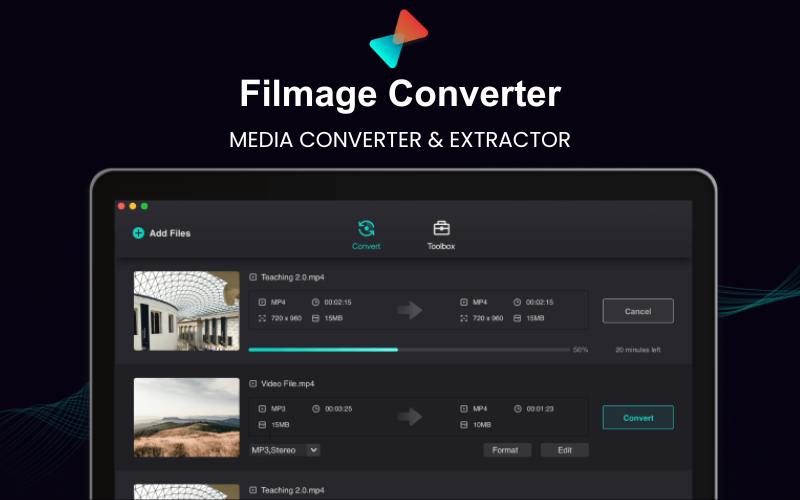
Filmage Converter is a versatile media converter, merger, and extractor tool for Mac.
With this online video editor, you can transform your videos into beautiful films, keeping all the details intact.
One of its best features is that it helps you convert videos to any format and also converts video to audio.
Key Features:
- Helps you convert HD and 4k videos without quality loss.
- Provides you with an easy drag-and-drop function for batch converter
- Allows you to convert audio to MP3 / WAV / AAC / FLAC
- Allows you to merge more than one video/audio into one.
- Helps you convert any videos to MP4, MOV, 3GP, VOB, MKV, M4V, WMV, AVI, MPG, FLV, F4V, SWF, and TS.
Pricing: $5.99 | Lifetime Access
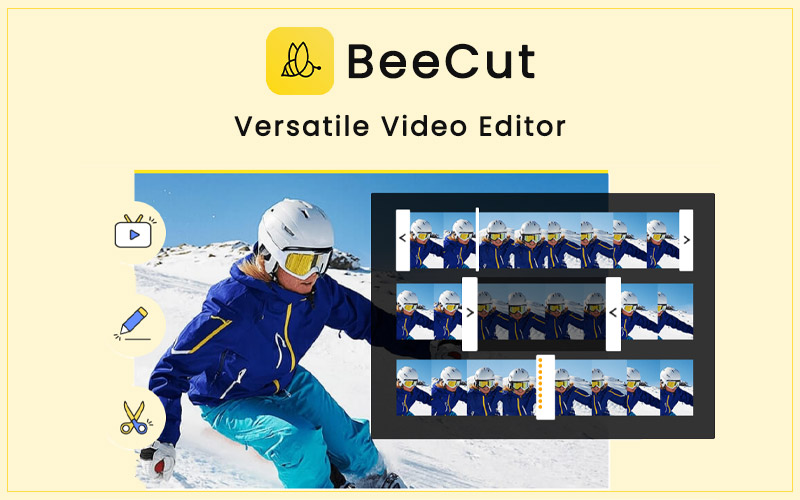
BeeCut is an easy yet powerful AI tool for video editing, making it ideal for beginners as well as professionals.
It helps you transform your videos with its comprehensive video tools, extensive effects library, and support for various formats.
Key Features:
- Provides you with a variety of filters and effects to create polished videos.
- Allows you to view your edits in real-time
- Helps you create smooth transitions with seamless visual flow.
- Allows you to easily share your videos on Facebook, YouTube, and Instagram.
- Provides you with advanced video editing tools that help you cut, trim, merge, and crop your videos.
Pricing: $41 | Lifetime Access

InkSprout stands out as an AI tool that helps you convert written content into videos.
If you are a marketer or a business looking to repurpose your blogs, online content, and articles into video format, then this tool is ideal for you.
It uses just three easy steps to function –
All you have to do is-
- Enter your favorite blog URL
- Allow the AI to summarize your content
- Voila, your AI-generated videos are ready!
Key Features:
- Provides customization options for captions, multi-platform content sharing, and automated campaigns
- Supports LinkedIn, Instagram, and Facebook integration
- Allows YouTube to set drip campaigns
- Allows you to schedule social media posts
Pricing: $89 – $199 | Lifetime Access
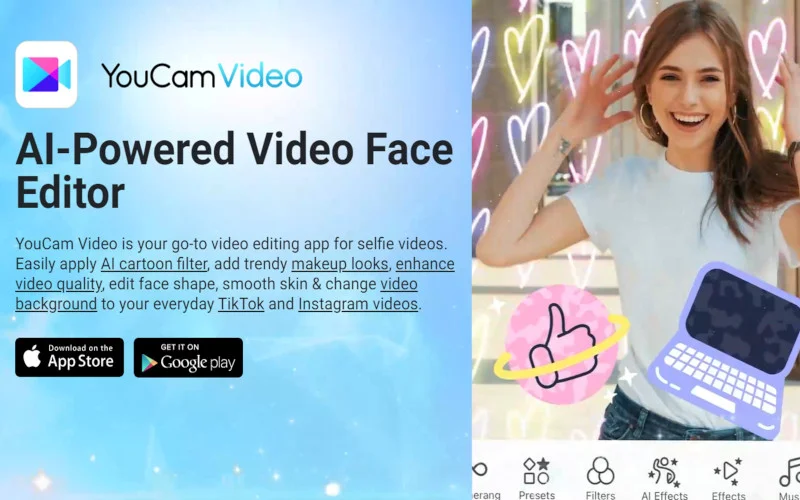
- Provides AI-powered video quality enhancement
- Provides makeup, face, and body editing tools
- Includes background removal and color correction
- Includes creative AI tools like cartoon filters and face swap
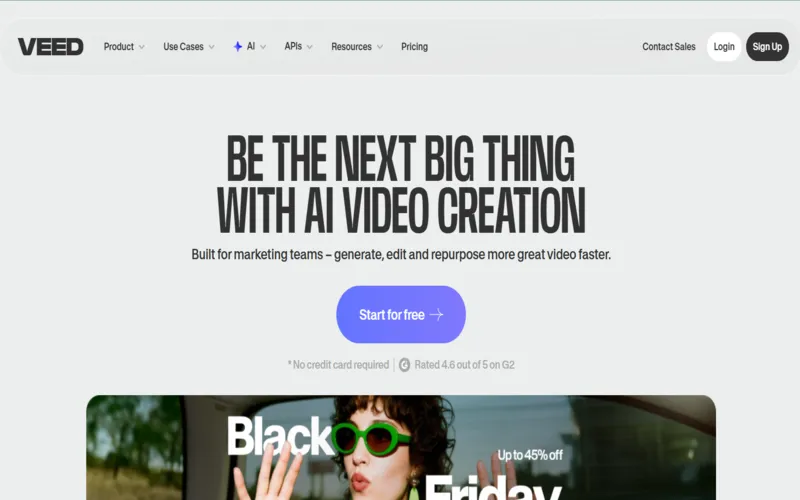
VEED is a versatile browser-based AI video editor that empowers creators to generate, edit, and polish videos seamlessly. It balances simplicity and power so both beginners and pros can build compelling content in minutes.
Key Features
- Includes intuitive drag-and-drop video editor with trimming, cropping, and resizing.
- Offers auto-subtitles and transcription in over 100 languages using AI.
- Includes an Image to Video AI that converts images and text prompts into animated video sequences.
- Includes AI avatars and AI Voice Cloning to generate custom voiceovers or clone voices for characters.
- Uses clean audio tools and eye-contact correction for more professional footage.
- Uses screen and webcam recorder for capture and tutorial-style content.
- Includes brand kit support: custom colors, logos, fonts, and templates to keep your videos consistent.
Pricing: $0 – $24/month
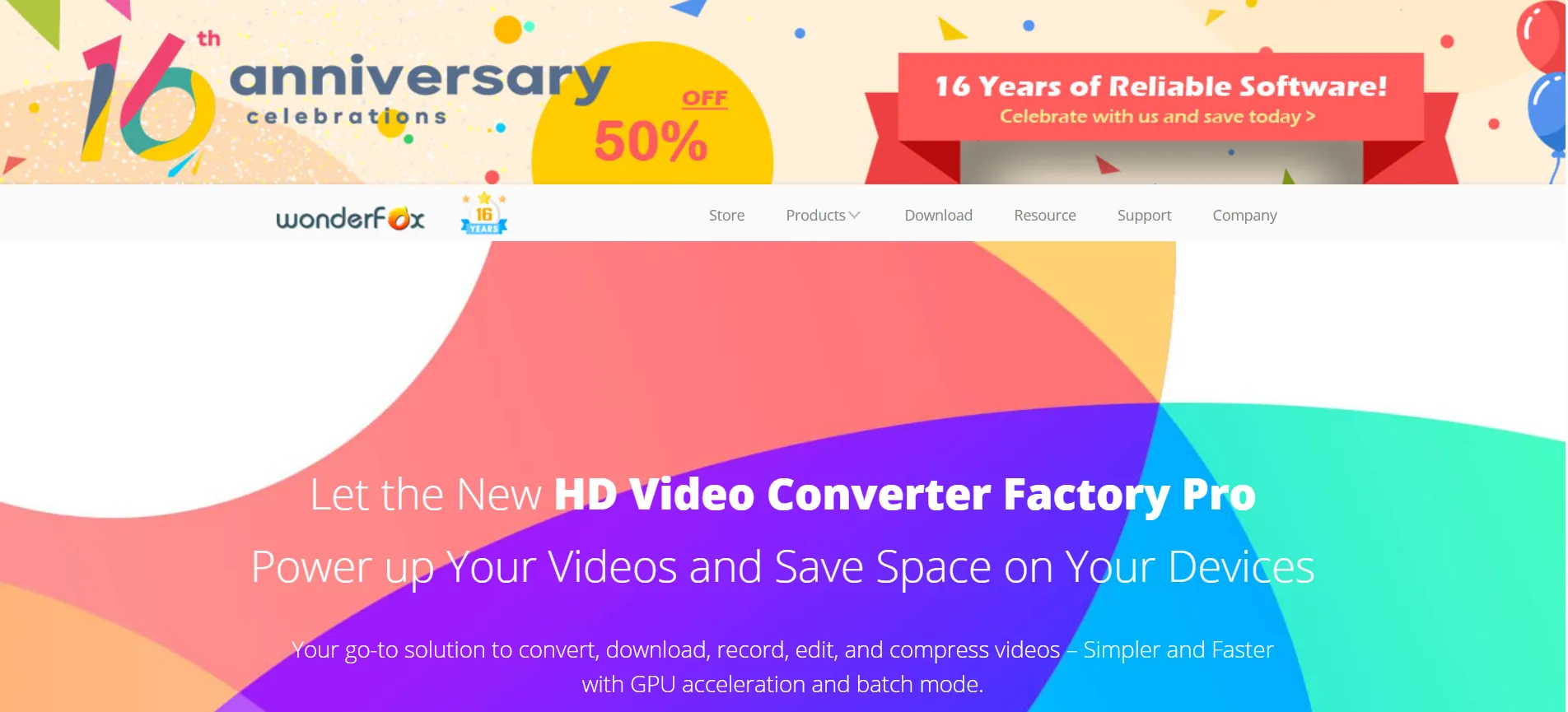
WonderFox HD Video Converter is a multilingual and all-in-one video processing software. It mainly focuses on video converting, video editing, video encoding, video recording, video downloading, and more. WonderFox HD Video Converter stands out from varied HD video converters and achieves better quality output.
Key Features
- Allows conversion of low-res videos to hi-res
- Provides 50X faster conversion speed to convert huge videos in minutes
- Let’s you convert a whole batch of audio and video files at once
- Provides an output file in a smaller size while keeping the original in HD
- Adds effects, trim, crop, merge, and rotate videos
- Allows split-screen to put and play 2 videos side-by-side.
- Allows adding an image or brand name for a watermark
- Captures and records the screen with a screen recorder
- Create GIFs from videos and pictures
Pricing –
– 1 Year Subscription(1 PC): $29.95
– Lifetime License(1 PC): $34.95
– Family Pack(Lifetime, 3 PCs): $59.95
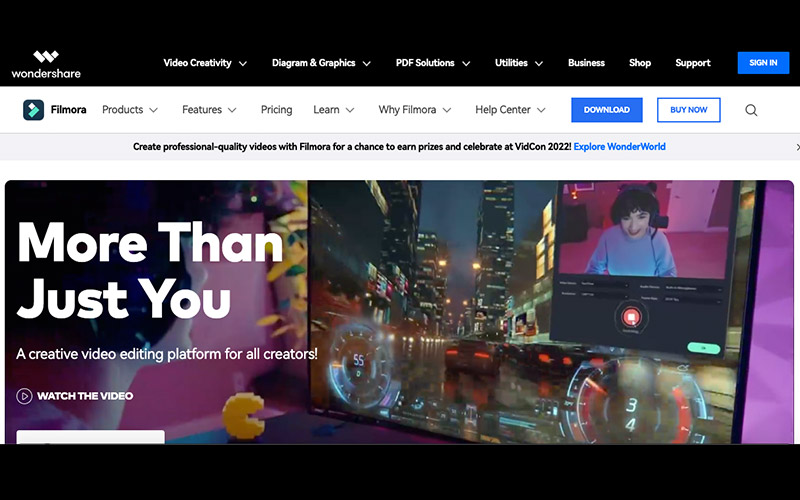
Filmora is a creative video editing platform for all creators. It gives access to royalty-free stock media, visual effects, plugins, etc. You can also access tutorials and tools to create even better videos.
Filmora has some of the best video editing tools, such as Key Framing, Split Screen, Motion Tracking and features like Instant Mode, Preset templates, and Auto Beat Sync to create the best videos.
Key Features
- Includes instant Mode to create a video within a few minutes
- Provides preset templates for easy video creation
- Includes auto beat sync to match music with footage
- Includes features like Speed ramping, keyframing, and split-screen
- Allows motion tracking, screen recording, and auto-reframing
- Includes video effects, green screen, Boris FX, and New Blue FX
- Includes audio visualiser, silence detection, speech-to-text, and text-to-speech
- Allows color match and color correction
Pricing –
– Month Plan: $9.99
– Annual Plan: $24.99
– Perpetual Plan: $39.99
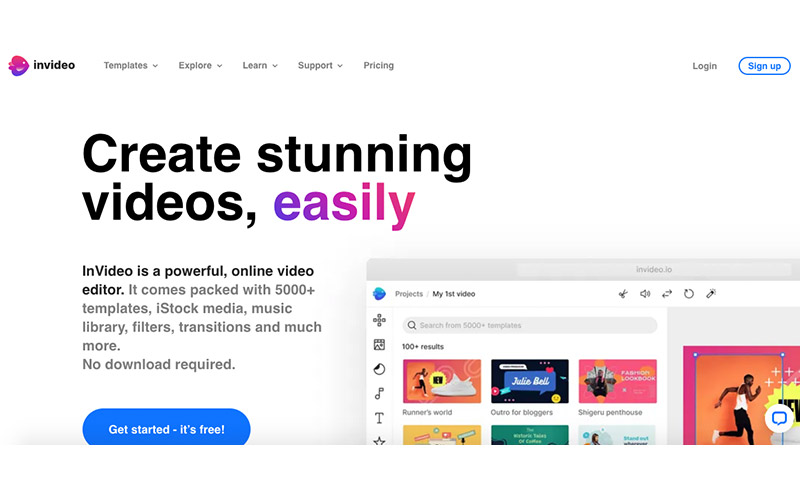
Invideo is an easy online video editor for marketing videos. What completely sets Invideo apart from other software is that it is hosted on the cloud. You don’t have to worry about downloading it or losing your progress.
You get access to 4000+ video templates and 8 million+ stock media, so you can work seamlessly as a beginner.
Key Features
- Provides access to tons of editable video templates.
- Provides access to 8 million+ stock media.
- Allows you to trim, crop, and add transitions, stickers, and text to your videos.
- Let’s you edit the audio using trim, fade in & out, loop, & voiceover features.
- Allows you to create multiple brand kits and apply them to several videos with a single click
- Let’s you create, edit, and share videos together with your team members
- Let’s you use attractive animations like slide, blur, bounce, disco, and more
Pricing –
– Free: $0
– Business: $15/month
– Unlimited: $30/month
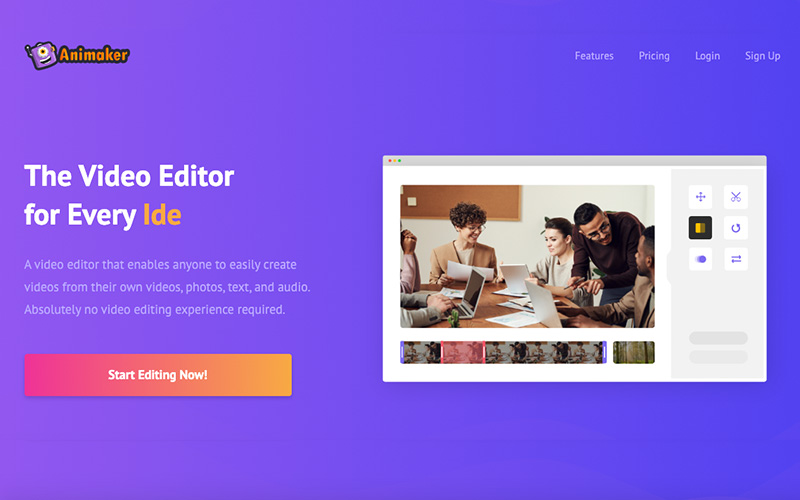
Animaker is video editing software that lets you create videos from your own photos, videos, text, and audio. It is easy-to-use software, so anyone can make a video without any experience in the field.
Animaker is a lightweight app that works in your web browser and offers a simple drag-and-drop feature for creating and editing videos.
Key Features
- Runs on a powerful HTML5 engine
- Includes tons of professionally crafted templates ready to customize
- Home to the largest video asset library
- Allows you to create your own characters to spice your videos
- Includes over 20 facial expressions to bring characters to life
- Includes features like auto lip-sync and smart move to help move objects automatically
- Let’s you add subtitles and a watermark to your videos with ease
- Allows upto 20 GB file upload size
- Let’s you work with friends and teammates and create videos in real-time
- Allows you to export your videos to 100+ social channels
- Let’s you make GIFs out of your videos and export them
- Includes one-click resizing to help you with resizing
Pricing –
– Free: $0
– Basic: $15/month
– Starter: $25/month
– Pro: $43/month
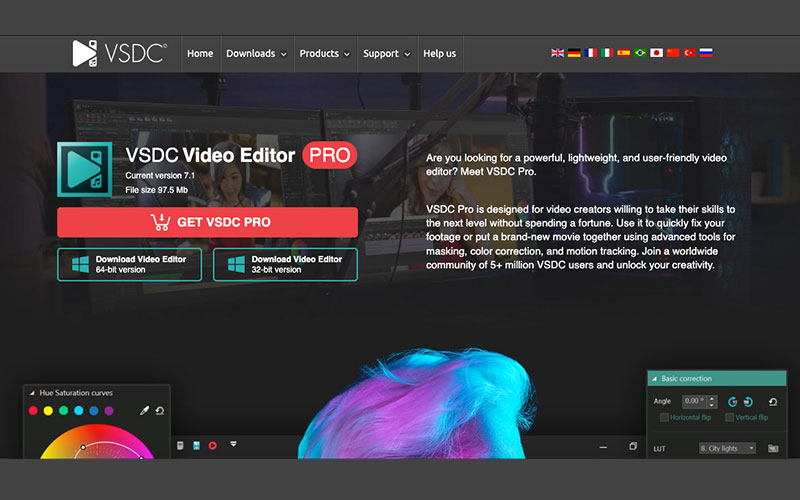
VSDC video editor is a lightweight but powerful user-friendly video editing software. You can use it to fix your footage or can put a brand new movie together using the advanced tools for masking, motion tracking, and color correction. Its features like AI art generator, HSL Chroma Key, Double Speed, etc help in creating perfect videos.
Key Features
- Allows you to attach images and add captions to moving objects in videos with motion tracking feature.
- Let’s you produce stunning music clips by synchronizing effects with sound beat.
- Allows you produce a piece of art with a video using AI art generator
- Helps you remove unwanted colors from video precisely using HSL chroma key
- Includes hardware acceleration to enjoy faster effect processing and rendering
- Let’s you create new compositions with the help of Masking tool
- Allows you to manually adjust effect intensity during the playback
- Helps you achieve slow mo with interpolation mode
- Uses Bezier curves for smooth custome paced animations
- Includes video stabilization to make shaky videos look smooth
Pricing –
– Free: $0
– Pro: $35.26
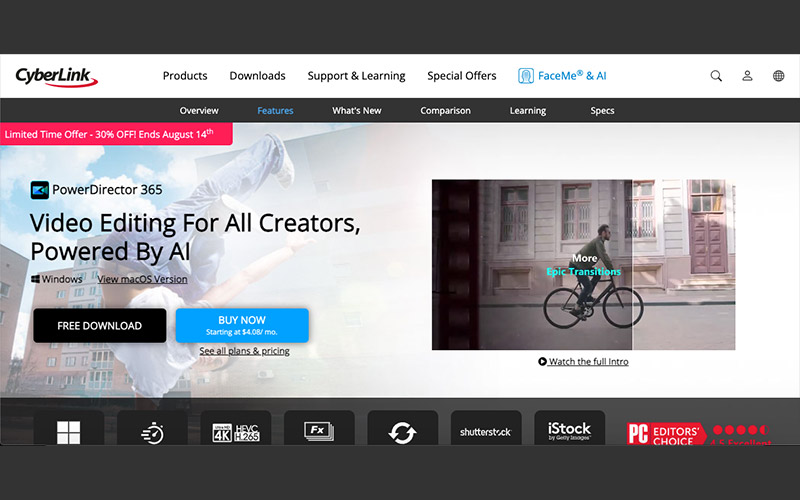
CyberLink Power Director 365 is a video editing software for all and is powered by AI. PowerDirector is one of the fastest video editing systems in terms of rendering. It is also one of the first systems to support 30-degree virtual reality footage.
Key Features
- Helps you ceate effortless shareable video intros
- Helps mask & blenc to create artistic scenes
- Includes keyframing for smooth animated effects
- Includes Chroma key for scenes in impossible locations using green screen effects
- Includes AI motion tracking to add text or images to moving objects in videos
- Provides sky replacement to make sky acoriding to your picture’s need
- Includes transition effect to connect your shots with ease
- Helps match color and add video effects
- Allows screen recording and live streaming
- Includes DeReverb, Fisheye Distortion, Audio ducking
Pricing –
– PowerDirector 365: $51.47/year
– Director Suite 365: $90.08/year
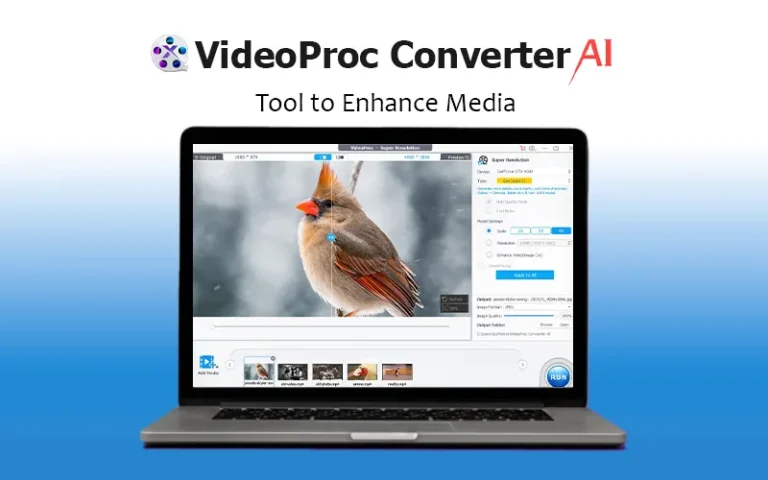
VideoProc is an AI-powered one-stop video processing software. It is the only full GPU accelerated video processing software. It can do loads of different things such as editing, converting, resizing, and adjusting 4K UHD videos. VideoProc can also compress and process your videos, audios and even DVD discs. It is an all-in-all, and a perfect solution.
Key Features
- Let’s you resize, split, cut, merge, crop video and add watermark to images
- Helps you deshake and denoise videos from GoPro and DJI
- Helps you convert video/audio
- Allows you to download videos, playlists, and channels.
- Allows you to capture computer screen and record videos from webcam
- Helps speed up by level 3 hardware accelerator
Pricing: $29.95 | Lifetime Access
AI Video Editing Trends in 2026
The video editing industry continues to evolve rapidly, with AI leading the way. Some key trends in 2026 include:
- Smart Background Removal: You no longer need a green screen. AI can now instantly “cut out” people or objects from any background with one click, letting you place them in a completely different setting.
- Automatic “Shorts” Creator: AI can take a long video (like a 20-minute vlog) and automatically find the funniest or most exciting parts. It then crops them into vertical videos for TikTok or Instagram Reels.
- One-Click Professional Sound: AI tools can now remove all background noise, like wind or traffic, and make your voice sound like it was recorded in a professional studio, even if you just used your phone.
- Text-to-Video Scenes: If you are missing a specific shot, like “a drone flying over a beach”, you can simply type it in. AI will generate a realistic video clip that matches your project perfectly.
- Instant Language Dubbing: You can now change the language of your video in seconds. The AI not only translates the voice but also adjusts the person’s lip movements so it looks like they are actually speaking the new language.
These trends are reshaping how creators approach video production, making it faster, easier, and more innovative.
Conclusion
In conclusion, the rise of AI has completely transformed the way influencers, content creators, marketers and even professionals approach video production in 2026.
The tools mentioned above in this article offer a variety of features, from creativity-enhancing functions and text-to-video generators to accessibility for beginners.
If you are looking for speed, affordability, or precision, an AI tool is available that fulfills all these requirements.
As AI continues to evolve, these video editing tools will become more powerful and accessible. They will allow you to focus on your vision while the software handles the technical work. We encourage you to try free AI video editing tools for the start and see how they help you in your projects!
Happy editing!


