



Utility software is often overlooked, but it is important for your computer to keep it running smoothly and efficiently. It plays a crucial role in streamlining tasks and optimizing performance.
No matter what work you do, using utility software can revolutionize the way you work. That’s why we bring you the 10 best utility software that you must have in your PC.
- IProVPN
- RealVPN
- Fastest VPN
- EaseUS Todo Backup Home
- Scramble Cloud
- FileJump
- File Streams
- Filmage Screen
- ApowerMirror
- Fun Screen Recorder Pro
Let us explore these utility software to find the best one for you.
10 Best utility Tools That You Must Have
1. IProVPN
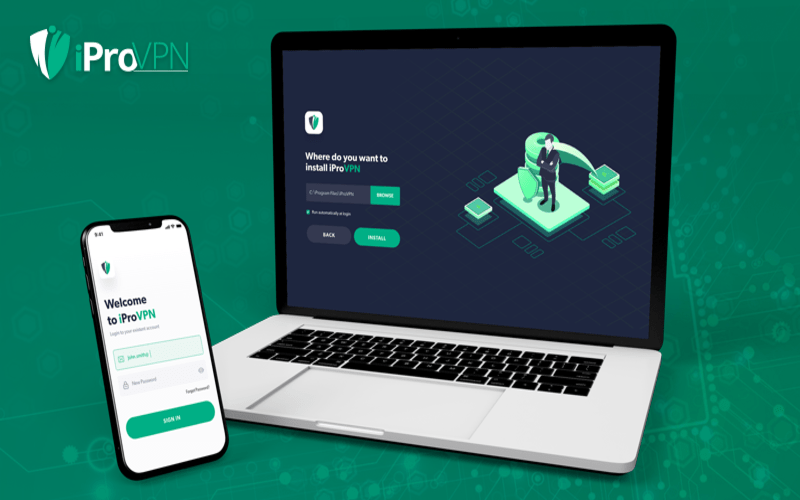
IPro VPN has over 250 servers in 36+ locations, and is compatible with all devices. You get unlimited bandwidth, all VPN servers and features, ten simultaneous logins, and 24/7 customer support.
iProVPN provides protection against malware, AES 256-bit encryption and spoof IP address, making it safe to use.
Key Features –
- It provides WireGuard
- It provides Unblock Streaming
- It provides Military-Grade Encryption
- It provides Double VPN
- It provides a Kill Switch
- It provides P2P Servers
- It provides Malware Protection
- It provides 10 GBps Servers
Capterra Ratings – N/A
Trustpilot Ratings – 3.1 stars
Support – [email protected]
Pricing – $9.99 Annual Plan + 1 Year Free
Where can you buy – IProVPN.com; DealFuel.com
2. RealVPN

RealVPN has over 1000 servers in 75+ locations and provides support 24/7. It allows you to browse through your favorite websites without any restrictions and encrypts all your online activities from any app.
RealVPN makes your browsing private with ISPs, stopping websites and advertisers from tracking your location.
Key Features –
- It provides a user-friendly interface
- It provides multiple servers worldwide
- It provides AES-256 encryption
- It provides multiple device use simultaneously
- It supports iOS, macOS, Windows, Linux, Android, & more OSes
- It provides 24/7 support
Capterra Ratings – N/A
Trustpilot Ratings – 3 stars
Support – [email protected]
Pricing – $39.99 Lifetime access
Where can you buy – realvpn.io; DealFuel.com
3. Fastest VPN

Fastest VPN is a high-powered VPN that operates with 99.9% uptime. It provides access to more than 800 high-speed servers across 100+ locations worldwide.
It provides NAT firewall, malware protection, ad blocker, and unlimited server switching to safeguard your personal information and help you stay private.
Key Features-
- It offers VPN Access for 10 Users
- It provides P2P File Sharing
- It offers 10 Gbps Speed Servers
- It offers 256-Bit AES Encryption
- It offers Protection to your IP
- It provides Smart Tunneling
- It provides Multiple Protocols
- It provides a NAT Firewall
Capterra Ratings – 3.8 stars
Trustpilot Ratings – 4.4 stars
Support – [email protected]
Pricing – $27 Lifetime access
Where can you buy – Fastestvpn.com; DealFuel.com
4. EaseUS Todo Backup Home
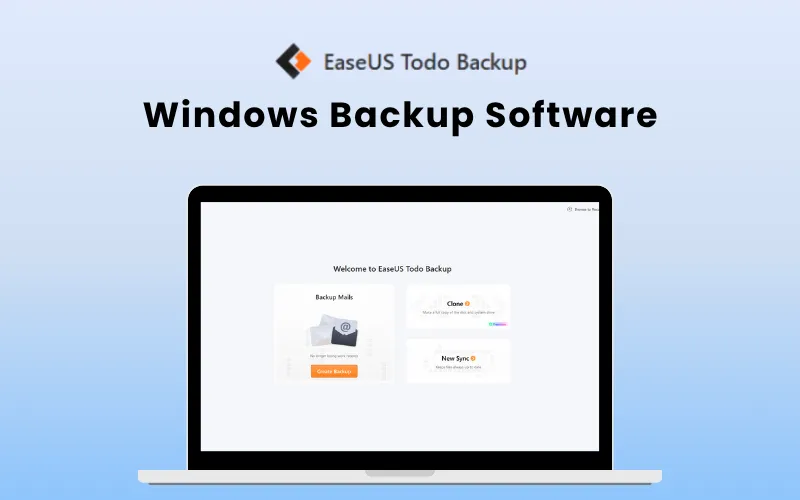
EaseUS Todo Backup Home helps you back up and restore Windows systems, files, disks, and emails to local, network, or cloud locations. It supports system/disk cloning, automatic scheduling, and quick recovery from deletion, failure, or malware.
It ensures seamless upgrades and reliable data protection.
Key Features –
- It provides Disk, Partition, and System Backup
- It provides File and App Data Backup
- It offers System and Disk Cloning
- It offers AI Smart Backup
- It provides Ransomware Protection
- It allows WinPE Bootable Disk creation
- It provides Email Notifications
Capterra Ratings – 4.5 stars
Trustpilot Ratings – N/A
Support – [email protected]
Pricing – $27 – Annual Access; $41 Lifetime access
Where can you buy – easeus.com; DealFuel.com
5. Scramble Cloud – Secure Cloud Storage
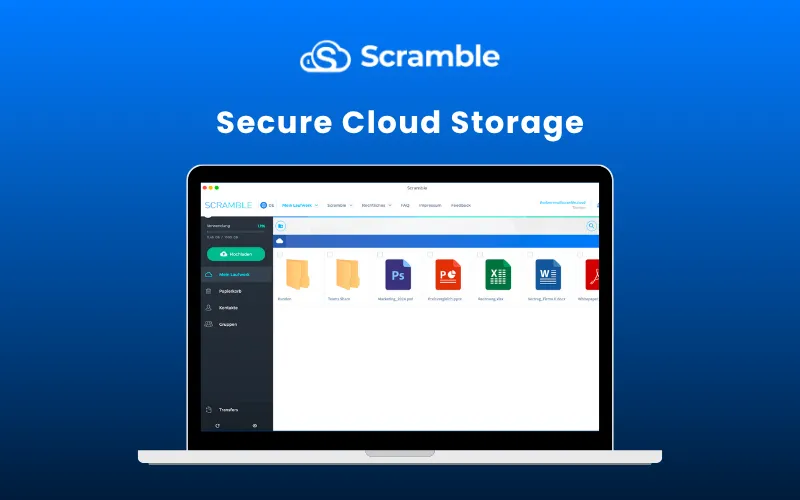
Scramble Cloud is a secure, privacy-first storage platform with advanced encryption and zero-knowledge protection. It allows you to upload, organize, stream, and share files across devices with ease.
Whether you’re storing documents, videos, or team files, Scramble Cloud ensures everything stays private, encrypted, and accessible only to you.
Key Features –
- It provides AES 256-bit Encryption
- It provides Secure Access Across Devices
- It provides Maximum Data Security
- It provides ISO 27001–Certified Storage
- It supports WebDAV
- It offers Encrypted Video Streaming
Capterra Ratings – N/A
Trustpilot Ratings – 3.9 stars
Support –[email protected]
Pricing – $89 Lifetime access
Where can you buy – info.scramble.cloud; DealFuel.com
6. FileJump – Online Cloud Storage
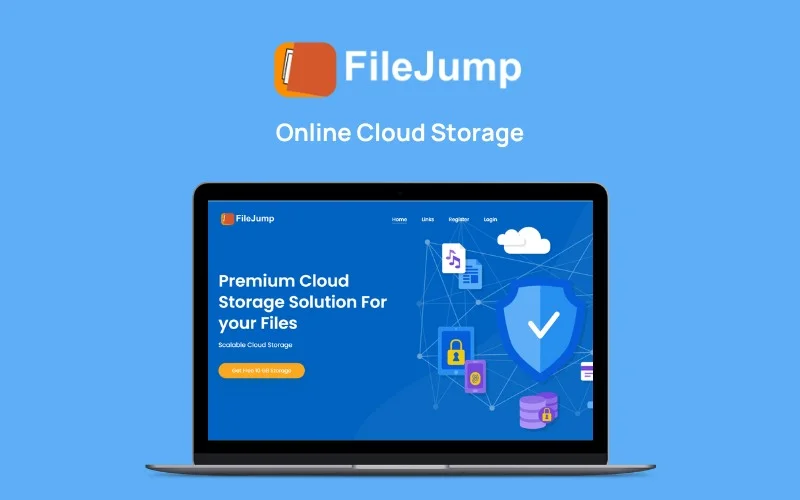
FileJump provides secure cloud storage with zero-knowledge military-grade encryption, ensuring your data is encrypted before it leaves your device.
It allows you to store, sync, and share files across all platforms including Windows, Mac, Linux, and mobile devices.
Key Features –
- It provides Zero-Knowledge Encryption
- It provides Automatic Sync across all devices
- It provides Office Document Editing with OnlyOffice
- It provides Professional Image Editing with Photopea
- It provides Encrypted Vaults for extra security
- It provides Secure File Sharing with passwords
- It supports Windows, Mac, Linux, iOS, & Android
Capterra Ratings – N/A
Trustpilot Ratings – 3.7 stars
Support – [email protected]
Pricing – $69.97 Lifetime access
Where can you buy – filejump.com; DealFuel.com
7. File Streams Cloud Storage Solution
File Streams is a cloud storage solution that provides 2TB of mega storage. It also provides seamless file-sharing and editing features.
It offers fast and instant download of files, and keeps all your data safe and secure. It also allows multiple files to be uploaded in one go.
Key Features –
- It provides 2 TB of jumbo storage
- It provides access to WebDAV
- It gives a file size limit of 5 GB
- It provides file privacy
- It allows multiple file uploads
- It provides access to Unique Members Area
- It offers a built-in document viewer and media player
Capterra Ratings – N/A
Trustpilot Ratings – N/A
Support – [email protected]
Pricing – $99 Lifetime access
Where can you buy – Filestreams.com; DealFuel.com
8. Filmage Screen – The Best Screen Recorder & Video Editor For Mac
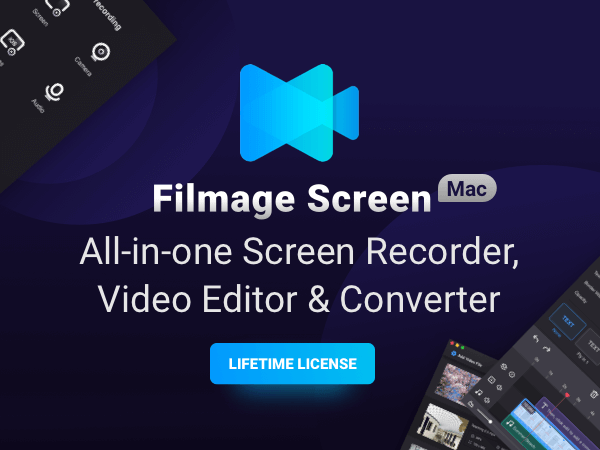
Filmage Screen is an all-in-one video toolbox. You can record HD videos, edit videos, make GIF animations, convert videos into different formats, and do a lot more on your Mac.
It allows you to do HD screen recording, offers full creative tools: texts, sketches, shapes, subtitle effects, music, and voiceover, converts videos to other formats, and provides a powerful media player.
Key Features –
- It allows you to Capture Full or Custom Screen Size
- It supports iPhone/iPad Screen Mirroring via Wi-Fi or USB
- It supports Scheduled Recording
- It offers Efficient Video Converting Tools
- It allows you to Create Animated GIFs
- It supports Picture-in-Picture Recording Mode
- It allows you to Edit Video with trim, split, cut, & delete tools
- It allows you to Add Background Music
- It allows you to Create Voice-Overs via audio recording
Capterra Ratings – 5 stars
Trustpilot Ratings – N/A
Support – [email protected]
Pricing – $24.99 Lifetime access
Where can you buy – filmagepro.com; DealFuel.com
9. ApowerMirror Real-Time Screen Mirroring With Audio
ApowerMirror is screen mirroring software that allows you to easily mirror your smartphone screen with audio on your devices via USB or WiFi and cast phone to TV without lag.
ApowerMirror enables you to mirror 4 devices to your computer at once.
You can connect your mobile phone to a PC, and control it using a mouse and keyboard.
Key Features –
- It provides Full-Screen Mirroring
- It allows Phone Control from PC
- It allows 4-Device Simultaneous Mirroring
- It provides a Presentation Whiteboard
- It allows Screen Recording & Screenshots
Capterra Ratings – 4.3 Stars
Trustpilot Ratings – N/A
Support – [email protected]
Pricing – $41 Lifetime access
Where can you buy – apowersoft.com; DealFuel.com
10. iFun Screen Recorder Pro for Windows
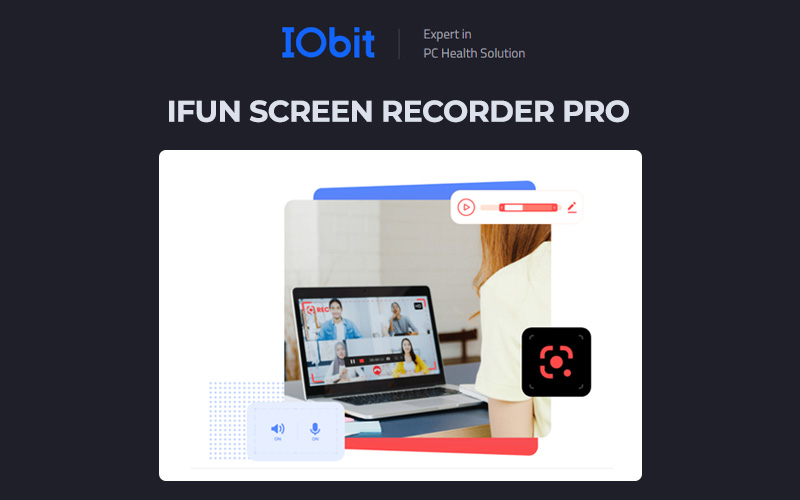
iFun Screen Recorder is a powerful screen recorder that helps you capture all your activities and create videos on your PC. It has no time limit or watermark.
It enables you to record videos in 4K/1080p, 120fps with no lag and fps drop and provides you with an editor so you can edit your videos right after you record them.
With ifun screen recorder, you can schedule the start and end times of your recordings
Key Features –
- It provides Flexible Screen & Webcam Recording
- It supports 4K/120fps No-Lag Gameplay Capture
- It provides AI Voice Changer & Denoiser
- It allows iOS/Android Recording on PC
- It provides AI-Powered Image & Video Tools
- It offers Built-in Video Editing & Compression
Capterra Ratings – 4.4 stars
Trustpilot Ratings – N/A
Support – [email protected]
Pricing – $39.99 Annual access
Where can you buy – recorder.itopvpn.com; DealFuel.com
Conclusion –
I hope this blog was informative enough to help you learn more about the best utility software that you must have in your PC.
These utility software can be really handy and can help with a variety of things and make your work easier.
If you think we have missed any tools that would have been worth putting on the list, please let us know in the comments section!


