



Each photograph has the power to make you relive that moment. For every tale of emotion, artistry, and brilliance, a photographer stands behind the lens. They capture your story in their own way making you feel just like you did in that moment. This is the art of photography.
After the click, the photographer works to bring out the best in that photograph, and this is where editing comes into play. Embarking on this voyage, unveiling the 10 Best Photo Editing Software to light up the path for every photographer to chisel their masterpiece with creativity and panache.
Each edit becomes a brush stroke on this canvas of visual storytelling using these 10 best photo editing software that every photographer must have. These tools don’t just enhance; they bring life to your capture.
Whether you need to refine tones, amplify details, or add captivating effects, these photography software will do all that and more. Having the right image editing tools is of paramount importance as they serve as the virtual darkroom.
Enhancing and exploring a photograph’s full potential is a skill that differentiates ordinary raw pictures from extraordinary masterpieces.
- HDR 9 Project Pro – Create High-Resolution Images
- CutOut 9 Pro – Background Removal Tool
- Sharpen Projects 4 Pro – Photo Sharpening Software
- NEAT Projects 3 Pro – Professional Photo Editing Tool
- Analog Projects 4 Pro – Digital To Analog Photo Editing Tool
- FOCUS Projects 4 Professional – Focus Stacking Software
- Projects Complete Edition – Photo Editing Tools Suite
- Super PhotoCut Pro – Instantly Remove Image Background (Mac)
- Super Eraser Pro – Photo Eraser For Mac
- Super Vectorizer Pro – Image Vectorizer For Mac & Windows
10 Best Photo Editing Software:
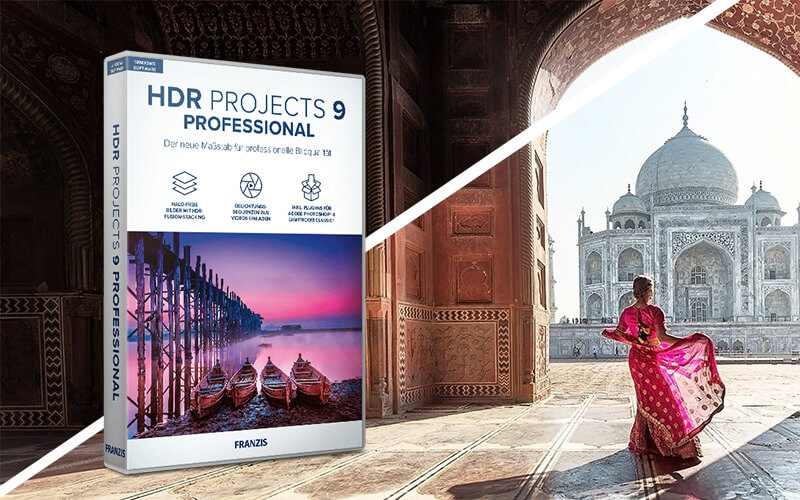
Every click will be a perfect shot using HDR 9 Project Pro!
HDR 9 Projects Pro employs advanced technology to extract the best exposure from challenging lighting situations and merge different exposure levels.
Import your images, let the program assemble the bracketing series, and choose from over 212 suggested images or further customize according to your preference.
Features Of HDR 9 Project Pro –
- Professional image processing tailored for HDR images.
- HDR fusion stacking to eliminate halos in the final images.
- Ghost image correction with freely configurable gradient masks.
- Automatic exposure bracketing with up to 13 images generated from a single image
- 6 selectable processes for automatic master image selection.
- 24 additional presets.
- 12 new effects such as straightening trapezoid, aligning horizon, clarity, exposure, and foil psychedelic.
- Includes Plug-in for Photoshop and Lightroom
Pricing – $49.95 | Lifetime Access
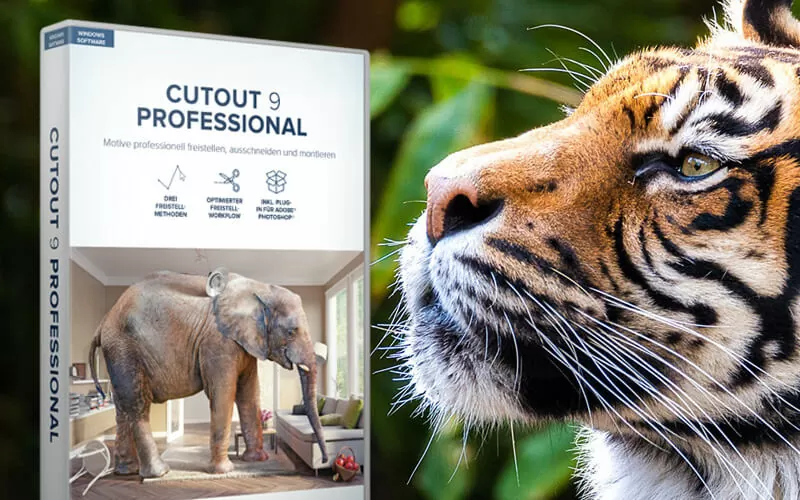
Capturing a perfect photo often comes with challenges like undesired backgrounds or unwanted objects. In these cases, a background removal tool ensures your photos turn out just right, free from any issues.
CutOut 9 Pro is a background removal tool. You can install the plugin and use the tools to remove the background or unwanted objects from the picture, making it one of the best photo editing software.
Features Of CutOut 9 Pro:
- Optimized Automatic Edge Recognition Algorithms.
- Three individual matting methods for different motifs.
- Seamless background swapping.
- Enhanced preview mode for full control.
- Easy swap between background layers.
- Segmented Micro Cut Edge Recognition for white background.
- Chroma Key Matting with Blue Screen Technology.
- JPEG Artefacts Reduction.
- Directly usable in Photoshop as a plug-in.
Pricing – $20 | Lifetime Access
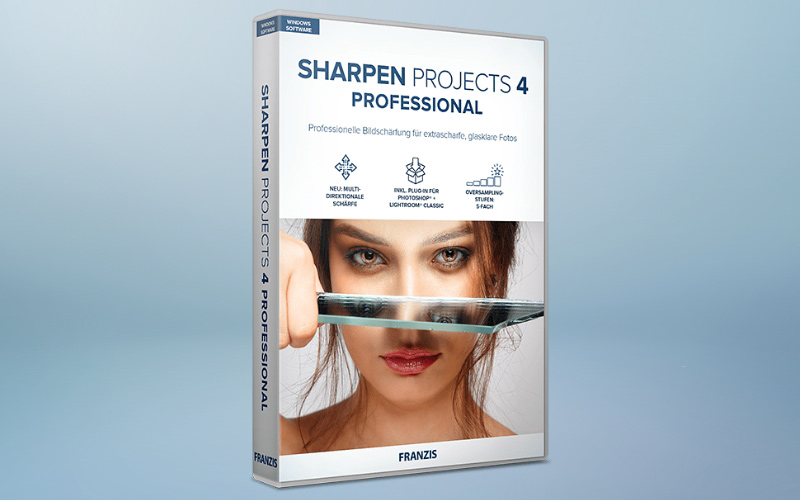
Tired of blurry images cramping your photography style? Introducing Sharpen Projects 4 Pro!
Sharpen Projects 4 Pro is the go-to software for powerful and professional resharpening. It rescues out-of-focus or blurry shots, removes sensor errors, and highlights fine details.
Sharpen Projects offers 46 different, intelligent masking functions to protect image elements you do not want to sharpen.
It analyzes your images and creates valuable suggestions, including all facets of modern photography.
Features Of Sharpen Projects 4 Pro:
- PSF Blur Function Comparison Display.
- RAW Development Module.
- Multi-Directional Sharpness.
- 45 Sharpness Presets.
- 33 Presets Collection.
- 4 Sharpness Modes: Balanced, Pro, Pro+, Pro Infinity.
- Supports 1213 camera RAW formats.
- Plug-ins for Adobe Photoshop & Lightroom Classic.
Pricing – $39 | Lifetime Access
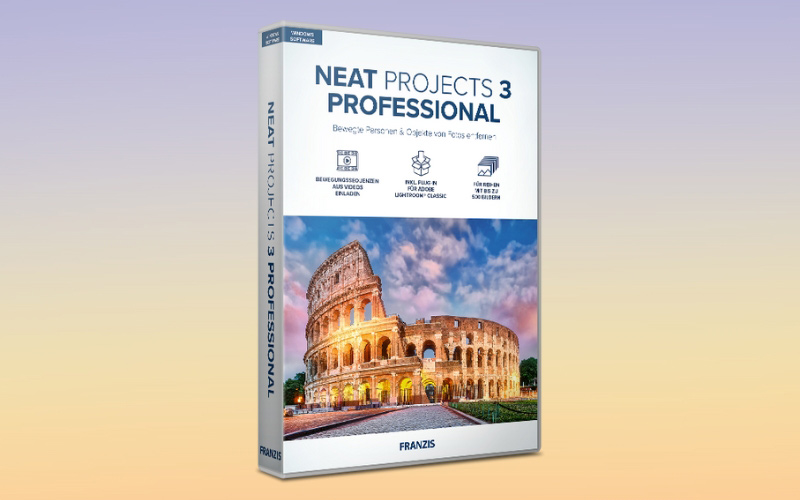
Are you tired of snapping stunning cityscapes only to be bothered by pesky tourists in your photos? Enter NEAT Projects 3 Pro!
NEAT Projects 3 Pro is a professional photo editing program that guarantees pristine results despite the challenges of editing crowded city scenes.
After loading the program with appropriate motion algorithms, it combines the images into a single shot. The moving people are removed from the picture through multiple exposures without a hassle!
Features Of NEAT Projects 3 Pro:
- Dynamic Object Removal.
- Video Transformation into professional imagery.
- 31 new layer mappings.
- UI designed for 4K ultra HD monitors.
- Expert mode for creating presets with 90 different effects.
- Automatic image analysis and image stepping function.
- Advanced editing features like personalized presets, real-time color processing and more.
- 10+ variants in different modules for area protection.
- Extension to image sequences with up to 500 images.
- Sensor error correction with profile export/import.
- Included as a plug-in for Adobe Lightroom Classic.
Pricing – $39 | Lifetime Access
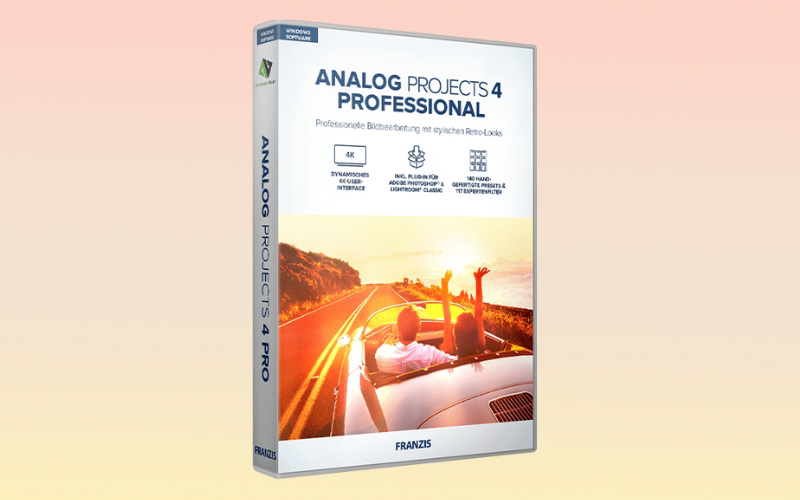
Transport your digital images back to the nostalgic era of analogue photography effortlessly with Analog Projects 4 Pro!
Analog Projects 4 Pro is a digital-to-analogue photo editing tool that combines modern image editing with analogue photography.
Give your photos a unique, rustic feel that transports you back to the time of analogue photography.
Analog Projects 4 Pro provides 140 hand-optimized analogue image templates across 12 categories, each designed to give your photos an individualized appearance.
Features Of Analog Projects 4 Pro:
- Smart-Ambient-Light for the entire selective drawing module
- Focus peaking module.
- Image detail control to add depth and intricacy.
- Color Module and smart ambient light.
- Professional editing tools like selective color processing & LUT section.
- Direct transfer of images and masks r to selective drawing.
- 38 additional layer calculation methods.
- 40 photo film emulations for a simulation of analog films.
- 117 photo effects.
- 140 preset categories including Second Exposure & Cross Color.
- Plug-ins for Adobe Photoshop & Lightroom Classic
Pricing – $39 | Lifetime Access
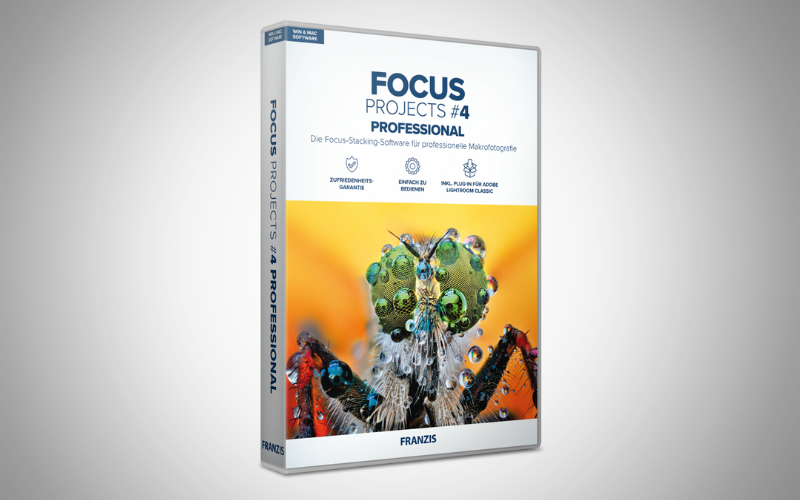
Are you struggling with the limited depth of field affecting sharpness in your close-up shots? Look no further than FOCUS Projects 4 Pro, the ultimate solution for perfectionists!
Focus Projects 4 Pro is a high-end focus stacking software designed to create stunning macros with intricate and unparalleled detail.
It excels in mastering Focus Stacking for unparalleled depth and is ideal for macro, nature, and product photographers. New tools for retouching, filters, and RAW development enhance your creative process.
Features Of FOCUS Projects 4 Professional:
- 62 professional presets.
- HQ stacking with 64-bit calculation.
- Spectacular Visuals in 4K Ultra-HD.
- Focus stacking algorithms – PSF (color) and PSF (luminance/brightness) – deliver unprecedented clarity and detail in your images.
- Focus boost technology for greater sharpness (Up to 1000 levels).
- Intelligent focus peaking module.
- Focus Stacking Video.
- Focus Stacking in Lightroom.
- Unique precise alignment of all images in the stack.
- Batch processing for the simultaneous development of dozens of macro photos.
- Includes plug-in for Adobe Lightroom.
Pricing – $39 | Lifetime Access
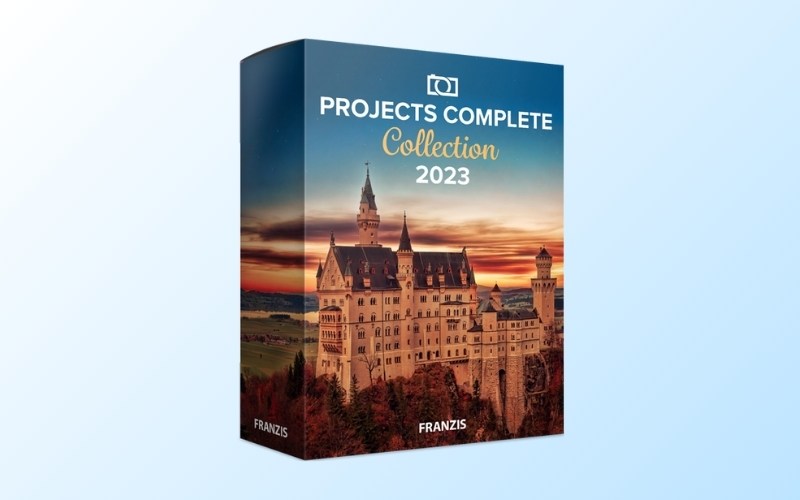
Bid farewell to dull photos! Inject life into your everyday captures and reveal inspiring masterpieces.
Projects Pro Complete Edition is a collection of the most popular photo editing software, including HDR, DENOISE, FOCUS, NEAT, BLACK&WHITE and many more.
Features Of Projects Complete Edition:
- Stackable effects.
- Massive preset library.
- Amazing image processing programs.
- Software integration with Lightroom Classic & Photoshop.
- RAW Support for maximum control and image quality.
- Stand-alone and plug-in ready for Lightroom Classic and Photoshop.
- Compatible with Windows.
Pricing – $39 | Lifetime Access
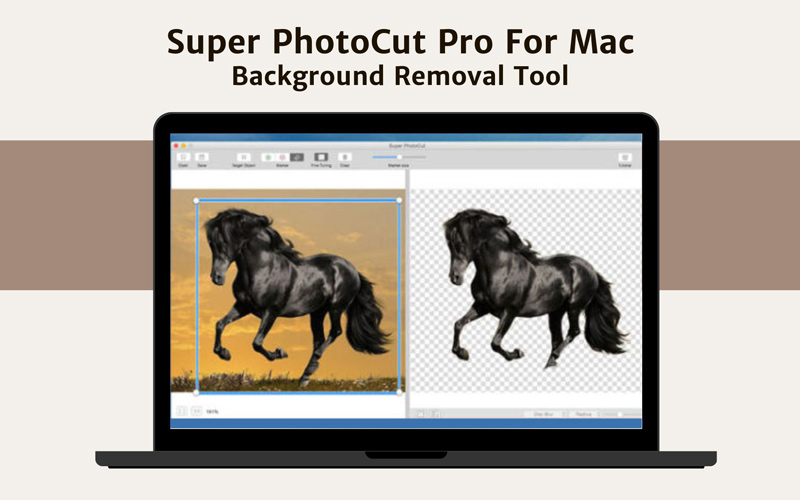
Do you lack clean, finished edges when removing backgrounds from your photos? Introducing Super PhotoCut Pro – your go-to tool for swiftly removing image backgrounds.
Super PhotoCut Pro For Mac is an instant background removal tool. It helps you create eye-catching visuals for social media, e-commerce, or any online platform with a user-friendly, cloud-based tool.
You can achieve critical precision, separate foregrounds, and enhance product photos without the hassle of traditional tools.
Features Of Super PhotoCut Pro For Mac:
- Instantly and accurately remove complex backgrounds.
- Innovative Algorithm for high-speed, precise object cutting.
- Zoom and Pan to navigate your image.
- Supports various image formats: JPG, BMP, PNG, GIF, Raw, and more.
- Auto-Save without the fear of losing the edits.
- Easily separate foreground from background with live preview.
- Configurable Auto-Brush-Size that adapts dynamically to the chosen zoom level.
- Transparency processing for exporting transparent PNG images.
Pricing – $10 – $22.99 | Lifetime Access
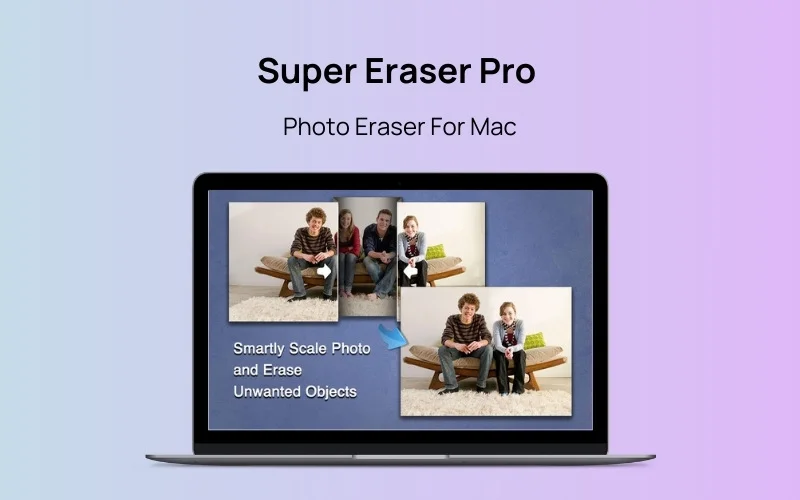
Are unwanted objects, watermarks, or distractions ruining your photos? Clean up your images effortlessly and bring back their natural beauty with powerful AI-driven editing.
Super Eraser Pro – Photo Eraser for Mac is an advanced image editing tool. It is designed to help photographers, designers, and everyday users remove unwanted elements, enhance image clarity, and improve composition with ease.
With its revolutionary image restoration algorithm, this tool intelligently removes objects such as watermarks, logos, people, wires, and more while seamlessly rebuilding the surroundings to maintain a natural look.
Features Of Super Eraser Pro For Mac:
- Smart image reconstruction using advanced image restoration algorithms.
- Remove skin blemishes, acne, tourists, pedestrians, and distractions from photos.
- Advanced photo noise reduction for high ISO and low-light images.
- Intelligent haze removal for clearer and sharper photos.
- Smart image scaling without distorting important visuals.
- Seamlessly repair complex or textured image areas.
- Resize images without affecting the composition and quality.
- Supports a wide range of popular image formats.
Pricing – $10 | Lifetime Access
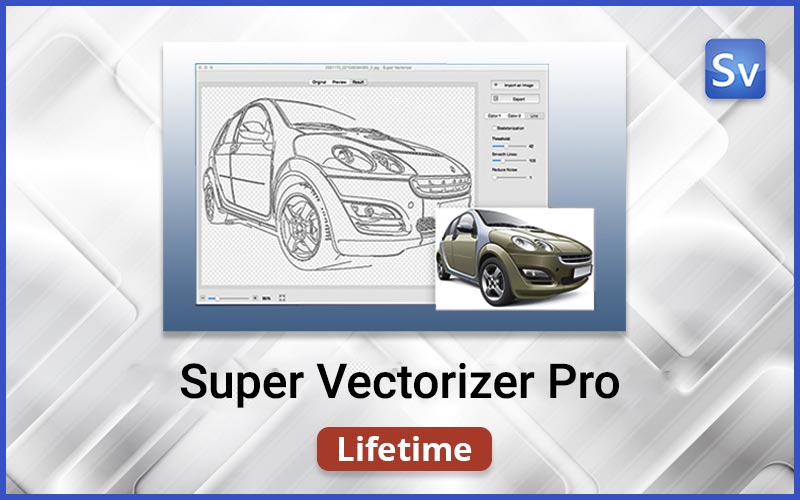
Are you still struggling to convert raster images into clean, scalable vector graphics? Now you can easily turn your images into professional vector artwork using Super Vectorizer Pro.
Super Vectorizer Pro is a powerful image vectorizer designed for designers and creators who need fast and precise bitmap-to-vector conversion.
This intelligent vectorization software automatically traces color, grayscale, and black-and-white images, and transforms them into fully editable vector graphics.
Features Of Super Vectorizer Pro:
- Convert 70+ raster image formats into professional vector graphics.
- Automatically trace color, grayscale, and black-and-white images.
- Supports up to 64 colors for detailed and vibrant vector results.
- Supports vectorization of logos, sketches, scanned drawings, and line art.
- Advanced image quantization algorithm for more natural vector colors.
- Vectorize images using Edge, Color, or Gray Color modes.
- Skeletonization feature to convert pencil drawings into vector outlines.
- Enhanced line-tracing engine for smoother and cleaner vector paths.
- Intelligent anchor points for easier editing in vector design software.
Pricing – $99.99 | Lifetime Access
Conclusion:
As we conclude our exploration of essential photo editing tools, it’s evident that incorporating these into your toolkit can transform the quality of your photography.
Up your snapping game by embracing these tools, where creativity meets impact, and every photo becomes an artistic masterpiece.
Let us know in the comments if you have any questions about these tools.


